AI for photos and videos: what it can do and what it costs
AI for photos and videos on MarketVideo does two separate jobs: it draws pictures that never existed from a text prompt, and it works on shots you already have by editing, restoring or turning them into short clips.
Create a photoReady in minutes · Free templates every day
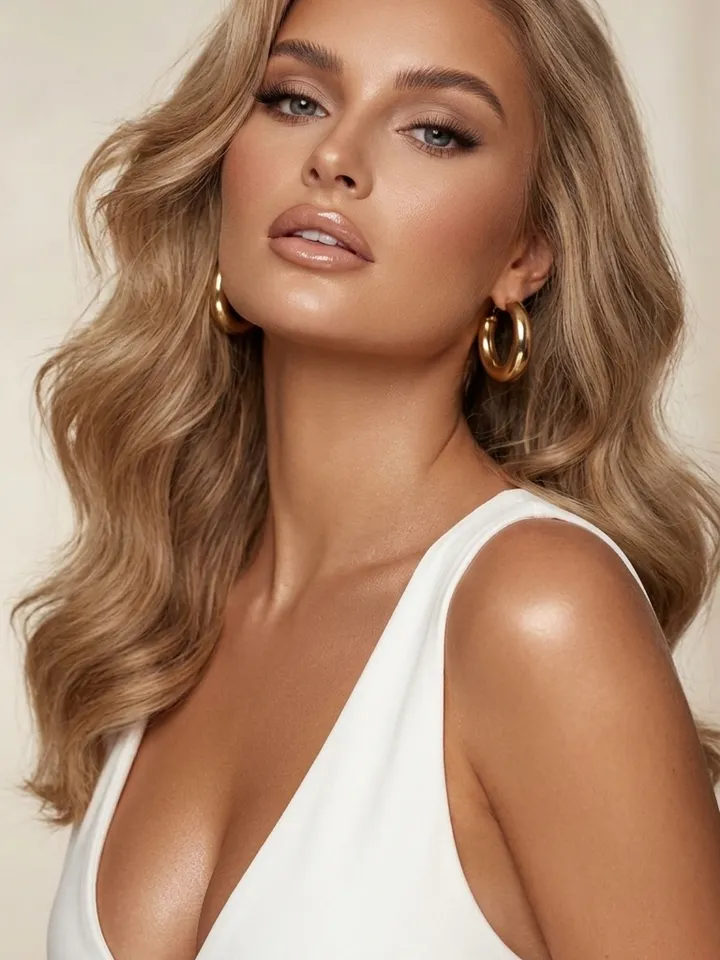
The two routes take different input and give different results, yet both run in the browser and spend the same stars. Below is what each route needs, what comes back and how the cost is counted.
Making a picture from words alone
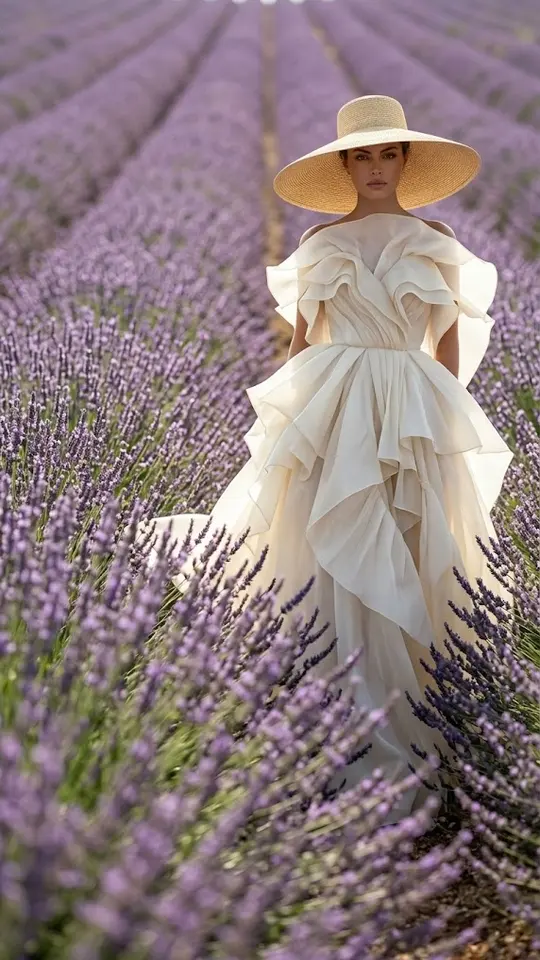
Here the input is a prompt and nothing else. Open Create photo, describe the subject, setting and light, pick a model, say NanoBanana PRO, and run it. This suits illustrations, product shots, covers and backgrounds. A person can appear too, but it will be someone invented: words cannot pin down your own face.
Starting from a shot you own
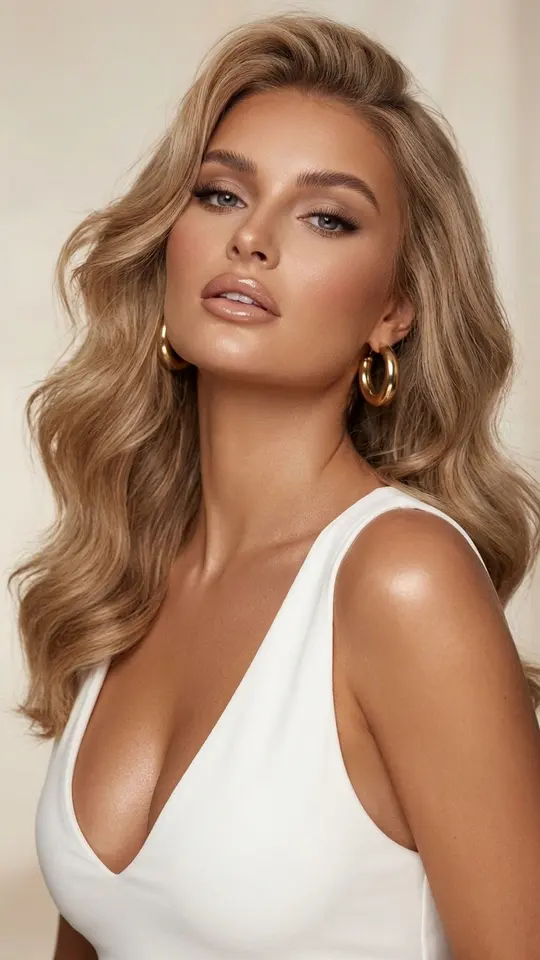
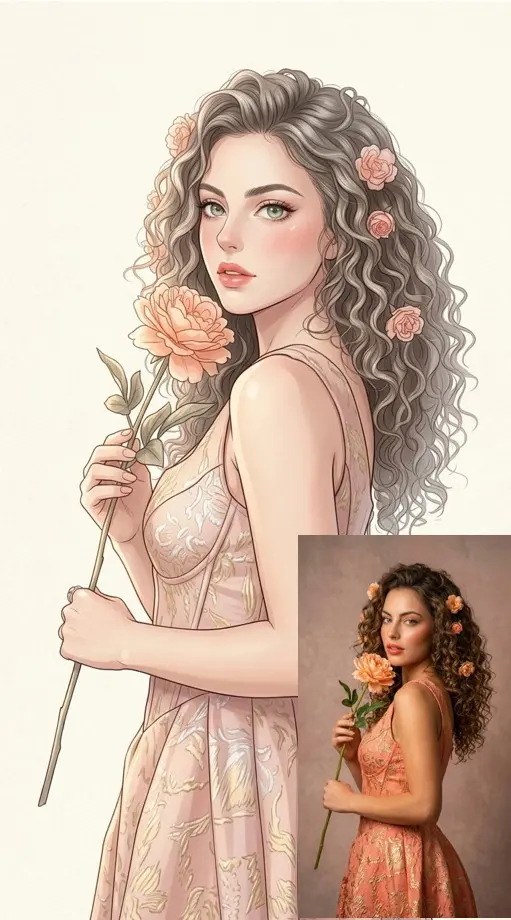
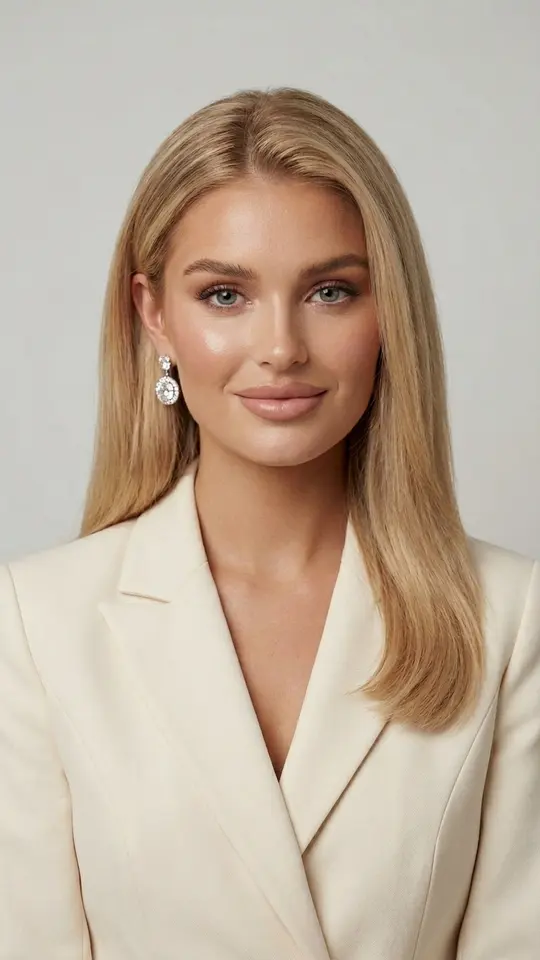
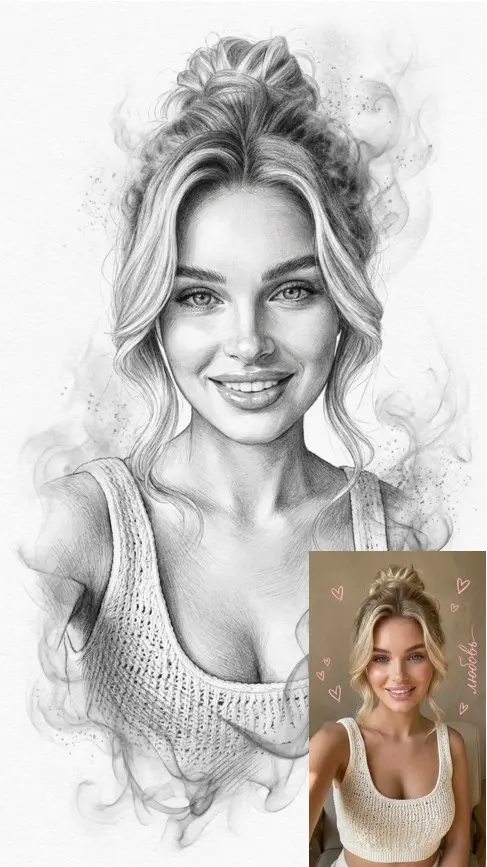
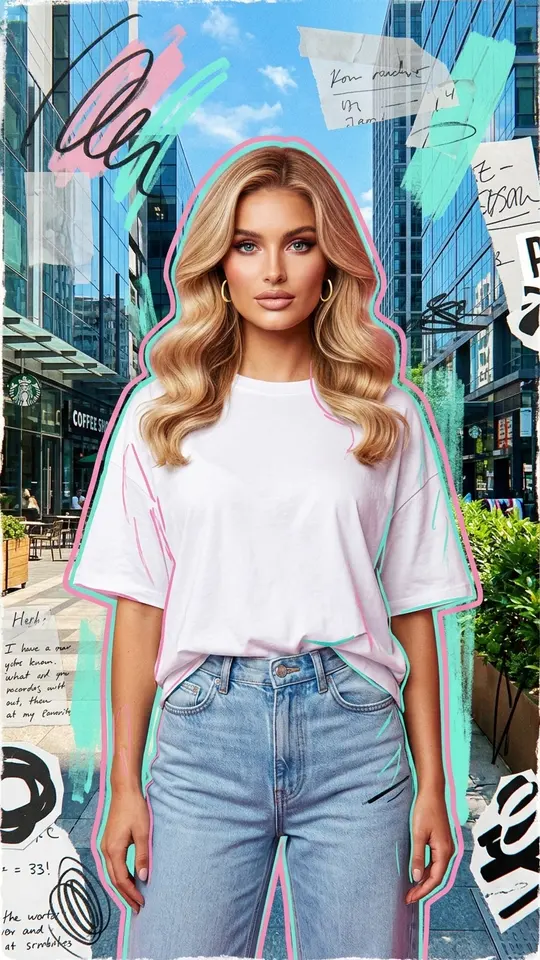
Upload a photo and it sets the appearance. Templates hold on to the face while changing place, outfit, light or style: Luxe Portrait in White turns a selfie into a glossy beauty close-up, Anime Manga Portrait redraws it as a pastel illustration, Professional Business Portrait gives a work headshot. For a custom change, put the shot on Create photo and write what to alter.
Repairing and animating older shots
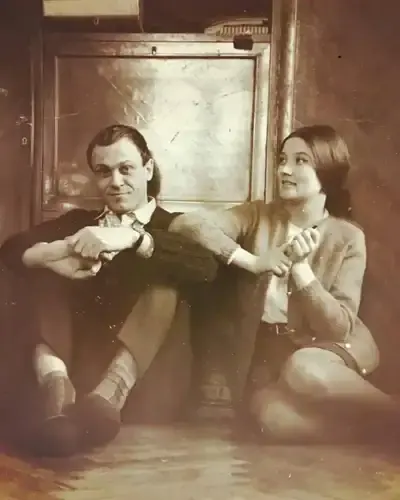
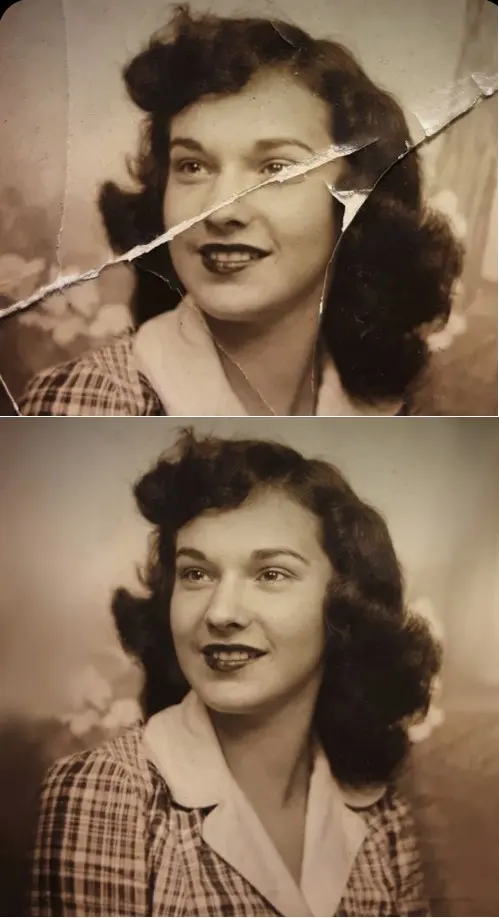
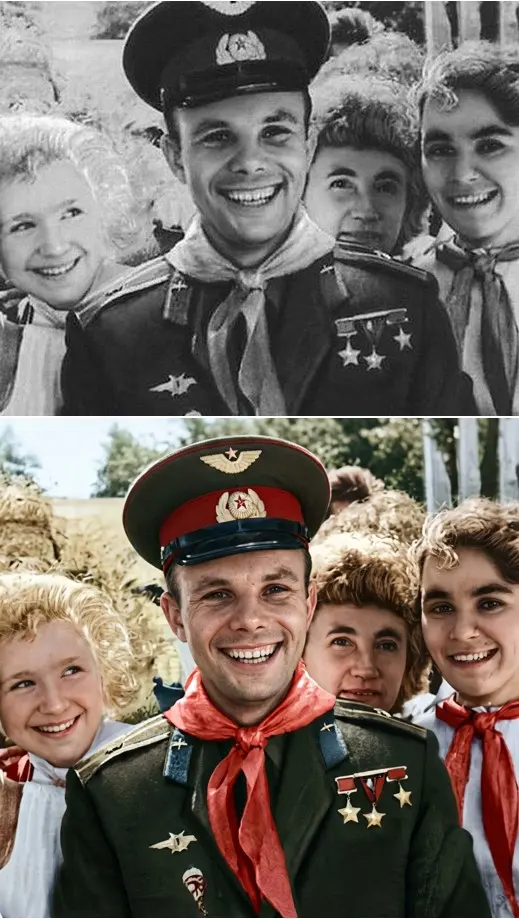
A print from an album only needs a phone snapshot. Crease & Damage Repair removes folds, cracks and scratches, Restore & Colorize rebuilds skin texture while keeping the original face and age, and Photo Restoration evens out light and white balance. To add motion, Bring a Photo to Life turns a still into a short video with breathing, small head turns and eye movement.
What a run costs in stars
Every generation, photo or video, costs stars, and the price of a template or model is printed on it before you press run. A newly registered account gets 5 stars as soon as its address is verified. A few cards wear a Free today tag each day and run without spending stars within a daily quota. Topping up the balance means buying a plan or a pack via Pricing.
Limits worth knowing
Results are generated, so each run comes out slightly different and an exact likeness is not promised. Pictures tend to be ready within a couple of minutes and clips within several; a long queue stretches both. Stick to shots of you or of people who said it was fine: no celebrities, no strangers, no fake IDs, nothing sexual, and kids only in family photos.
Ready-made templates

FAQ
Do I need a photo of myself?
Only when you want to be in the picture. Products, landscapes, illustrations and backgrounds start from a text prompt alone, while portrait and animation templates need a clear shot of the face.
Is AI for photos free on MarketVideo?
In part. Looking through templates is open to anyone, and runs need a registered account whose email is verified. That verification brings 5 starter stars, and some templates are free each day within a limit; anything beyond is paid in stars.
Can it edit a photo I already have?
Yes. Put the shot on the Create photo page and say what should change, such as a new background, outfit or light. The model aims to keep the face, yet every run differs, so try more than once if the first version misses.
Does the original file get overwritten?
No. The result is a separate file you download, and it also stays in your account history, so the photo you uploaded is never replaced or edited in place.
Is there a monthly fee?
Not necessarily. Stars are spent run by run, and each card shows its cost first. More can come from a plan or a one-off pack listed under Pricing; which one suits you depends on how often you generate.