Which AI Is Best for Photos? Pick the Model by Task
Which AI is best for photos depends on the job, not on a ranking. The photo models on MarketVideo differ in character: one holds a face well, another keeps lettering readable, a third leans into bold color and texture.
Pick a photo modelReady in minutes · Free templates every day
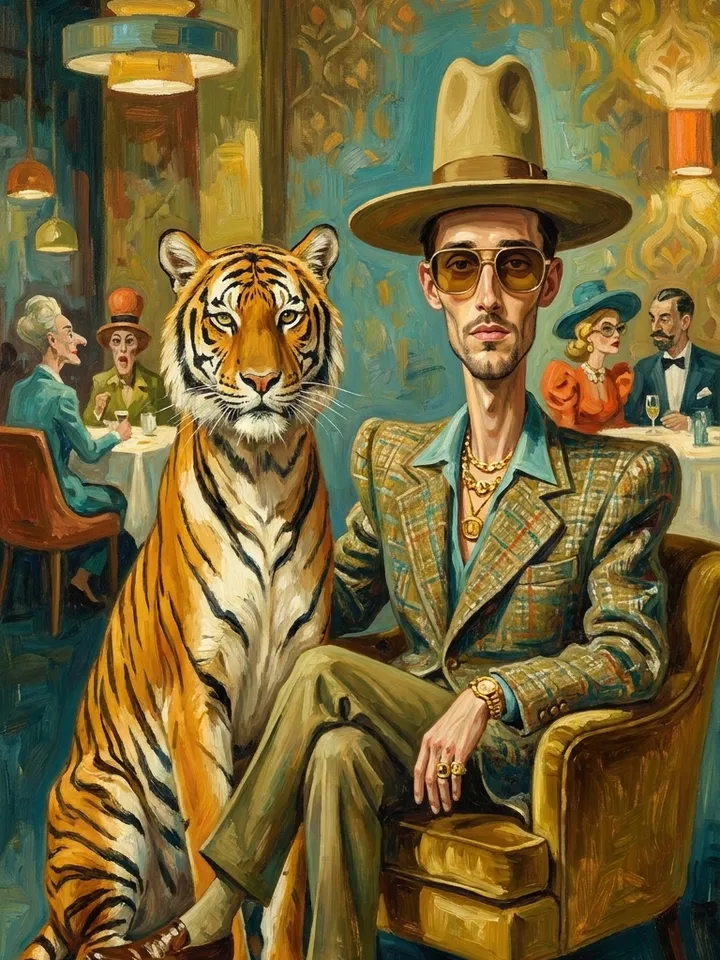
So start from the task. Below are five common ones, from a portrait to an old print to a picture that should move, with the model or template that fits each and the reason why. Every option runs in the browser from one account.
Portraits that should still look like you
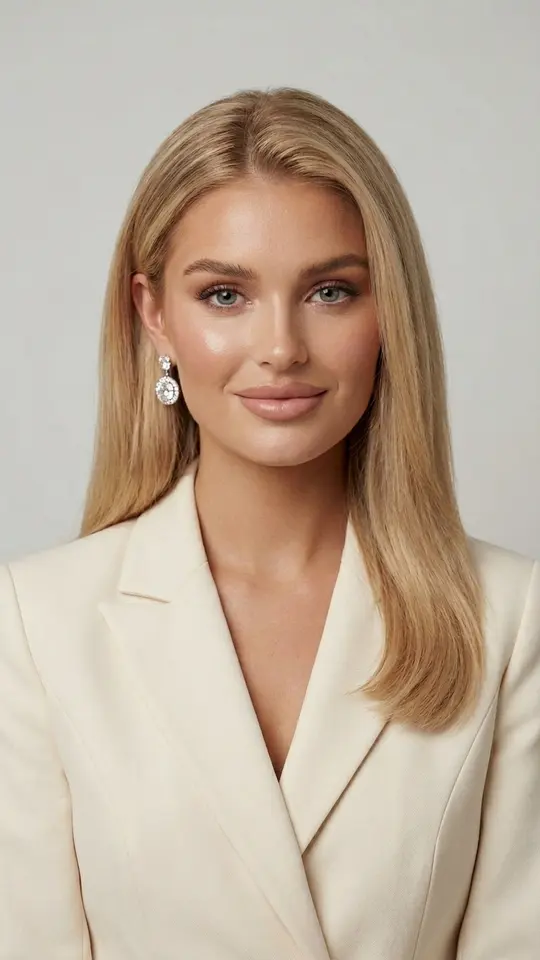
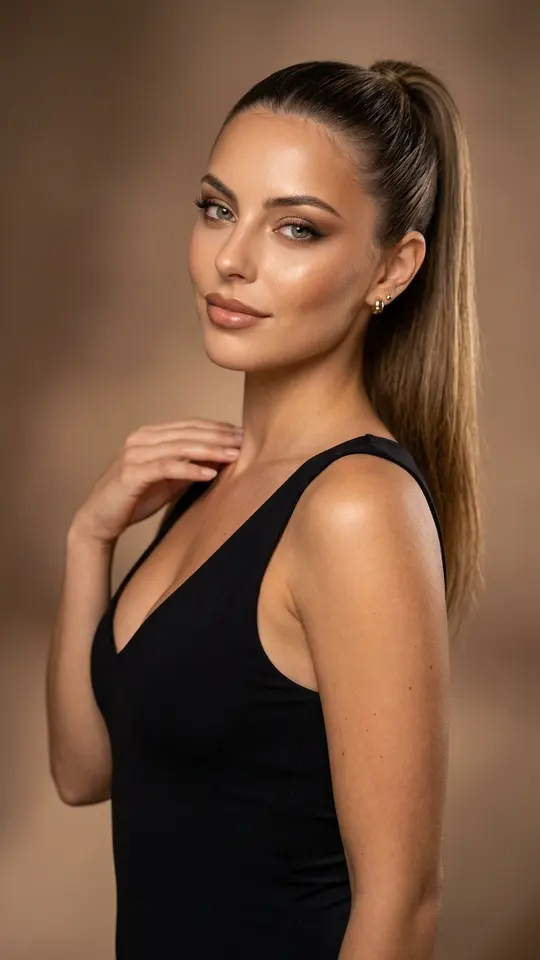
For a portrait, likeness is the test. The Nano Banana family is the usual pick: the portrait templates in the grid run on it and ask for your features, skin texture and proportions to stay intact while the outfit, light and setting change. One sharp photo, taken front-on or at three quarters, is enough to begin.
Product shots with labels and packaging
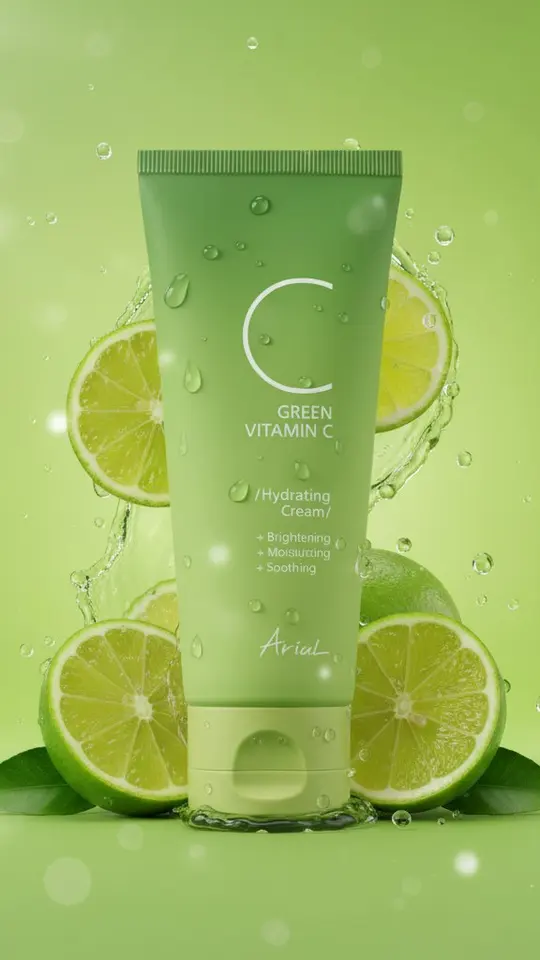
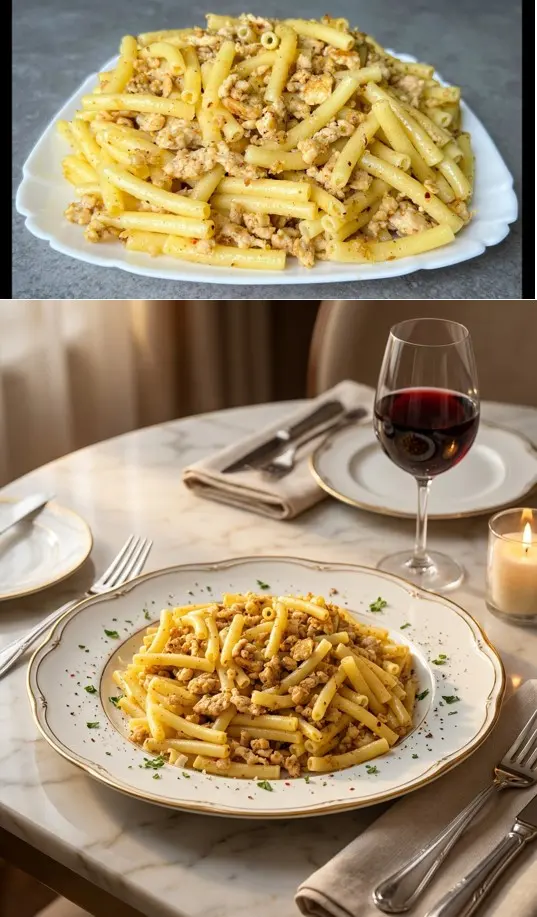
Here the deciding factors are the shape of the item and any words printed on it. GPT Image 2.5 tends to keep a short label readable, which matters for a jar, bottle or box. Glossy glass and metal are hard for every model, so run one shot through two models and compare. Premium Product Ad Poster and Lime Splash Product Visual keep your item at the center.
Old, faded and damaged prints
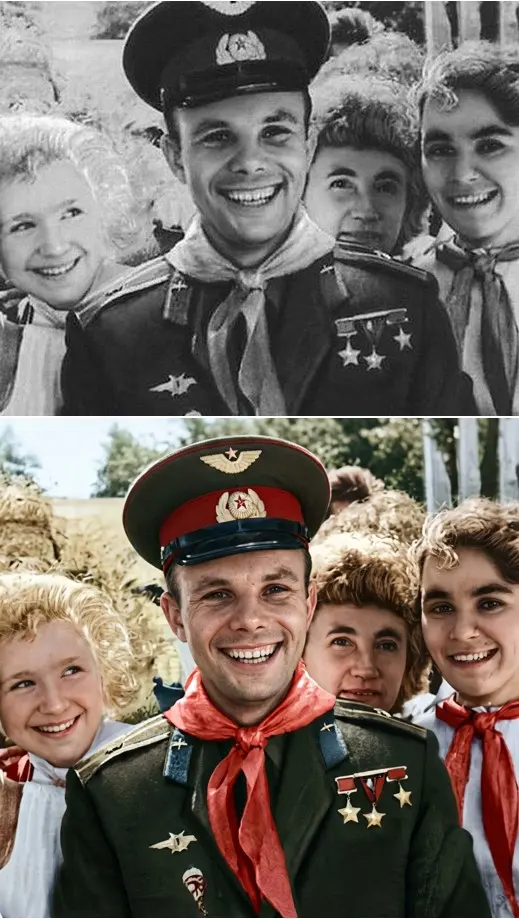
Restoration is a narrow job, so a general prompt is the wrong tool. The Photo Restoration template balances light and color, sharpens the eyes and keeps the person recognizable, while Restore & Colorize rebuilds skin texture without adding age. Both run on NanoBanana PRO. Scan the print, or shoot it lying flat in soft daylight, before you upload.
Art styles instead of realism
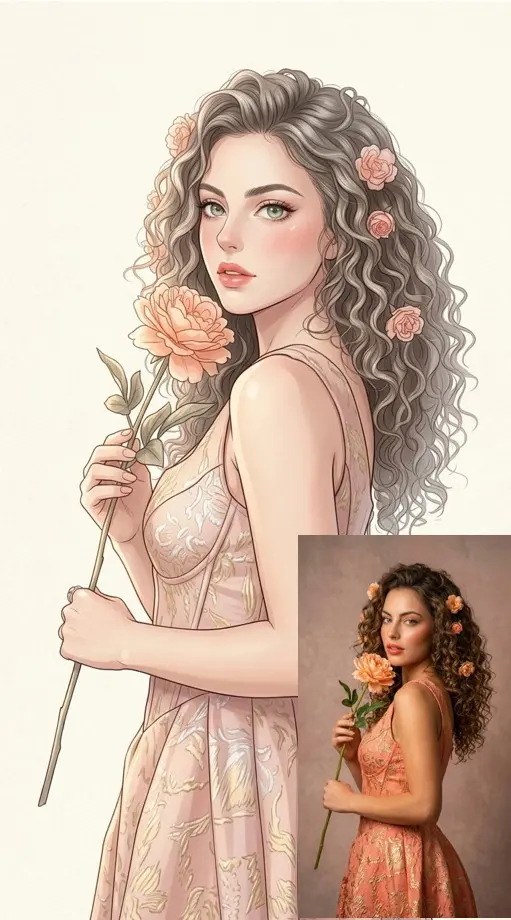
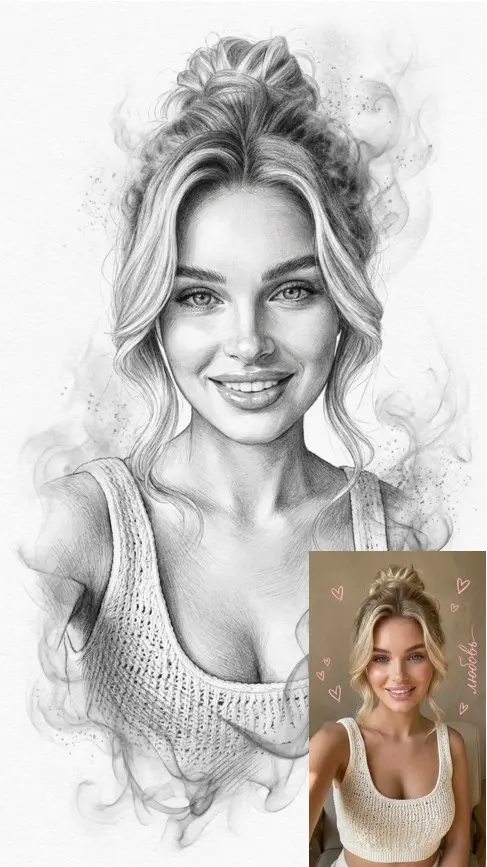
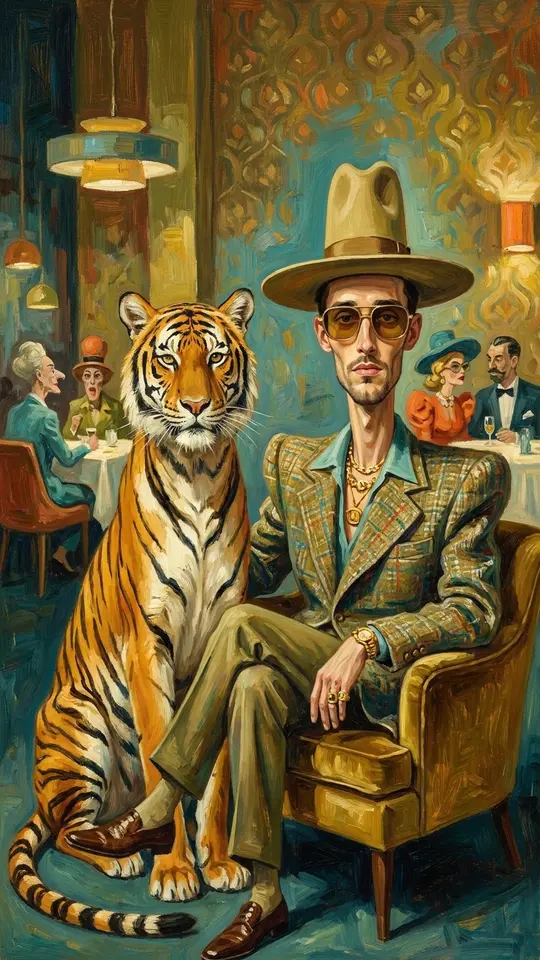
Watercolor, charcoal, anime, oil paint: the measure here is how clearly the technique reads, not how exact the face is. Seedream 4.5 on Create photo is a strong choice for saturated color and texture. In the grid, Anime Manga Portrait, Charcoal and Graphite Portrait and Surreal Tiger Oil Portrait show what style templates do. Judge these by feel.
When the photo should move
Animation is a video job, not a photo one. On Create video you pick a video model such as Seedance 2.0 or Veo 3.1 and describe the motion. The choice there is about clip length and the character of movement rather than better or worse. Motion Control moves your picture like a reference video you supply.
What no model can promise
Each run is a new generation, so two runs of one template can differ. Small text, hands and shiny surfaces are where flaws usually show. Likeness is a goal, not a guarantee: a blurry or dark source gives any model less to go on. Upload your own face, or a friend's with their permission, and leave famous people and passers-by out of it.
Ready-made templates

FAQ
Is there one AI that is best for every photo?
No. Each photo model has its own strength: Nano Banana Pro is chosen for faces, GPT Image 2.5 for short text inside the frame, Seedream 4.5 for strong color. Pick by what matters most in your picture, and try two models if you are unsure.
Can I switch models after a run starts?
Not mid-run. Once a generation begins it finishes on the model you chose, but you can send the same prompt and photo through another model on Create photo and keep whichever result you like better.
Do different models cost different amounts?
Yes, they can. Runs draw from a star balance, and every model and template prints its cost before you start. Verified sign-ups begin with 5 stars; more come from plans or packs on the Pricing page.
Which AI is best for photo restoration?
For faded or creased prints, use a restoration template rather than a general prompt. Photo Restoration and Restore & Colorize are written to keep the original face and age, and both run on NanoBanana PRO. A flat, evenly lit copy of the print works best.