The Best AI Image Generator for Lettering, Hands and Style
The best AI image generator depends on the job, because the models differ in strengths rather than overall level. Try GPT Image 2.5 for short lettering, the NanoBanana models for hands, and Seedream 4.5 for a pronounced art style.
Compare two modelsReady in minutes · Free templates every day
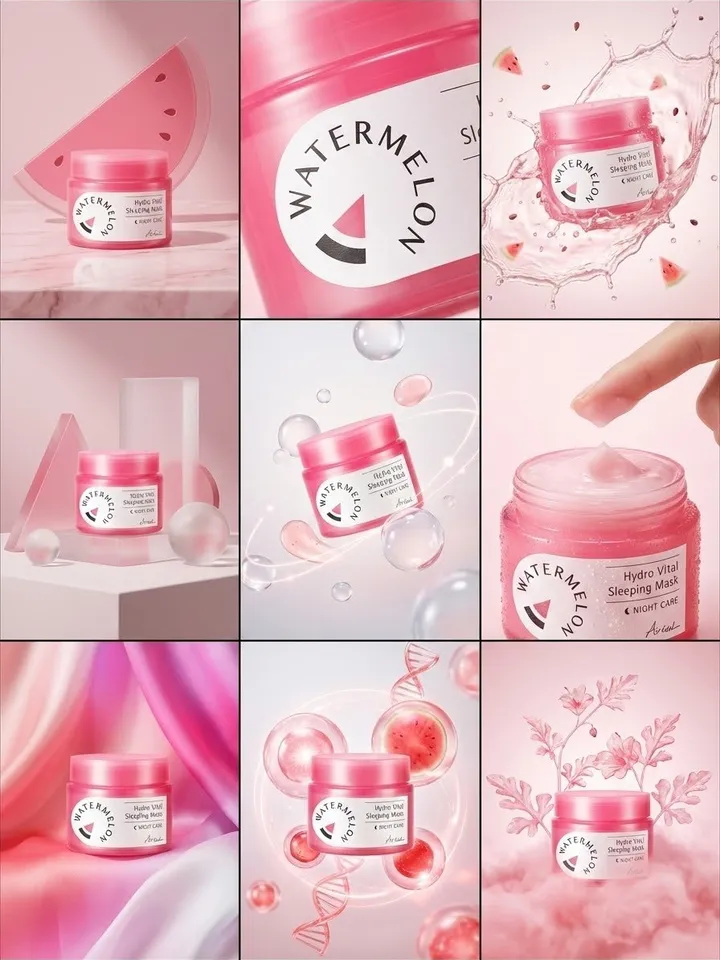
Five photo models are available on MarketVideo: Nano Banana, NanoBanana 2.1, NanoBanana PRO, GPT Image 2.5 and Seedream 4.5. They all sit on the Create photo page, take the same kind of description, and differ in what they get right on the first try, which is what the sections below compare.
Lettering on packaging and posters
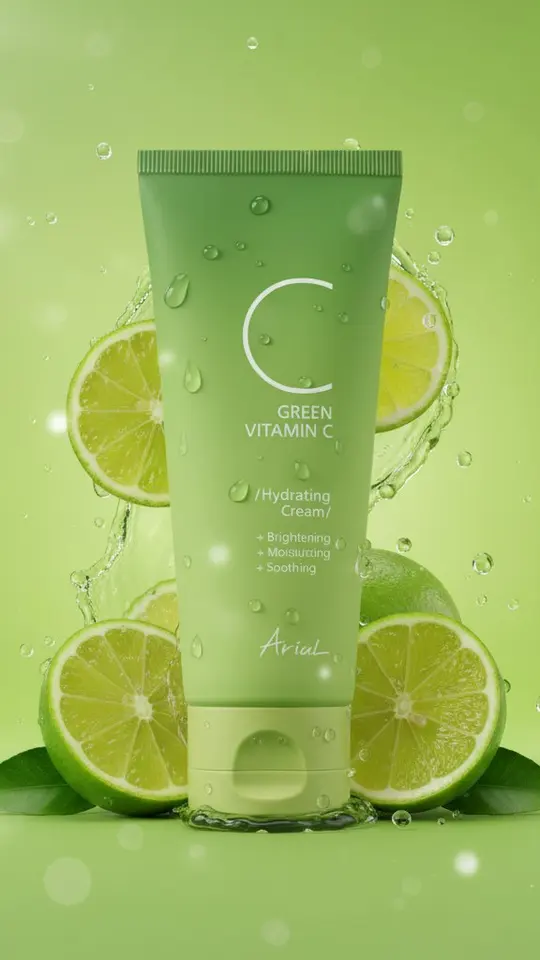
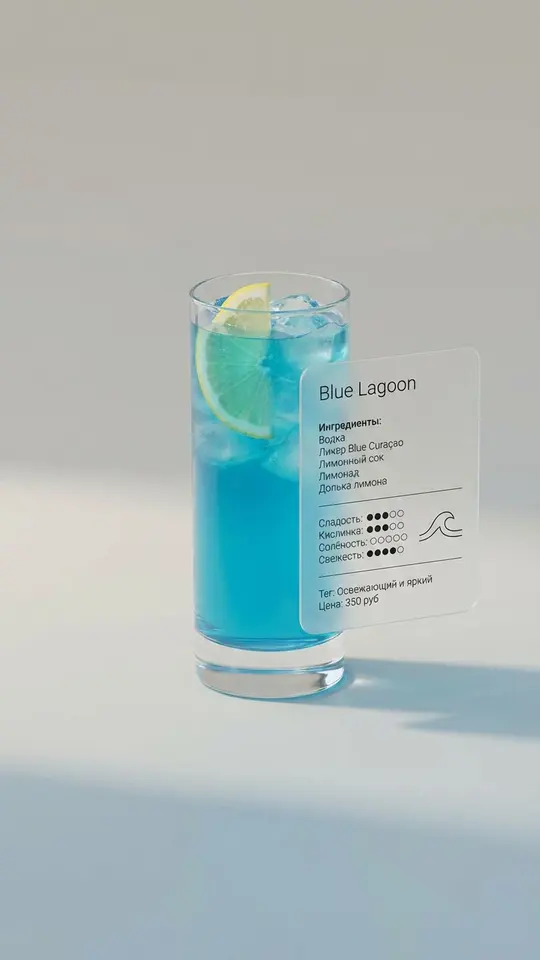
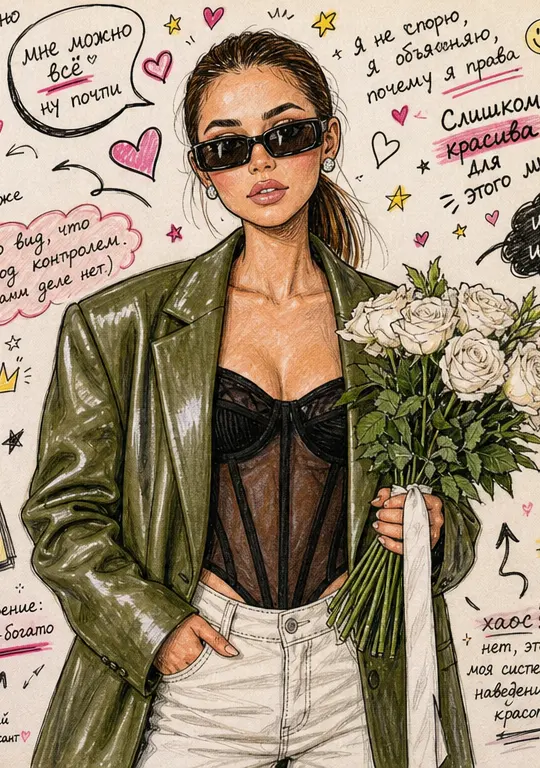
Lettering is where the five models differ most. A label on a jar, a shop sign, a word on a poster: many image models draw letter-like squiggles instead of real letters. GPT Image 2.5 is the one to start with: a short word or two usually comes out readable. No model holds a long sentence reliably, so put longer copy on top in an editor afterwards.
Hands, anatomy and realistic people
Hands stay the common weak spot: extra fingers appear when a hand is large in the frame and in motion. The Nano Banana family copes more steadily than the others, but no model fixes it completely, so for realistic photos choose poses where the hands rest or sit partly outside the frame. Zoom in on skin, eyes and fingers before you publish.
Holding an art style
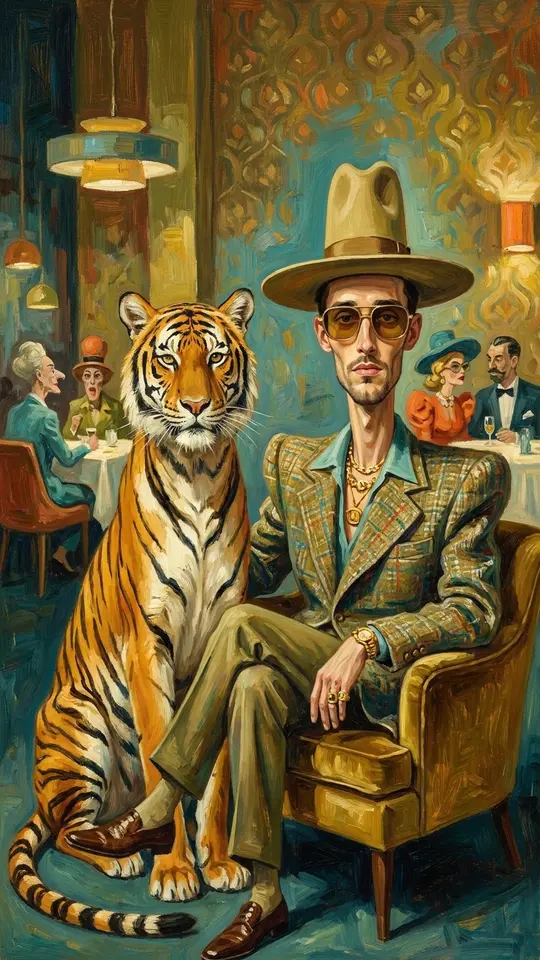
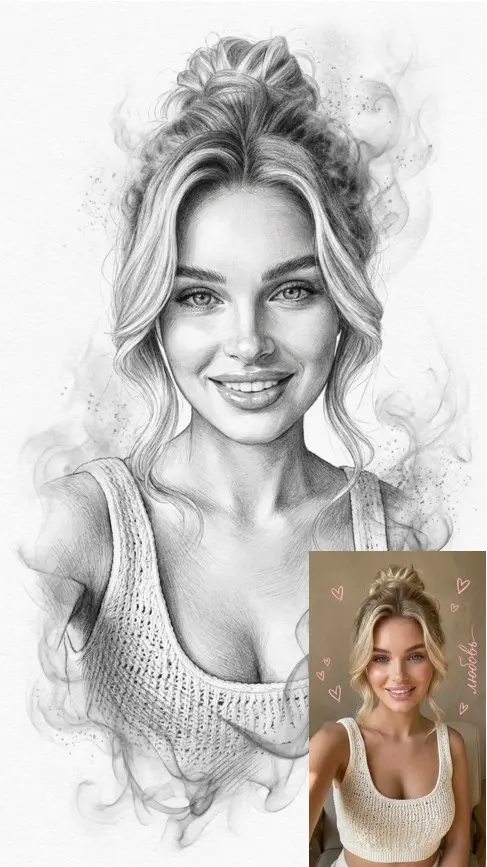
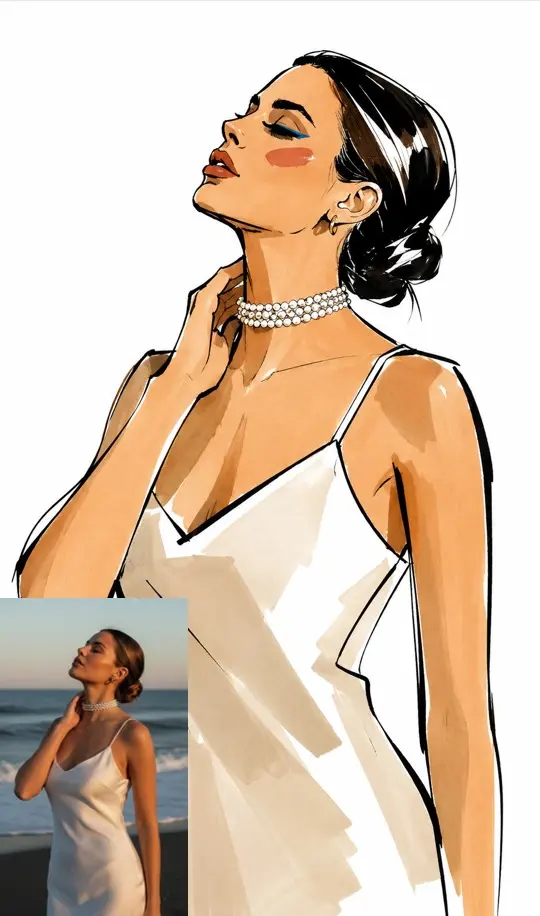
Watercolor, oil, pencil sketch, engraving, anime: here the test is not accuracy but whether the technique is recognizable. Seedream 4.5 gives a stronger stylization, while models tuned for photorealism tend to smooth a style into a neat, generic illustration. Judge these results by how they feel rather than by how literally they follow the description.
Star cost and speed
Comparing on cost is easy, because each model's star cost is visible before the run and differs from one model to the next. A practical habit: draft on a model that costs fewer stars, then repeat the final version on a pricier one. Speed differs less, as most pictures finish within a minute or two, so it rarely decides the choice.
How to choose without guessing
Reading comparisons, this one included, helps less than a test of your own. Run the same description through two or three models, keep everything else identical and compare the results side by side in your history. It costs only the stars for those runs and settles the question for your task rather than for an average one.
Ready-made templates
FAQ
Which AI image generator is the best?
None wins everywhere. If the picture needs a readable word, start with GPT Image 2.5; if it shows people and hands, start with the Nano Banana family; if the point is a painterly or graphic style, start with Seedream 4.5. Then confirm with a quick test on your own description.
Nano Banana vs GPT Image: which should I pick?
Pick GPT Image 2.5 when lettering matters, such as a product label, a sign or a headline inside the picture. Pick a Nano Banana model when the image shows people and their hands. For anything in between, run both on the same description; the history keeps both results so you can compare them.
Can I compare the models for free?
Not entirely. Stars pay for every generation, and each model displays its cost before you start. Email confirmation puts 5 stars on a fresh account for a first test; the Pricing page has plans and packs for when you need more.
Which model is best for realistic photos?
Realism depends on skin, light and hands more than on the model's name. The Nano Banana family is the steadier choice for people; for products, upload a real photo of the item and ask for a new setting, which usually keeps its shape and label closer to reality than a description alone.