AI Picture Generator for Posts, Slides and Newsletters
An AI picture generator draws an image from your description, so a blog cover, a slide visual or a newsletter header fits the text it goes with. On MarketVideo, you describe it on Create photo, pick a photo model and start the generation.
Generate a pictureReady in minutes · Free templates every day
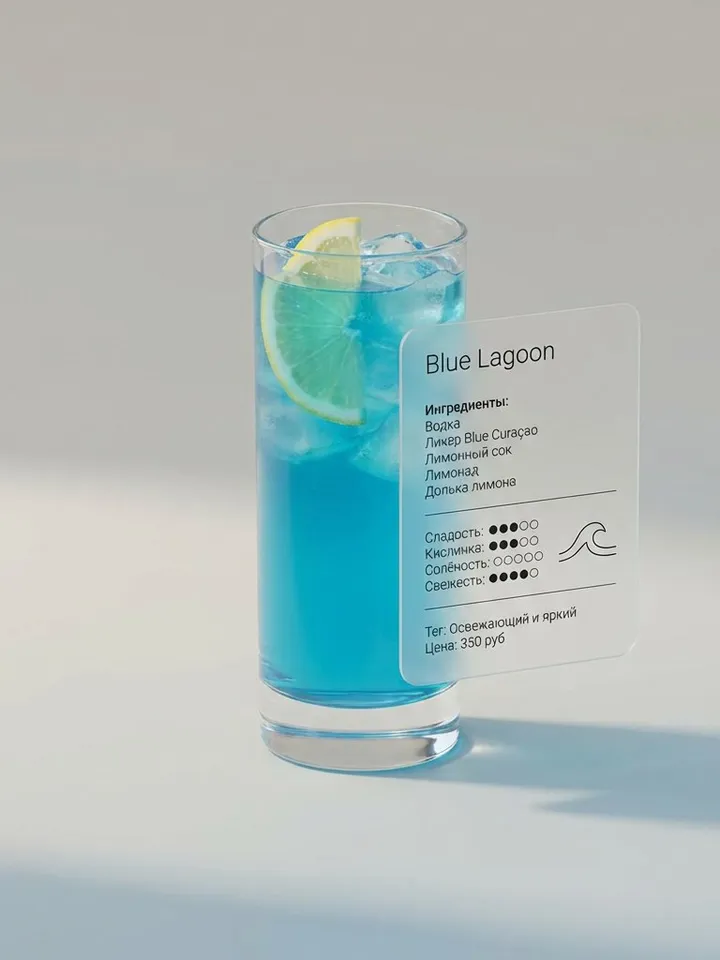
A stock photo is always shot for someone else's job, and readers can tell: a handshake in an office next to an article about shipping, smiling people at a laptop next to a text about taxes. A generated picture starts from your paragraph instead, with the object, action and mood you asked for.
Brief it the way you would brief a designer
Start with the subject and what it is doing, then the setting, the light and the mood: “a paper boat on a rain puddle, city lights blurred behind, calm evening”. Add a style if it matters, such as watercolor, flat vector, 3D render or film photo. If a headline will sit on top, ask for empty space on one side, for example “plain sky in the upper third”.
Square, vertical or wide from the first try
Pick the shape before the run and the composition is built around it: square for a feed post, vertical for stories and covers, wide for blog headers and presentation slides. Nothing has to be cropped afterwards, so half of the scene is not lost on its way into a slide.
Nobody else gets the same picture
Two people who type the same description still get different results, and running your own description again gives a fresh variation. That matters for a blog or a channel with a recognizable look: a stock image that readers have already seen on five other sites makes the whole page feel cheaper than it is.
Lettering, charts and other weak spots
Small text inside the scene, exact diagrams, tables and symmetrical ornaments come out approximate, because the model draws them as shapes rather than typesetting them. Leave room for those elements and add them afterwards in your slide or layout editor, where the letters stay sharp and editable.
Templates when you want a finished look
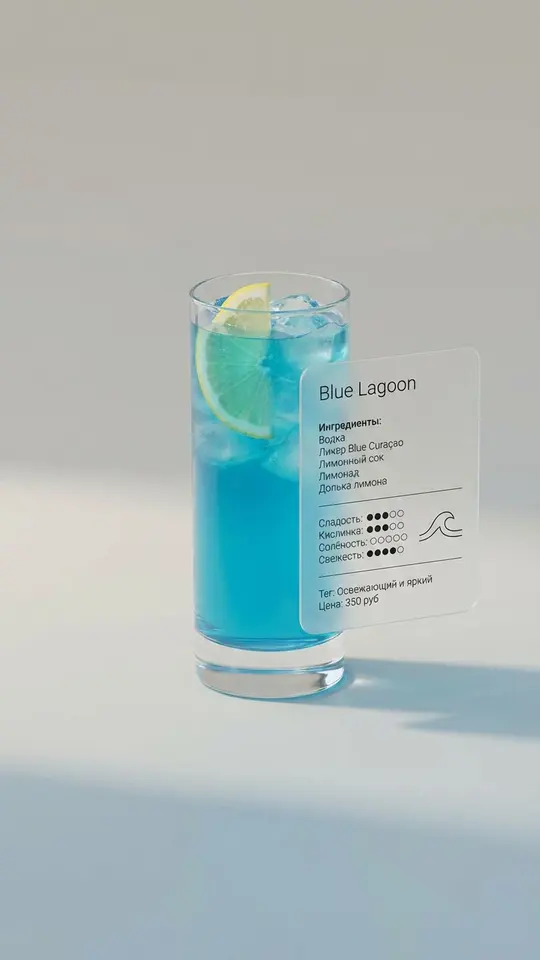
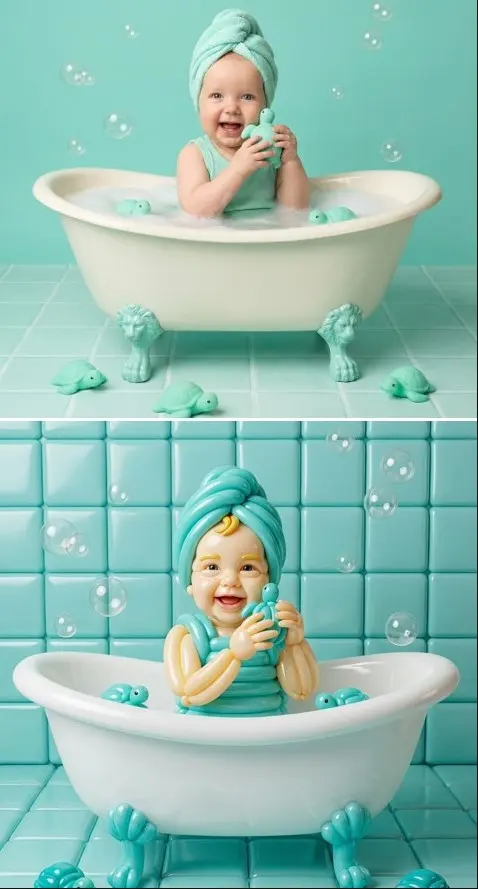
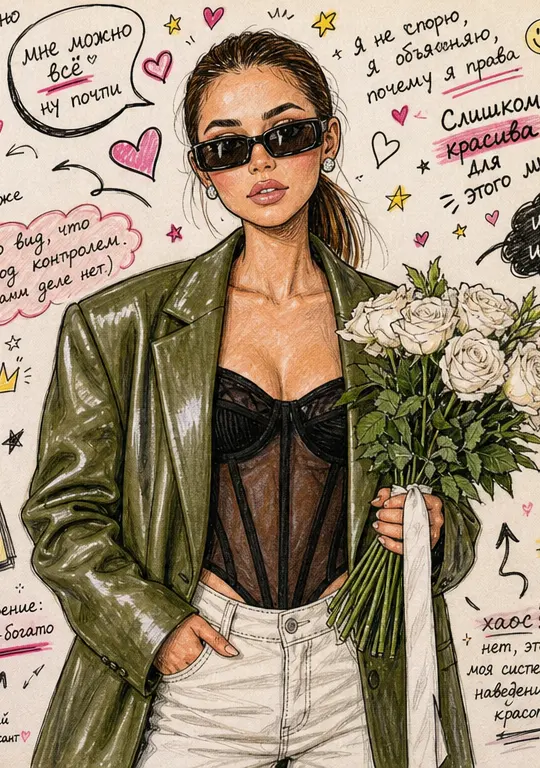
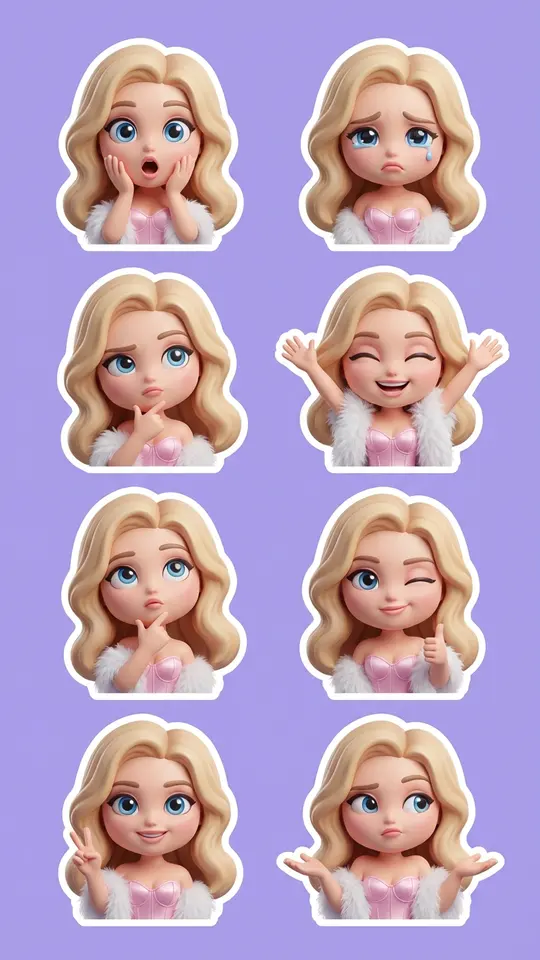
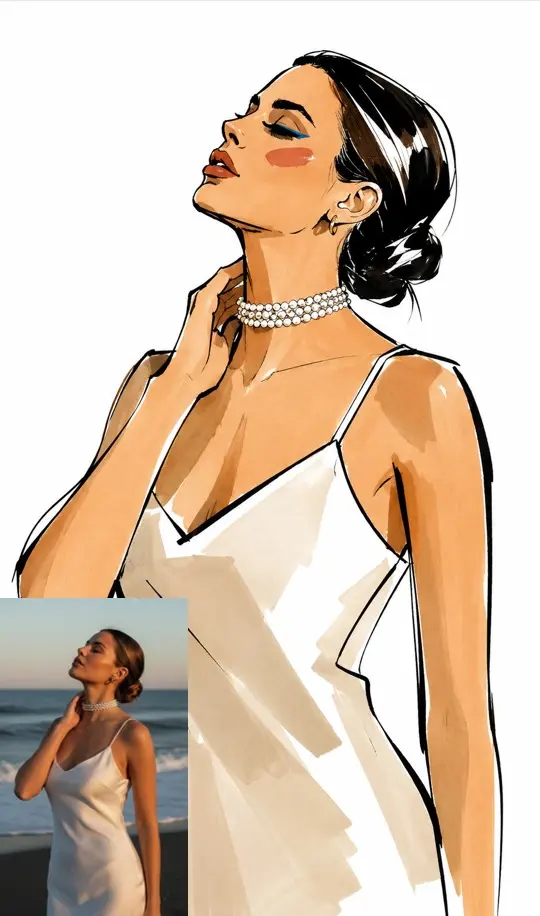
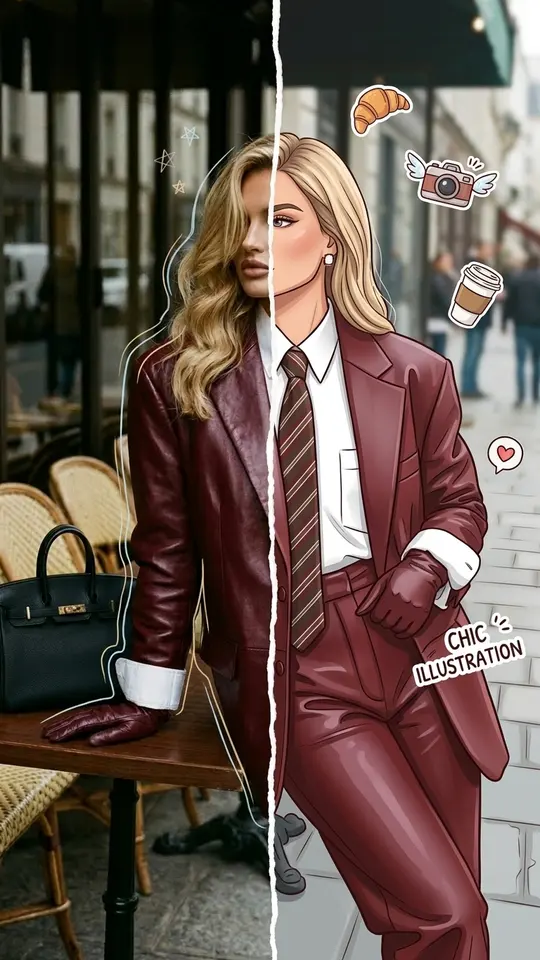
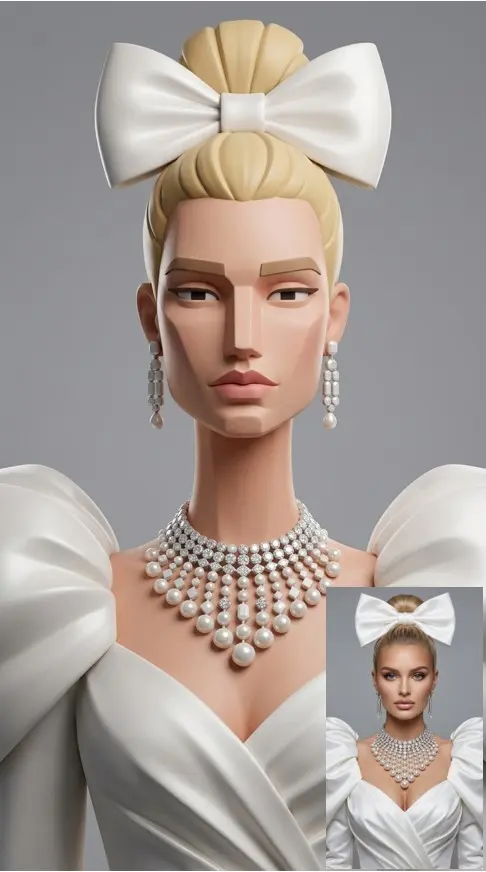
When you want a styled result without writing a description, the catalog has ready-made templates such as Cocktail Menu Card Visual, Vintage Travel Magazine Art or Balloon Sculpture Art. A template already holds the scene and the style; you supply the photos it requests and start it. A few templates each day carry a “Free today” badge and can be run without stars until the daily allowance of free runs is used up.
Ready-made templates


FAQ
Is there a free AI picture generator here?
Pictures from your own description cost stars, and the number a run takes is visible before you confirm it. Verifying your email unlocks 5 starter stars, and templates marked “Free today” can be run at no charge until their daily limit is reached. Additional stars are on the Pricing page.
How long does it take to get a picture?
Most pictures take a minute or two, though a busy queue can stretch that. Finished files download like any other image and remain in the history of your account, so you can come back to them later.
Can I start from my own photo instead of text?
Yes. Create photo accepts photos alongside the description, so you can take a shot of your product, desk or storefront and ask for a new background, a different season or a cleaner composition. Stick to your own shots, and include other people only if they agreed.
What format works for a presentation picture?
Choose a wide format before the run so the picture fills a slide without cropping. Ask for a calm area where the title will go, keep the scene simple enough to read from the back of a room, and type the words in your slide software.