How to Make AI Pictures in Three Steps
To make AI pictures on MarketVideo, choose a ready template or write your own description, settle the format, then press run. A finished picture usually comes back in a minute or two.
Make an AI pictureReady in minutes · Free templates every day
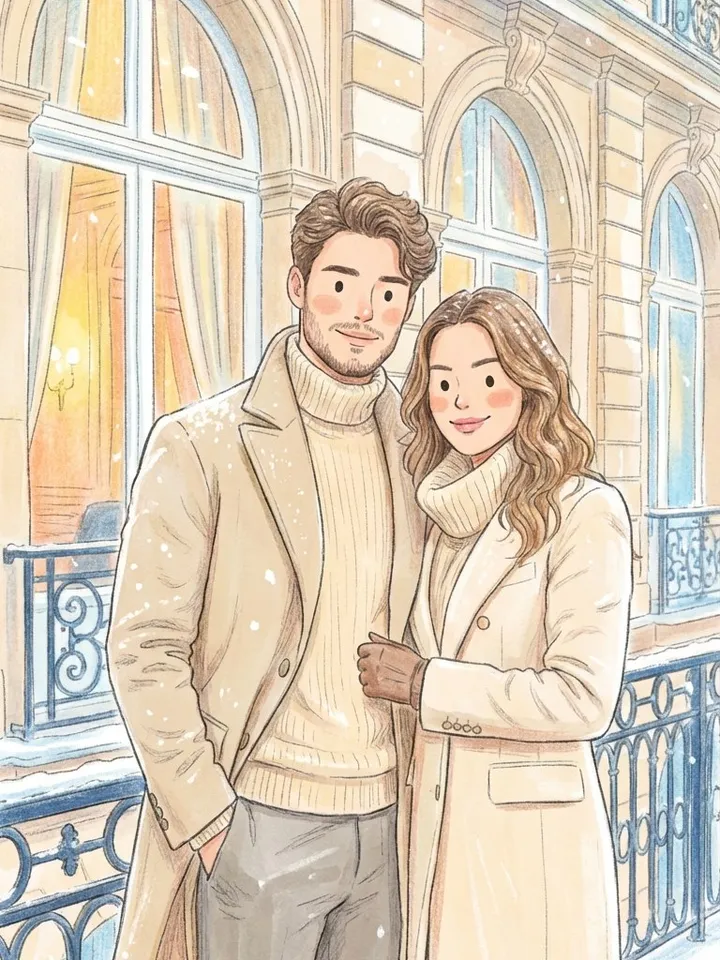
Every example below is a drawing style, from colored pencil and watercolor to paper cutout and ink fashion sketches, because a style makes it easy to see what each step changes. The last part covers what to try when the picture is not the one you had in mind.
Step 1: Choose a template or write a prompt
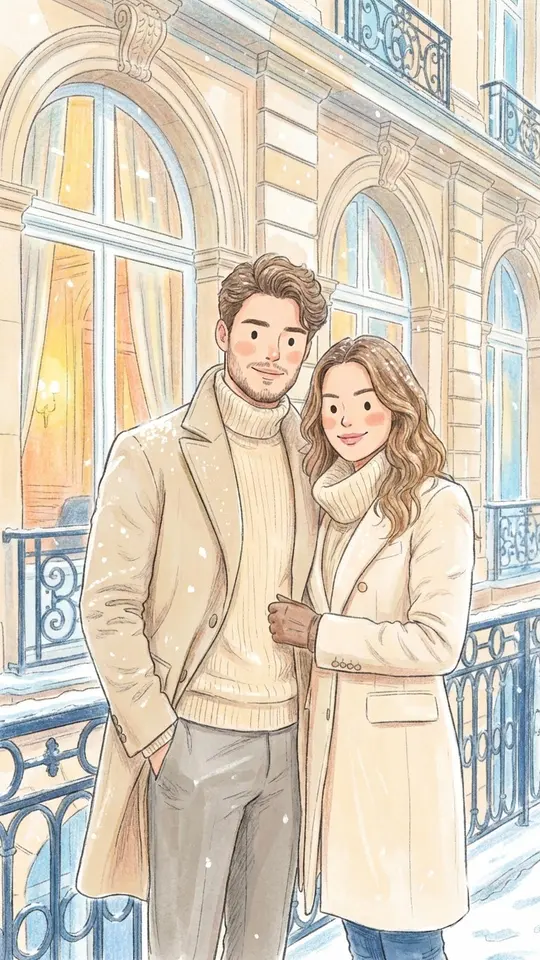
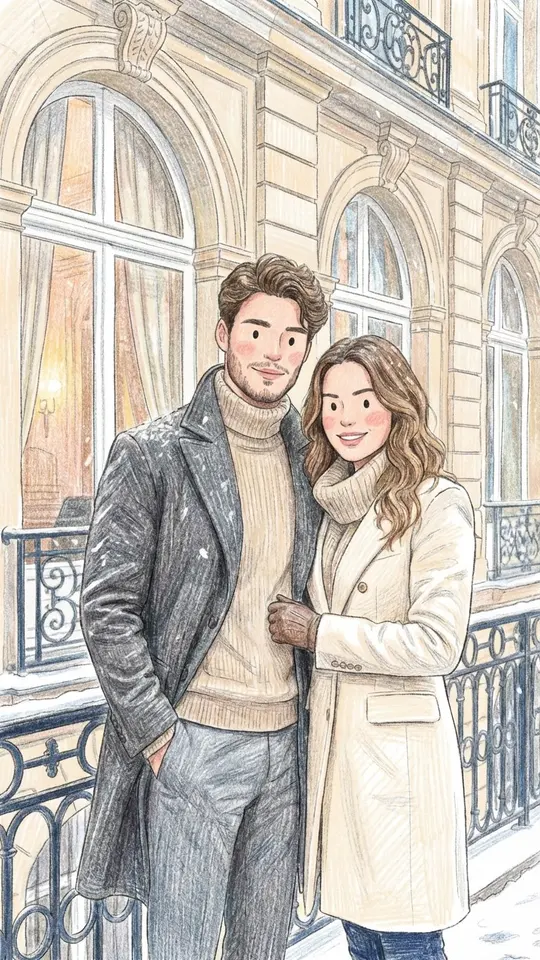
A template holds a tested prompt, so you only upload a photo and get a predictable look. Colored Pencil Drawing, for example, redraws your photo with visible pencil strokes, soft hatching and bright pastel color. Writing your own description on Create photo is more flexible, but the scene, style and mood all have to come from your words.
Step 2: Set the format and the source photo
Decide where the picture will live before you start. Most drawing templates here come out vertical, which suits phone screens and stories, while Marker Doodle Sketchbook fills a wide 16:9 frame. If the style is meant to show a person, upload a sharp photo with a clearly visible face. Object or abstract scenes on Create photo can run from text alone.
Step 3: Run it and save the file
Press run and wait. A picture usually takes a minute or two, longer when many jobs are waiting. The star cost appears before you confirm, so nothing is charged by surprise. The result downloads as an ordinary image file and is kept in your history as well, so you can fetch it again later.
Drawing styles worth trying
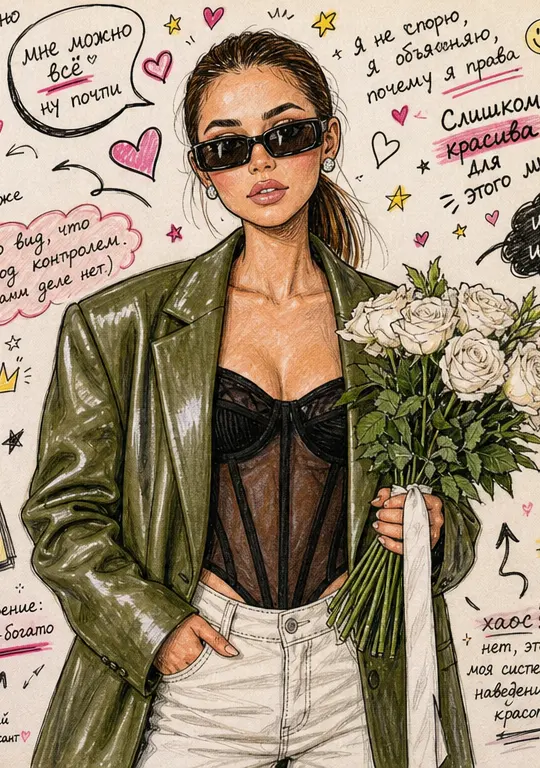
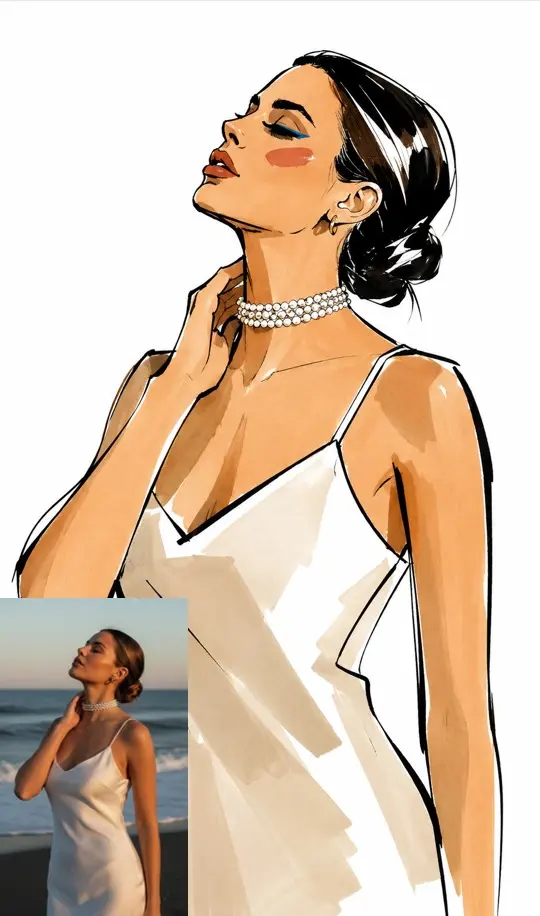
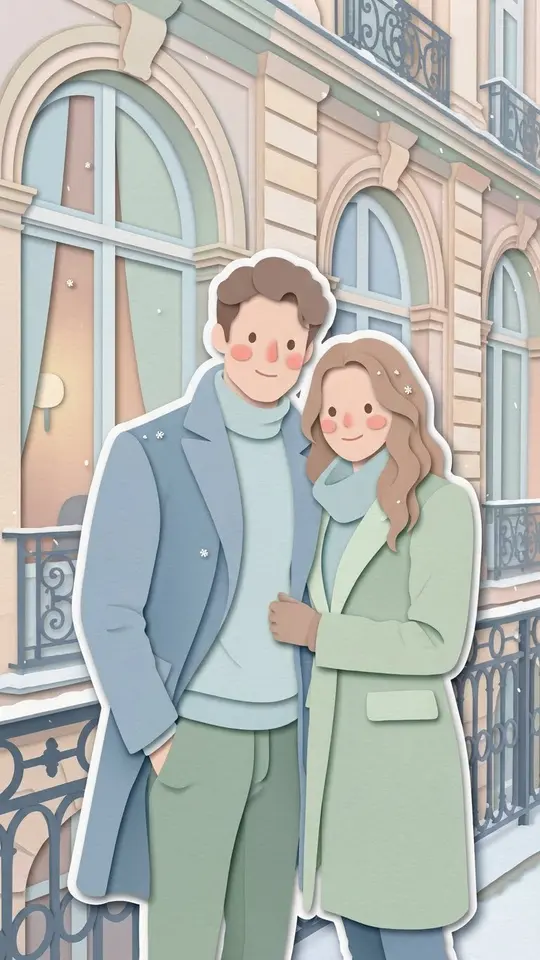
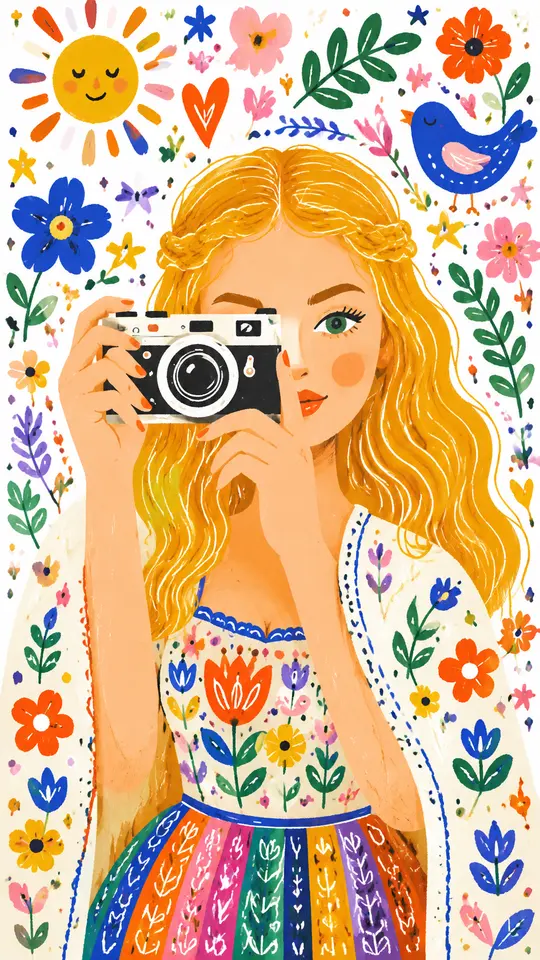
Pencil and Watercolor Sketch layers soft watercolor washes over uneven pencil outlines. Layered Paper Cutout builds the image from stacked paper with soft shadows between the layers. High-Fashion Ink Sketch turns a portrait into an editorial illustration with bold black ink contours. Whimsical Folk Illustration flattens the scene into bright, playful shapes on white paper.
When the picture misses
Run it once more first: every run gives a fresh version, so a second try often lands. If every attempt misses in the same way, the description is usually the cause. Add the viewpoint, the kind of light and the time of day, and cut long chains of adjectives. With a template, a clearer, better-lit photo tends to help more than repeated runs.
Ready-made templates
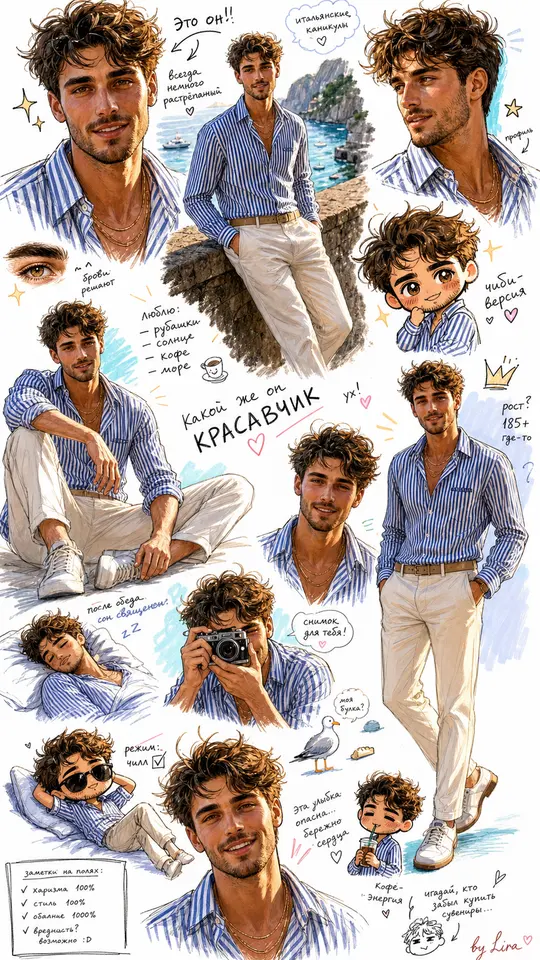
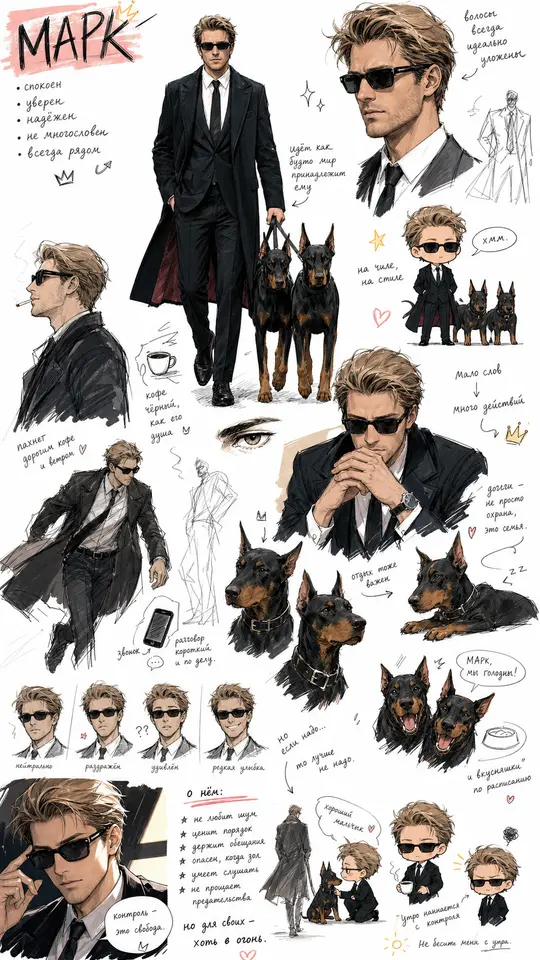
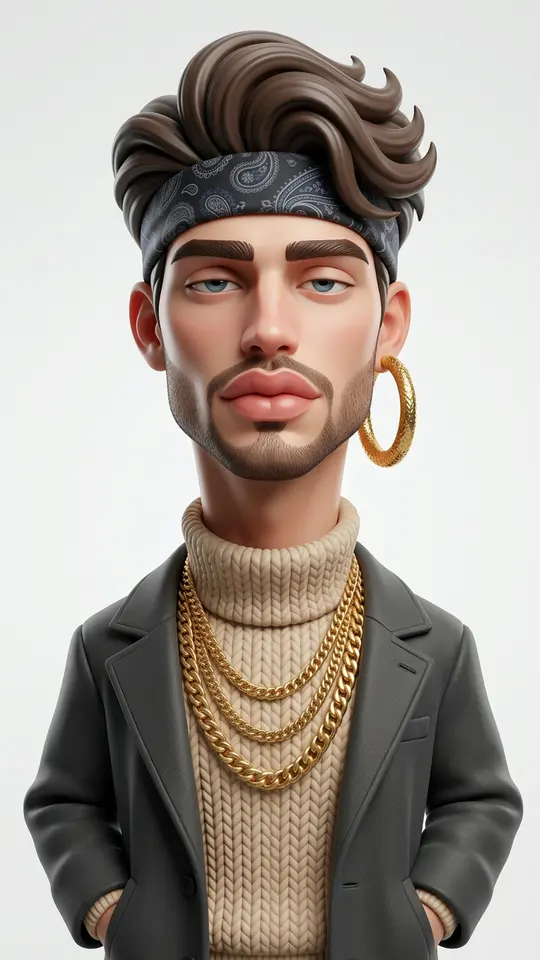
FAQ
How do I make AI pictures for free?
Open an account, confirm the email, and 5 stars land on your balance to spend on first pictures. Some templates also show a Free today mark and allow a small daily number of runs without stars. Topping up later goes through Pricing, either by plan or by one-off pack.
Do I have to write a prompt myself?
No. Catalog templates carry their prompt inside, so all you add is a photo. Writing comes in only on Create photo, where you describe the scene yourself and choose a photo model, for example GPT Image 2.5 or Nano Banana.
Can I make a series in one drawing style?
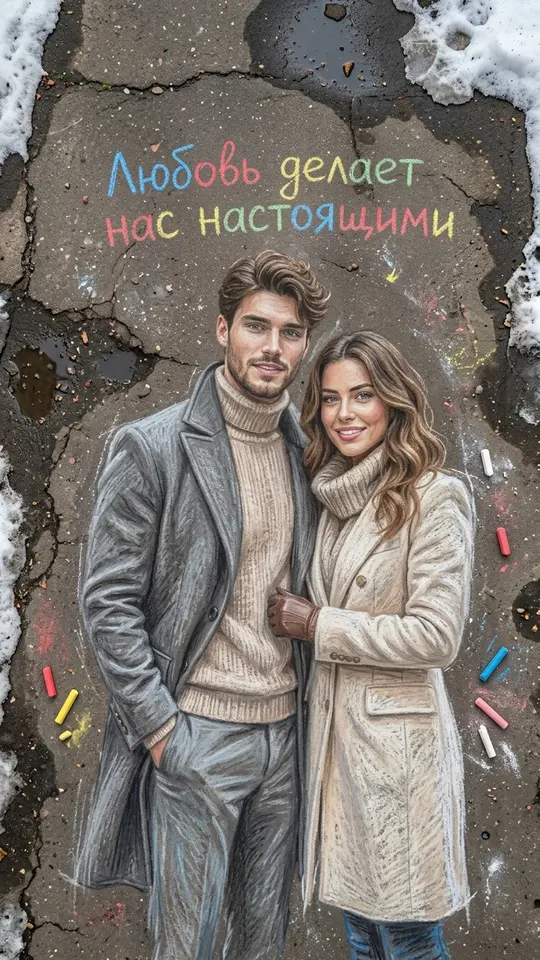
Yes. Run different photos through the same template and each picture keeps its look, whether that is chalk on asphalt or a chibi sketchbook page. Only use photos of you or of friends and family who said yes.
What are AI drawing styles?
They are looks a template applies to your photo: colored pencil, pencil with watercolor, ink sketch, paper cutout, folk illustration, sidewalk chalk and more. The template sets the strokes, colors and paper texture, so one photo looks very different from style to style.