AI Image Creator With Text and Photo Modes
MarketVideo's AI image creator gives you a small workspace instead of one button: write a prompt to build a picture from nothing, or upload a photo and have it turned into something new.
Create an imageReady in minutes · Free templates every day
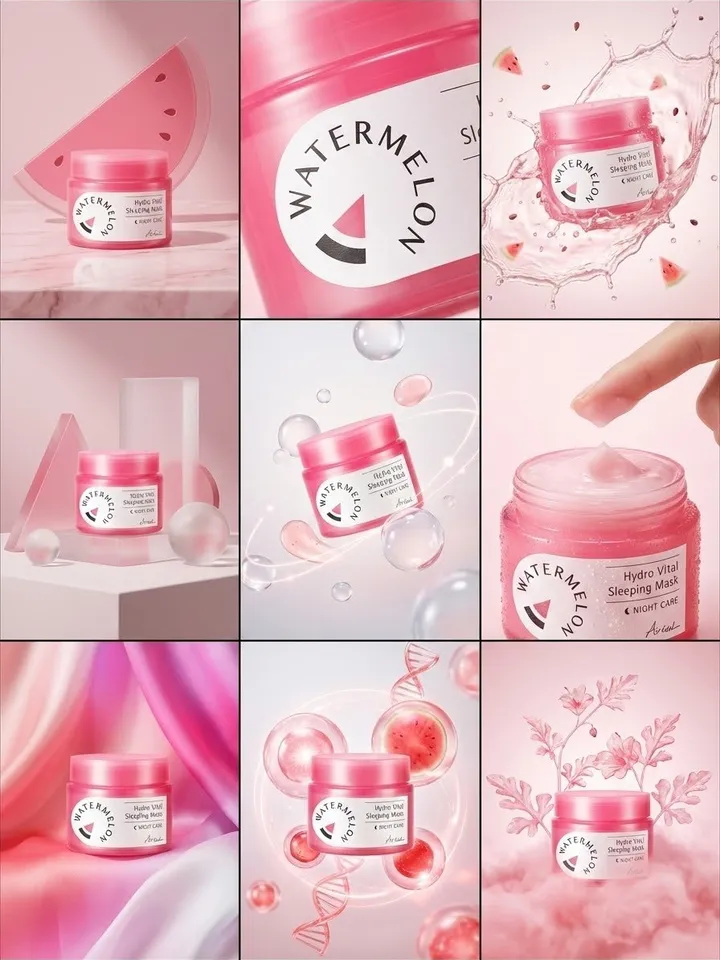
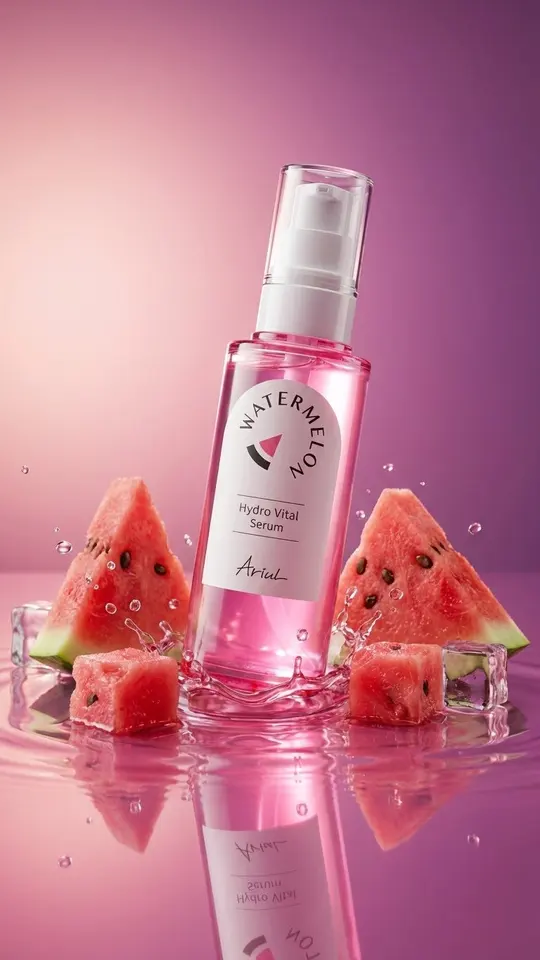
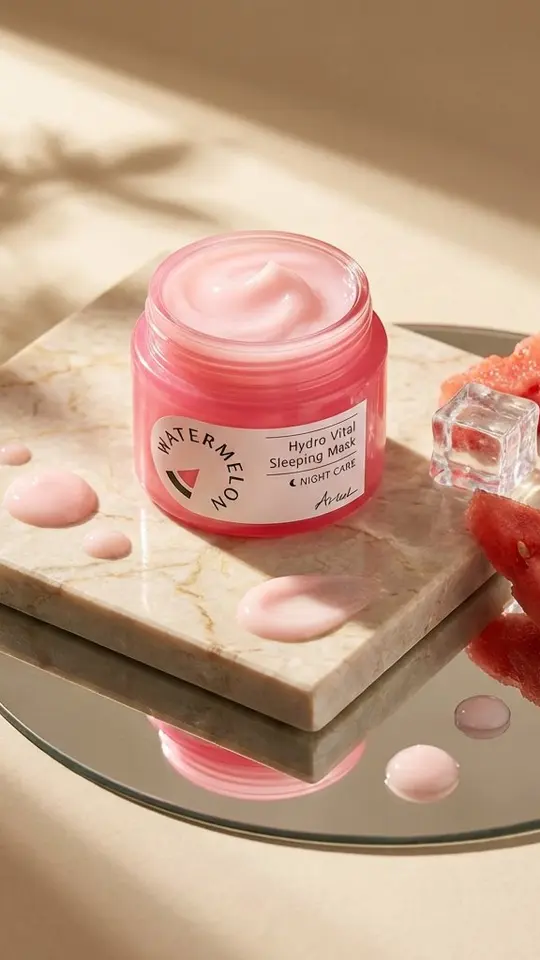
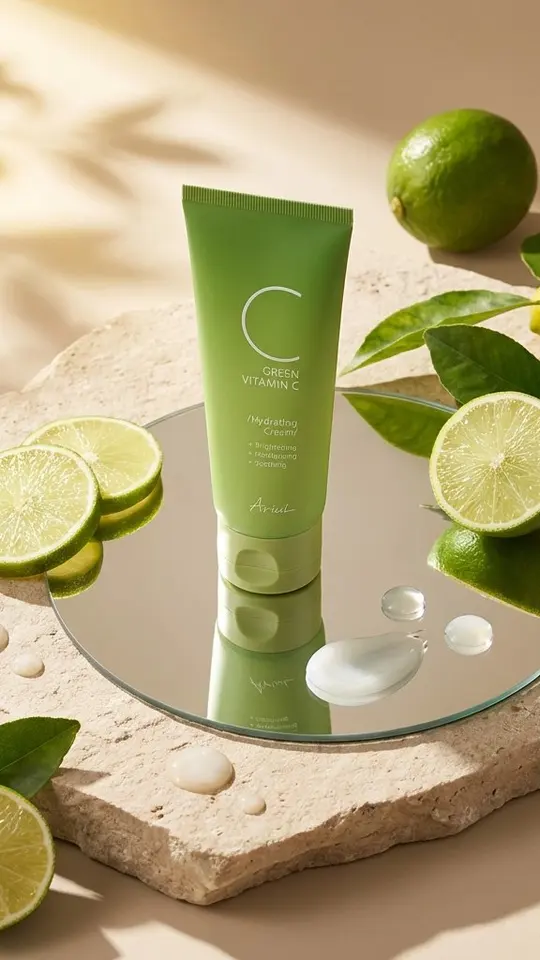
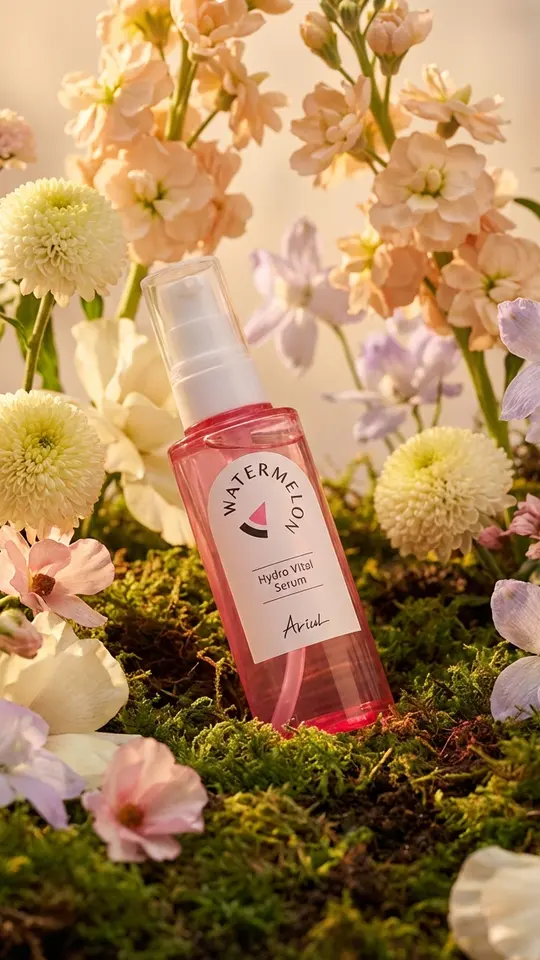
Product shots show the difference best. Drop a jar, bottle or plated dish into a ready template and get a styled studio scene around it, or describe your own setup on Create photo. Every run is kept, so a good version is easy to find again.
Two ways in: a prompt or a photo
Text mode starts from a blank canvas. Describe the subject, setting and light on Create photo, pick a photo model, for example Seedream 4.5, and run it. Photo mode starts from your upload: add a product picture and the model rebuilds the scene around it, which suits packshots, backgrounds and ad layouts.
Product templates that handle the styling
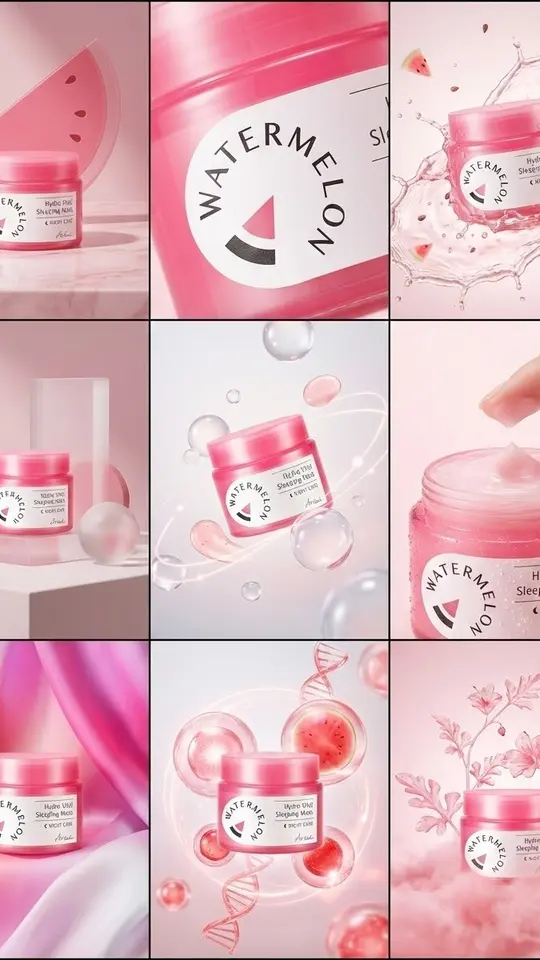
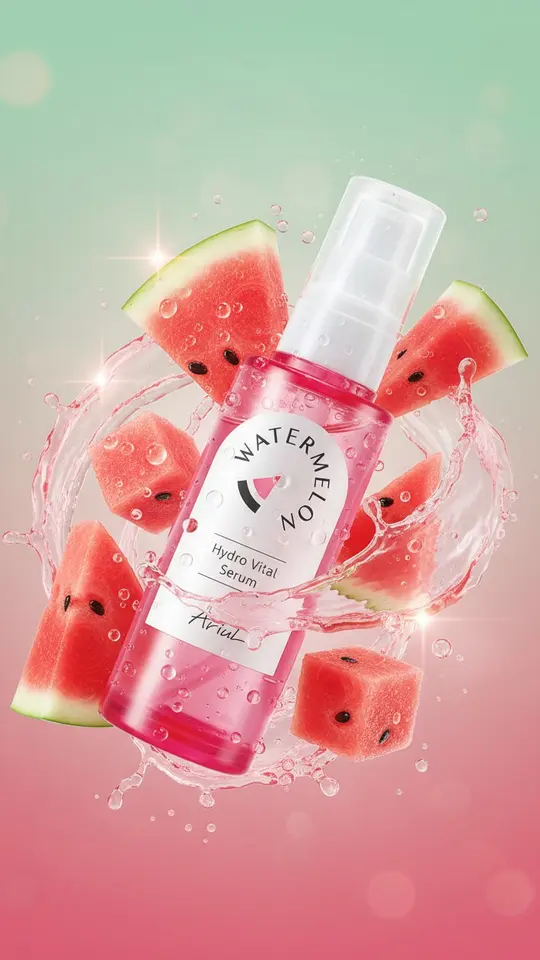
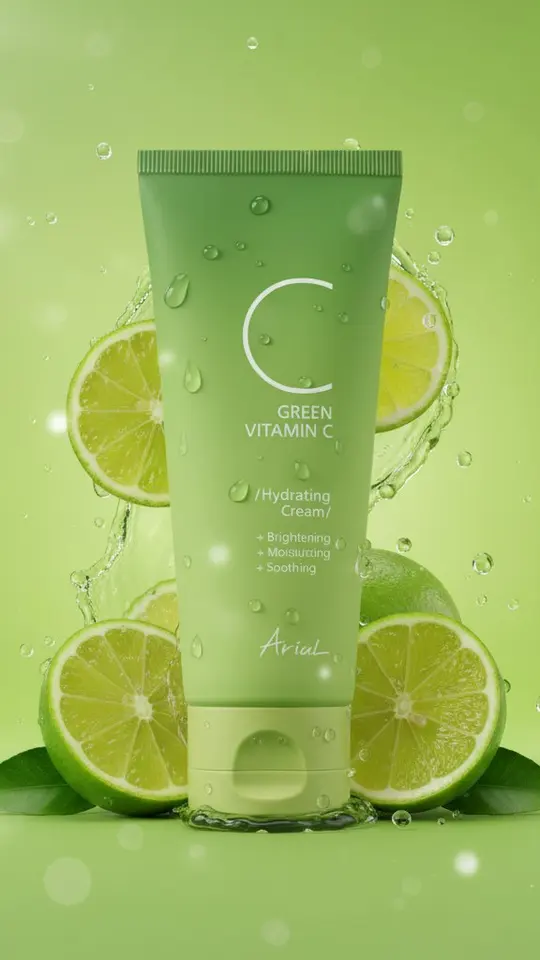
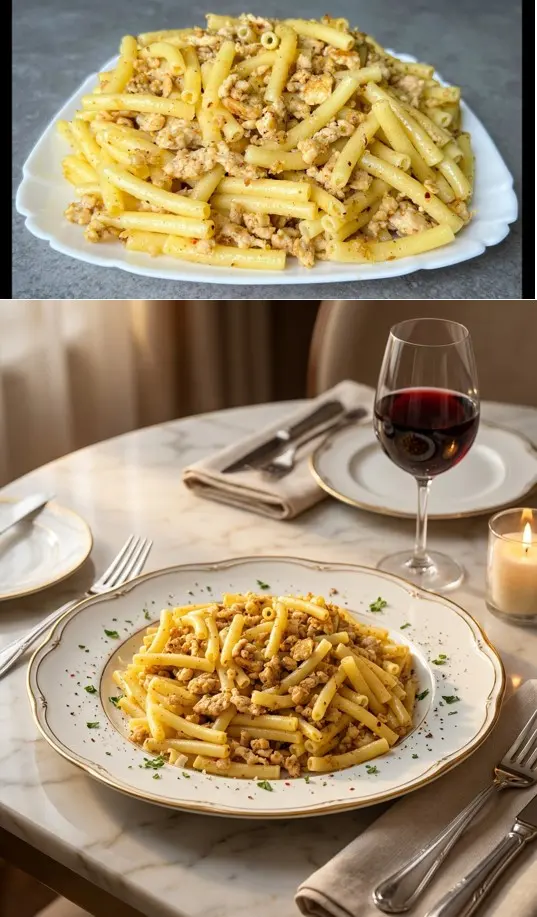
Premium Product Ad Poster studies the uploaded product and builds one vertical ad around it. 3×3 Product Campaign Grid lays out nine frames, from a hero still life to macro texture, with the same item in each. Other cards set a cream jar on marble or stone, surround it with watermelon or lime, or give a dish a restaurant food-shoot look.
Choose the aspect ratio before running
Decide the frame first: vertical for stories and Reels, square for a feed or shop tile, wide for a banner or slide. The model composes for that shape from the start, so a different format means a fresh run. Templates arrive with their format already set, and the product cards on this page are vertical.
History, downloads and honest limits
Finished images download as regular files and also wait in your account history, so last week's best take is still there. Results change from run to run, and tiny label text on packaging may come out garbled. Upload only products, logos and photos you have the right to use.
Ready-made templates
FAQ
Is the AI image creator free?
Trying it costs nothing at first. Once the email is verified, a fresh account holds 5 stars, and certain cards carry the Free today label, good for a limited number of no-cost runs daily. To top up the balance, see the plans and packs on Pricing.
Can I change the aspect ratio after generating?
Not on the same image. The shape is fixed before the run because the composition is built for it. For another format, start again with the same prompt or photo; the earlier version stays in your history.
Do I need to install anything?
No. The creator opens in any modern browser on a phone or computer, so your device only uploads the source and saves the result. There is no separate mobile app to download.