AI Image Maker: Choose the Output, Then the Template
This AI image maker starts from what you want to end up with: a portrait, a product shot, an illustration, a 3D logo, a greeting card or an avatar. Pick the output type, and the matching templates tell you which photo to upload.
Make an imageReady in minutes · Free templates every day
The split matters because the inputs differ. A portrait template needs a clear picture of your face, a product template needs one photo of the item, and an illustration can begin from a snapshot or from a sentence typed on the Create photo page. The sections below go through each type, what to bring and what comes back.
Portraits and avatars: bring a photo of your face
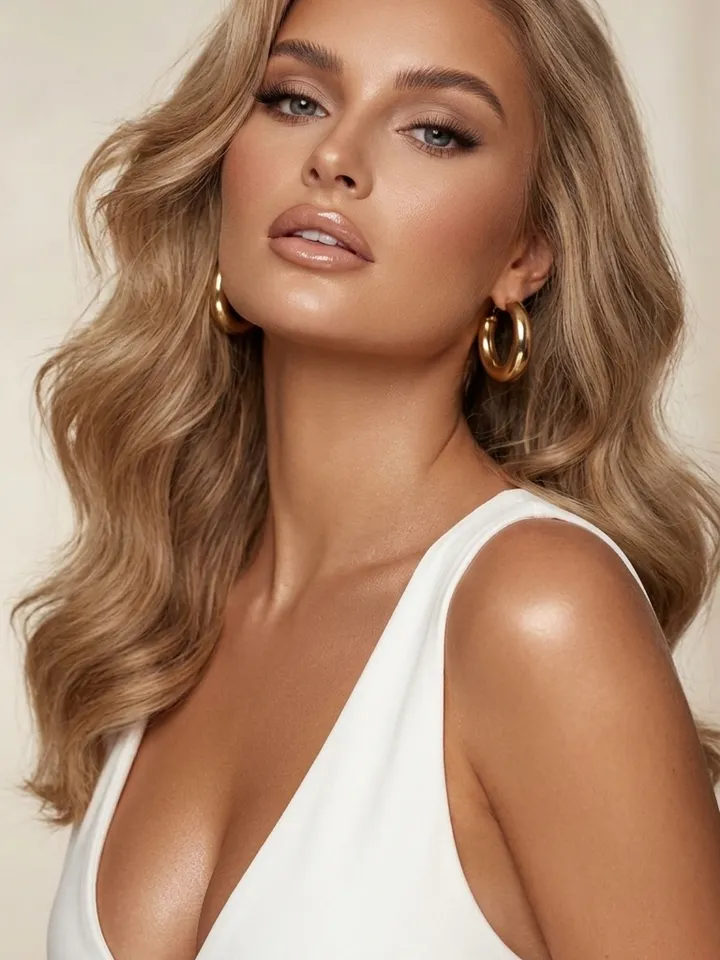
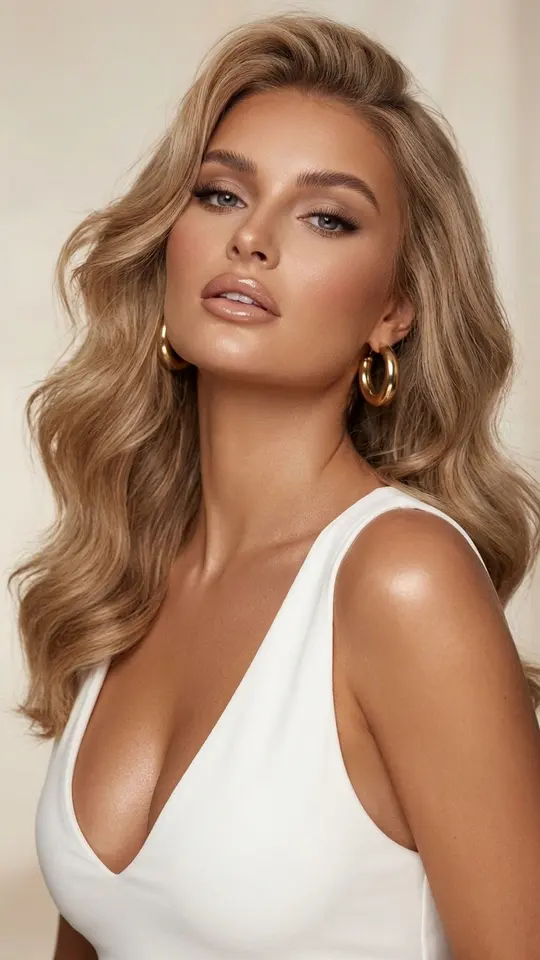
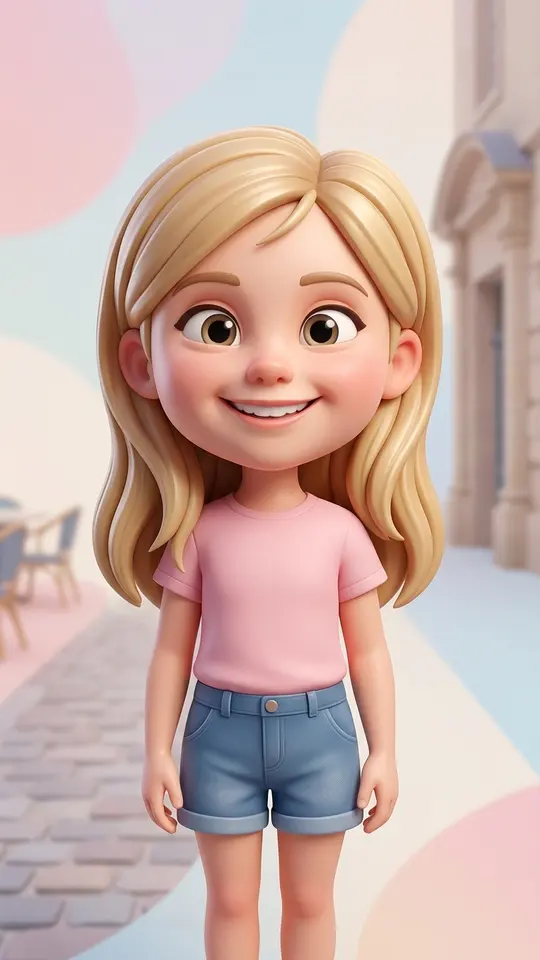
Portrait templates rebuild you from a reference shot and are written to keep your features recognizable. Luxe Portrait in White gives a chest-up beauty editorial close-up, while 3D Social Media Girl and Big-Head 3D Cartoon turn the same face into a stylized 3D character that suits a profile avatar. Upload one sharp, evenly lit photo with nothing covering the face.
Product shots: one clean photo of the item
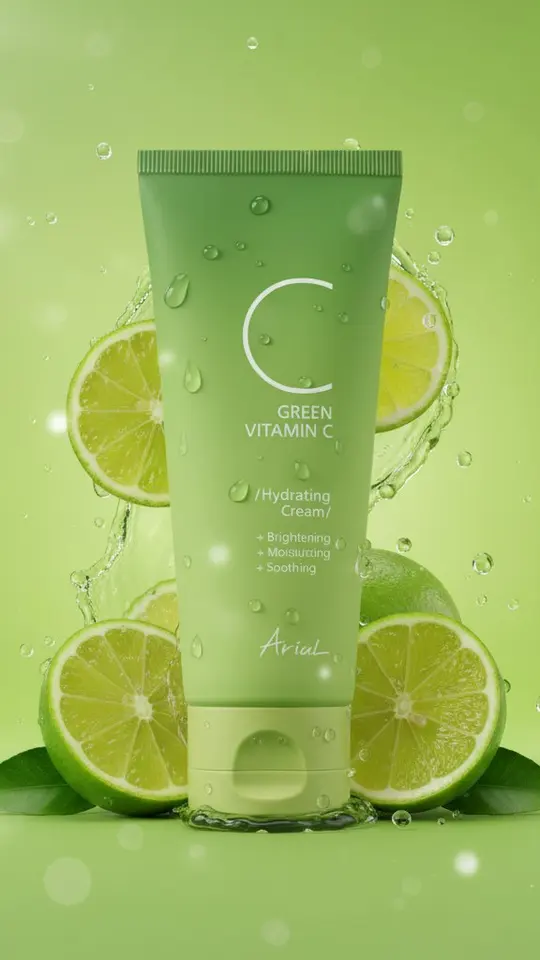
For an AI product image maker, the item photo is the whole input. Premium Product Ad Poster reads the packaging, colors and logo from your shot and builds one vertical campaign poster around them. Lime Splash Product Visual keeps a jar exactly as it is and surrounds it with lime slices, droplets and a green gradient. Shoot the product on a plain surface so its edges and label read clearly.
Illustrations: from a snapshot or from words
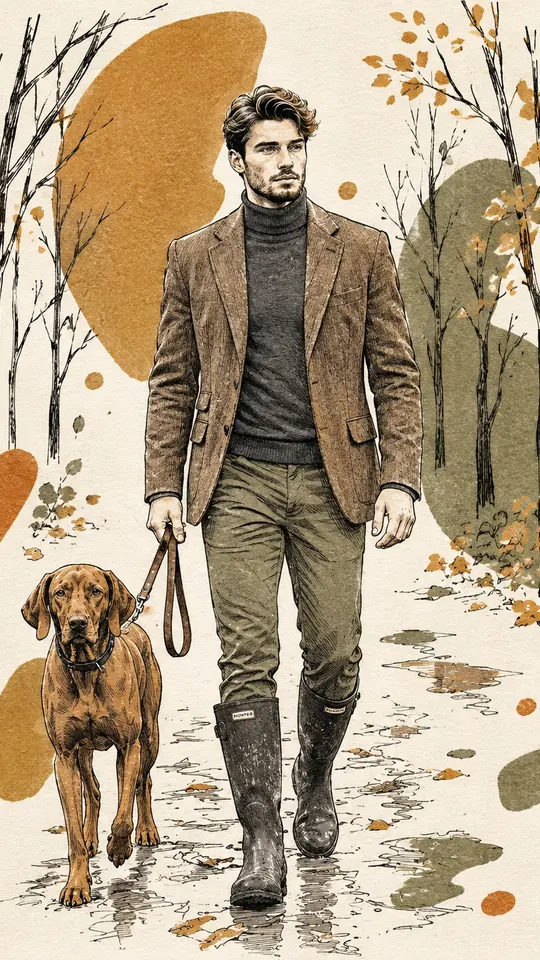
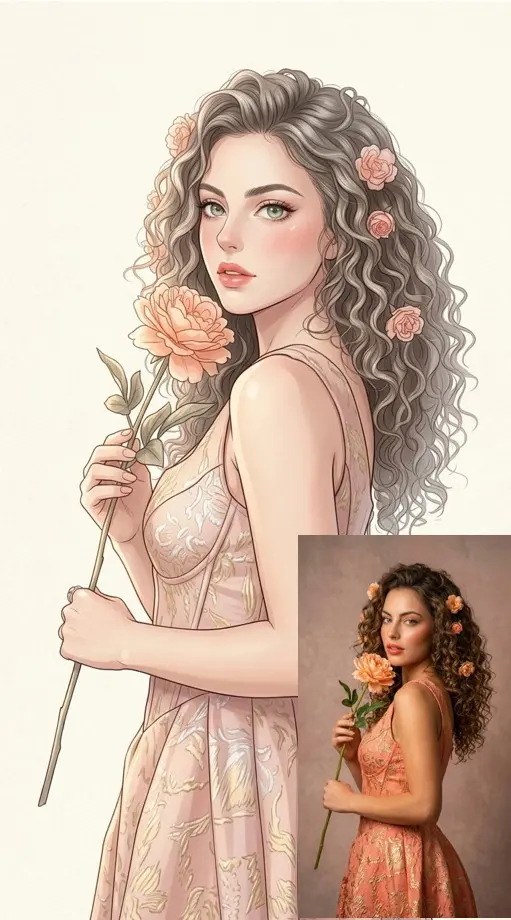
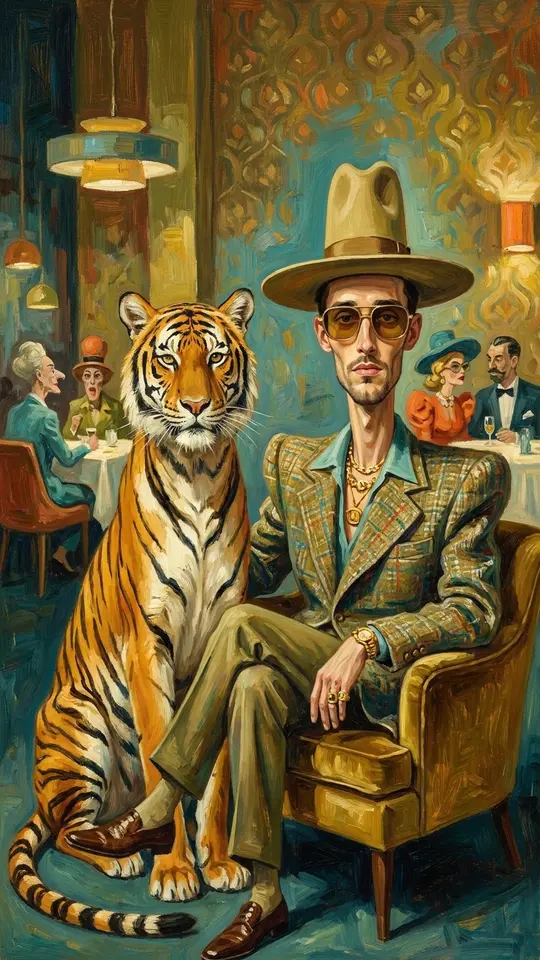
An AI illustration generator here works two ways. Templates redraw a photo you supply: Botanical Ink Illustration turns it into hand-drawn ink lines over bold color blocks, Anime Manga Portrait goes for soft pastel manga, and Surreal Tiger Oil Portrait places you beside a tiger in a mid-century restaurant scene. With no photo at all, describe the picture on Create photo and choose a model.
3D logos, covers and greeting cards
No template in this grid is built around logos, so a 3D logo goes through Create photo: attach your own logo file, then name the material, such as brushed metal or frosted glass, plus the background and light. Covers work the same way from a description. For greeting cards, Botanical Ink Illustration carries a Greeting Cards tag; run it on a family photo and check any lettering closely.
What you get back and where it falls short
Every finished image downloads as a regular file, and your history keeps a copy. Templates in this grid deliver a vertical frame. Results vary between runs, so a second attempt can fix an odd hand or a stray detail. Stick to pictures that show you or someone who gave consent, keep children to your family, and skip celebrities and logos owned by other companies.
Ready-made templates
FAQ
Is this AI image maker free to use?
Browsing costs nothing and so does the account. After you verify your email, the balance starts at 5 stars. Some templates are free on a given day, up to a set number of runs, and the site flags them as Free today. Further stars come with a subscription or a one-off pack; see the Pricing page.
Do I need a photo for every type of image?
Not for all of them. Portraits, avatars and product shots need an upload, since the template keeps your face or your item. Illustrations, covers and backgrounds can come from a written description alone on Create photo, where adding a photo stays optional.
Can it make a 3D logo from my existing logo?
Yes, through Create photo. Attach the logo file, describe the material, the backdrop and the light, and run it. Use logos you own or have permission to use. A model may reshape small details, so check the image against your file before you use it.
How long does an image take?
Usually a minute or two per image. If many people are generating at the same moment, the queue can add time, so no exact wait is promised. Video templates take longer, a few minutes as a rule.
Which models make the images?
Templates arrive with a model already chosen, so there is nothing to set. On Create photo the list is Seedream 4.5, GPT Image 2.5, Nano Banana, NanoBanana PRO and NanoBanana 2.1, and every option shows up front how many stars it will take.