Picture From Description: AI That Draws What You Write
Picture from description AI is for moments when there is nothing to photograph: you write who or what belongs in the image and how it should be drawn, and a model paints it from scratch using the Create photo tool.
Draw a picture from textReady in minutes · Free templates every day
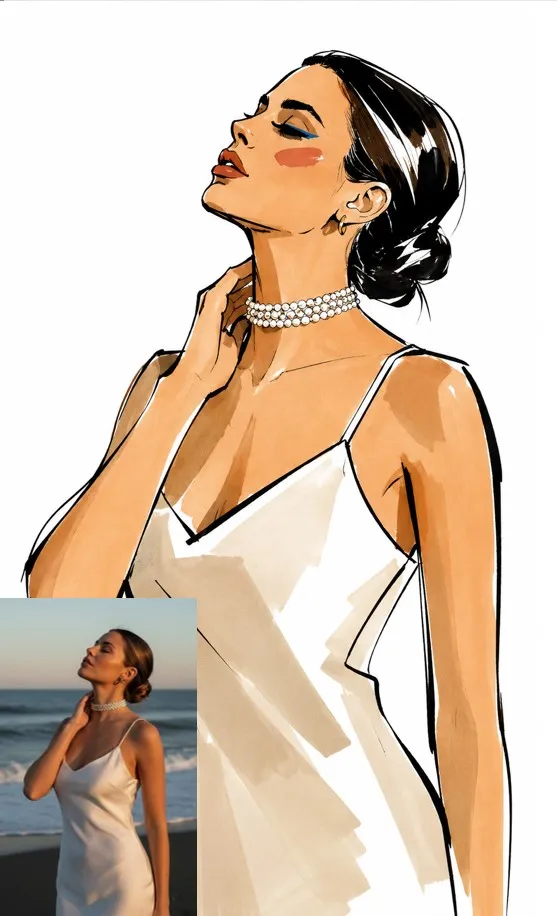
The drawing does not need to pass for a photo. Flat vector art, a 3D character, a pencil sketch or a poster with big lettering all come from the same text box; only the wording of the technique changes. Below is how to build a description a model follows, how to steer a draft with follow-up edits, and where the templates in the grid fit in.
Picture versus photo: why the technique matters
A photo prompt chases realism: lens, skin, daylight. A picture is free of that, so the technique becomes part of the request. Words such as flat vector illustration, watercolor on grainy paper, low poly 3D or pixel art tell the model which manner to use. Keep the subject sentence fixed and swap only the technique line, and one idea comes back as a sketch, a render or a poster.
Four questions every description should answer
Who or what is in the image, what is happening, which technique it is drawn in, and what shape and colors it needs. Example: a ginger cat drinking coffee by a window, flat illustration, pastel palette, square frame. Concrete nouns beat a pile of adjectives. Negations are risky, because a line like no people can pull people in; name what should appear instead of what should not.
Running it on Create photo
Everything starts on Create photo: type the description and attach nothing. Choose one of the photo models, look at how many stars it needs and start. Most pictures are done in a minute or two, and a crowded line of requests can stretch that. If the first version misses, read what the model got wrong and change that part of the text rather than the whole thing.
Refine with edits, not fresh starts
A first result is rarely final. Treat the description as a conversation: keep the character you like and change one thing, for example the same cat, background now a neon city at night. Attach the finished picture on Create photo, write the change, and it becomes the base for the next run. A few rounds of small corrections tend to get closer than rewriting from zero.
When you do have a photo: the templates below
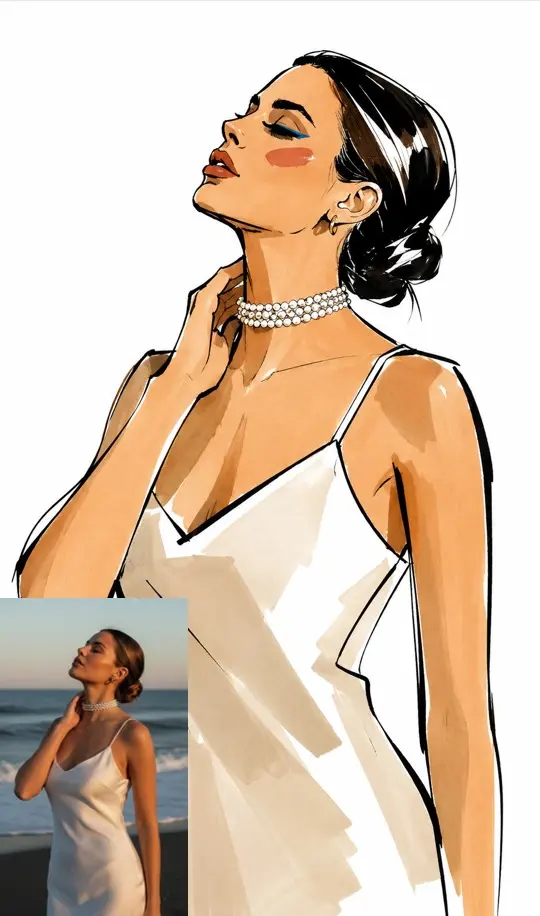
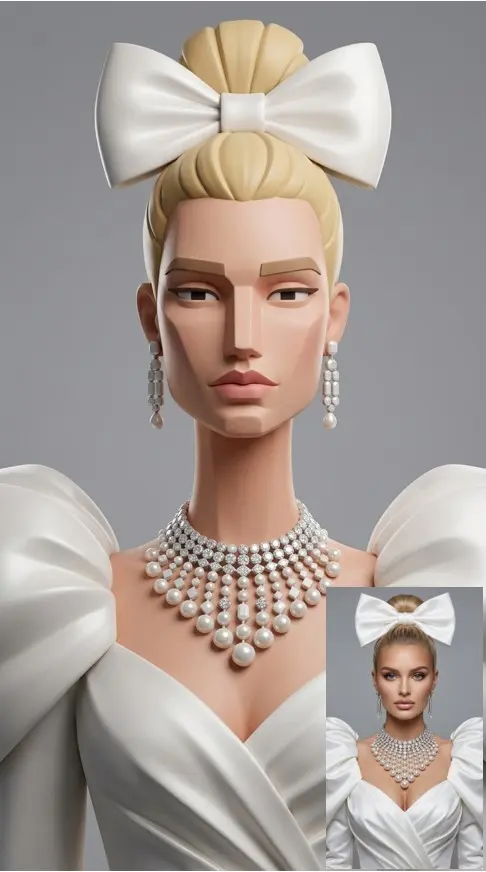
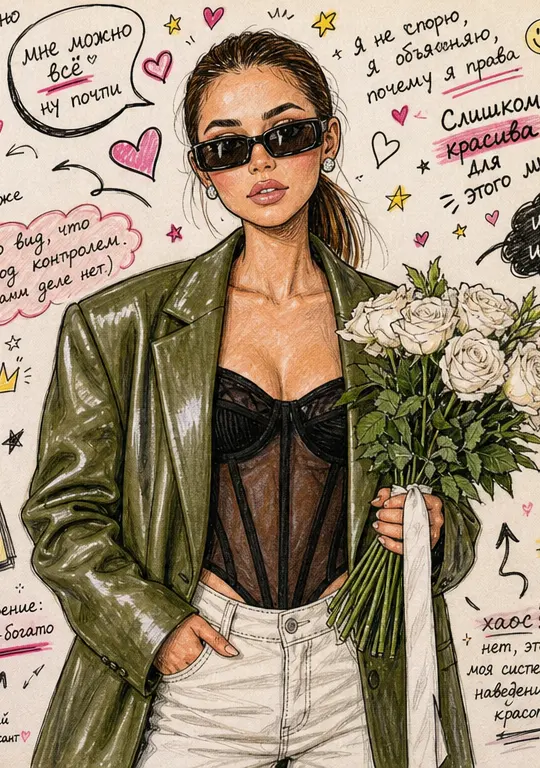
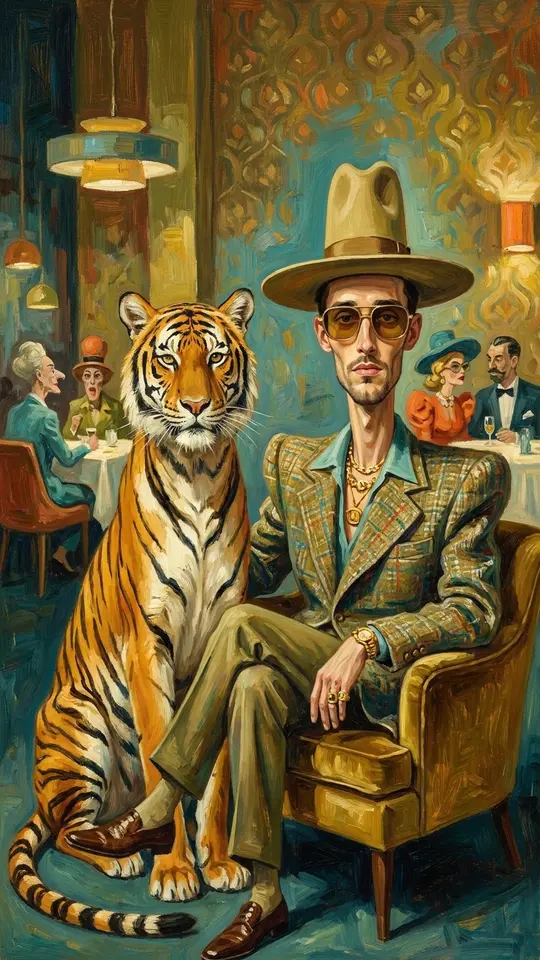
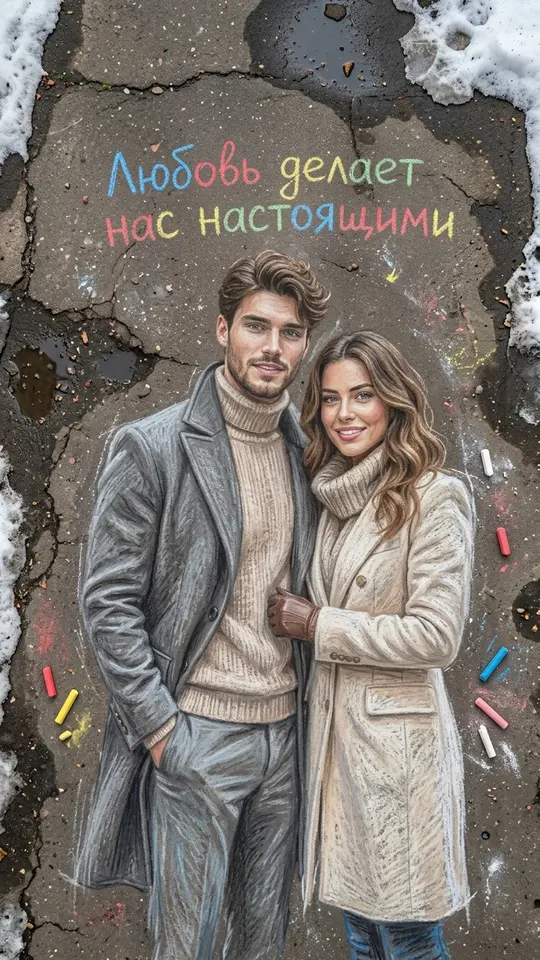
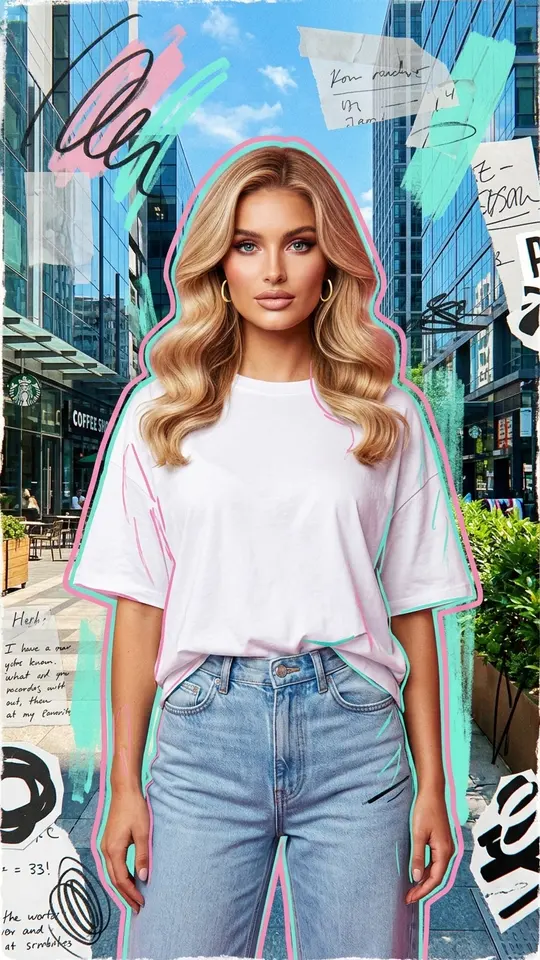
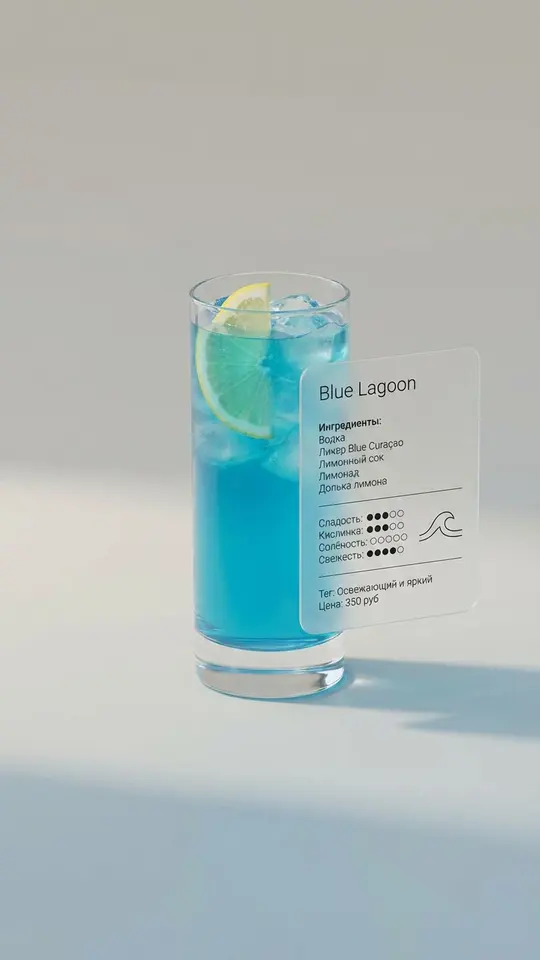
Every card in the grid starts from an upload rather than from text. High-Fashion Ink Sketch redraws a portrait as a black ink fashion illustration with elongated proportions. Designer Figurine Portrait turns a face into a stylized 3D collectible-figure look. Premium Product Ad Poster builds a vertical ad from a product shot. Faces must be yours or belong to someone who gave consent.
What a description cannot do here
The direction runs one way: words to picture. Getting a written description out of an existing image is not something the site does. Lettering inside a picture works best when it is short and placed in quotes, and even then letters can come out wrong. Real celebrities, other people's characters and brand logos stay out of descriptions.
Ready-made templates
FAQ
Can I get a description from a picture?
No. Turning an image into text is not available on MarketVideo. The site works in the other direction: it draws a new image from your words, and it can also change a finished image when you attach it with a written instruction on Create photo.
What language should the description be in?
Plain English is the safest choice. Write it the way you would explain a picture to an illustrator, and keep established technique names as they are, such as line art, low poly or risograph.
How much does a picture cost, and can I try it free?
Each picture costs stars; the amount for every model appears ahead of each run. Verifying the address you signed up with adds five starter stars. A small set of templates can be run free each day, up to a limit, when they show the Free today label. Plans and packs with more stars are listed under Pricing.
Where do finished pictures go?
Each result is saved to your account history, and you can download any version you made as an ordinary file to use in a post, on a cover or in a greeting card.
Can I draw a picture of a real person from a description?
Only of yourself or someone who gave consent, and then a photo works better than words: attach it in Create photo, then name the technique you want. Famous people and strangers cannot be drawn, and nothing may imitate an ID or other document.