AI Photo Retouch: Studio, Film and Monochrome Looks
AI photo retouch on MarketVideo replaces an hour of editing with one run: upload a portrait, choose a finished look, and the model evens out skin, light and color for you.
Retouch a portraitReady in minutes · Free templates every day
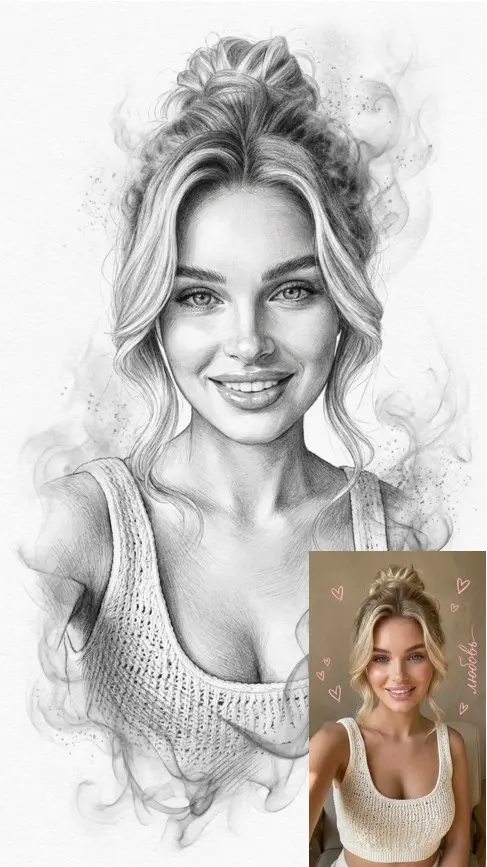
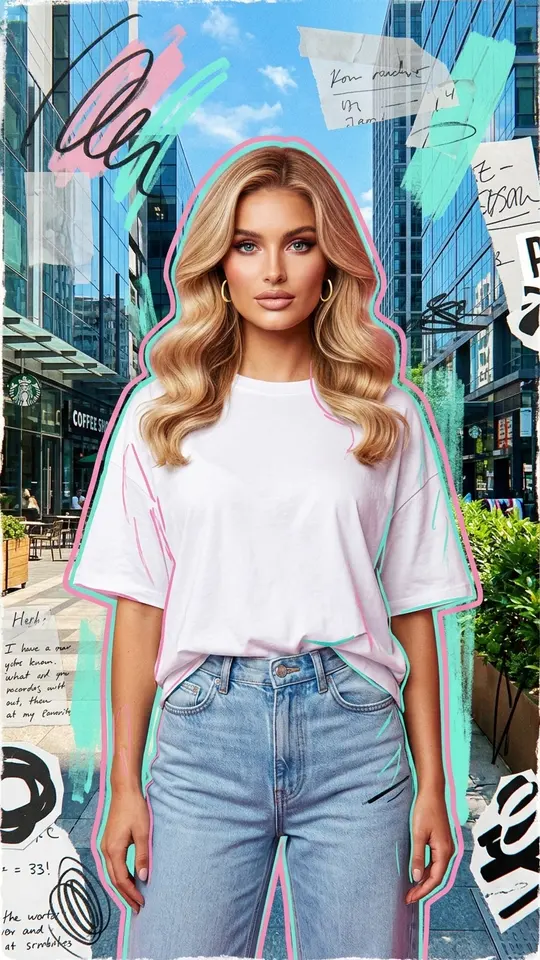
Each template is a complete style rather than a slider. Pick the result you want, such as a clean studio portrait, high-contrast black and white or a charcoal drawing, and skip the curves and masks.
Portrait retouching without the plastic look
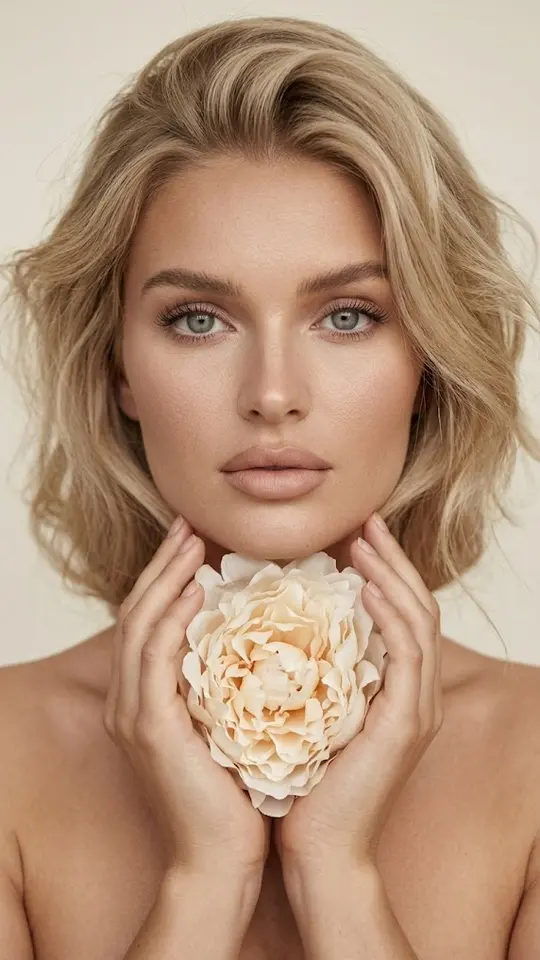
The Photo Restoration template does the classic retouch pass: natural skin smoothing that keeps pores and texture, subtle blemish reduction, balanced exposure, sharper eyes and a corrected white balance. It aims to keep your identity and proportions, so the face reads as you on a good day.
Black and white portraits
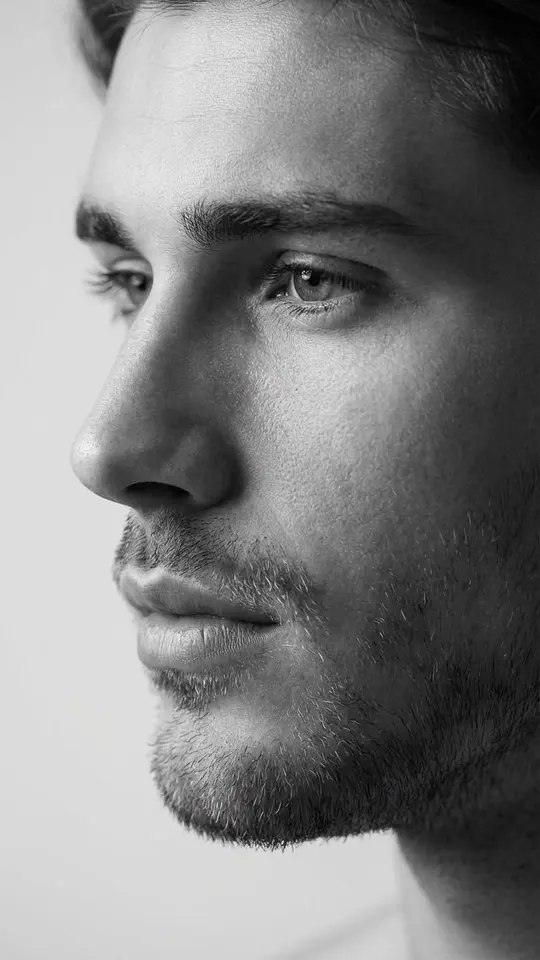
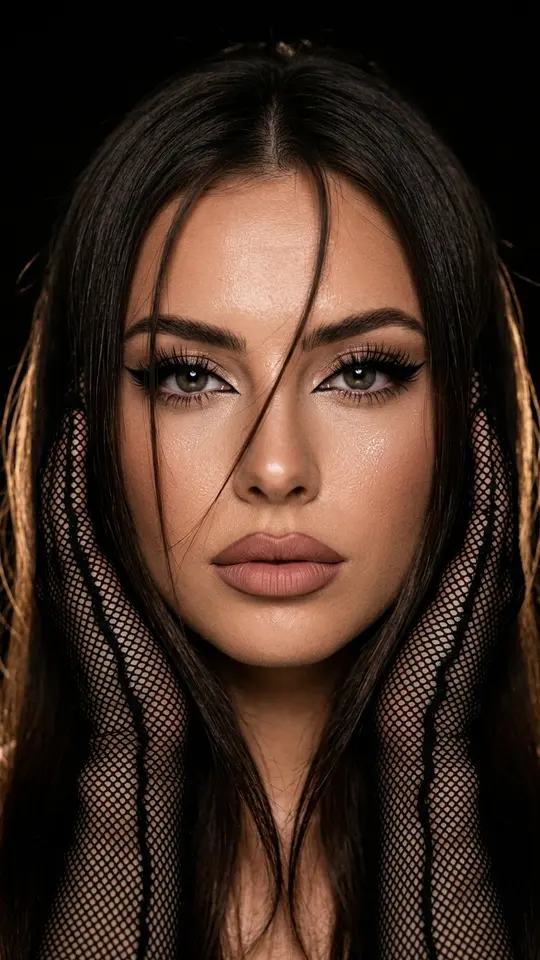
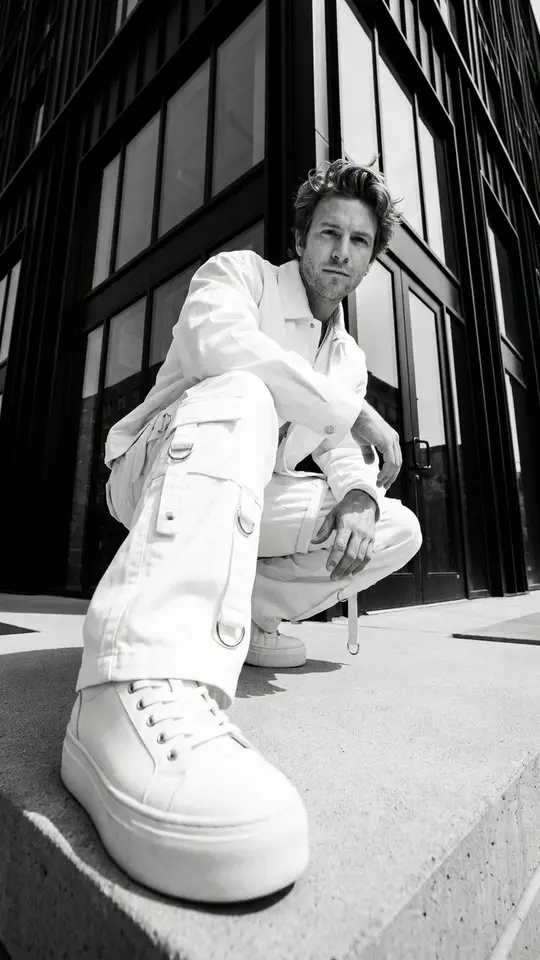
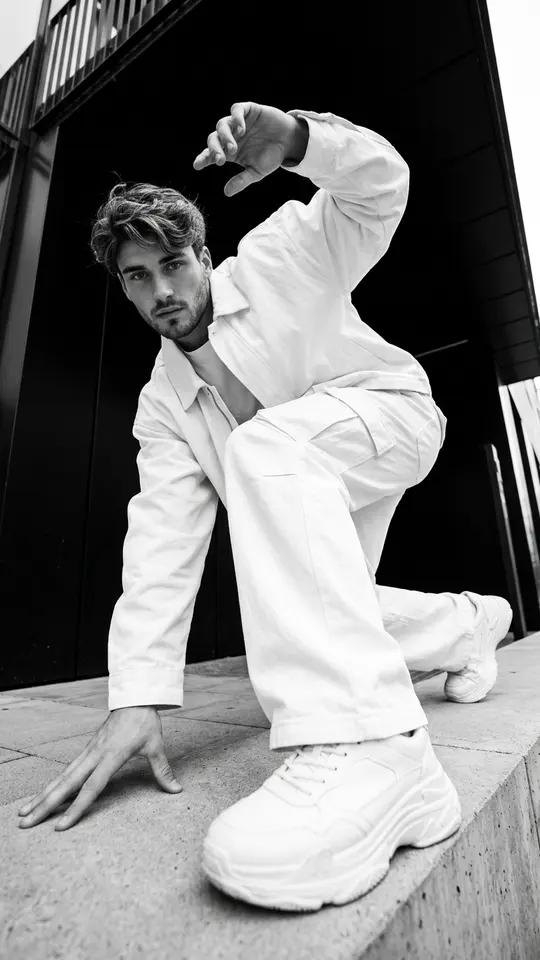
Monochrome templates go further than a desaturate button. Black & White Profile Portrait builds a soft, side-lit close-up, while Monochrome Urban Style puts you in a high-contrast street fashion frame. Both tell the model to keep the face photorealistic and recognizable.
Film grain and other custom looks
When no template matches the look you have in mind, open Create photo, attach the portrait and describe the edit in plain words: warm film tones with fine grain, softer shadows, a cooler background. Seedream 4.5 and NanoBanana PRO both accept a photo plus text.
One look for a whole set
To give several shots the same feel, send each of them through the same template. The style instructions stay identical, so a profile grid or portfolio page looks consistent. Small differences between runs remain, since every result is generated fresh.
What retouching will not fix
Retouching works on light, color and texture. A blurry, tightly cropped or very dark photo leaves the model little detail to keep, so start from a sharp, well-lit picture. Use your own photos or ones of people who agreed; celebrities and strangers are not allowed.
Ready-made templates

FAQ
Will the retouch change my face?
It should not. The portrait templates here instruct the model to preserve your features, proportions and skin texture and to change only light, color and finish. Results can still vary slightly, so run again if something looks off.
Is AI photo retouch free to try?
Signing up is free, and a confirmed email brings five starter stars, enough for a first retouch. Some templates also run without stars on a given day, up to a daily limit. Extra stars can be bought on the Pricing page.
Can I retouch an old scanned photo?
Yes. Scan it or photograph the print in even light, then run it through Photo Restoration, which balances exposure and color and sharpens facial detail. Heavy creases or tears may need a written request on Create photo.
How long does a retouch take?
A photo typically comes back within one to two minutes, sometimes longer at busy times. The finished image downloads as a regular file and also stays in your history.