Turn a Selfie Into a Professional Photo
To turn a selfie into a professional photo, upload it to a portrait template on MarketVideo. The template rebuilds the shot with studio light, a set framing, a pose and a calm background, while aiming to keep your face as it is.
Make a professional portraitReady in minutes · Free templates every day
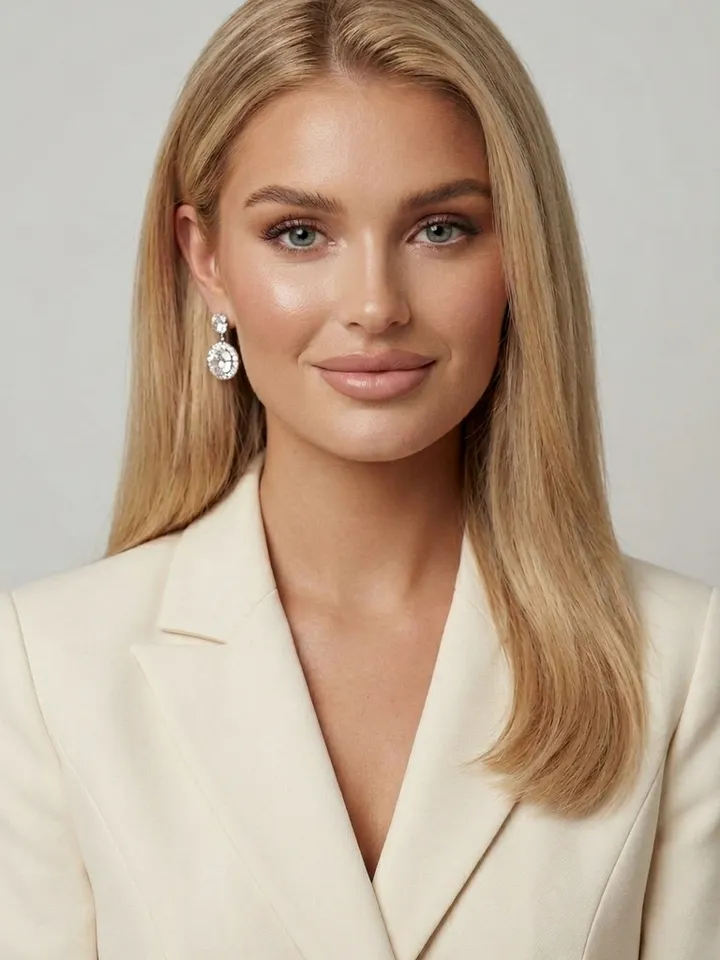
A professional picture is not a filter laid over a snapshot. In a studio, a photographer and a lighting assistant decide where the light falls, how tight the frame is, what the hands do and what sits behind the subject. Every card below has those decisions written in already, so your part is choosing the look and supplying the source picture.
Light does most of the work
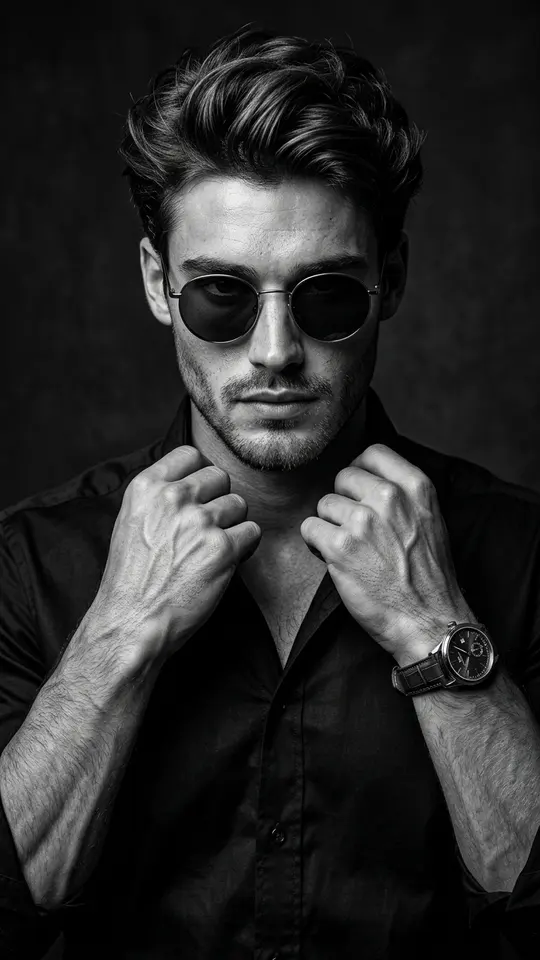
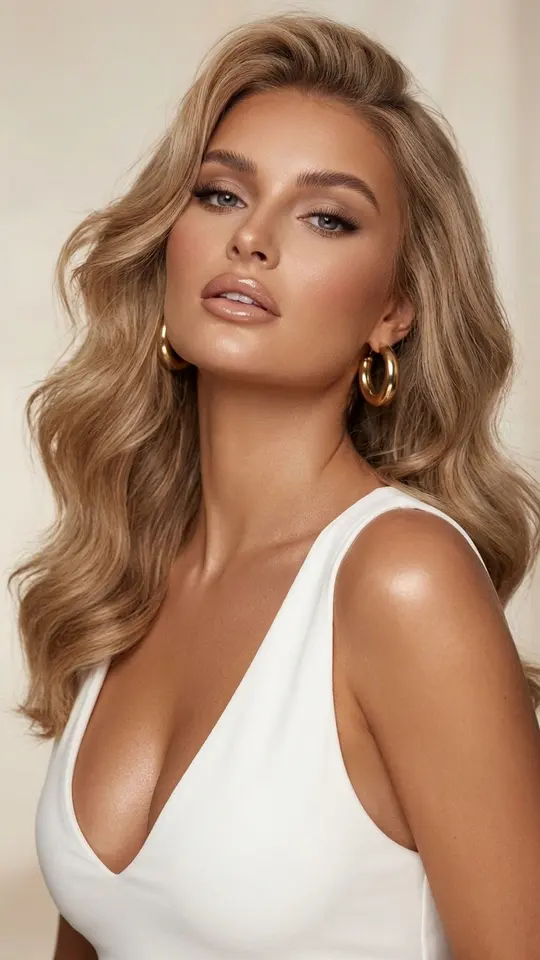
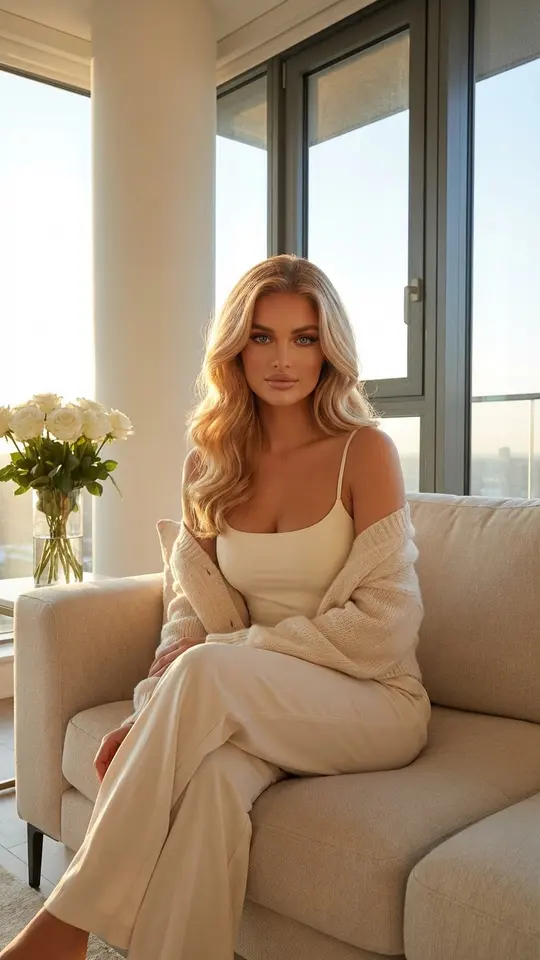
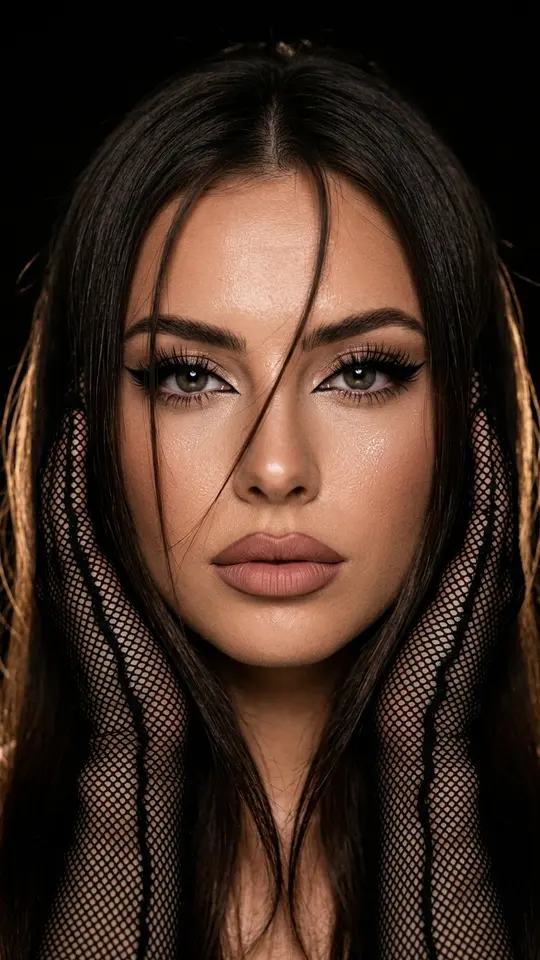
Overhead ceiling light leaves shadows under the eyes and exaggerates every skin bump, which is why most indoor selfies look flat. Soft side light or diffused window light does the opposite: it shapes the face and smooths texture. Golden Morning Light seats you by large windows in morning sun, and Luxury Noir Portrait sets you against a dark studio backdrop in black and white.
Choose how tight the frame is
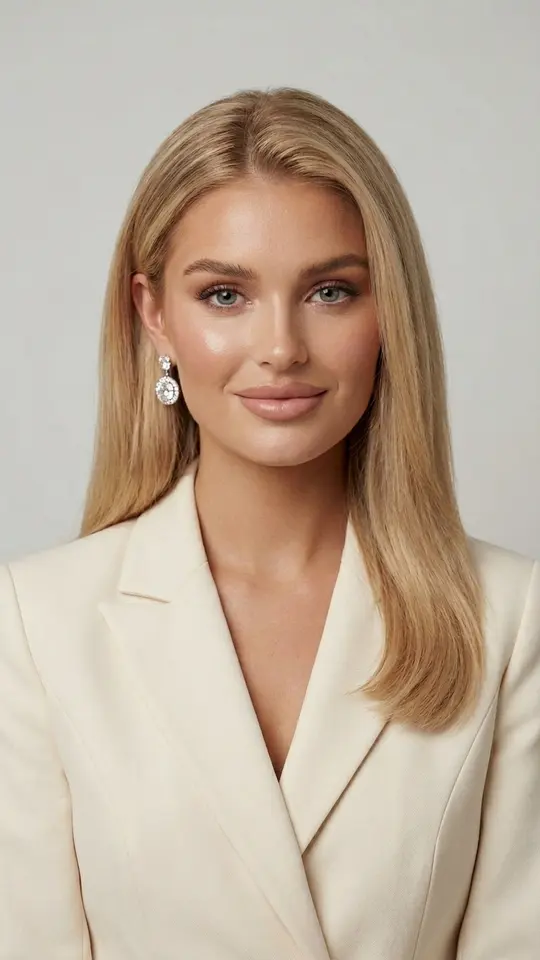
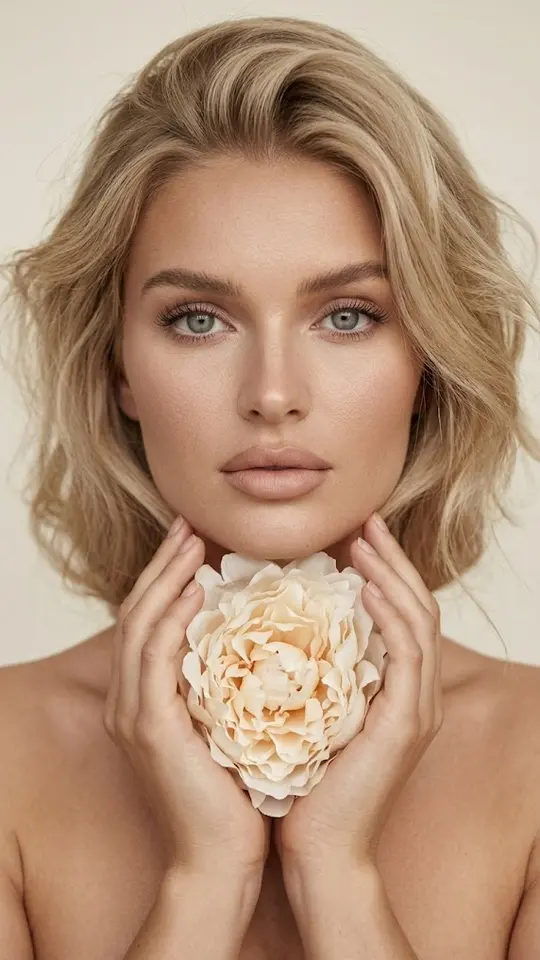
Close framing shows every detail, so it needs a crisp source and good skin. Ivory Peony Portrait goes in to face and shoulders, and Evening Makeup Macro moves closer still, right to the eyes. A waist-up medium shot is more forgiving and shows clothing and posture, which is how Luxury Noir Portrait is framed. If your selfie is slightly soft, the medium shot is the safer pick.
Pose and hands
Standing square to the lens with arms hanging down almost always loses to a slight turn of the shoulders. Hands look better with a job: touching hair, holding something, resting on a support. You do not need to describe any of this, because each template sets the pose for you. Golden Morning Light, for example, places you on a sofa in a relaxed seated position.
Keep the background quiet
A plain, even backdrop keeps attention on the person, while a detailed one competes for it. When the setting has to say something, blur helps: the subject stays crisp and the surroundings soften. For a work profile or a résumé, Professional Business Portrait dresses you in a cream fitted blazer with natural makeup and keeps the scene simple.
What comes back and where the limits are
Each run returns one vertical still image, saved as a normal file you can download and kept in your history. The picture is generated, so look over the details and run it once more when something seems wrong; a close likeness is the goal, not a promise. If none of the looks fits, describe your own on Create photo and pick a model such as NanoBanana PRO.
Ready-made templates
FAQ
Does my selfie need to be good?
No studio quality is required. A sharp frame in even light, with your face uncovered and not cropped, gives the template enough to work with. A dim or blurry shot makes the outcome less predictable, especially in the close-up looks.
Will the face still look like me?
These portrait cards ask for your features and proportions to stay as they are, while light, pose, background and styling change around them. The output is still a new image, so similarity can vary between runs; compare it with the original and try again when needed.
Can I convert a selfie to a professional photo free?
In part. Sign-up itself is free, and verifying your address adds five stars to spend on first tries. Separately, certain cards are free on a given day until their daily cap is hit. After that, runs use stars, which you can top up via plans or packs on the Pricing page.
Can I pick a vertical or horizontal frame?
The portrait templates on this page produce vertical 9:16 images, which suit phone screens and profile pages. For a wide or square crop, go to Create photo, where you set the shape before running and describe the look yourself.
Can I use a photo of a friend?
Only if they agree. Use your own selfie or a picture of a person who gave permission. Celebrities, strangers and anything that imitates an ID document are not allowed, and children belong only in photos of your own family.