AI Short Video Generator: Why One Action Works Best
An AI short video generator turns a photo or a prompt into a clip of a few seconds, and that clip is one generation in which time runs forward exactly once. So the rule is simple: one action, one camera move, one idea.
Make a short clipReady in minutes · Free templates every day
On MarketVideo the clip comes from a video template or from the Create video page, where you describe the shot, optionally add a photo and pick a model. Anything that wants to happen second belongs in a second clip, which is why good short videos tend to be either very precise or forgettable.
What fits into a few seconds
One finished movement fits inside a single generation: turning around, stepping into frame, catching something that falls, a glass shattering. The camera also does one thing, a push-in, an orbit or a rise. Such a clip reads as a whole and does not feel like a fragment. Add a second movement and the first only gets halfway, so viewers see a gesture begin and then jump to the next one, as if a piece were cut out.
Why a plot falls apart inside one clip
A change of place or time inside one generation reads to the model as permission to redraw everything. The hero leaves the house with one face and arrives at the park with another, because nobody asked the model to keep continuity. Left the house, walked, met a friend: that is three clips, not one. If you need several cuts in a single run, Kling 3.0 is built for multi-shot scenes, but give every shot its own single action.
Short does not mean easy
A short clip has no warm-up: the frame must read from the first instant because there may not be a second one. That raises the bar for the source photo. Keep the face large and in focus, and the background free of clutter that the model might start animating instead of your hero. A long video forgives a weak first second; a short one consists almost entirely of it.
Turn one photo into a series
One portrait can carry several runs in a row, and that usually pays off better than one long attempt. Feed the same photo to Peel-Off Sticker Effect, Stretchy Face Effect, Frozen Frame: Chocolate Bar and Combat Exosuit Activation, and each template adds its own effect to the same face. You end up with a set of clips around one hero that can go out one at a time across a week.
What this is not: trimming existing footage
Requests to make a video shorter are common, but that is a different job: taking an existing file and cutting pieces out of it. MarketVideo does not cut or shorten videos you already have. Every short clip here is generated from scratch, from a photo or a description, already at its final length. To trim footage you shot yourself, any ordinary video editor will do.
Ready-made templates
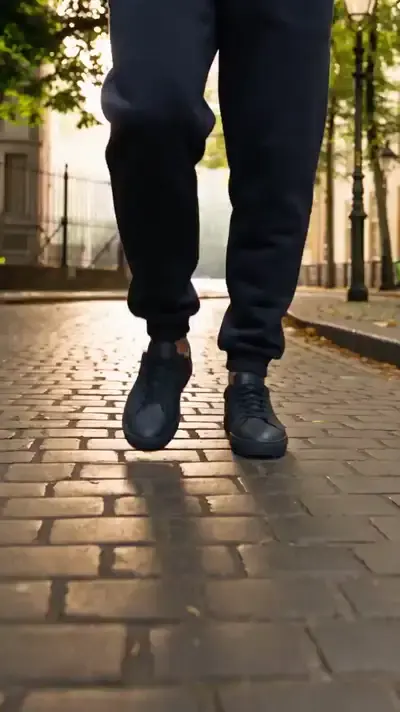
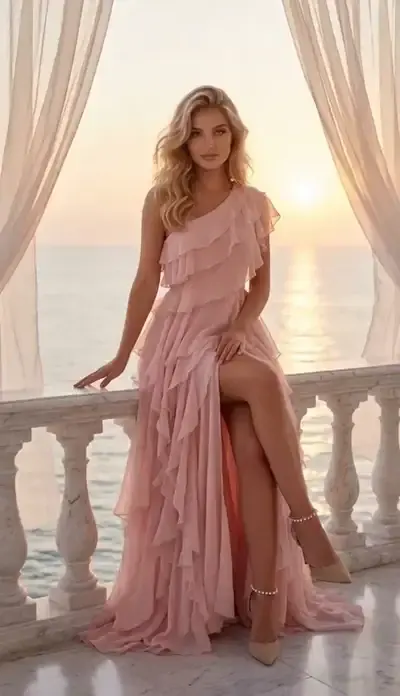
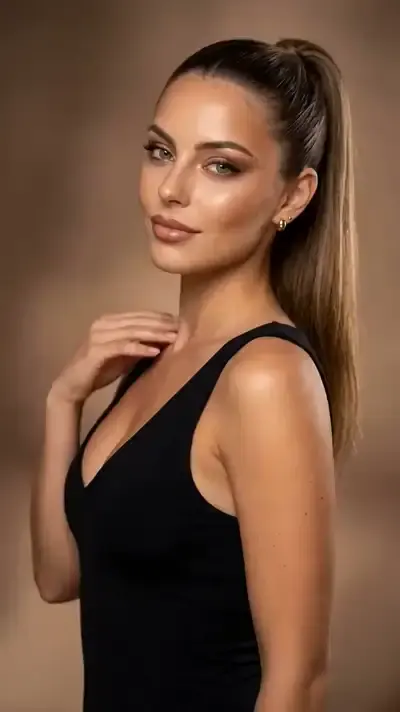
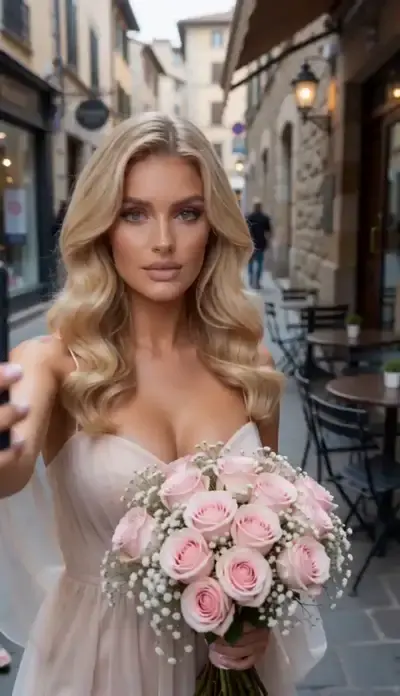
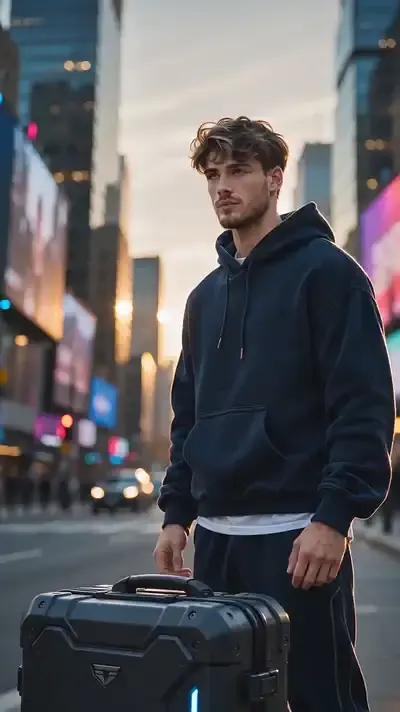
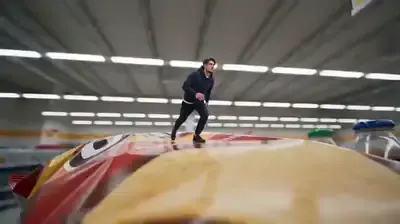
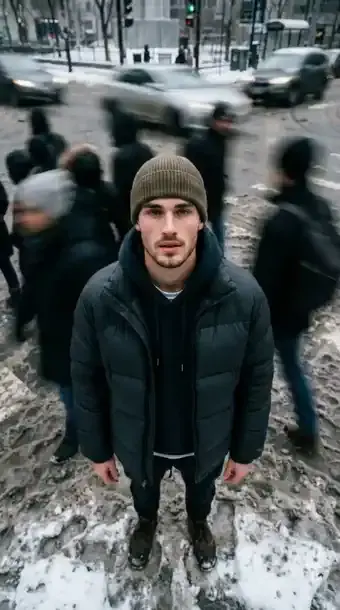
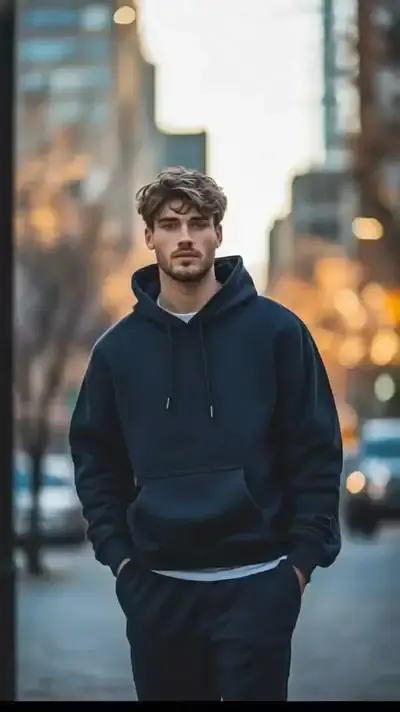
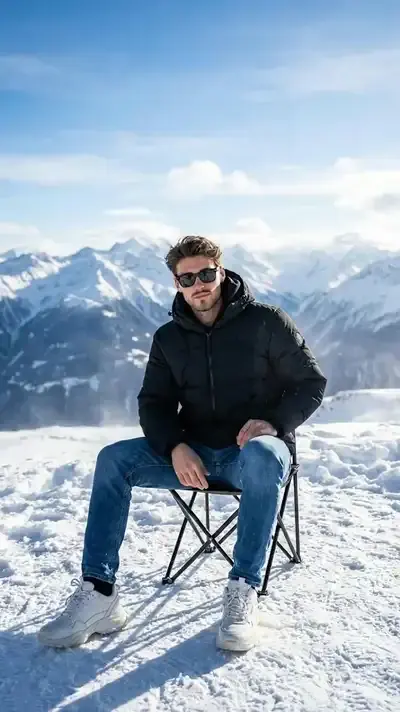
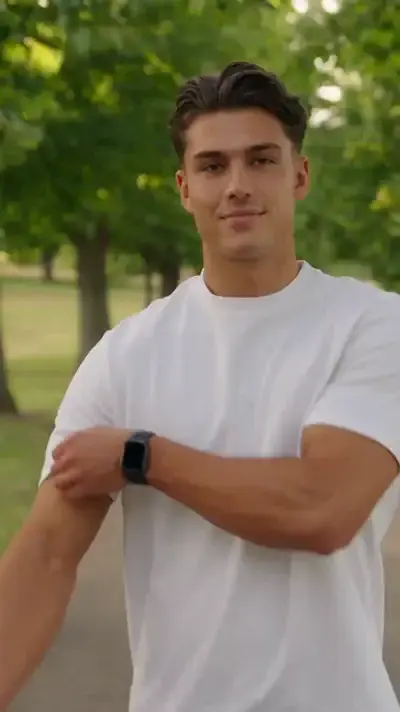
FAQ
Is there a free AI short video generator?
A new account starts with 5 stars once the email address is verified, and every video template or model states its star cost before the run. Look for templates labeled Free today, which can be run a set number of times per day without stars; beyond that, the Pricing page covers plans and star packs.
Will a short clip have sound?
It depends on the model. Some video models return the clip with a built-in audio track and others deliver silent video. In a clip of a few seconds silence is noticeable at once, so if sound matters, test the model on one short clip first.
Can I set an exact length, say ten seconds?
Length comes from the options a model supports; you cannot type any number of seconds you like. In practice that rarely matters: eight or ten seconds makes no difference to a single action, and if the action does not fit, simplify it instead of stretching the clip.
What are good ideas for short AI videos?
Think in single beats: a glance over the shoulder, a frozen frame with a bouquet, a tiny shopper in a giant store, an exosuit powering on, a crowd rushing past in time-lapse. Each holds one action and one camera move, and templates for several of them are already in the catalog.
Which model should I pick for short clips?
Start with a template if one matches your idea, since the template already sets the setting, look and camera path. For your own prompt, the Create video page offers models such as Kling 2.6, Seedance 2 Mini, Grok Video and Veo 3.1; Motion Control is the one to choose when your photo should move like a reference video.