AI Video With Audio: Length, Sound and Starting Point
Getting a good AI video with audio comes down to three choices made before you press run: how many seconds the clip needs, what the viewer should hear, and whether it begins from your photo or from a written scene.
Make a video with soundReady in minutes · Free templates every day
Each answer narrows the model list on MarketVideo. Kling 3.0, Seedance 2.5 Omni and VEO Omni 1.1 treat sound differently, allow different lengths, and their star cost shifts with both. The sections below walk through each decision, then point to ready templates where the soundtrack is already part of the plan.
Decision one: how long the clip runs
Kling 3.0 renders 5, 10 or 15 seconds. Seedance 2.5 Omni adds a 30-second option, while VEO Omni 1.1 stays between 6 and 10 seconds. Length is a field on the form, set before the run, and any of these fits a Reel or a TikTok post. For a two-minute story, generate several scenes in one shared style and cut them together in an editor of your choice.
Decision two: what the viewer hears
Each of the three models handles audio its own way. On Kling 3.0 sound effects are a switch: turn it on and footsteps, street noise or claps are added to match the motion. Seedance 2.5 Omni always returns a soundtrack and can take an audio reference. VEO Omni 1.1 lets a character in the frame speak the lines you put into the scene description.
Decision three: your photo or a written scene
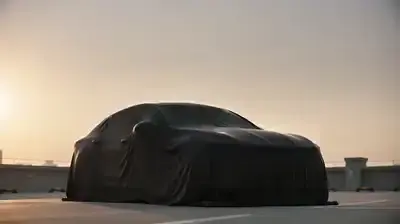
Begin from a photo when the clip must show you or someone close to you: the model holds on to the face in the picture and builds movement, light and camera around it. Begin from text when the scene can be invented from nothing, such as a dragon over a forest or a car unveiled at dusk. Create Video also accepts a picture and a description together in a single run.
Templates where the sound is already planned
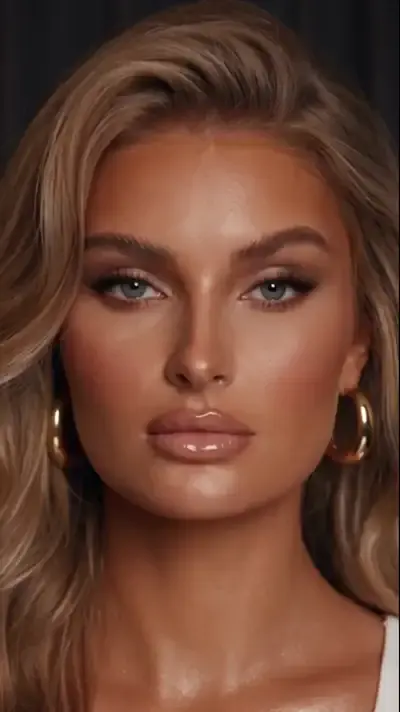
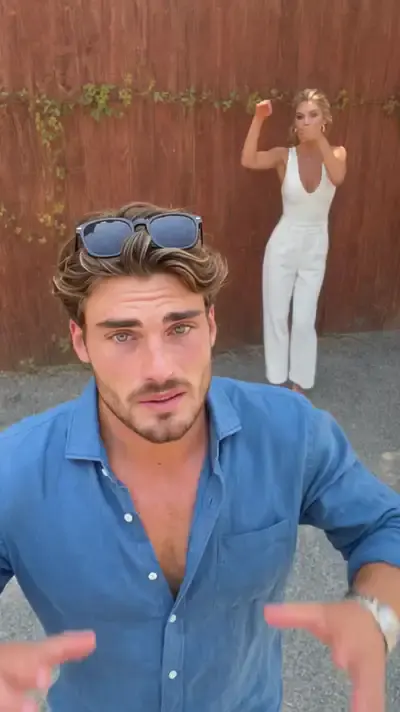
In 360 Spin the camera circles you inside a cozy room while music plays. Anime Transformation has you make a finger frame that reveals your anime version, and it ships with music. On the Same Wavelength takes two photos and has the pair singing and dancing by a red fence. Frozen Moment Fly-Through runs on Seedance 2.5 Omni and drifts through a scene stopped mid-motion.
What a clip costs and how to try it free
The price in stars grows with model, length and resolution, and the exact figure appears on the form before anything starts. A verified email drops five stars onto a new balance, which covers a first short clip on a cheaper setting. Templates showing the Free today mark skip the charge until that template's daily allowance is spent. The Pricing page handles refills by subscription or one-off bundle.
Ready-made templates


FAQ
How long can AI videos be?
Single clips here run from 5 to 30 seconds depending on the model: 15 is the ceiling on Kling 3.0, 30 on Seedance 2.5 Omni and 10 on VEO Omni 1.1. Anything longer is assembled from several clips rendered one by one and then cut together in an editor.
Can the people in my clip actually speak?
With VEO Omni 1.1 they can: write the line into the scene description and the character on screen says it. LTX-2.3 LipSync moves a portrait's lips in time with a recording you supply. There is no tool that lays a separate voice track over a finished clip.
Can I generate an AI video for free?
Within a budget, yes. Browsing the catalog needs no account; generating needs a free one with a confirmed address, which brings five starter stars. Templates marked Free today also run without spending stars until their daily quota is reached.
Does every model add sound automatically?
Not every one. Seedance 2.5 Omni always returns audio, while on Kling 3.0 effects are a toggle you set before the run. VEO Omni 1.1 is the pick when a character should say a written line. Check the settings on Create Video so the clip does not come back silent.
Which photos can I use?
Pictures of yourself work, as do photos of people who have agreed to appear. Famous faces and anyone who never said yes stay out, and kids appear only in family clips. A sharp, front-lit shot gives the model a clearer face to carry into motion.