Seedance 2.5 Omni: AI Video With Sound and Speech
Seedance 2.5 is the newest model in the ByteDance Seedance family, and on MarketVideo it runs as Seedance 2.5 Omni: a single pass gives you the picture, the scene's ambient sound and the lines characters say on screen.
Make a video with soundReady in minutes · Free templates every day
Pick it on the Create video page, or start from catalog templates built on it, such as Runway Jump Shot and Chance Encounter. Compared with Seedance 2.0, it holds longer clips together and sticks closer to what your script asks for.
What the Omni part means
With a silent model, audio has to be added later in a separate tool. Omni builds the soundtrack during the same run: background noise of the scene plus the speech of people in the frame, with lips moving in step with the words. There is no second lip sync pass, so there is no visible seam where picture and sound were joined.
Writing a scene for Seedance 2.5
Open Create video, choose Seedance 2.5 Omni, describe the scene and attach photos if a particular face or object matters. Put dialogue in quotes and say who speaks it. Mention the sounds you expect, like rain on a window or a cheering crowd. Splitting the script into timed beats, for example 0–4 sec and then 4–8 sec, suits a model that follows instructions closely.
Templates already running on 2.5 Omni
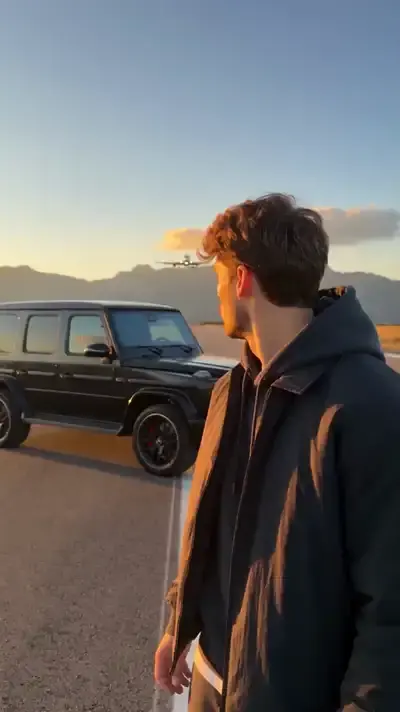
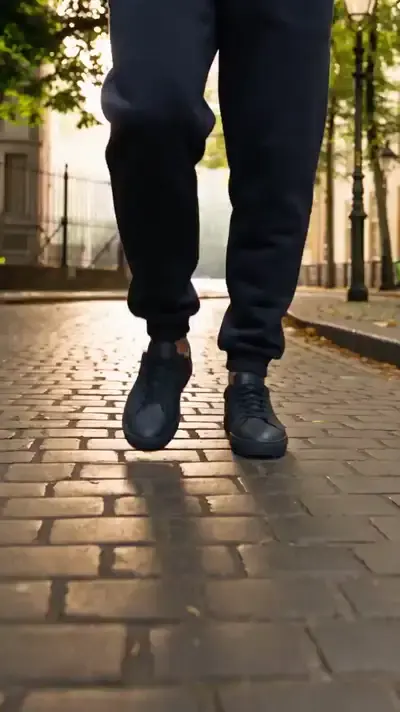
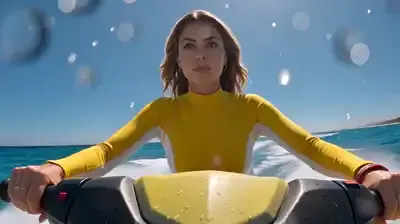
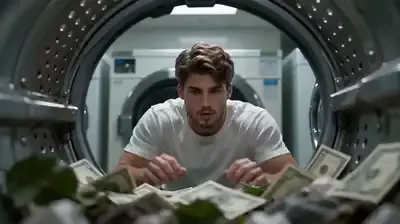
Runway Jump Shot treats one photo as a strict reference for your look and places you on an empty runway in a 10-second vertical clip. Chance Encounter is a 10-second fashion film: one picture sets the street, another supplies a pair of glasses as the hero object. Other cards in the grid use Seedance 2.0 and Seedance 2 Mini, so you can compare the family's style.
Stars, waiting time and fair use
Every Seedance 2.5 run is charged in stars, and the form shows the cost before you start. Expect a few minutes per clip; a crowded queue can add to that. Upload only your own photos or pictures of people who said yes. Celebrities and politicians stay out of these clips, and kids belong only in scenes of your own family.
Ready-made templates


FAQ
How is Seedance 2.5 Omni different from Seedance 2.0?
Seedance 2.0 delivers the picture alone. Version 2.5 Omni adds the soundtrack and in-frame speech in that same generation, keeps longer scenes coherent and reads written directions more precisely. Both models sit side by side on Create video.
Can I try Seedance 2.5 for free?
In part. Confirming your email credits a fresh account with 5 starter stars, which may cover a first run if the model costs no more than that. Separately, templates showing the Free today label skip the star charge until that day's limit is used up.
What does Seedance 2.5 cost?
There is no flat fee: you pay in stars, and the exact amount appears in the form before the run. When your balance gets low, extra stars are sold as subscriptions and one-off packs, both listed on the Pricing page.
When was Seedance 2.5 released?
We don't quote an official launch date here. What matters for you is that Seedance 2.5 Omni is already connected on MarketVideo, so you can select it on Create video or open one of its templates today.