Seedance 2.0: Stunts, Transformations and Orbiting Shots
Seedance 2.0 powers most of the high-energy templates on MarketVideo: flips, smashes, quick transformations and a camera circling the subject. Run it online from a ready template or from your own photo and prompt.
Create a Seedance 2.0 videoReady in minutes · Free templates every day
Calmer models struggle with sudden motion and a change of shot inside one clip; this version handles both, so the catalog leans on it for action. The same strength helps product clips, where the camera travels around an item and the item has to keep its shape from every side.
Stunts and impact with believable weight
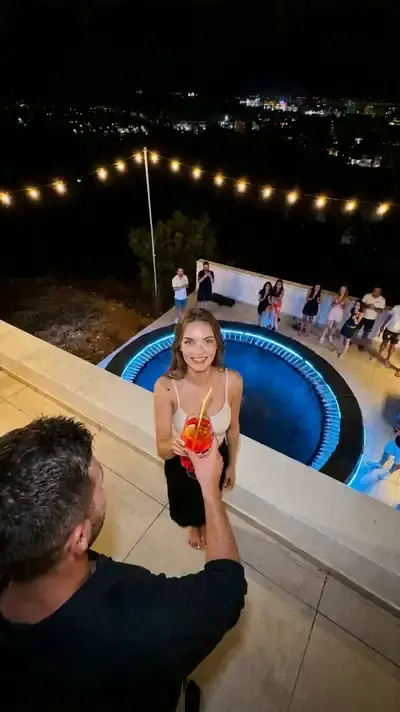
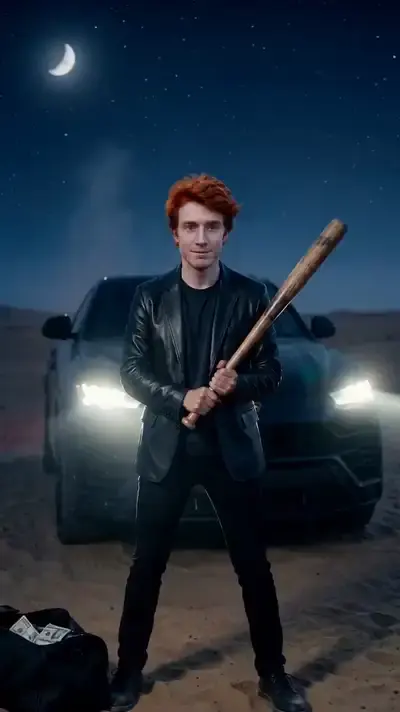
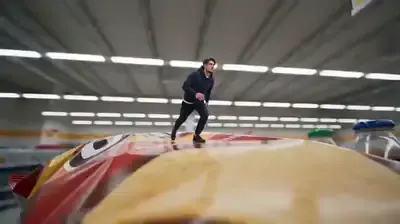
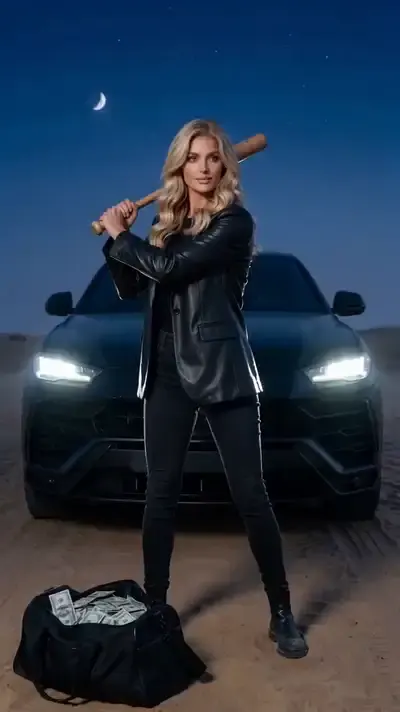
Flips, jumps, falls and a bat hitting a car are the scenes where weak physics shows at once. Seedance 2.0 handles momentum and weight, so the motion reads as filmed rather than drawn. Rooftop Party Flip keeps one continuous 10-second take of a guest pulling stunts at a night party, and the desert smash cards play a 5-second action shot under moonlight.
Transformations without jumps between frames
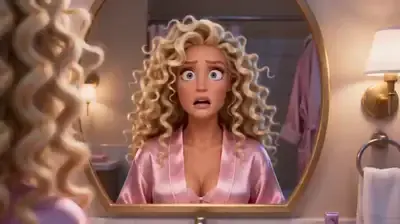
A messy morning look turning into a glamorous summer style lives or dies on a smooth change from one state to the next. Unruly Curls Makeover does exactly that in fast 3D animation with snappy cuts and no speech. Daughter Gives Dad a Makeover takes one photo of a father and one of his daughter and asks the model to hold both faces steady through the whole clip.
Orbiting camera for product clips
For a product, the useful move is a camera that circles the item while its shape and details stay intact, the kind of shot that usually needs a slider. No template in this grid covers it yet, so open Create video, select Seedance 2.0, attach a clear product photo and describe the orbit: the item, the surface under it, the light and one slow turn around it.
Ready templates or your own idea
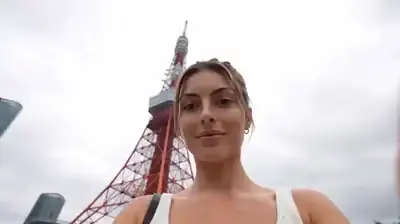
A template comes with its setting, camera path and clip length fixed, so all you supply is a picture of yourself. Tokyo Travel Vlog, for example, turns one portrait into a 10-second travel montage with the same face in every shot. When the idea is yours, Create video takes a description plus optional photos, and you choose Seedance 2.0 from the model menu.
Choosing between 2.0, 2 Mini and 2.5 Omni
If the motion is calm and the clip is a single scene, the lighter Seedance 2 Mini is often enough; the gap only shows on hard, fast action. Seedance 2.5 Omni is the newer release and copes better with complex scenes. Star costs differ by model and appear before a run, so weigh them against what the clip actually needs.
What to expect from a run
What comes back is one short clip, 5 or 10 seconds on the cards here, saved to your history and ready to download. Expect a wait of several minutes, more at busy times. Every run is a new take, and a face can drift from the source, so start from a sharp, well-lit picture and run again if the first result misses.
Ready-made templates


FAQ
Can I use Seedance 2.0 for free?
Signing up does not cost anything, and confirming the address puts 5 stars in the new account. A small rotating set of templates is free each day, marked Free today, until its daily allowance runs out. Beyond that, every Seedance run spends stars; more are available on the Pricing page.
Does Seedance 2.0 work from a single photo?
One portrait is enough for most cards here, and a few ask for two, such as the dad and daughter makeover. On Create video you can also attach your own picture, choose Seedance 2.0 and write what should happen, from a jump to a slow orbit. Only upload faces that are yours or whose owners gave consent.
How long are Seedance 2.0 clips?
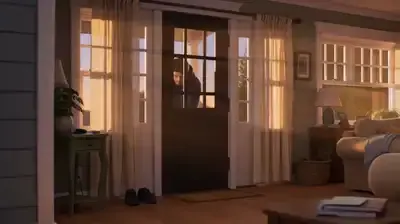
On the cards in this grid, the bat smash scenes run 5 seconds, while the rooftop flip, the travel vlog and the animated love story run 10. The length is set inside each template; on Create video you pick it from the options the model offers.
How is Seedance 2.0 different from 2.5 Omni?
Version 2.5 Omni is newer and stronger on complex scenes, while 2.0 covers the bulk of everyday jobs and drives most action templates in the catalog. If a clip is mostly fast motion in one setting, 2.0 is a sound first choice; compare the star cost of both before you run.
Can I make a Seedance 2.0 product video?
Create video handles that: attach a sharp photo of the item on a plain background, select Seedance 2.0 and ask for the camera to circle it slowly in soft light. Plan on a few attempts, since each take differs and small print on a label may not stay legible.
Do I need to install anything?
No. Seedance 2.0 runs on MarketVideo servers and opens in the browser of any current phone or computer. There is no mobile app: you sign in on the site, start the clip and download the finished file when it is ready.