Seedance AI video generator: 2.0, 2 Mini and 2.5 Omni
Seedance AI is ByteDance's video model family, and on MarketVideo you can run three versions of it in a browser: 2.0, 2 Mini and 2.5 Omni. Its strength is motion: fast camera moves, stunts and frames that transform on screen.
Make a Seedance videoReady in minutes · Free templates every day
Pick a ready template built on Seedance, upload the picture the card requests and run it, or open Create video, choose a Seedance version and describe your own scene. No separate ByteDance account is needed: one MarketVideo login with a confirmed email covers every model.
Which Seedance version to pick
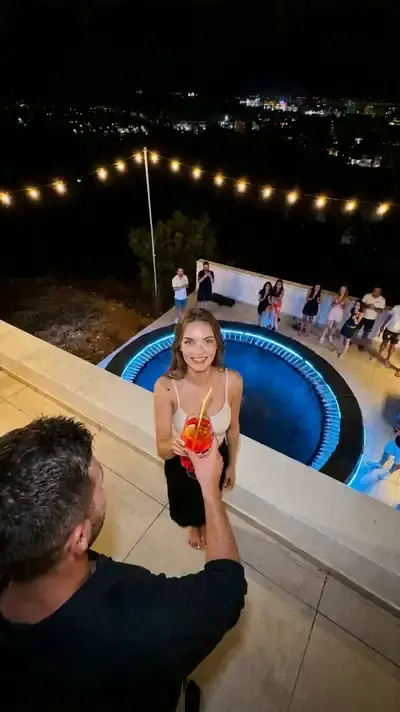
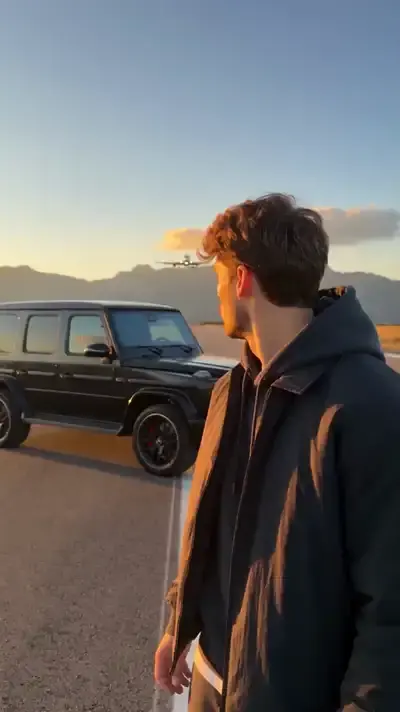
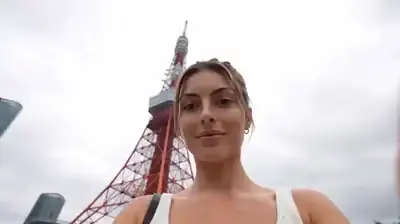
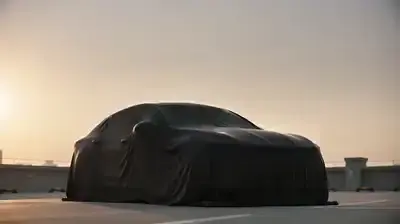
Seedance 2.0 is the workhorse: most of the Seedance cards in the grid below run on it, including Rooftop Party Flip and Tokyo Travel Vlog. Seedance 2 Mini suits quick, simpler runs such as Luxury Car Reveal, where a covered car is unveiled in a parking lot at sunset. Seedance 2.5 Omni is the newest of the three and can give the clip sound; Runway Jump Shot is built on it.
Where Seedance beats calmer models
Camera work is where the family stands out: a flight around an object, a sharp push-in, a switch to a new angle mid-clip. Rooftop Party Flip keeps one continuous take while the person from your photo pulls off stunts at a night party. Animated Love Story turns you into a 3D animated romance with a cut every second or so. For a quiet portrait that only breathes and blinks, Kling is usually the better pick.
Running Seedance on MarketVideo
Templates are the short route: open a card, add your picture and press run; the scene, the camera move and the model are already set. A scene of your own starts on Create video: select Seedance 2.0, 2 Mini or 2.5 Omni, write what should happen and attach a photo if a specific person or object must appear. You get an ordinary video file to save and share on TikTok, Reels or YouTube.
Stars, free runs and limits
Every Seedance run costs stars, and the price shows on the card or the model before you start. A newly verified account starts with 5 stars. On any given day a handful of cards are labeled Free today; those cost nothing until that day's limit is used up. Plans and star packs for later runs live on the Pricing page. Each run gives a different take, and small details can drift, so a second attempt is normal.
Ready-made templates

FAQ
Is Seedance made by ByteDance?
Yes, Seedance is ByteDance's video model line. On MarketVideo you use it without a ByteDance account or extra setup: sign in, open a template or the Create video page and run it like any other model on the site.
What is the difference between Seedance 2.0 and 2.5?
2.5 Omni is the newer one and can return a clip with sound, while 2.0 remains the version most Seedance templates rely on for stunts, transformations and quick cuts. To compare, run one idea through both on Create video and keep whichever take you like more.
When should I use Seedance 2 Mini?
Choose 2 Mini for quick runs and simpler scenes: a single object, one clear motion, a short reveal. Luxury Car Reveal is built on it. For a busy scene with many moves or several people, 2.0 or 2.5 Omni tend to hold up better.
Can I use Seedance for free?
Within the starter stars, yes. Once the email check is done, the balance shows 5 of them, and any template with the Free today label runs without stars until its daily limit is reached. After that, top up through the Pricing page.
Whose photos can I animate with Seedance?
Stick to shots where you are the subject, plus friends and relatives who gave a clear yes. Famous people, public figures and anyone who hasn't given consent can't be used, and children appear only in a family setting, never in anything suggestive.