Make Me Look Older: Your Face 10, 20 or 40 Years On
Make me look older is a request about the face, not the print: on MarketVideo a photo model adds years to the person in your picture and leaves the photo itself crisp and modern.
Add years to a portraitReady in minutes · Free templates every day
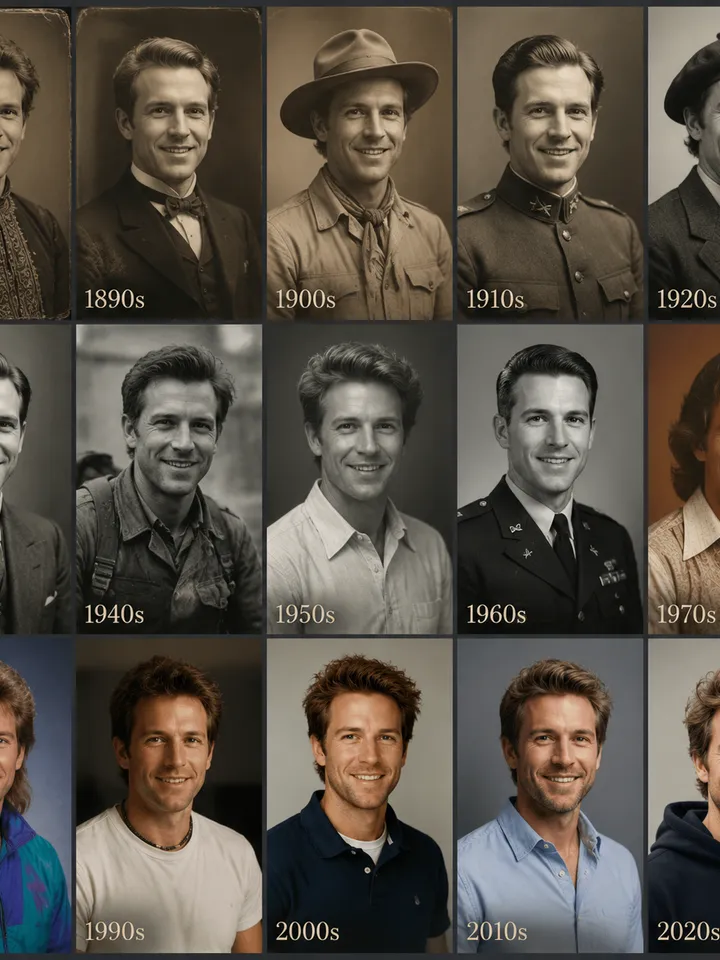
Below is how many years to ask for so the face stays yours, why two runs give two different older people, what an aged portrait is good for and where this edit stops. Stick to faces that belong to you or to relatives who like the idea.
Ask for a number of years, not just older
A bare request like make me older leaves the step to the model, and that step changes with every attempt. Name the gap instead. Plus 10 years almost always keeps the likeness. At plus 20 the hairline and jaw start to drift. At plus 40 the model is mostly inventing, since it knows nothing about your genes, sleep or sun. A row of three portraits at 10, 20 and 40 shows the arc best.
How to run it on Create photo
Open Create photo and attach a close, sharp portrait in even light. Write the change in one line, for example: same person, 20 years older, keep face shape, eye color and expression. Choose a photo model, GPT Image 2.5 being one option, and start. The star cost appears next to each model ahead of time, so a series of three horizons is easy to budget.
A plausible older you, not a forecast
Feed the same photo in twice and you get two different older people, both believable. Real aging depends on weight, sleep, smoking, sun and family genes, and none of that is visible in a picture. The model builds a likely-looking version from what it has learned, not your future photo. Treat it as a what-if portrait and choose the take that feels closest.
Where an aged portrait is useful
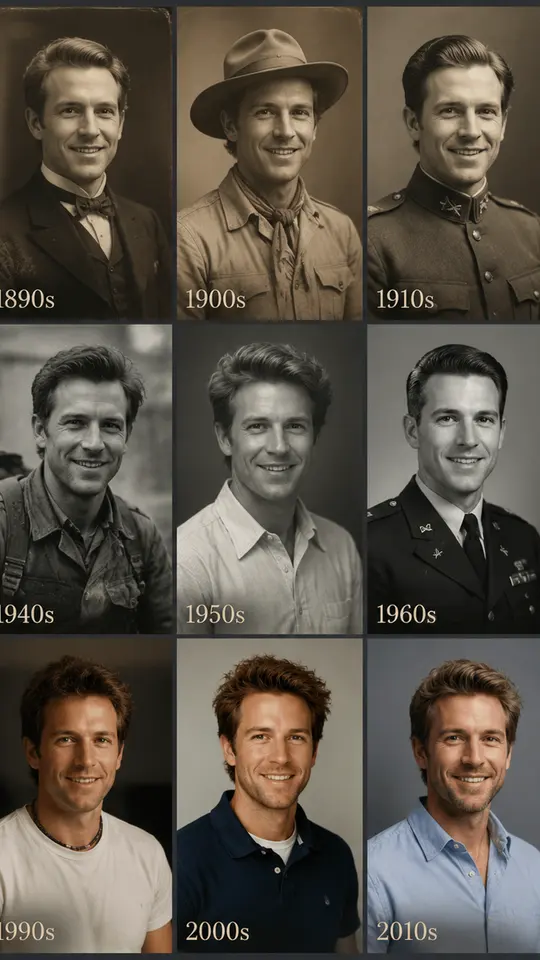
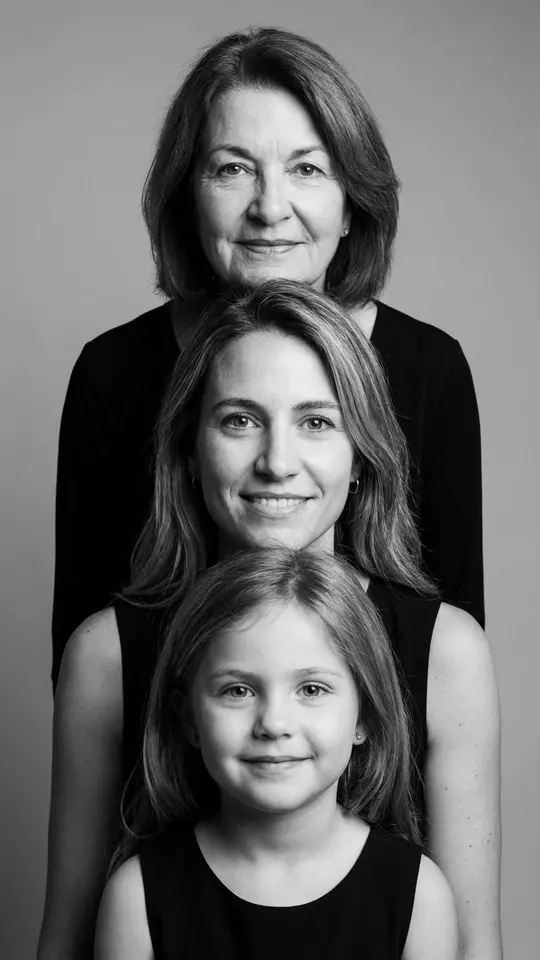
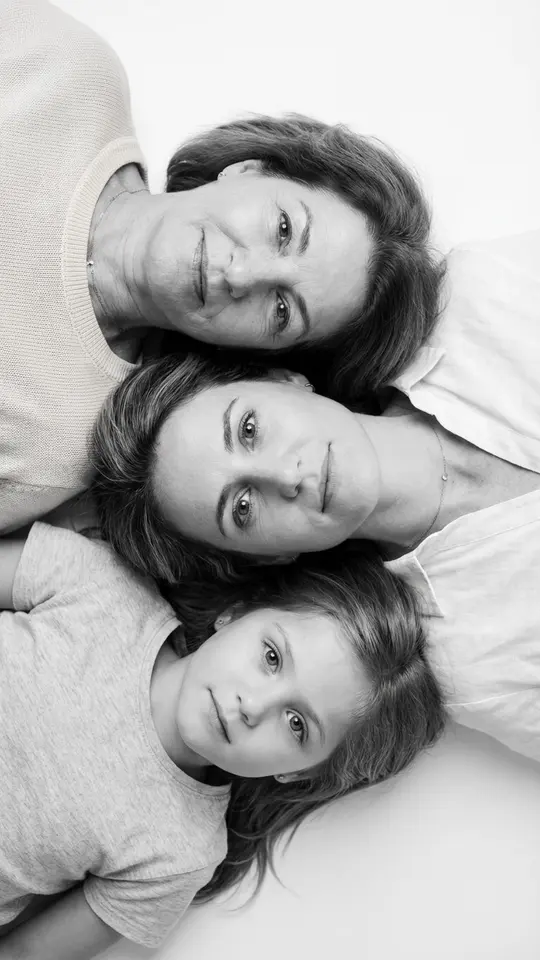
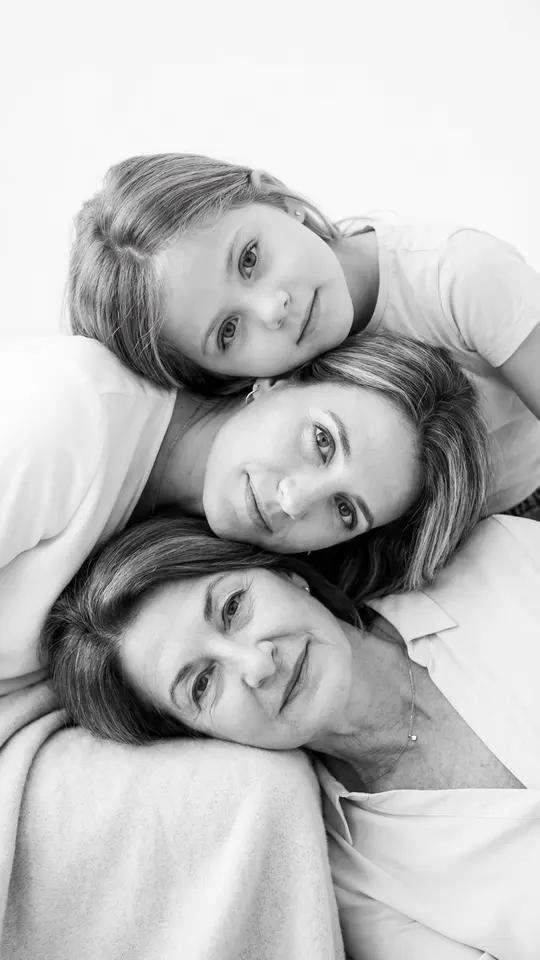
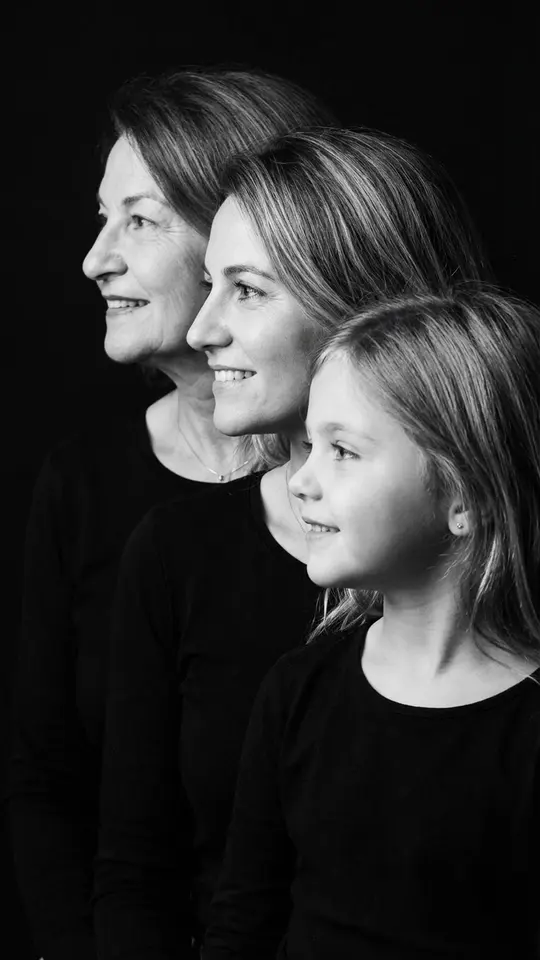
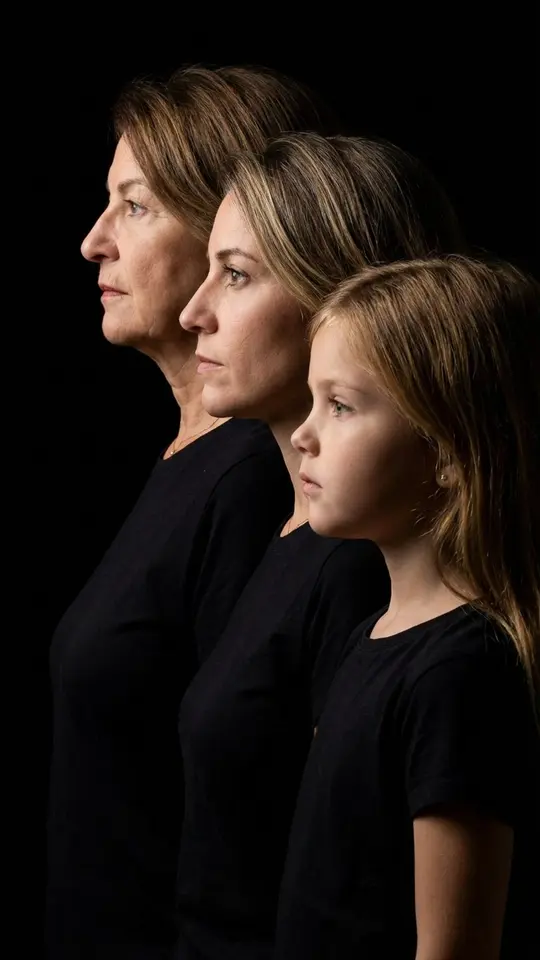
The usual reason is a pair: you today next to you decades from now. People show the pair to their kids, put it in a card for a milestone birthday or set it beside a family generations portrait like the stacked and overhead layouts in the grid. You Through the Decades plays with time another way: it dresses one face in looks from the 1880s to the 2020s without adding years.
What this edit is not
Painting wrinkles on with a filter is a different thing: creases laid over young bone structure read as smudges. It is not a vintage effect either. Grain, faded tones and worn corners change the picture, not the face, and you ask for them in other words. When the goal is a genuine old print in better shape, restoration and colorizing fix the photo without rewriting the person.
Ready-made templates
FAQ
How many years can AI add to my face?
There is no hard cap, but the useful limit sits around 20 years: past that the model invents more of the face than it keeps. To stay clearly recognizable, ask for 10 to 15 years and upload a large, sharp portrait.
Will it show what I will look like when I am older?
Not really. It shows one believable version among many, and another attempt brings a different one. Lifestyle and genes cannot be read from a photo, so treat the result as a sketch of a possibility rather than a prediction.
Can I age a photo of my child?
Within your own family, yes, but likeness is weakest here: a child's face changes more than any other on the way to adulthood, so the model is close to drawing a new person. To picture a future baby, the AI baby generator works the other way, from photos of both parents.
How many stars does a series take?
Plan for a series rather than one run: three horizons plus a repeat of the best is four generations. Every model in the list shows its price per generation ahead of time. Freshly verified accounts begin with 5 stars, and the Pricing page is the place for a bigger balance.