New Year AI Photo: Portraits, a Year Card and a Short Clip
A New Year AI photo on MarketVideo starts from a single portrait of you: pick a festive template, upload the picture, and the tree, lights and snow come from the scene itself.
Make a New Year photoReady in minutes · Free templates every day

From that one upload you can work through a short holiday list. First, festive portraits for profile pictures and family chats. Second, a card where the year's digits or a clock at 23:59 sit in the frame. Third, a few seconds of motion made from the finished still. Below is what each format needs, which props it brings and how the stars add up.
Item one: a festive portrait
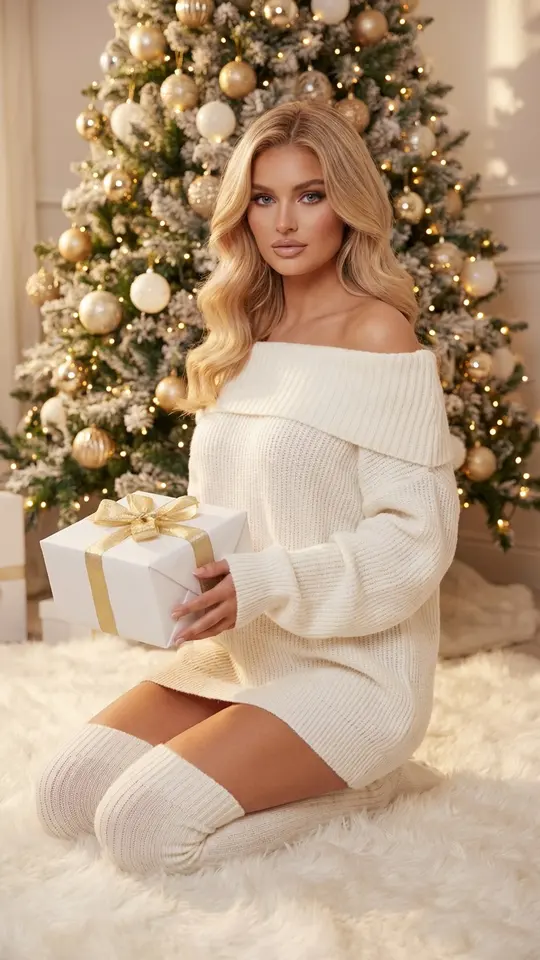
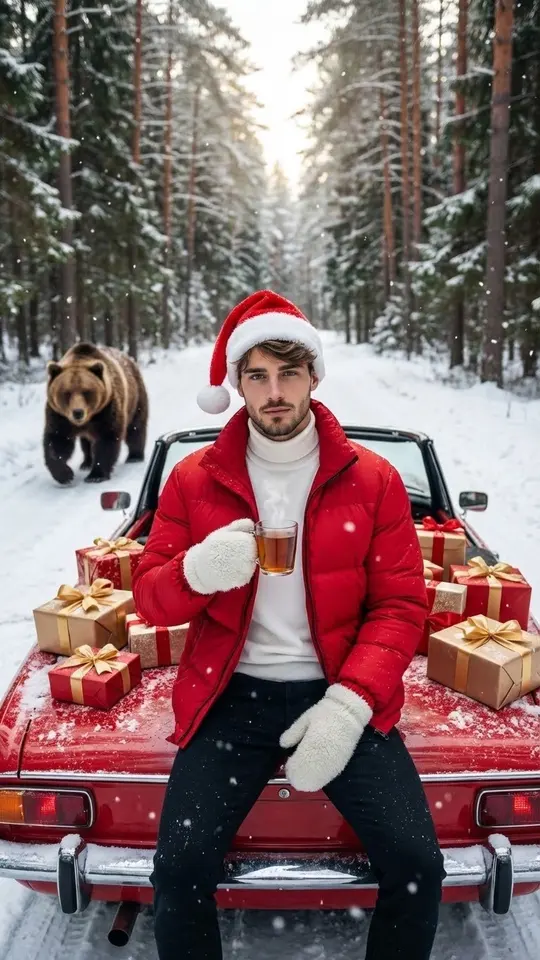
Holiday mood rests on props: a decorated tree, a gift box with ribbon, snow, fireworks behind glass. The templates here already hold them. Cozy Knit by the Tree kneels you on a white rug by the tree holding a gold-ribboned box. Santa's Vintage Convertible seats a man in a Santa hat on a red car in the snow. String Light Gown places you in a snowy forest. Your part is one sharp, well-lit photo with the face uncovered.
Item two: a card with the year on it
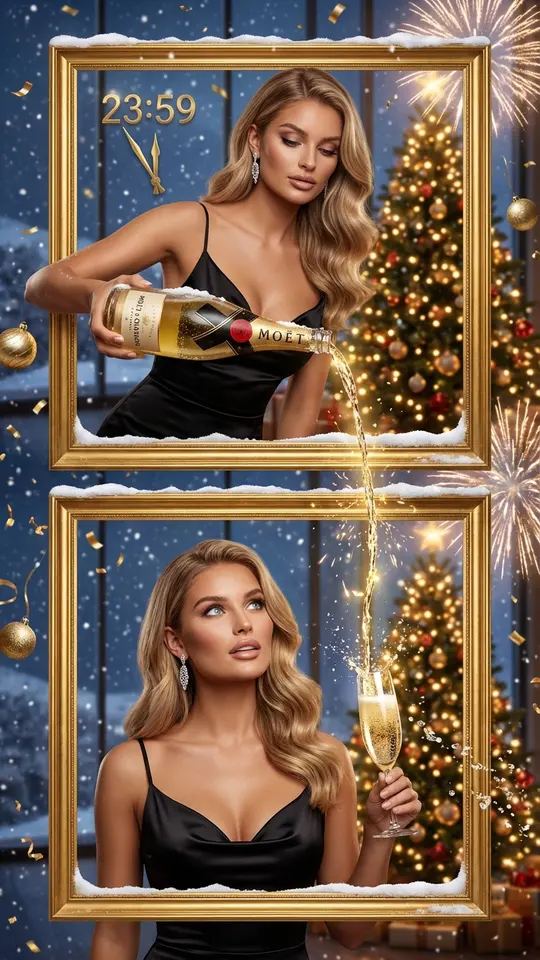
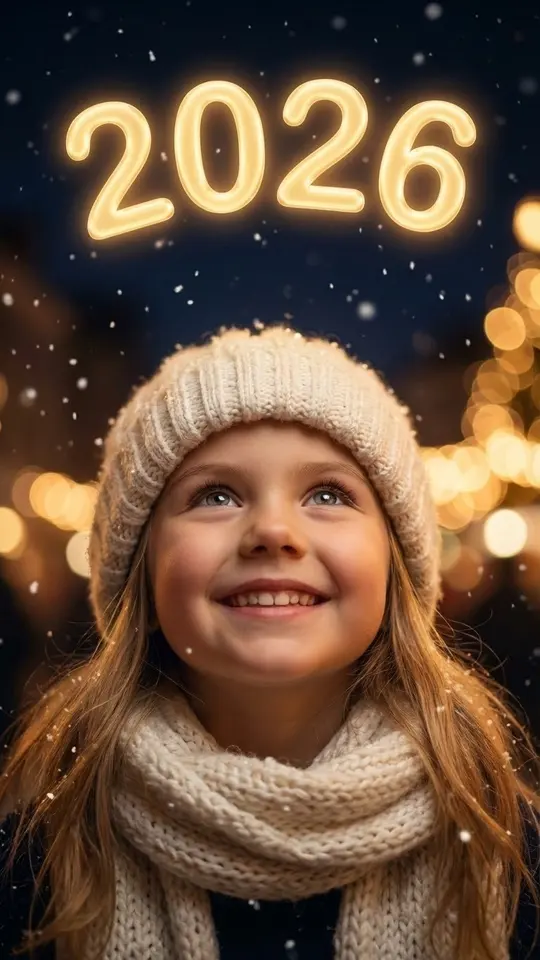
Countdown to Midnight puts golden clock hands at 23:59, confetti, falling snow and fireworks past panoramic windows behind you. New Year 2026 Wonder, a kids template, shows a child gazing up at glowing golden 2026 digits in the night sky. For the coming year, open Create photo, attach your portrait and write the digits into the prompt. Keep lettering short; a long greeting reads better in the message you send.
Item three: a few seconds of motion
A finished card can move. Bring a Photo to Life takes a still and adds subtle motion: breathing, slight head turns, eye movement. For snow that falls or lights that flicker, go to Create video, attach the image and describe the motion in a sentence, with a model like Seedance 2.5 Omni or Veo 3.1. Ask for one action per clip. Video comes back after a few minutes, while stills usually need a minute or two.
How the stars add up
Plan the list by format. A portrait is one photo run, a year card made on Create photo is another, and a clip is a video run, which usually takes more stars than a still. The exact figure sits on each card before you commit. Once your email is verified, the account holds 5 stars to try one format. Some cards show Free today and cost nothing until that template's daily limit is hit. When you need more, Pricing lists the options.
Limits worth knowing
Decor and lighting come from the scene, so a summer photo taken outdoors is fine. Likeness depends on the upload: a sharp face looking at the camera holds up better than a dim selfie by the TV. Results differ between runs, so try twice before giving up on a template. Upload yourself, or relatives and friends who said they are okay with it. Kids' templates are for your own family, and celebrities are off the table.
Ready-made templates
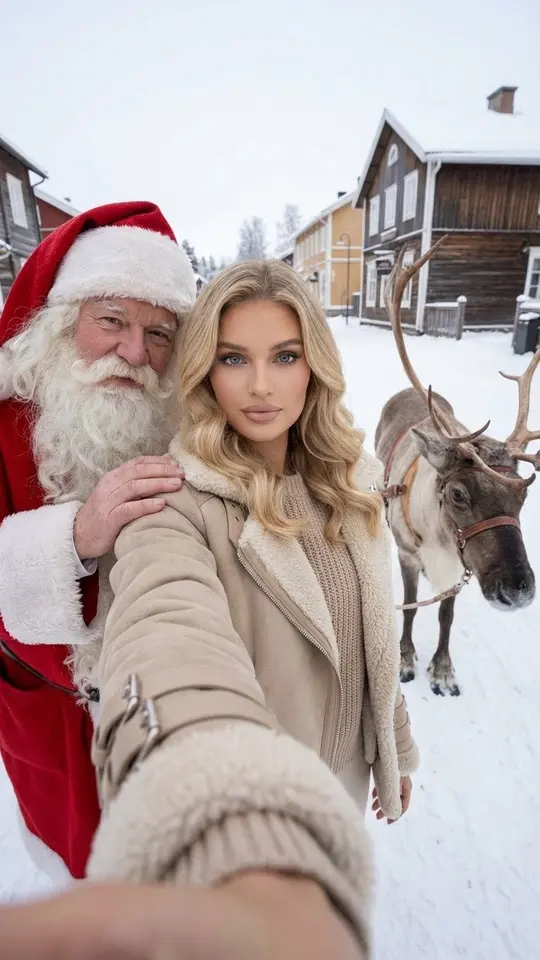
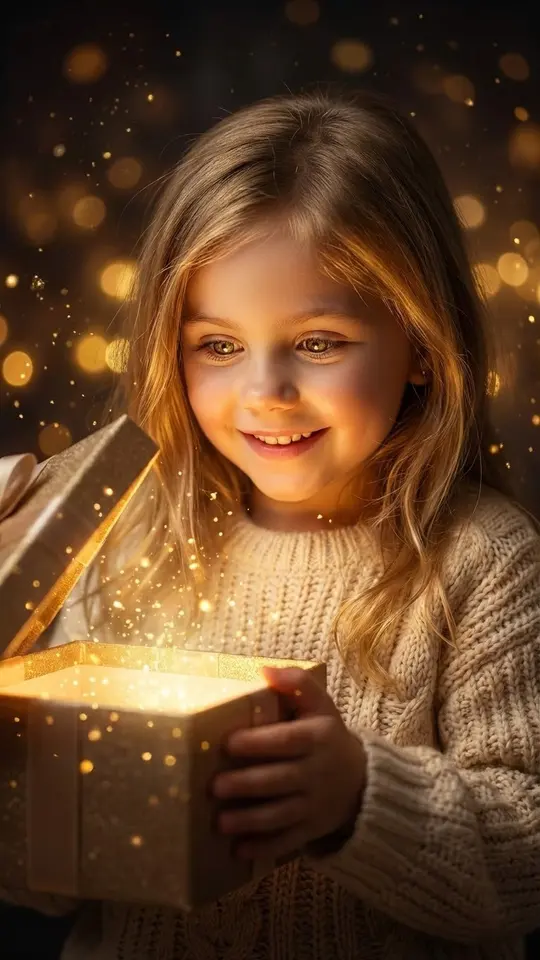
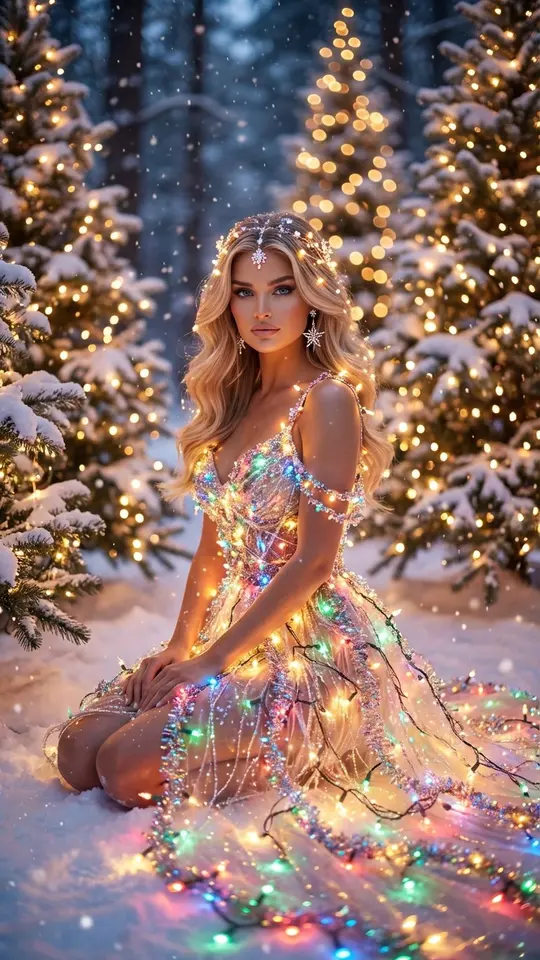
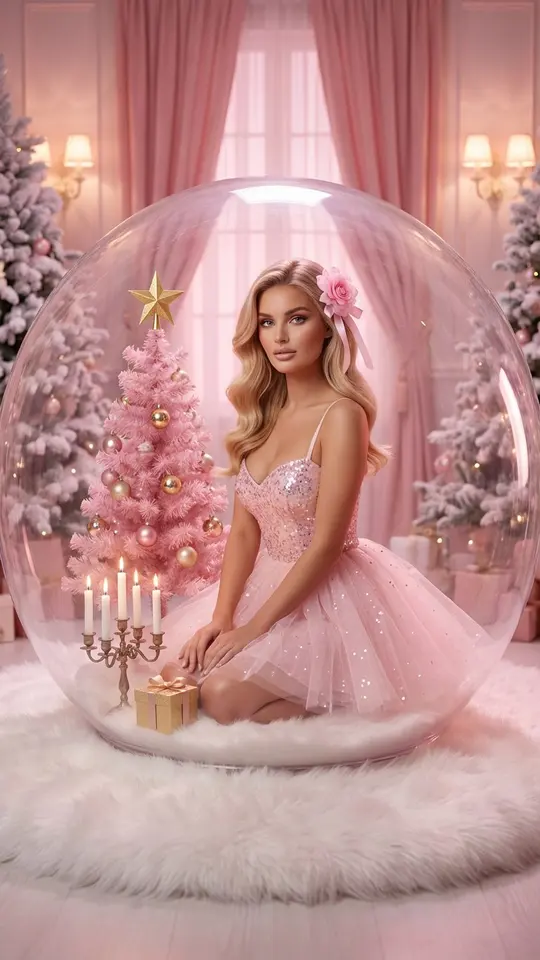
FAQ
Do I need a real Christmas tree in my photo?
No, the tree, garland and snow are part of the template, so a picture taken on a street in July still works. What matters is the face: sharp, evenly lit, not covered by a hat brim, hair or dark glasses.
Can the whole family be in one New Year picture?
Possible on Create photo: attach a separate portrait of each person and describe the scene, for example everyone around a table at midnight. Close individual portraits keep faces clearer than one group shot where everyone is small. Children only from your own family.
How do I put 2027 on the card instead of 2026?
New Year 2026 Wonder has its digits fixed. For another year, open Create photo, attach your portrait and ask for the numbers as a large golden decoration in the scene. Short numbers tend to come out clean; check them before sending and rerun if a digit looks wrong.
What is a good New Year AI photo prompt?
List four parts: who is in the frame, the place, the props and the light. For example: me in a red sweater by a window at 23:59, fireworks outside, a glass in hand, warm garland glow, keep my face unchanged. Add the year if you want it visible.
How do I send the result to friends?
Each finished image or clip downloads as a file you can attach to a message, post in a group chat or share on Reels. Past runs are also listed in your account, so a card made in early December is still there on the 31st.