Prompt to Image: Paste Your Prompt, Get the Picture
Prompt to image on MarketVideo is for people who already hold a finished prompt: paste it on the Create photo page, choose a photo model and run it to get a still picture.
Turn a prompt into an imageReady in minutes · Free templates every day
The text might be your own, copied from a collection or drafted in a chat with an assistant. Either way a model reads it by fairly steady habits, and knowing them saves more runs than any magic formula. Below: where to paste, how structure and length shape the frame, and how to read someone else's prompt.
Paste it and run
Go to Create photo, drop the prompt into the text field and pick a model: GPT Image 2.5, Seedream 4.5, NanoBanana PRO, NanoBanana 2.1 or the original Nano Banana. Attach a photo only when the prompt refers to one, such as a product or your own face. The star cost is visible before you start, and a still usually takes a minute or two to appear.
The first words weigh the most
Attention inside a model is uneven. Whatever comes first shapes the frame more strongly, so the main subject belongs at the start, with light, mood and finishing touches near the end. Shuffle the same words and the picture shifts. If a pasted prompt hides its subject in the middle of a sentence, move it forward before running.
How long a prompt should be
Two or three words leave the model too much freedom, while a whole page gets followed only in parts. A practical size is one or two sentences naming the subject, what it does, where it is and what the light is like. Everything beyond that acts as a wish rather than a rule, so trim long copied prompts down to the details you care about.
Reading someone else's prompt
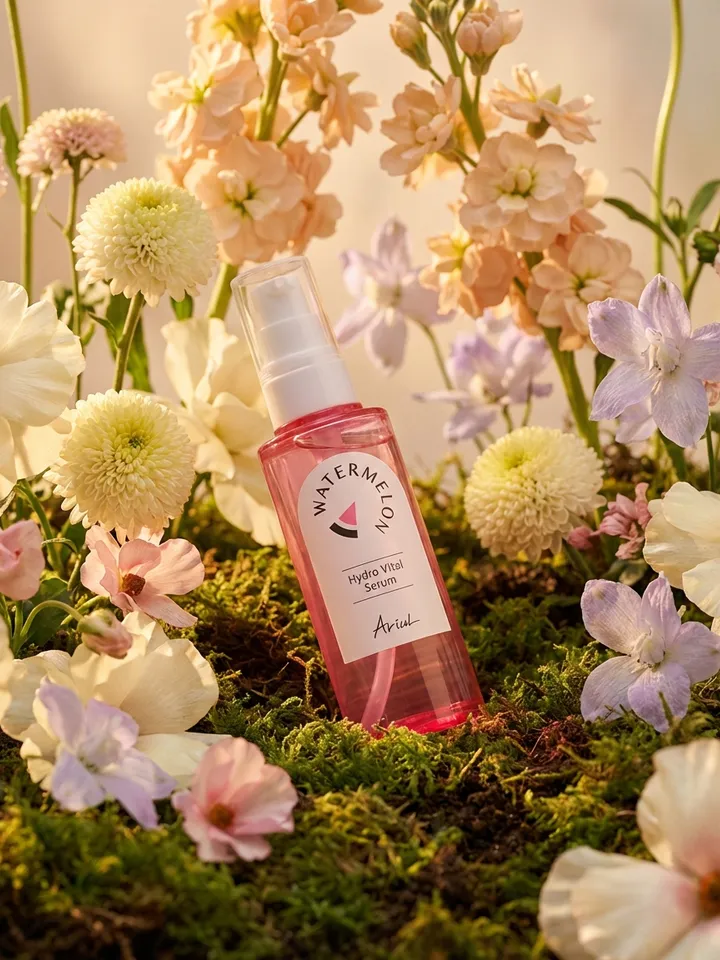
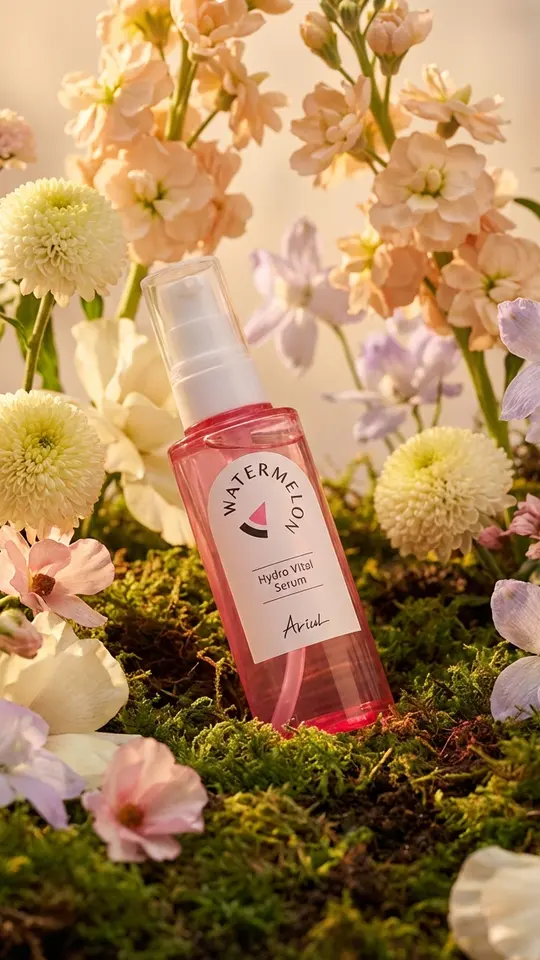
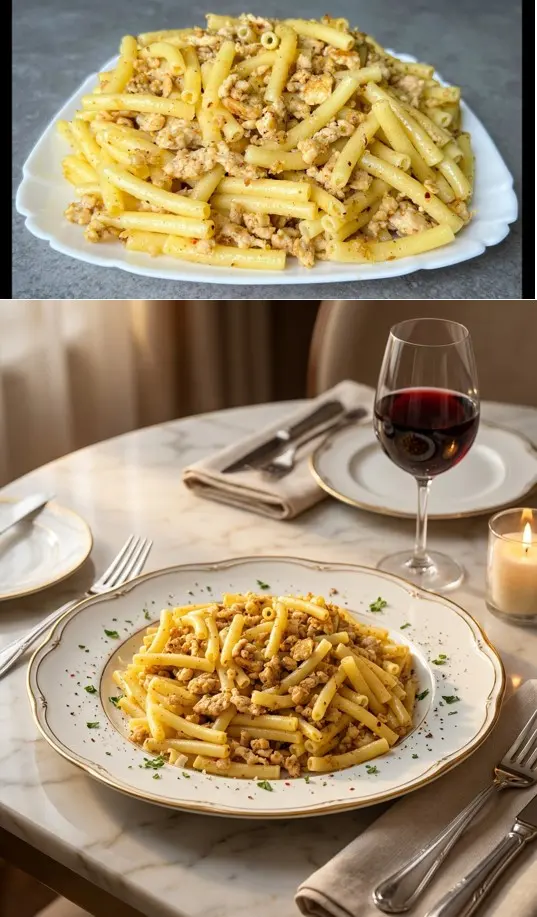
Before pasting a prompt you found, split it into parts: subject, setting, style, light, camera terms. The cards below make good practice. Golden Hour Floral Product keeps your uploaded item unchanged and sets it in moss and dark soil under warm diffused light. Pro Restaurant Food Shot lists style and mood as separate tags after the main request.
Why a copied prompt never repeats exactly
The same text gives a picture close in spirit, never a pixel copy, because each generation is new. Prompts are also tuned to a particular model, so wording polished for one may land differently on another. If the author named the model and it is on the list, use it; otherwise try two models and compare.
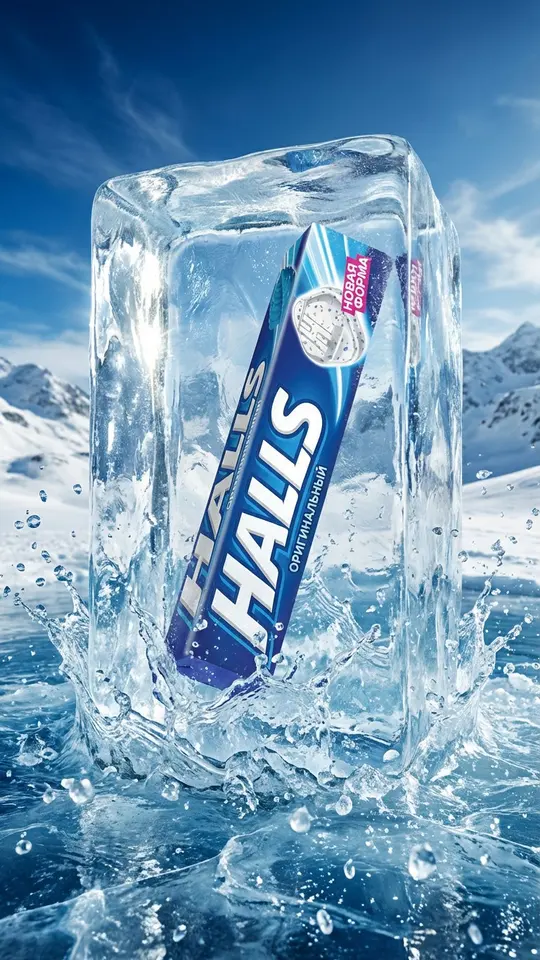
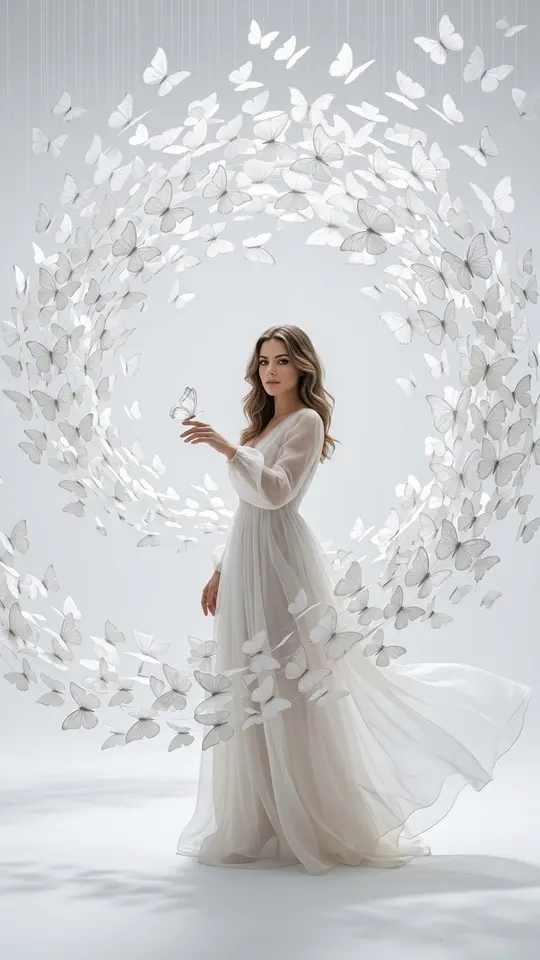
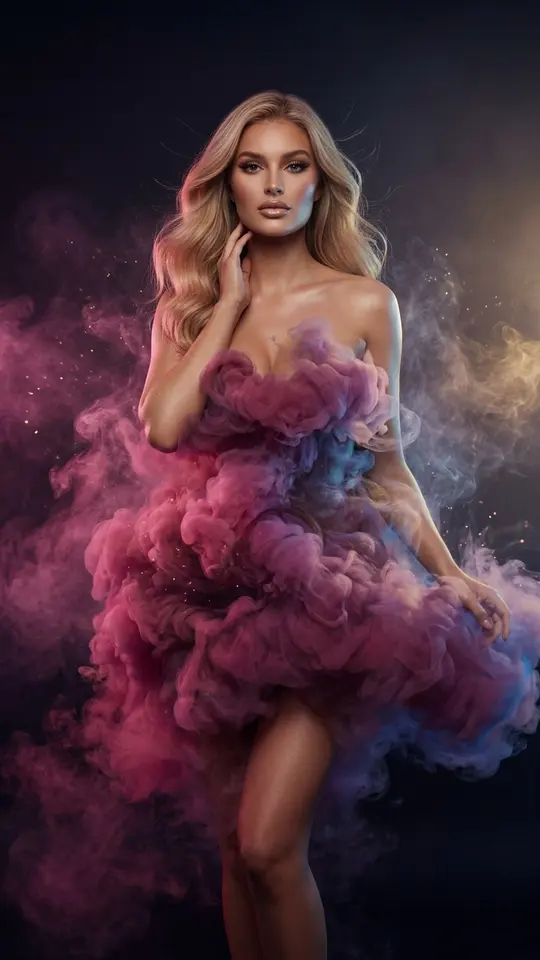
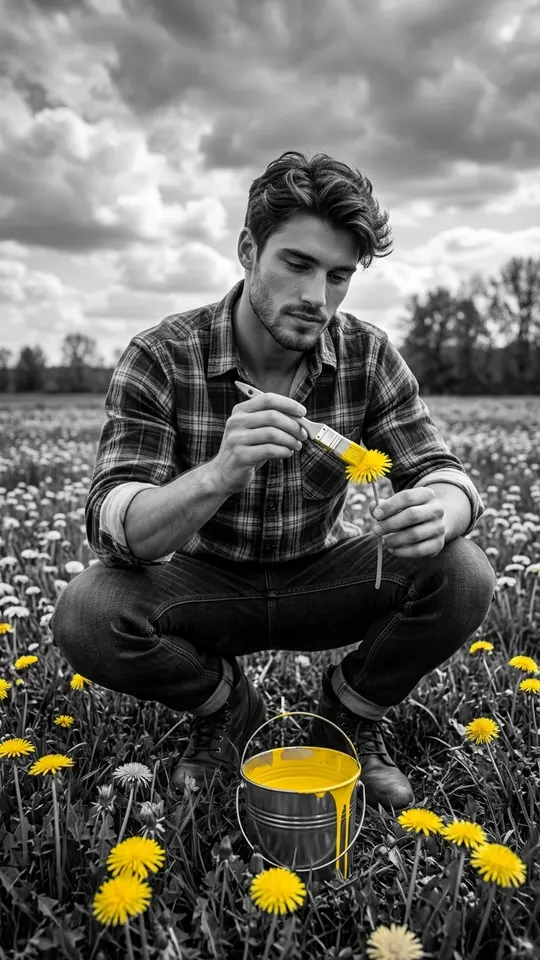
Ready-made templates
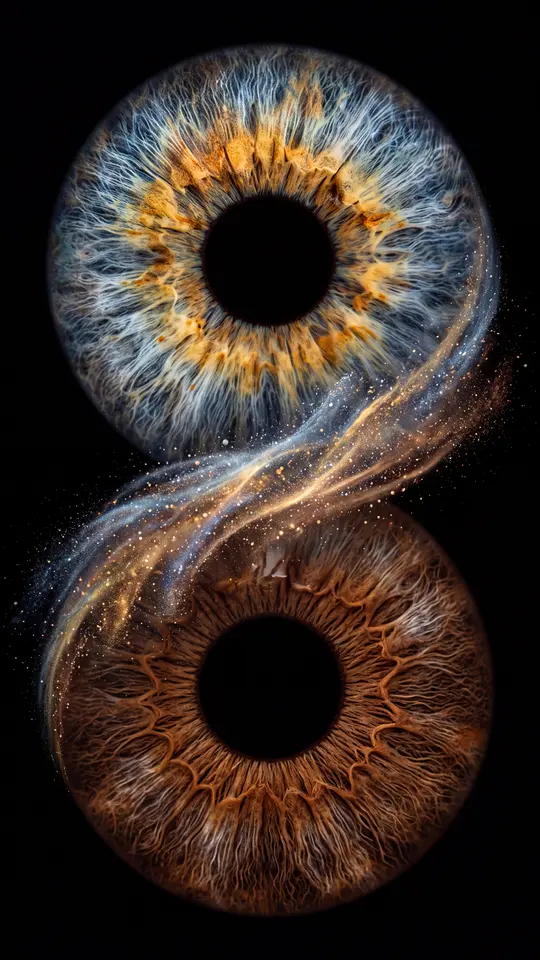
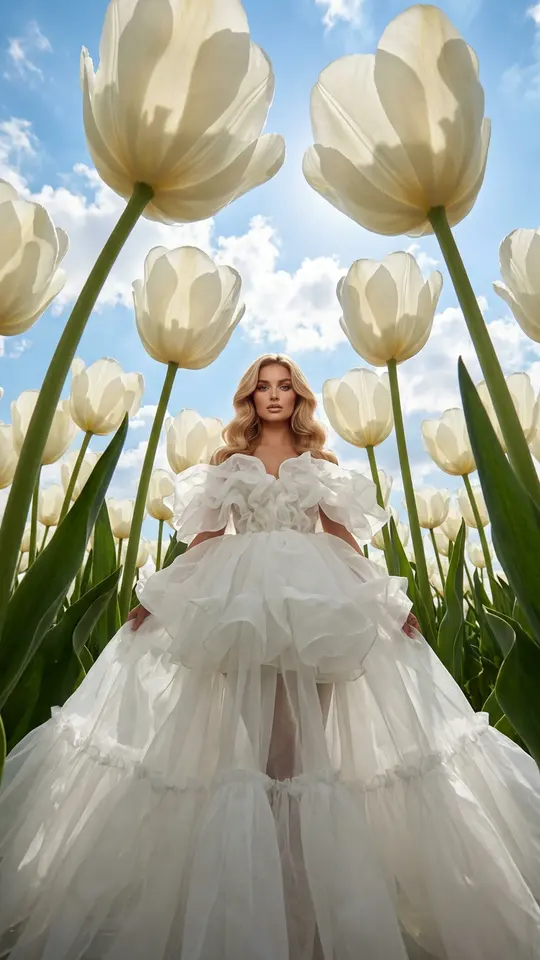
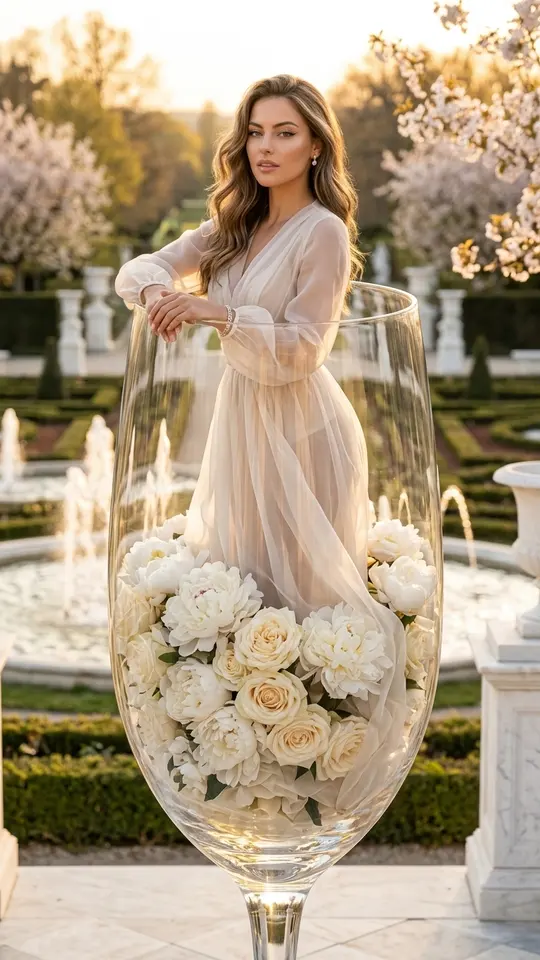
FAQ
How is this different from writing a description from scratch?
Here the text is already done. What matters is no longer what to describe but how the model will read what you pasted: which parts it will follow closely and which it will treat as optional.
Why does one prompt give different pictures?
Every generation starts fresh, so variation is part of how it works rather than a bug. Run the prompt two or three times, pick the take you like best and adjust single words instead of rewriting everything.
Is prompt to image AI free here?
Not entirely. Generating needs an account with a confirmed email, and confirming it brings 5 starter stars. Certain templates labeled Free today cost nothing until their daily cap is reached. Beyond that every run spends stars, and top-ups live on the Pricing page.
Can I paste a prompt that mentions an uploaded photo?
Yes. Add the photo on Create photo next to the text. Many catalog prompts start exactly that way, asking the model to keep a product or a face from the upload unchanged. Upload only your own face, or a friend's with their consent.