Seedream 4.5: ByteDance's Image Model for Rich Color
Seedream 4.5 is ByteDance's image model, and on MarketVideo you select it by name in the model list of Create photo. Its signature is dense, saturated color and large, finely detailed frames that look closer to a poster than to a snapshot.
Create a Seedream imageReady in minutes · Free templates every day
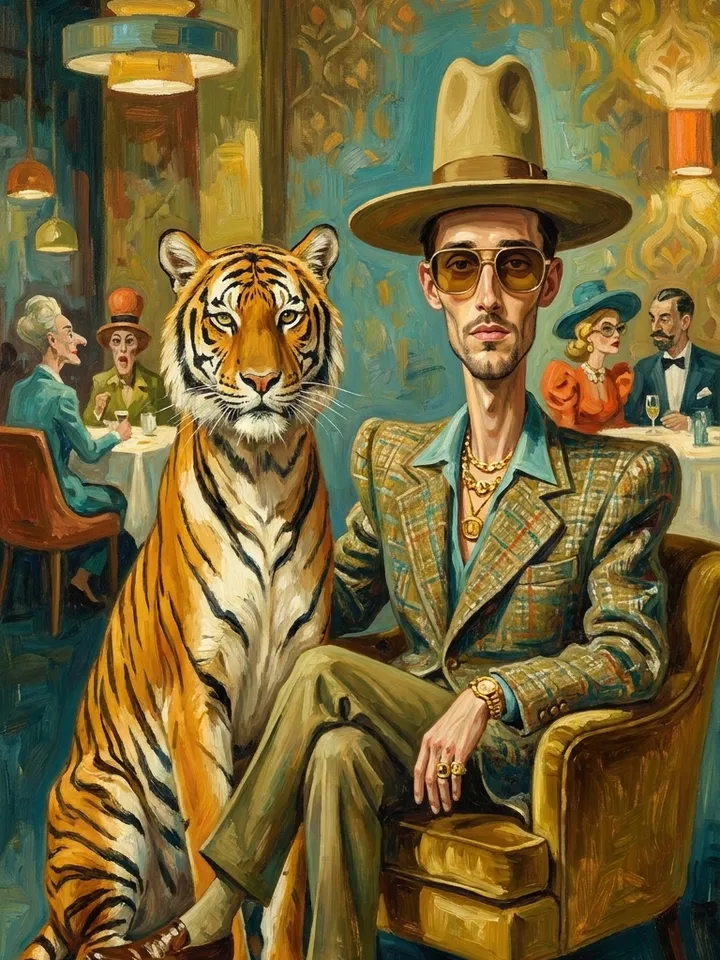
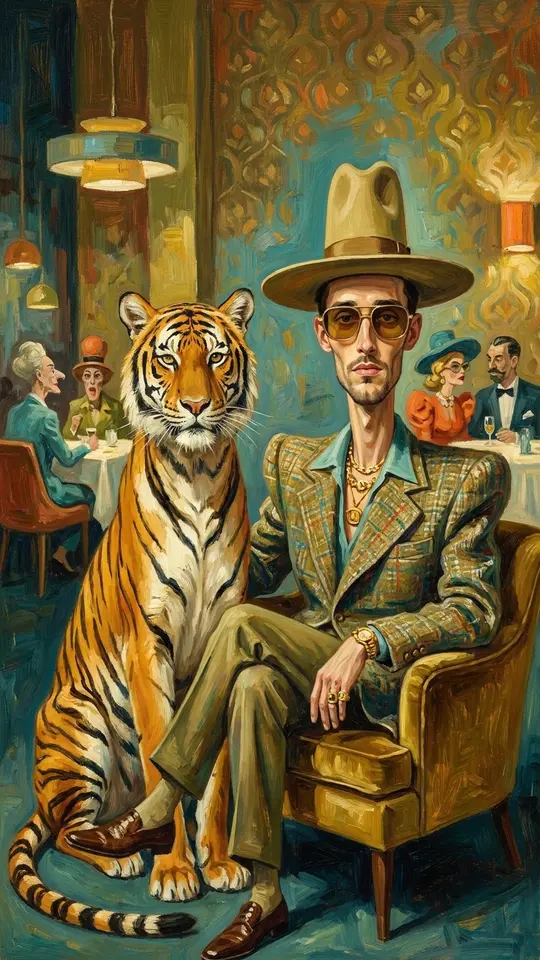
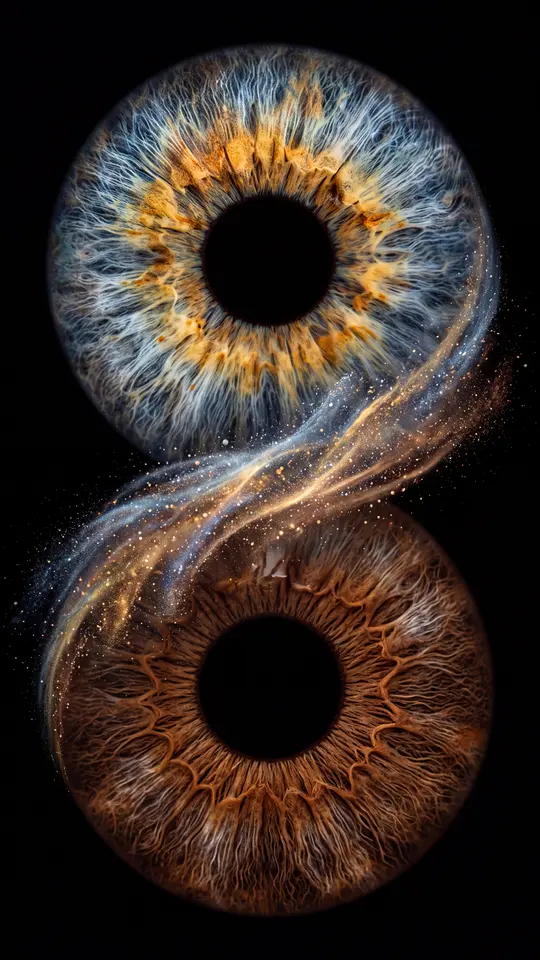
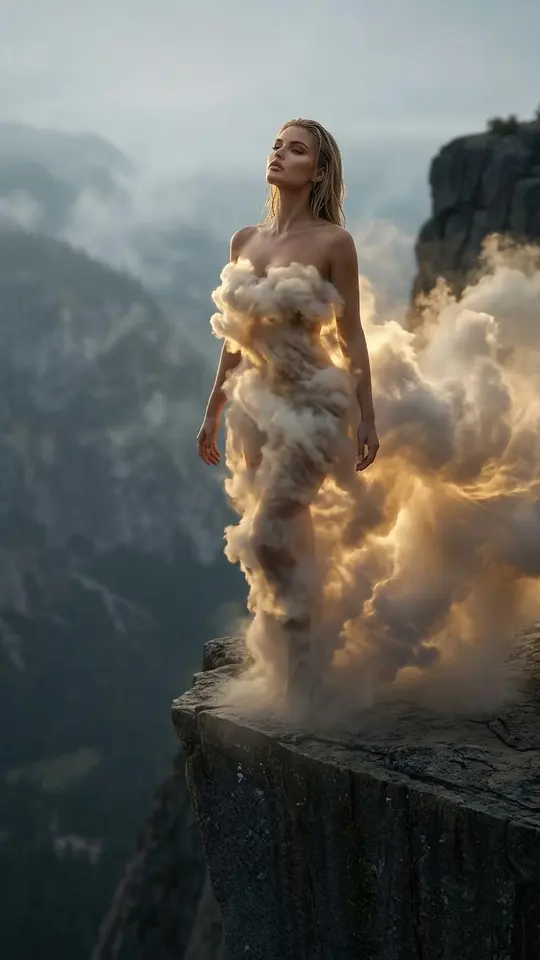
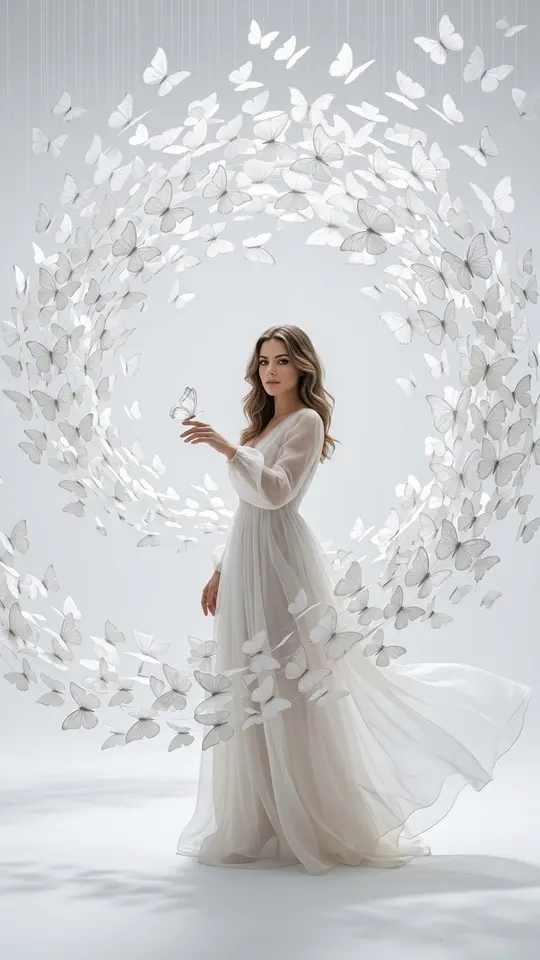
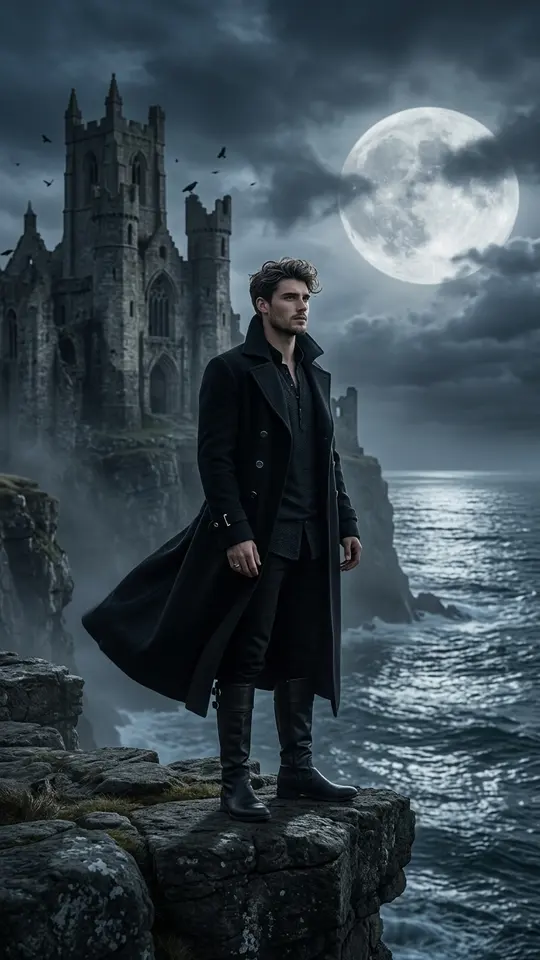
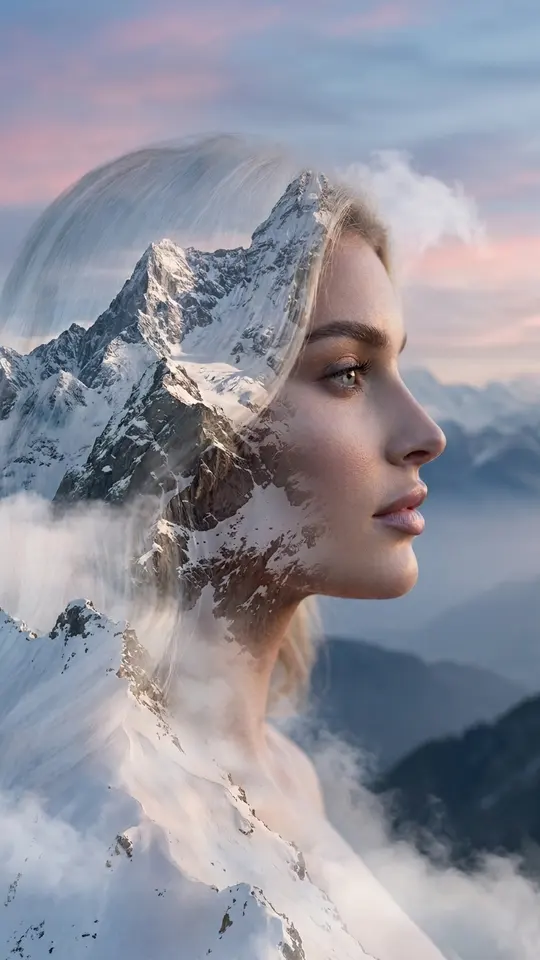
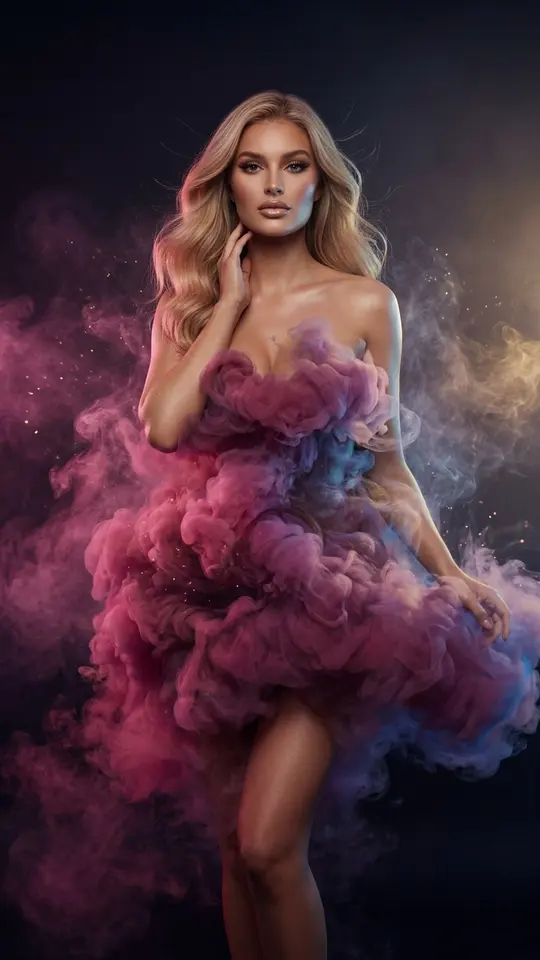
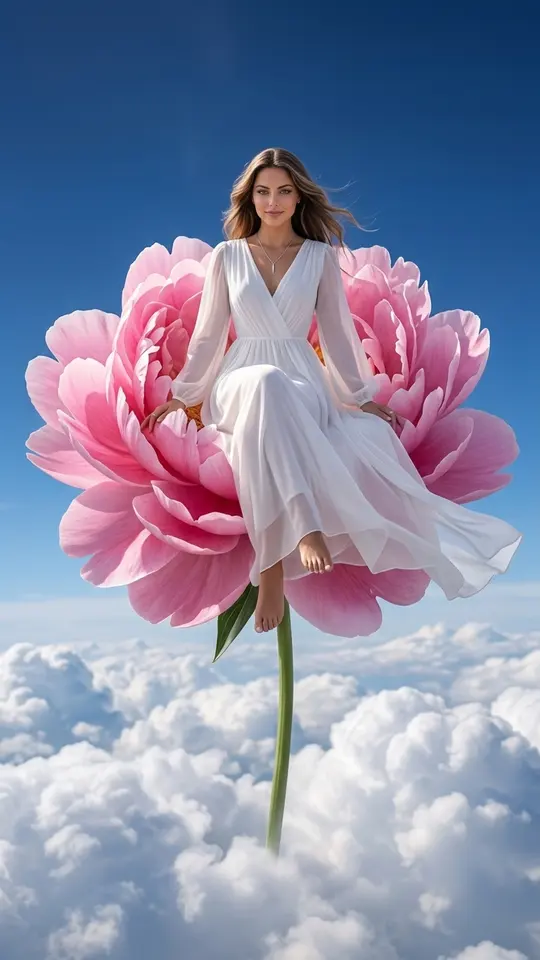
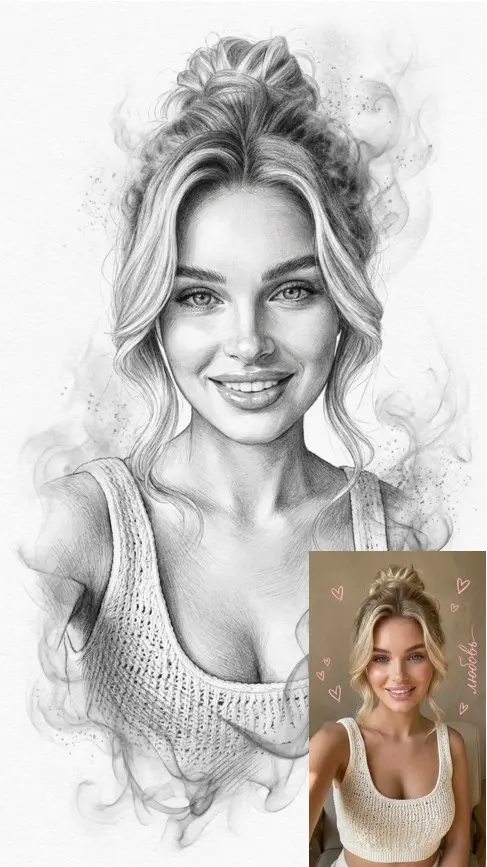
No catalog template is built on Seedream yet, so you work with it directly: write a prompt, add a picture if you need one, and run it. The grid below shows templates from other photo models in a similar painterly, high-contrast mood, handy as ideas for what to ask Seedream for.
What Seedream 4.5 output looks like
Expect strong contrast, saturated color and careful micro detail: fabric weave, petals, light on skin. The look leans toward an art print or a magazine cover rather than documentary photography. For fantasy portraits, surreal scenes, mood boards or wallpapers that is a plus; for a plain, true-to-life snapshot another model may suit better.
Running it from Create photo
Go to Create photo, choose Seedream 4.5 in the model selector and describe the image: subject, setting, light, palette and frame shape. Add a picture if a specific face or object has to appear, and say what should stay unchanged. The price of the run in stars is shown next to the model, so nothing is charged by surprise.
Seedream 4.5 vs Nano Banana
Both sit in the same model list, so the fairest test is your own: send one prompt through Seedream 4.5, then through a Nano Banana model, and put the two images side by side. Seedream tends to push color and drama. The catalog templates in the grid are tuned for Nano Banana and GPT Image 2.5 and focus on keeping a person's features intact.
Resolution, likeness and other limits
Seedream is picked for big, detailed frames, but we don't promise a specific pixel size, perfect likeness or readable small lettering. Each run is a new interpretation, so rerun or tighten the prompt when a detail misses. Pictures of people should show you or someone who has given consent; famous faces are off limits, and kids belong only in family pictures.
From a Seedream still to a Seedance clip
Seedance is ByteDance's video line, available on Create video. When a Seedream 4.5 image turns out well, download it, attach it there and pick a Seedance model to set it in motion. That makes the two a natural pair: Seedream for the frame and its color, Seedance for movement, each paid separately in stars.
Ready-made templates

FAQ
Is Seedream 4.5 free on MarketVideo?
Partially. After you sign up and verify your address, the account gets 5 starter stars, which can go toward Seedream runs. The daily Free today templates use other models, so they don't cover Seedream; once the starter stars are spent, the Pricing page is where you buy more.
Are there ready-made templates for Seedream 4.5?
Not yet. The catalog of over 1,000 templates runs on other models, and the grid here borrows from it for visual ideas. Seedream itself is used through a written prompt in Create photo, with an optional reference picture.
Does Seedream 4.5 make videos?
No, it returns still images only. For motion, take a finished picture to Create video and pick a video model, for example Seedance 2.0, then describe the movement you want in the prompt.
Can I use my own photo with Seedream 4.5?
Yes. Attach it in Create photo and explain in the prompt what to keep and what to change. Stick to pictures of yourself or people who gave permission, and keep children to family photos. Likeness can drift, so compare the result before you use it.
How long does a Seedream image take?
Plan on about one to two minutes per picture; a long queue can add to that. The finished image downloads like any other file and is also saved among your past generations.