AI Baby Video Generator for Family Keepsakes
MarketVideo works as an AI baby video generator: pick one picture of your baby or toddler from your camera roll, and a template or a short prompt turns it into a few seconds of motion you can keep.
Animate a baby photoReady in minutes · Free templates every day
Most family phones hold thousands of photos and only a handful of videos, usually shot in a hurry. Here the still you already love becomes the starting frame: a candle wish at the birthday table, a spin on the playground, a giggle you describe in your own words.
Choose the photo first
Look for a sharp picture where your child's face is clearly visible, not hidden by a hand, a pacifier or a hat brim. An everyday phone shot is enough, and soft daylight helps more than an expensive camera. Use only photos of your own family, and crop out other people's kids before you upload.
Birthday candles and a carousel spin
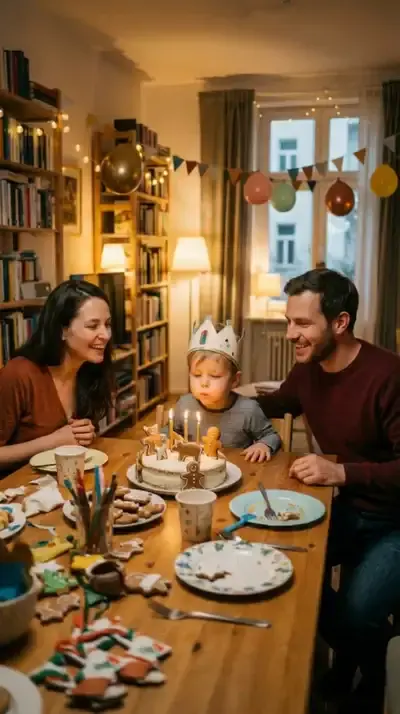
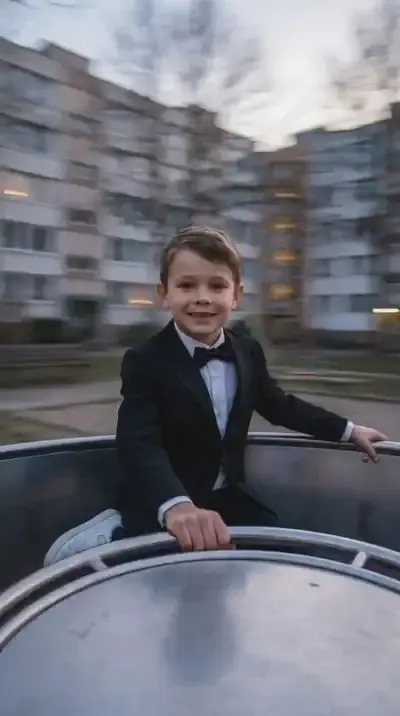
Birthday Candle Wish is built for a cake photo: the child leans in and blows out small candles, the flames flicker and go out, and relatives in the frame smile and clap, all in warm home light. Playground Carousel Spin keeps your kid centered and calm while the carousel and background whirl around them. Both give you a kids birthday video or a playground memory without editing.
Laughing, dancing, chasing bubbles
For moments no template covers, open Create video, attach the photo and write one simple action: the baby laughs and claps, sways from side to side, reaches for floating soap bubbles. Choose Veo 3.1 or Kling 2.6 from the model list. A single clear movement looks more natural than three actions squeezed into a few seconds.
Photo scenes you can animate later
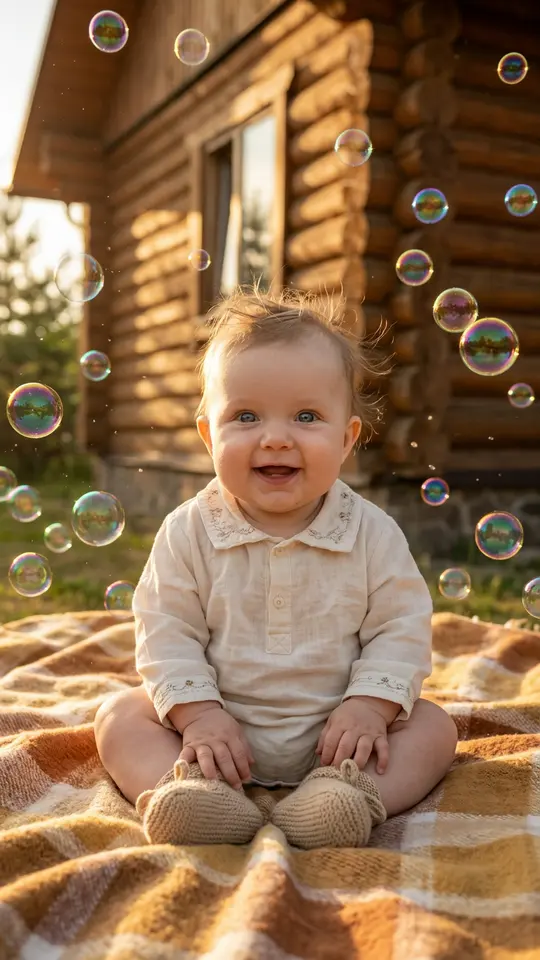
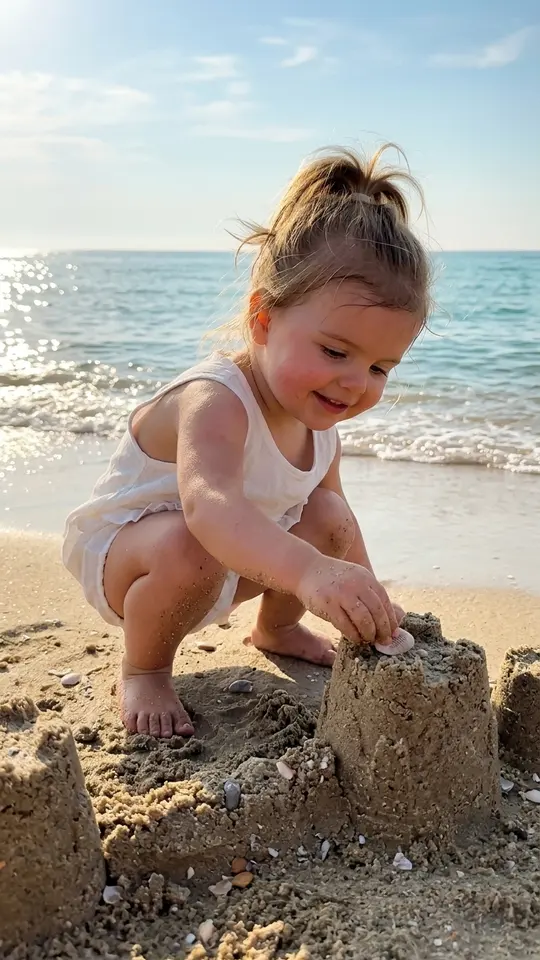
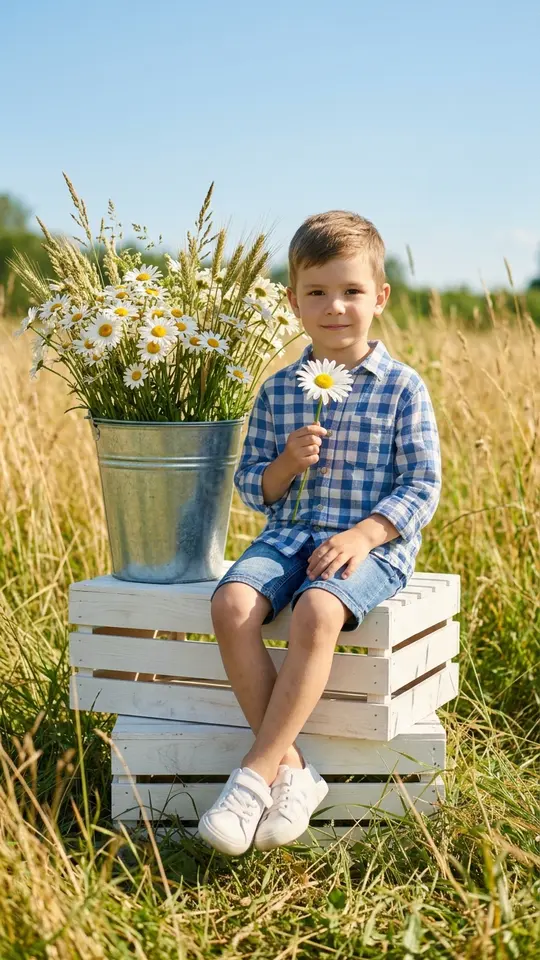
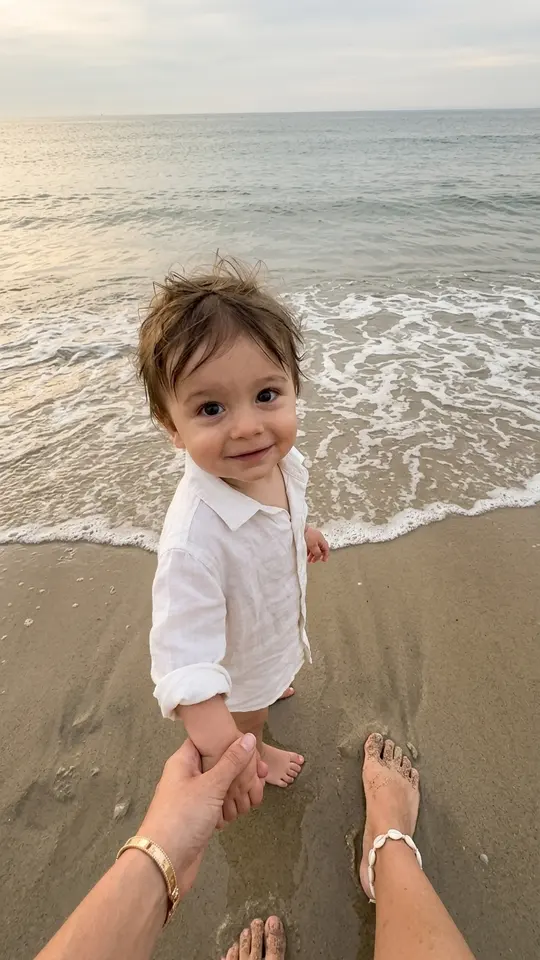
The Kids templates in the grid, such as Sandcastle Builder, Daisy Field Summer and Golden Hour Soap Bubbles, make still pictures rather than clips. Each keeps your child's features and places them in a new setting: a castle at the water's edge, a sunny field, a woven blanket in autumn tones. Bring the new picture to Create video when you want it to move.
Where the results fall short
Every take comes out a little different, so a second attempt is normal rather than a failure. Tiny fingers, toys held in hand and fast movement are the hardest parts to get right. Video runs take a few minutes, sometimes more at busy hours. The site does not add voices or a soundtrack to the clip.
Ready-made templates
FAQ
Is there a free AI baby video generator here?
You can start at no charge: five stars land in your account after you confirm your email, and templates tagged Free today allow a few free runs daily. More stars come with a plan or a star pack listed on the Pricing page.
How old should my child be in the photo?
Newborns, toddlers and school-age kids can all work. What matters more is the picture itself: a visible face, even light and little blur. Babies wrapped tightly in blankets leave fewer details to animate, so try a close-up first.
Can parents or siblings be in the same clip?
Yes, if they agreed and are already in the photo. Birthday Candle Wish is written with relatives in the frame who smile and clap. On Create video you can describe what each person does, though a smaller group tends to move more cleanly.
Can I show the video at a birthday party?
The finished clip saves to your device as a normal video file and is also kept in your history on the site. Play it on a TV or send it to grandparents. Both video templates on this page are vertical, which suits phones best.
Can I use a photo of someone else's child?
Only with a parent's clear permission. Children's photos belong in a family setting: your own kids, or nieces and nephews whose parents said yes. Pictures of strangers' children, famous kids or anything that could embarrass a child are not allowed.