AI Dance Generator From Photo: Copy a Trend Without Filming
An AI dance generator from photo lifts the moves out of a short reference clip and puts them on the person in your picture, so you can join a dance trend without filming yourself or learning the steps.
Make your photo danceReady in minutes · Free templates every day
What makes a trend recognizable is the exact sequence: the same steps, the same tempo, the same beat where the pose switches. Below are the two ways to get that on MarketVideo, what each one needs from you, how long the wait is and how stars are spent.
Why a text prompt can't copy the steps
Typing "dance like in that viral clip" hands a model a mood, not choreography. The order of moves, the tempo and the moment each pose changes get lost, and those details are exactly how viewers spot a trend. So the reference has to be a video file: the motion is read from it frame by frame and transferred onto your photo.
Route one: bring your own reference clip
Open Create video and choose Motion Control, the model that makes a still picture follow the body movement in a clip you supply. Attach two files: the portrait and the dance clip, whether saved from your feed, filmed by a friend or cut from your archive. A shot showing head, shoulders and torso beats a face-only close-up, because the body is built from them.
Route two: a template with the moves inside
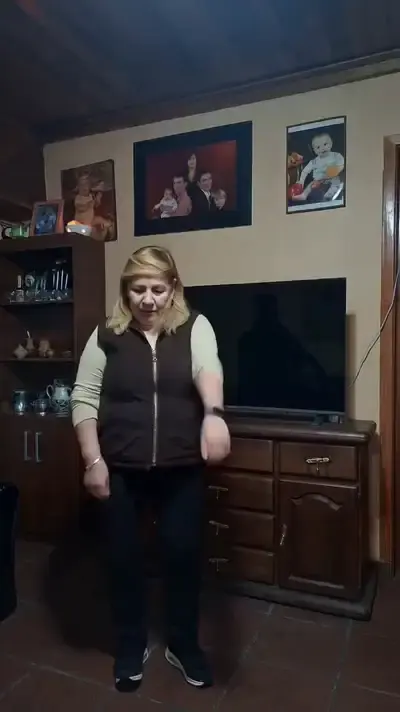
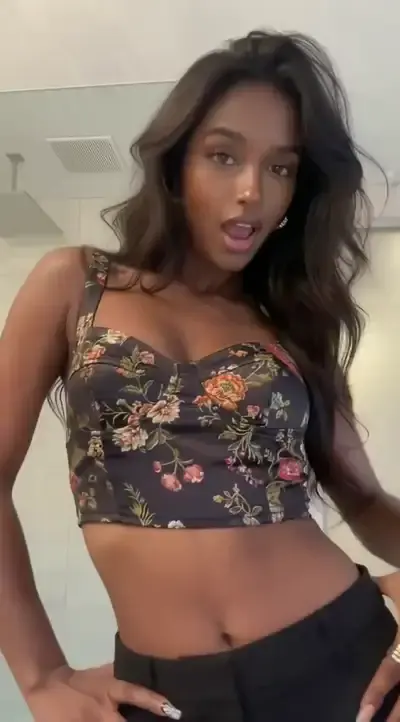
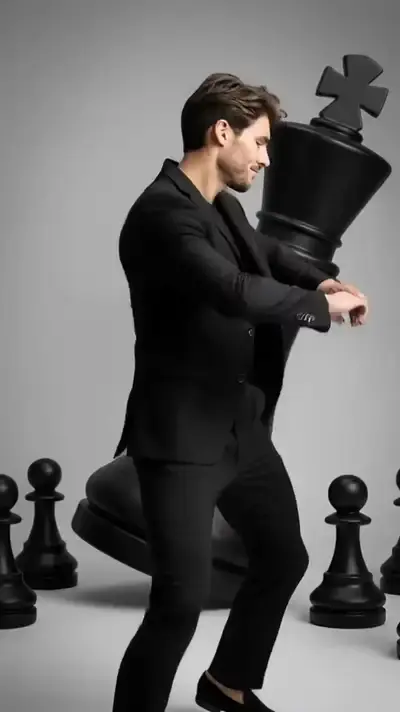
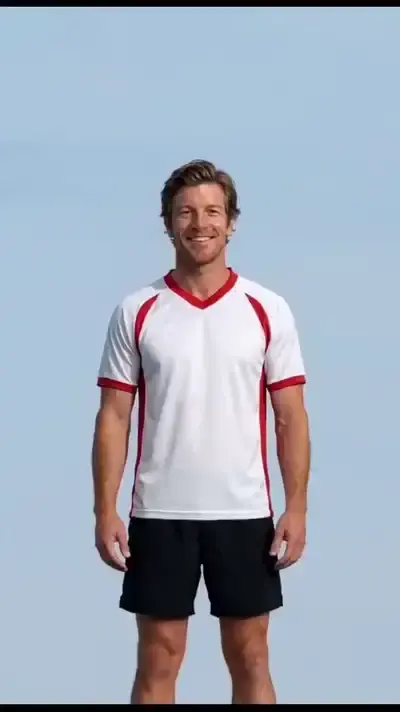
Face Dance, Viral Dance Trend and Dance Break already carry their source clip, so there is nothing to find or save: add a portrait and run. Each one is written to copy moves, rhythm and timing while keeping the face, skin tone and proportions from your upload, in a vertical frame for feeds and stories. The set is fixed, so a routine that blew up yesterday needs route one.
What comes back and how to trim it
You get a short clip of the person from your photo performing the routine. The original dancer never appears in it. Motion is what gets transferred, not audio, so add the trending track when you post on TikTok, Reels or Shorts. Clip length follows the reference, which makes trimming it to the most recognizable part worthwhile for both impact and star cost.
Waiting time and stars
Dance clips usually render in a few minutes, and busy hours can push that further, so start a run and come back later. Generating requires a free account; confirming your email gives you 5 stars to begin with. The star price appears before you press run, and refills come as subscriptions or single packs, both on the Pricing page.
When the figure drifts or blurs
Most glitches trace back to the photo: cropped shoulders, an arm covering the torso or a side-on pose leave the model too little to build a body from. The other common cause is a very fast routine with hands crossing in front of the chest; cut that stretch out and feed a calmer piece. Animate only yourself or people who said it's fine, never celebrities or strangers.
Ready-made templates
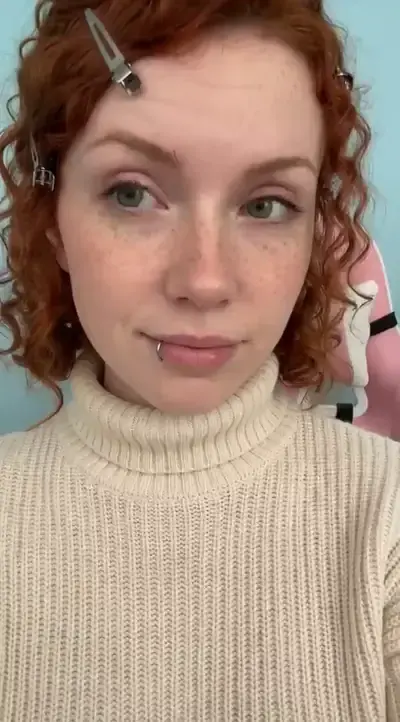
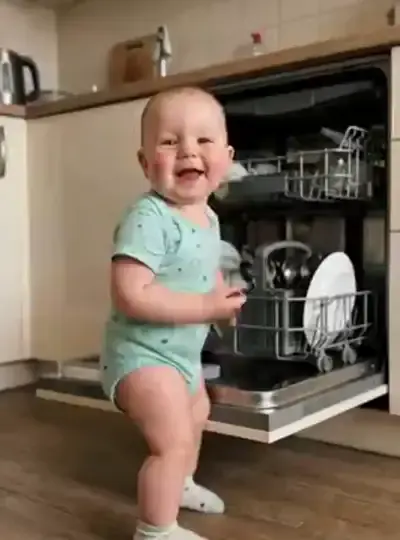
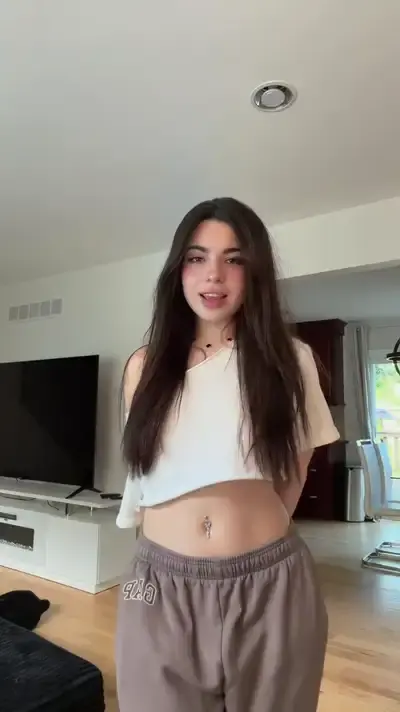
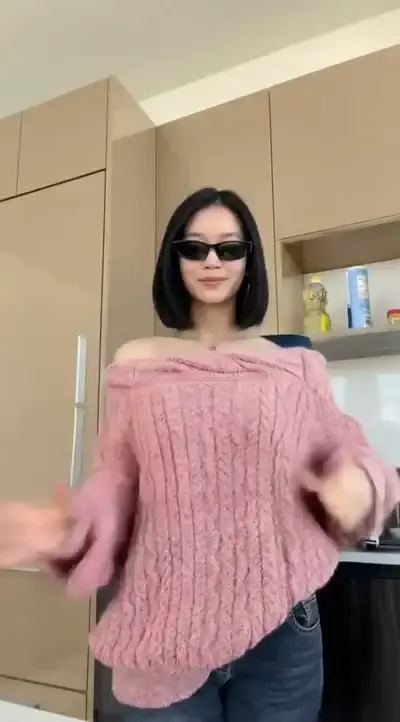
FAQ
Do I need to know how to dance?
No. Every move comes from the reference clip or from the template, so all you supply is a still photo. Your pose in it barely matters; standing upright with both arms visible simply gives the model a cleaner body to work from.
Can I use a clip from someone else's feed as the reference?
Any short video works technically. Only the motion is copied: the original dancer is not in your result, and the person on screen is the one from your photo. That person has to be you or someone who gave permission.
Which photo gives the best result?
A sharp, evenly lit shot from the chest or waist up, facing the camera, with both shoulders in frame and nothing blocking the torso. Group photos and heavy sunglasses make it harder for the model to lock onto one body and keep the face consistent.
Can I make it on my phone?
Yes. MarketVideo runs in a modern mobile or desktop browser, and nothing needs installing. Upload from your camera roll, start the run and save the finished dance as a regular video file once it is ready.