TikTok dance trends without rehearsing
Doing TikTok dance trends here takes one photo instead of rehearsals: each dance template reads the steps, rhythm and timing from a reference clip and replays them on the person in your picture.
Make a dance videoReady in minutes · Free templates every day
The finished clip is vertical, 9:16, so it fills a phone feed without cropping. Below you will find the dances in the grid, the kind of photo that moves well, how stars are spent and what to do when the challenge you want has no template yet.
How the move transfer works
Each card in the grid already carries a reference video. Its instructions tell the model to pull the dance steps, rhythm and body movement out of that clip and put them on the person you uploaded, while the face, skin tone and proportions stay unchanged. These templates use Kling 2.6 for the transfer, so there is nothing to write and nobody has to film themselves.
Dances in the grid
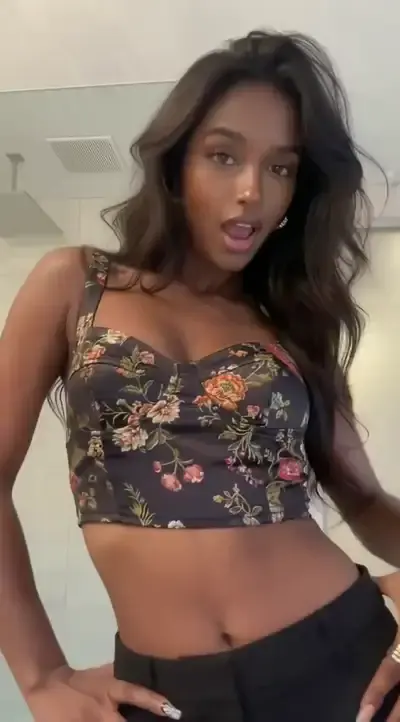
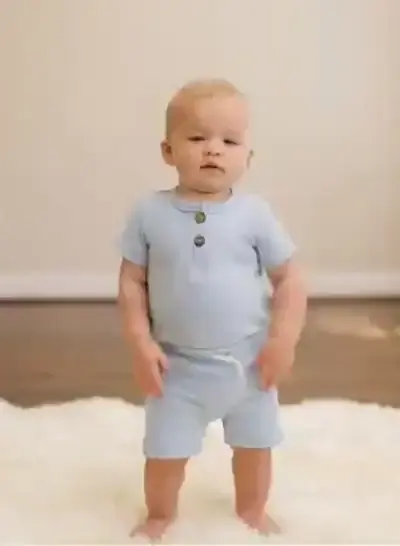
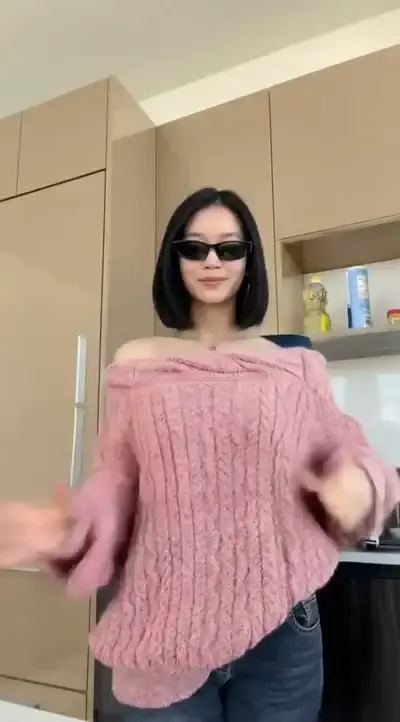
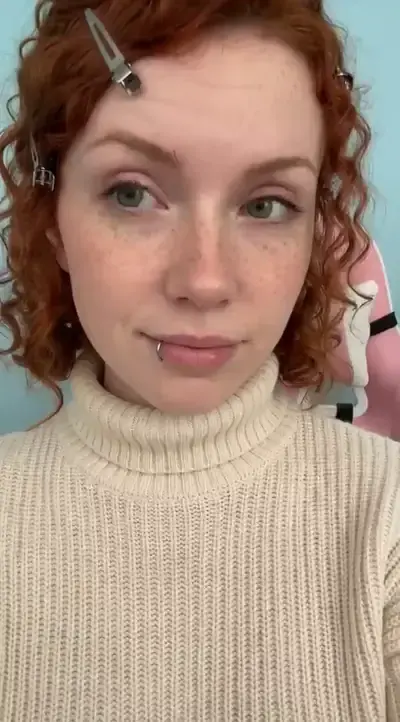
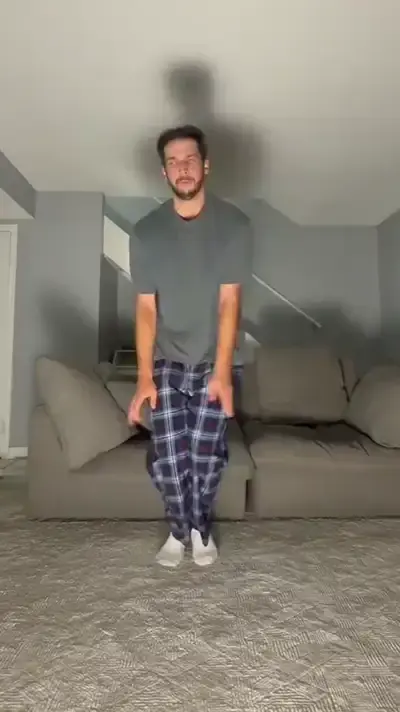
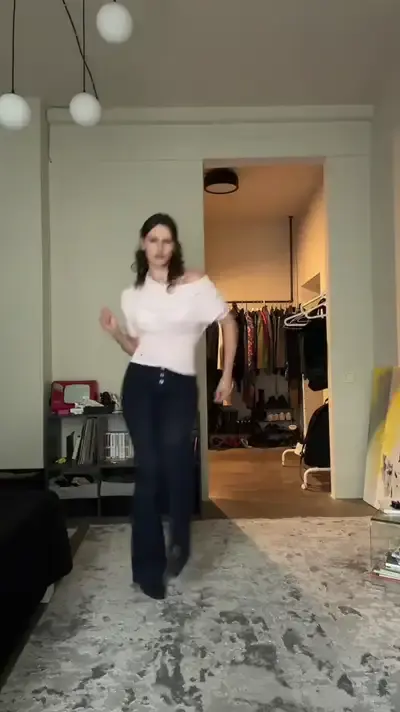
Milkshake Dance takes its steps from a clip of a girl dancing the routine, and Macarena Dance copies a child performing the familiar arm sequence. Hand Dance Challenge, Face Dance, Groove Session and Rhythm Rush follow the same recipe with their own reference clips. Pick the one that matches the challenge you saw in your feed, then compare the sample result on the card.
Choosing a photo that moves well
Since the template animates a whole body, give it one. A sharp picture of a single person facing the camera, with arms and legs in view, leaves the model far less guessing than a tight selfie. Skip baggy coats that hide the outline, harsh shadows and group shots. Upload only yourself or a person who agreed to appear; famous faces are not allowed, and a child's picture is fine only within your own family.
Stars and what a dance costs
Each dance run spends stars, and the number is printed on the card, so you see it before starting. A new account that confirms its email begins with five stars, enough to test one routine. On some days a dance template may carry the Free today label, which lets a few runs through at no charge. For a bigger balance, the Pricing page has subscriptions and single packs.
Limits worth knowing
Every run renders from scratch, so the same photo and dance can come out slightly different, and trying twice is normal. A clip needs several minutes to render, and peak traffic can stretch that. The templates describe movement only, so pick the trending sound inside TikTok's own editor while posting. Fast spins and hands crossing the face are where limbs can blur; a cleaner photo usually helps.
Ready-made templates
FAQ
Do I need to know the dance?
Not a single step. The routine lives in the reference clip attached to each template, and all it takes from you is one still picture. Nobody has to stand in front of a camera practicing the moves.
Can I copy a trend that has no template yet?
Yes, through Create video. Choose the Motion Control model, add your photo along with the dance clip you want to copy, and the model moves your picture the way that clip moves. Trim the reference to the recognizable part of the routine first.
Will the video have the trend's sound?
Plan to add it yourself. The templates are written around steps, rhythm and timing, so the usual move is to choose the trending sound in TikTok's editor while posting, where the track library is already at hand.
Does it work on a phone?
A phone browser handles everything: upload the picture from your camera roll, start the run and save the vertical clip straight to the device. There is no separate app to install from a store.
Can I make a dance video of a friend?
Ask them first. A friend who is happy to appear can be uploaded like any other photo, while public figures, people who never gave permission and anything sexual stay off the table.