AI Generated Video: What It Is and How to Spot It
An AI generated video is a clip whose frames were computed by a model instead of recorded by a camera, starting from a text prompt, a photo or both. The label tells viewers the scene never happened in front of a lens.
Make your own AI videoReady in minutes · Free templates every day
Current models come close to real footage at first glance, which is why so many people search for ways to check what they are watching. Below are the signs that still give such clips away, the reasons platforms ask for a label, and examples from the MarketVideo catalog you can repeat with your own photo.
What the AI generated label means
The tag covers a range. Some clips are generated entirely from a written prompt; others start from a real photo, so the person is genuine while the motion, setting and camera work are synthetic. Both count as AI generated, because the moment itself was never filmed. Footage that was actually shot and then touched up with a filter sits closer to ordinary editing.
How to tell if a video is AI generated
Early giveaways such as extra fingers and melting letters on signs are rarer now, because current models handle those details. Look at the physics instead: fabric and hair that move a little too smoothly, objects passing through each other, a camera gliding without the slightest shake, motion that repeats in a loop, and small details such as earrings or buttons that change between frames.
Other ways to spot an AI generated clip
When the image looks clean, check what surrounds it. A clip that lasts a few seconds and shows a single impossible moment, an account that posts nothing but such scenes, a caption with no time or place, a disclosure label from the platform or the creator: each hint is weak on its own, but together they usually settle the question.
Should AI generated video be labeled?
Yes, in most cases. Major platforms ask creators to disclose realistic AI generated content, usually with a switch in the upload settings; it is a disclosure, not a ban. Rules differ by platform and country, so read the guidelines where you post. Labeling matters most when a clip shows a real person or could pass for news.
AI generated video examples you can repeat
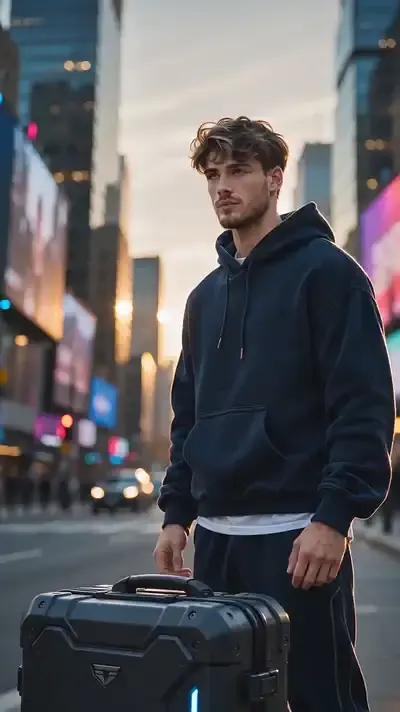
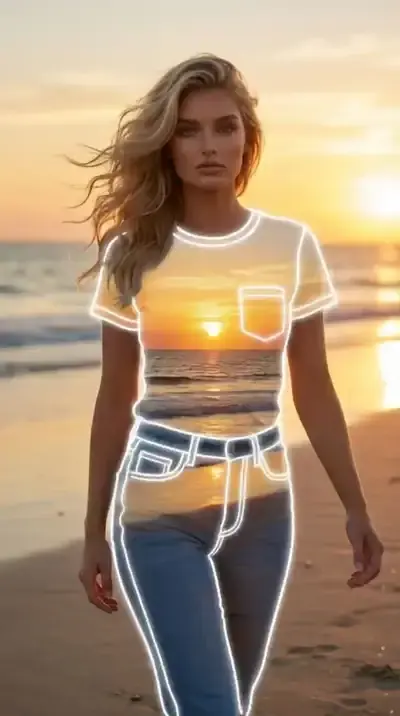
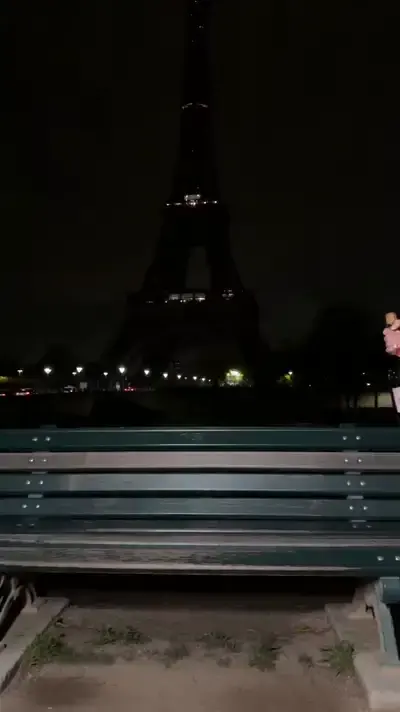
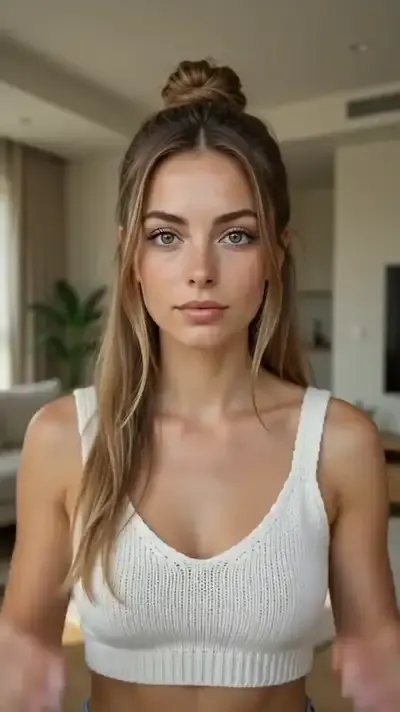
Each example here is a catalog template, from Combat Exosuit Activation to Before the Tsunami and Peel-Off Sticker Effect. To make an AI generated video of your own, open one, upload the photo it requests and start the run; the clip is usually done in a few minutes. For a scene nobody has built yet, go to Create video, describe it, attach a photo and pick a model.
Ready-made templates




FAQ
Can an AI generated video pass for real footage?
Realistic templates come close, especially in short shots with simple physics, like a person turning or walking. Complex motion, such as hands handling objects or fast sports, still gives itself away more often, which is why sharp viewers judge the movement rather than the image.
Whose photos can I use to make one?
Your own, or photos of people who agreed to it. Celebrities, public figures and strangers are off limits, as are fake documents, impersonation and anything sexual. Pictures of children belong only in a family context.
What does it cost to make one?
Runs are priced in stars, and the amount appears on the template or model before you start. Verifying your email gives a new account 5 stars, a few templates are “Free today” with a daily cap, and extra stars are sold on the Pricing page.
Where does the finished clip go?
It downloads to your device as an ordinary video file, and a copy remains in your account history, so you can come back for it from a phone or a computer. Before posting, add the platform's AI label if the clip looks realistic.