AI Video: Clips from a Photo or a Few Words
AI video on MarketVideo starts from one of two inputs: a photo of you or a few lines describing a scene. Choose a ready-made scene or write your own, and the clip is usually ready within a few minutes.
Create an AI videoReady in minutes · Free templates every day
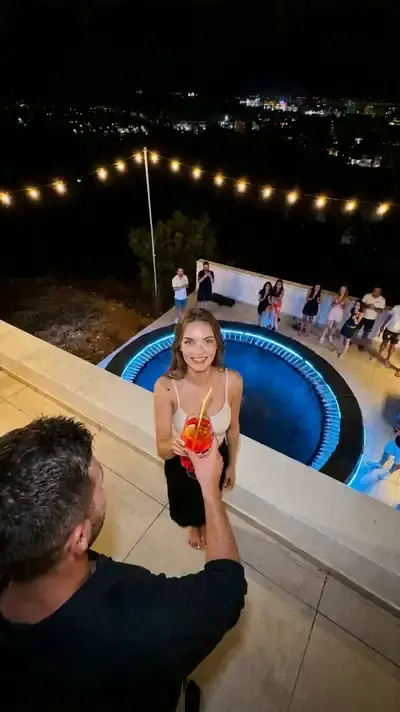
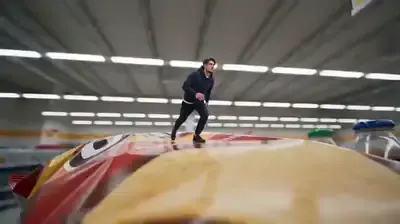
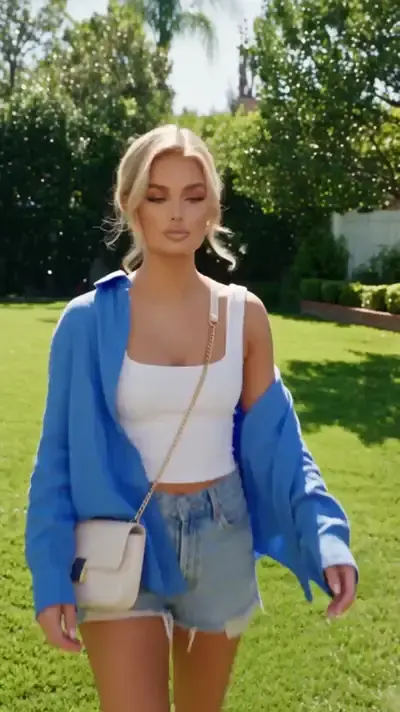
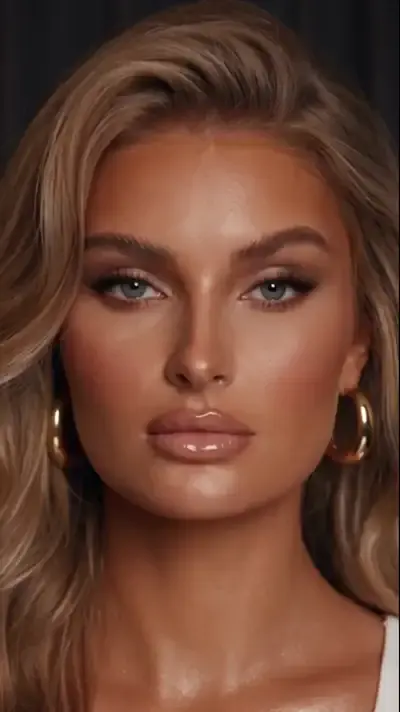
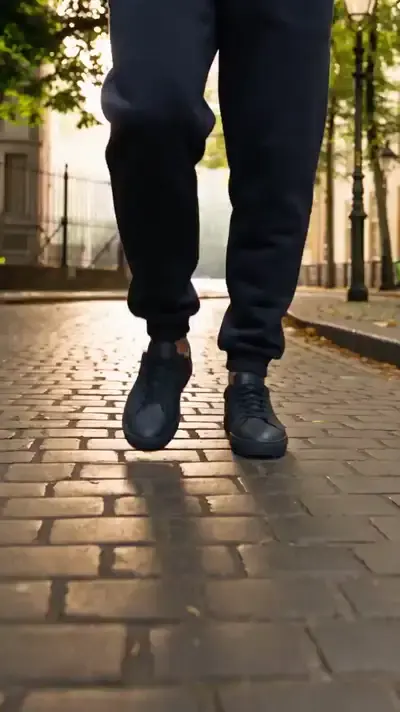
Most people begin in the catalog, where scenes are built around your photo: a rooftop party flip, a monster truck leaping a snowdrift, comedy sketches and anime makeovers. Some templates are free every day, and the rest show their price in stars up front.
Two ways in: a photo or a prompt
Templates take your photo and build everything around it, since the setting, style and camera move are decided in advance. Create video works the other way round: you describe the shot in your own words, add photos if you like, select a model such as Veo 3.1, Kling 3.0 or Seedance 2.0 and start the run. The first route needs fewer decisions; the second gives you full control.
What you can make
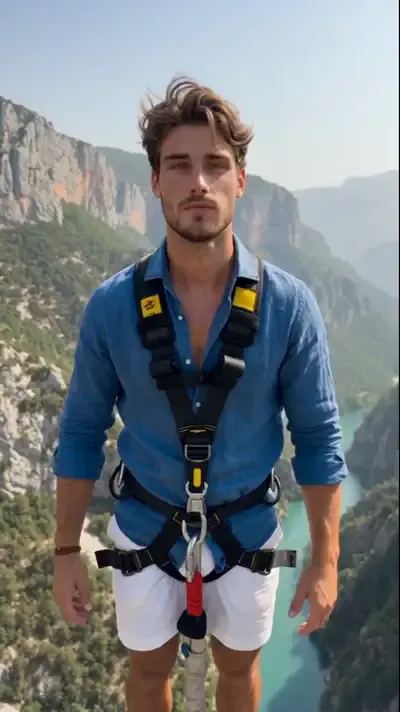
Scenes in the catalog are grouped by mood. Stunts drop you into a rooftop party flip or a bungee jump. Special effects shrink you into a tiny shopper in a giant store or send a monster truck over a snowdrift. Humor runs from a stretchy face to a zucchini apocalypse, and trend scenes include an anime transformation, a 360 spin and a flying pickup.
Vertical or horizontal
Clips come in vertical and horizontal shapes. Vertical fits phone feeds, stories and short-video apps; horizontal suits a website, a slide deck or a big screen. Deciding where the clip will be posted before you pick a template saves cropping the finished file, which usually cuts off part of the action.
How long it takes and where it works
Nothing is rendered on your own device, so an ordinary phone browser works as well as a powerful laptop. A video typically needs a few minutes, more when many people are generating at once. Finished clips download as normal files and stay saved in your history, ready for the next post or a quick reply to a trend while it is still fresh.
Ready-made templates



FAQ
Can I make AI video for free?
Every day some templates carry a “Free today” mark and cost no stars until their daily allowance runs out. A fresh account also receives 5 stars when its email address is verified. Beyond that, runs are paid in stars at the price displayed beforehand, and the Pricing page lists subscriptions and one-off top-ups.
How is AI video different from regular editing?
Editing rearranges footage someone already filmed. An AI model draws new frames from scratch, so a scene that would be impossible or costly to shoot, such as a pickup truck taking off into the air, needs no camera, location or cast.
Do I need a photo to start?
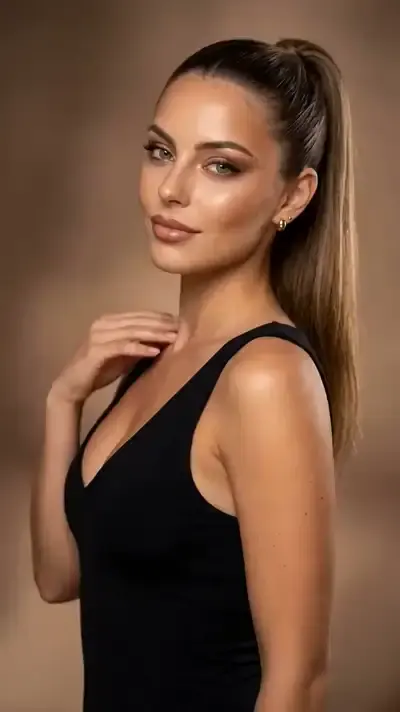
Not necessarily. Create video accepts a text description on its own, and photos are optional there. Templates built around a person, like the stunt and comedy scenes above, ask for your picture so the clip stars you.
Does it work on a phone?
Yes, any up-to-date mobile or desktop browser will do, and there is nothing to install. Sign up with your email, confirm it to unlock generating, and the same account opens your history on every device you use.