AI Video Generator for YouTube Shorts and TikTok
Run a Shorts or TikTok channel without a camera: as an AI video generator for YouTube, MarketVideo turns a vertical template and one photo into a viral scene, a trending dance or an effect clip, usually within minutes.
Create a vertical videoReady in minutes · Free templates every day
What a channel needs most is rhythm, and filming every day is what usually breaks it. A template fixes the scene, motion and camera, so a series keeps one look from upload to upload, and the Create video page handles ideas no template covers yet.
Three formats that keep Shorts coming
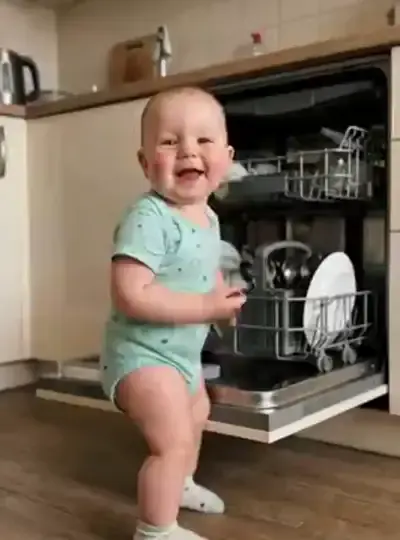
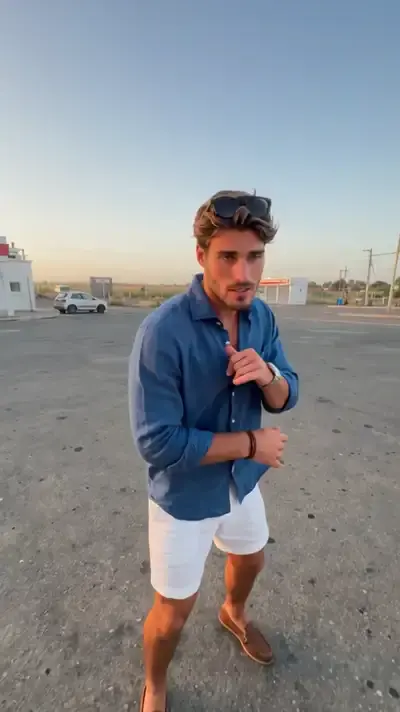
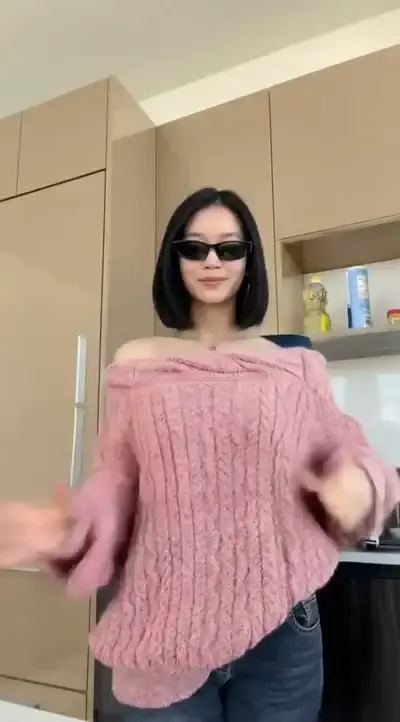
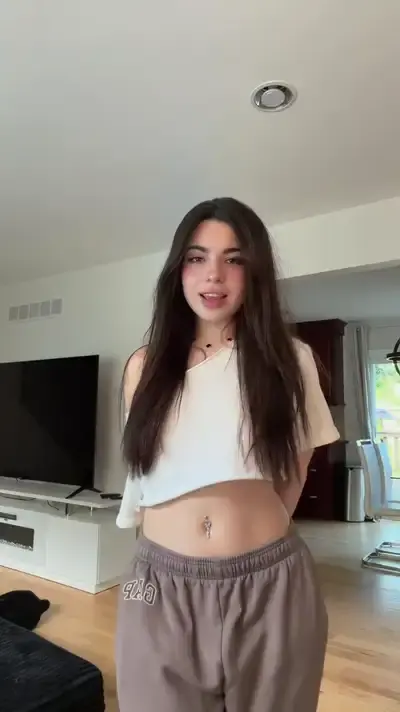
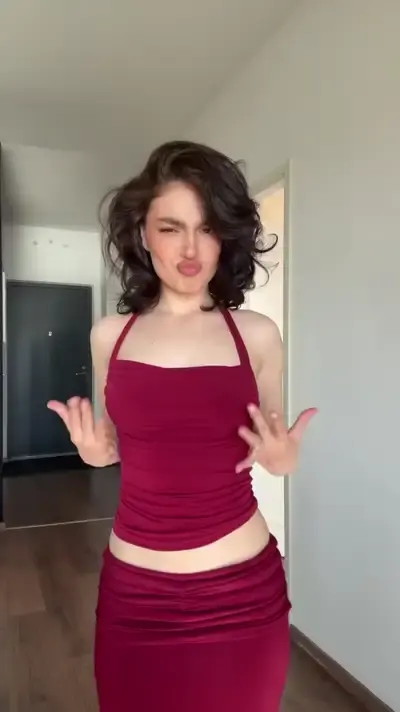
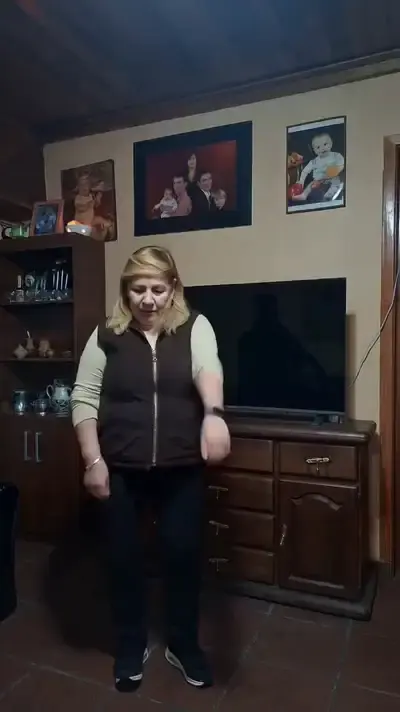
Three kinds of templates suit a Shorts channel. Viral scenes such as Monster Truck Snow Jump drop you into a moment people replay. Trending dances like Viral Dance Trend, Gas Station Trend or Hand Dance Challenge follow formats viewers already know. Effect clips add a visual twist to a plain photo. Each comes out vertical and uploads to Shorts or TikTok as is.
A week of uploads in one sitting
Plan the week in one session: choose a few templates, run each with a different photo, and write titles and descriptions while each one renders. Results collect in your account history, ready for whenever the upload is scheduled. Each video needs a few minutes to render, more at busy times.
When a trend has no template yet
Trends move faster than any catalog. If the one you want isn't there, describe the scene in Create video, attach a photo when a person should appear, and choose a model such as Grok Video or Veo 3.1. Motion Control helps with dance trends: give it a reference clip and it animates your photo with the same movement.
Before a clip goes up
Stick to your own face, or the face of someone who has said yes to appearing; celebrities and other public figures are off limits, and so is anything sexual. Templates cover the picture, not the packaging: titles and captions are still yours to write, and a custom thumbnail can come from the Create photo page with a model such as NanoBanana PRO.
Ready-made templates

FAQ
Will YouTube and TikTok accept AI-generated videos?
Yes. Both platforms allow AI-made videos, and each has a setting for disclosing realistic synthetic content when you upload; use it. Rules change, so check the current guidance in YouTube Studio or the TikTok app before a big posting push.
Can a channel run entirely on generated clips?
It can, if the channel has a recognizable style and posts on a steady schedule; viewers follow consistency more than production method. Reusing one template with fresh photos keeps the look stable, and mixing in prompt-made scenes from Create video stops the feed from repeating itself.
What does a Short cost to make?
Costs are counted in stars, and every template and model displays its figure up front. A verified email puts the first 5 stars in your balance; anything tagged Free today can also run free a set number of times that day. Once those are spent, top up through a plan or a single pack from the Pricing page.
Do I need to install anything?
Only a browser. Phones and computers both work, and there's no separate app to download. The finished video saves as an ordinary file, so you can post it to YouTube or TikTok from the same phone you made it on.