AI Photo Editing: What One Pass Can and Can't Do
Forget layers and brushes: AI photo editing on MarketVideo is a single pass of a model over your photo. You describe the change in a text prompt and get a new version in which the parts you did not mention are kept.
Edit a photoReady in minutes · Free templates every day
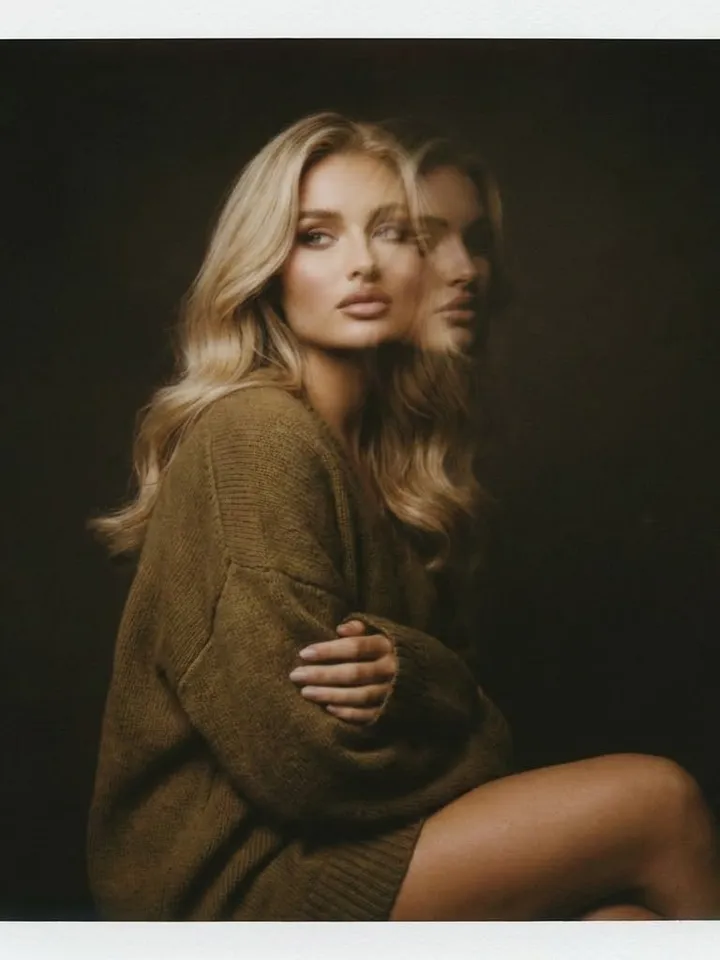
So the real question is not which button to press but where one pass reaches its limit. In order: where an edit turns into a rebuilt shot, which operations land on the first try, where the model predictably slips, how to word the request and what each pass costs.
Where an edit becomes a rebuilt shot
The line runs through how much of the frame you ask to change. Removing a cable, recoloring a coat or leveling a tilted horizon touches one patch, and your original stays the base. Ask for a new pose, another camera angle or a different layout, and the model builds a fresh shot that only borrows from your photo. It may still look like an edit, but results vary far more from run to run.
Operations that work on the first try
Edits with a clear boundary are the dependable ones: the background, large objects, the color of clothing, the light and the overall tone. A stranger at the edge of the frame, a gray sky that should be blue, a switch to black and white, a soft shot made sharper: each takes one pass. Several of these can share one prompt as long as they do not pull against each other.
Where the model predictably slips
Three spots go wrong in predictable ways. Small lettering on signs, labels and license plates gets redrawn into lookalike characters that spell nothing. Faces far in the background drift out of shape. Hands in tricky positions get their fingers recounted. If one of these areas matters to you, say so in the prompt and name it as something to keep unchanged.
How to word the request
Name the object, the action and the place. "Remove the yellow car at the left edge" works; "clean up the photo" leaves the model guessing. For a bigger job, split the work into rounds in a sensible order: light and color first, then removing what does not belong, sharpening last. A request to do everything at once tends to be carried out halfway, and the cause is hard to trace.
What one pass costs
Each pass is paid in stars, and a pass that misses is paid like one that works. That makes it sensible to test the wording on a cheaper model such as Nano Banana or Seedream 4.5 and move to NanoBanana PRO once fine texture matters. Before you press run, the Create photo form spells out the star cost of whichever model is selected.
Ready-made templates

FAQ
Is AI photo editing free?
Template pages and examples open for anyone, signed in or not. Running an edit requires a free sign-up and a verified email address, which unlocks 5 stars, and a Free today marker on a template waives its cost until the day's cap runs out. Topping up later happens on the Pricing page, by plan or by pack.
Which models can edit photos on MarketVideo?
Create photo offers Seedream 4.5, GPT Image 2.5 and three Nano Banana versions: the original, 2.1 and PRO. Each one accepts your upload plus a text prompt and lists its star cost in advance, so you can try the same edit on two models and keep the version you prefer.
What if the edit changed something I did not ask for?
Cut the request down. One change per pass is the most stable, and naming what to protect helps as well, for example: leave the faces and the sign untouched. If the shift came with a big change such as a new pose, treat the result as a rebuilt shot rather than an edit.
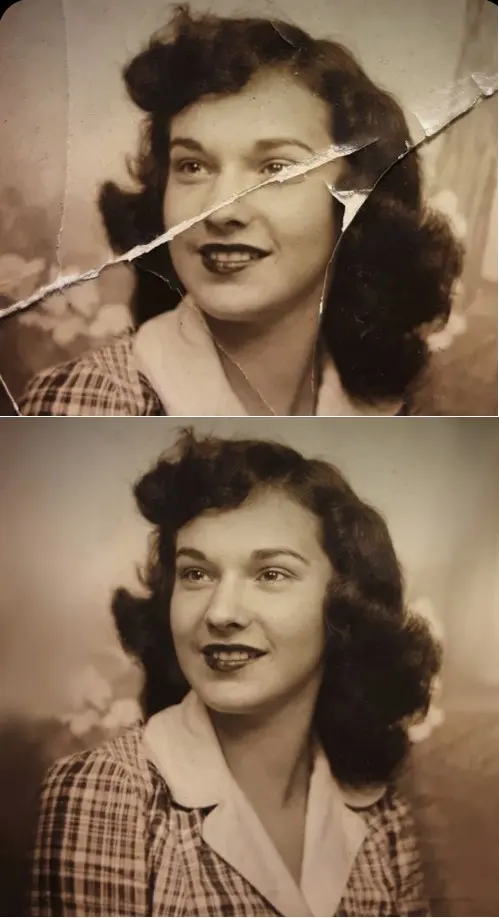
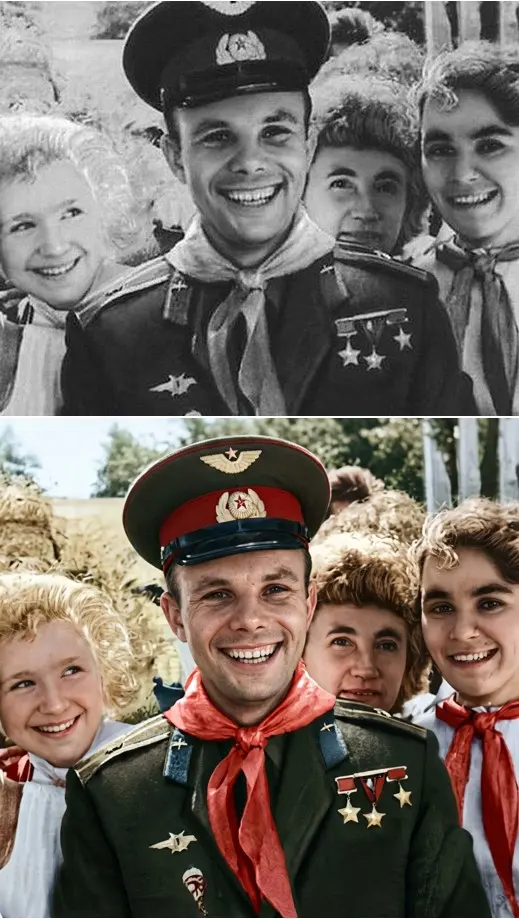
Can AI photo editing fix an old, damaged print?
Old prints are a job for the restoration templates in the grid. Crease & Damage Repair targets folds and cracks rather than the content, so the scene stays as it was while the damage is cleaned away. A faded black-and-white shot can also get its color back with Restore & Colorize.