Generate AI Images from a Description or Your Photo
Generate AI images on MarketVideo two ways: describe the picture on Create photo, or upload your own photo to a template that builds a finished scene around you. Every image is paid for in stars, priced up front.
Generate an imageReady in minutes · Free templates every day
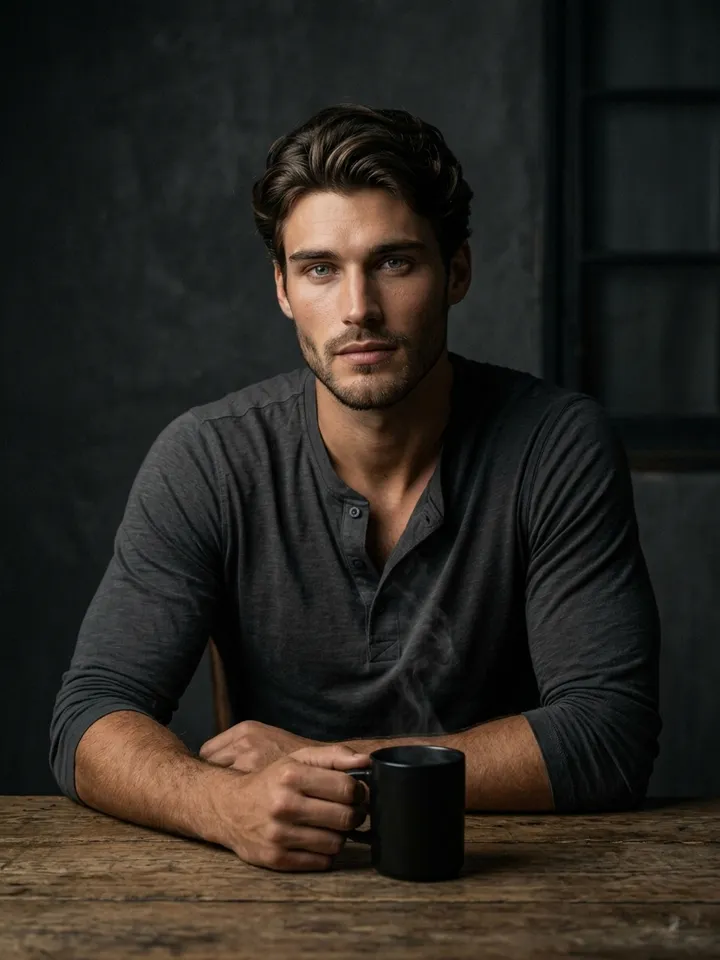
This guide covers when each route fits, what a result realistically looks like, how the per-image star cost works, including the free options, and why a model built for pictures does a better job than asking a chatbot for one.
Why an image model, not a chatbot
A chatbot is built for conversation, and drawing is a side job for it. On Create photo the image model is your choice: Seedream 4.5 sits alongside GPT Image 2.5 and three Nano Banana versions. You can attach a reference photo when a real face matters, then rerun the same request on another model to see which handles it better.
Describe it in words or start from your photo
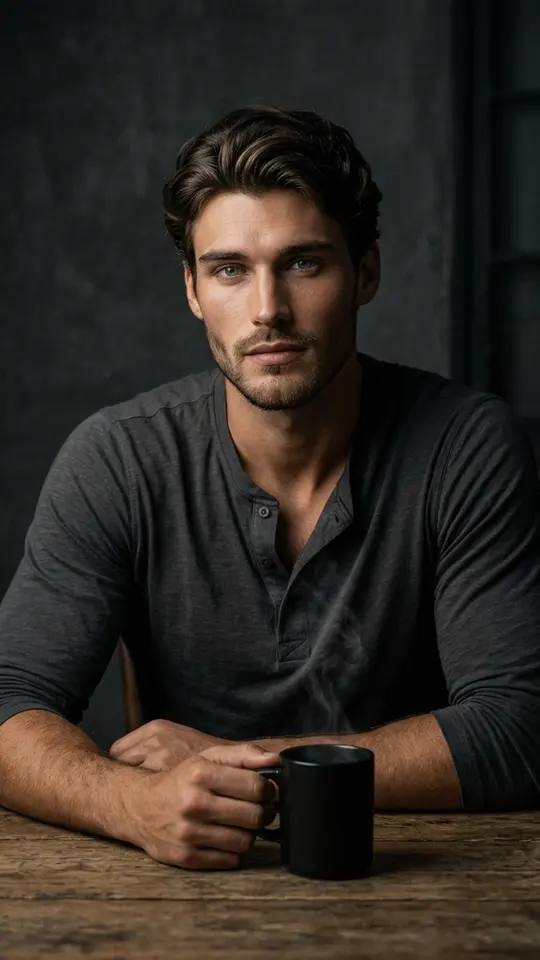
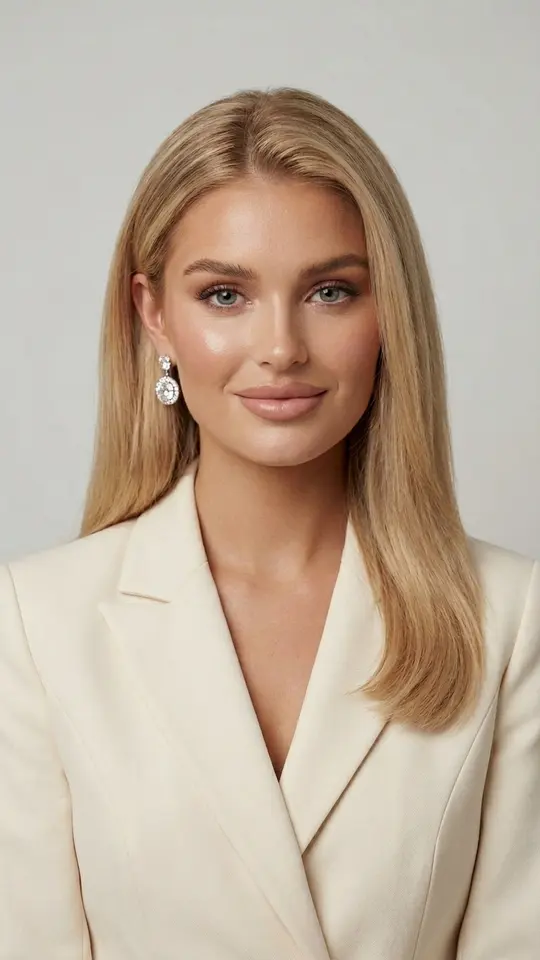
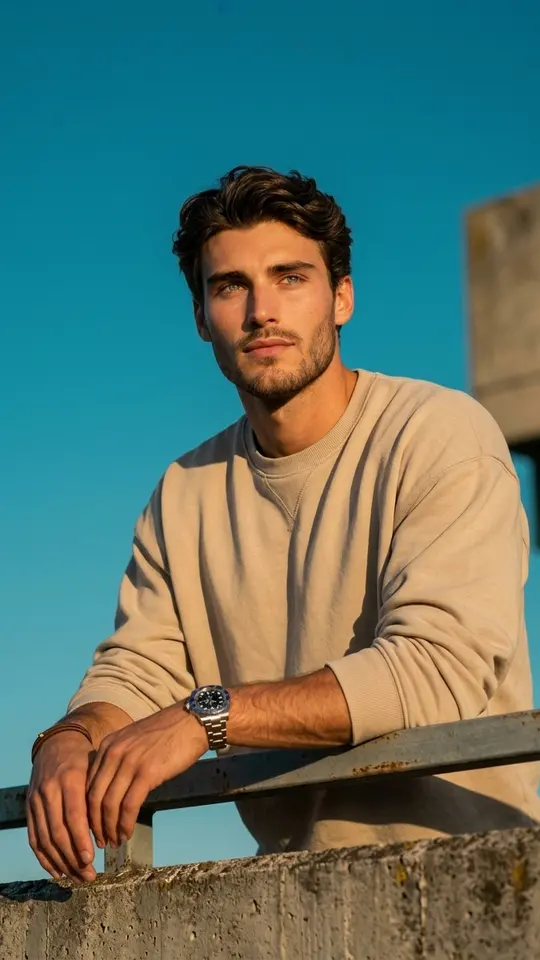
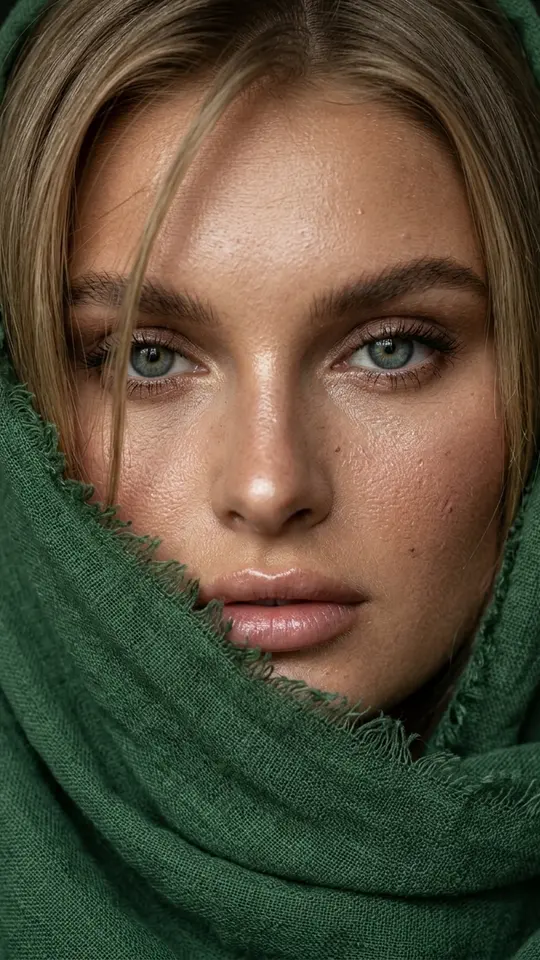
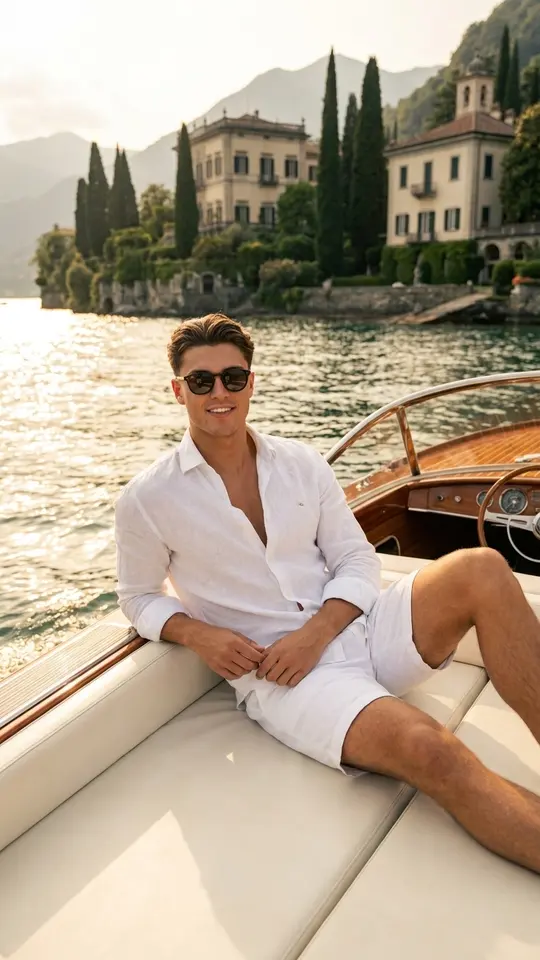
Words alone suit pictures of things that do not exist yet: a cover, a post illustration, an invented character. When you need to be in the frame, pick a template from the grid: Golden Evening on Lake Como puts you aboard a classic motor yacht, while Green Linen Scarf Close-Up wraps your face in a forest-green scarf. The routes also mix: add a photo on Create photo and write what should change.
What quality to expect
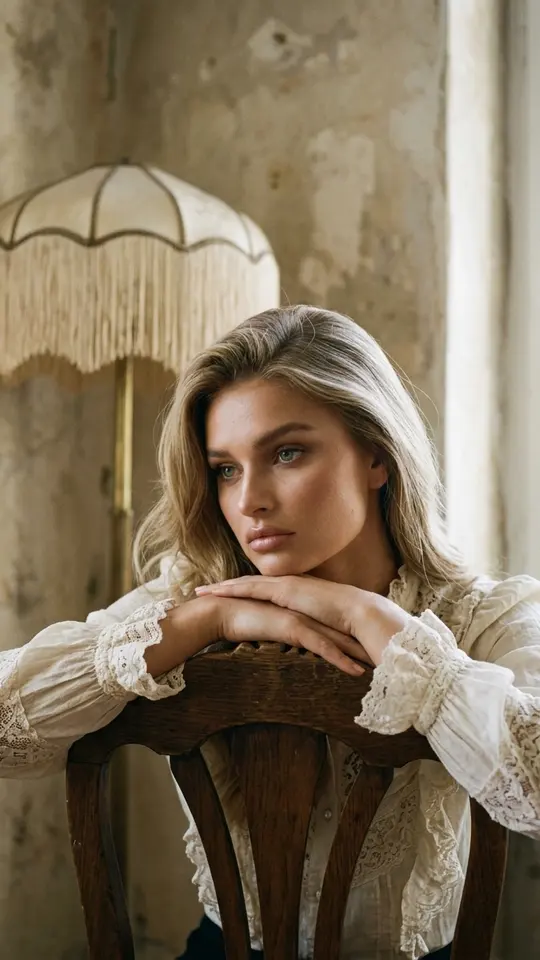
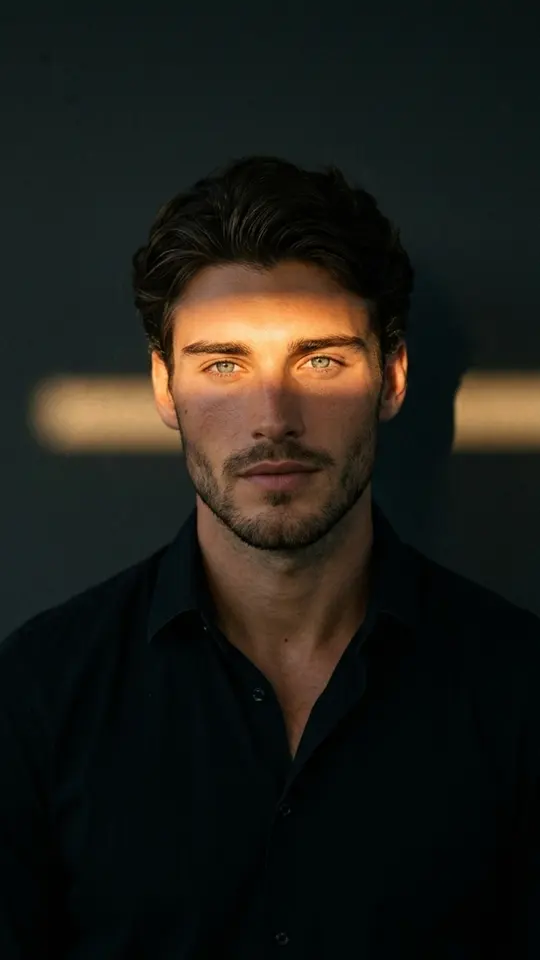
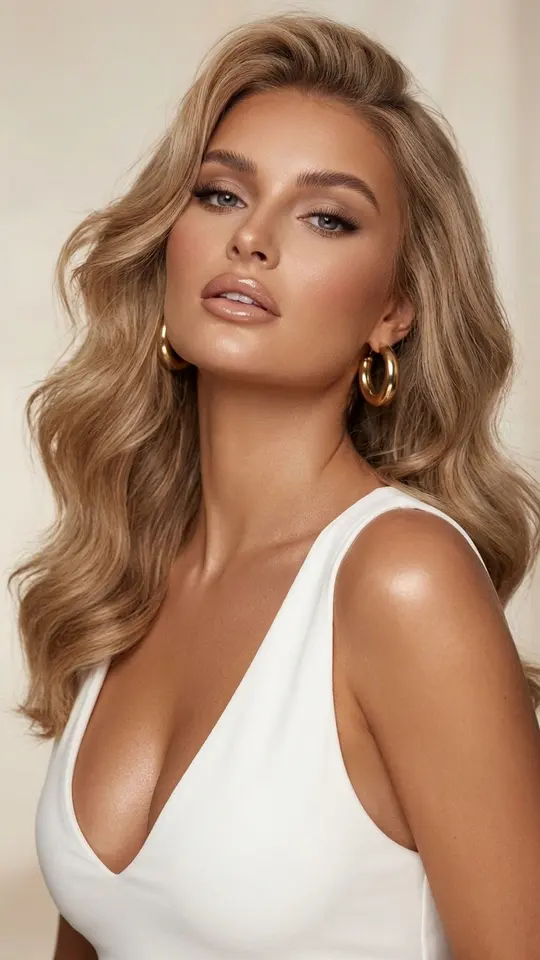
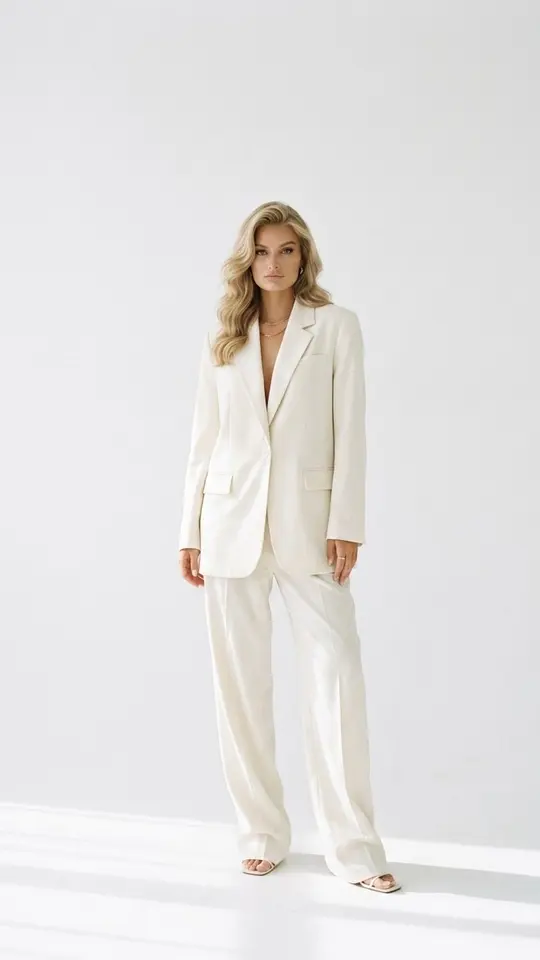
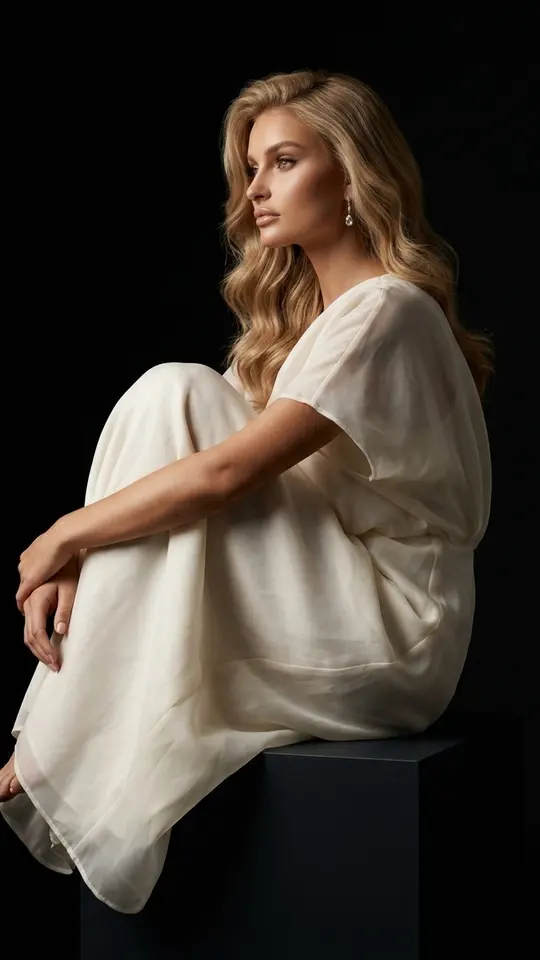
Each run returns one still image. Every portrait card here asks for a photorealistic, recognizable face with natural skin texture, yet an exact match is never promised. A recent, sharp photo with your face large in the frame gives the best odds; a dark, blurry selfie gives the weakest. You save the result as an ordinary file, and a copy stays in your account.
Price per image, counted in stars
Each image draws stars from your balance, and the number appears on the card or in the model picker before anything runs, so the per-image price is never a surprise. Verify the email of a fresh sign-up and five stars arrive as a starting balance. Templates with the Free today label cost nothing until their daily runs are used up. For a bigger balance, the Pricing page has subscription plans and single packs.
Limits before you start
Consent comes first: upload your face or faces whose owners said yes. Celebrities, strangers and anything posing as an official document are refused, and photos of kids stay within your own household. This page makes stills, not video. Results vary with every run, so one request will not repeat a picture exactly. Browsing costs nothing; making images requires signing up and confirming an email address.
Ready-made templates
FAQ
Can I generate AI images free?
To a point. The starter stars that come with email verification pay for your first few images, and catalog templates showing Free today run at no charge within a daily limit. Beyond that, images are paid in stars bought on the Pricing page.
What is the price per AI image?
There is no single figure: each model and template has its own star count, displayed before you run, so you always see it first. Repeating a run is charged again, which is why refining the prompt usually beats rerolling blindly. Cash prices for plans and packs appear only on the Pricing page.
Is an AI image generator better than a chatbot for pictures?
For pictures, usually yes. Here you pick the image model directly, can attach your own photo as a reference and can rerun one prompt on several models. There is no chat window: you write a request, run it and get an image back.
Will the generated image look like me?
It should be recognizable, since the portrait templates ask for that, but likeness is not guaranteed. The source decides a lot: a recent, sharp, front-lit photo with nothing covering the face works far better than a dim or distant shot.