Image to Image AI: Restyle, Edit or Extend Any Picture
Image to image AI builds a new picture from one you already have. On the Create photo page, attach the source, write what should change, and a photo model redraws it in another technique, replaces a detail or extends the edges.
Transform an imageReady in minutes · Free templates every day
The source does not have to be a photo of you. A finished illustration, a screenshot of your own app, a book cover you designed, a scan of a pencil sketch or a frame from your own video all work. Unlike generating from words alone, where every run starts from zero, here the model has a sample to hold on to.
What makes a good source image
The source can be a saved illustration, a phone scan of a drawing, a screenshot or a still pulled from a clip. Where it came from matters less than how readable it is: details that are blurry, tiny or cut off get invented by the model in its own way. Crop to the part you care about and upload the sharpest copy you have.
Restyle, change a detail, extend the frame
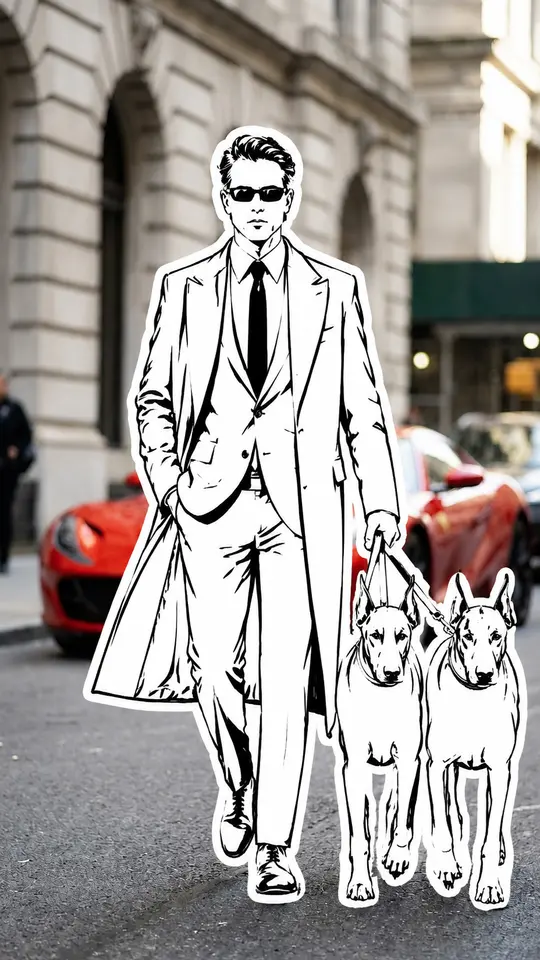
Most requests fall into three jobs. Restyling means a new technique: a photo into a charcoal sketch, a sketch into a 3D render, a portrait into street art. Changing means one detail replaced while the rest stays: clothing, background, a sign, the time of day. Extending means drawing past the borders when the original is cropped too tight. Plain words describe all three, with no prompt jargon needed.
Combine several images in one request
The Create photo page accepts several source images at once, and models such as Seedream 4.5 can combine them in one run. That helps when the result is assembled from parts: the character from the first image, the room from the second, the lamp from the third. Say in the prompt which element comes from which picture, otherwise the model mixes them as it sees fit.
Why a source beats a description
A prompt sets the idea, yet every run of it gives a different picture. An input image pins down what must not move: the composition, the pose, the recognizable features. That is why a series of posts with one recurring hero is easier this way, since one reference fixes the look for every frame and words only change the scene around it.
Ready-made styles from templates
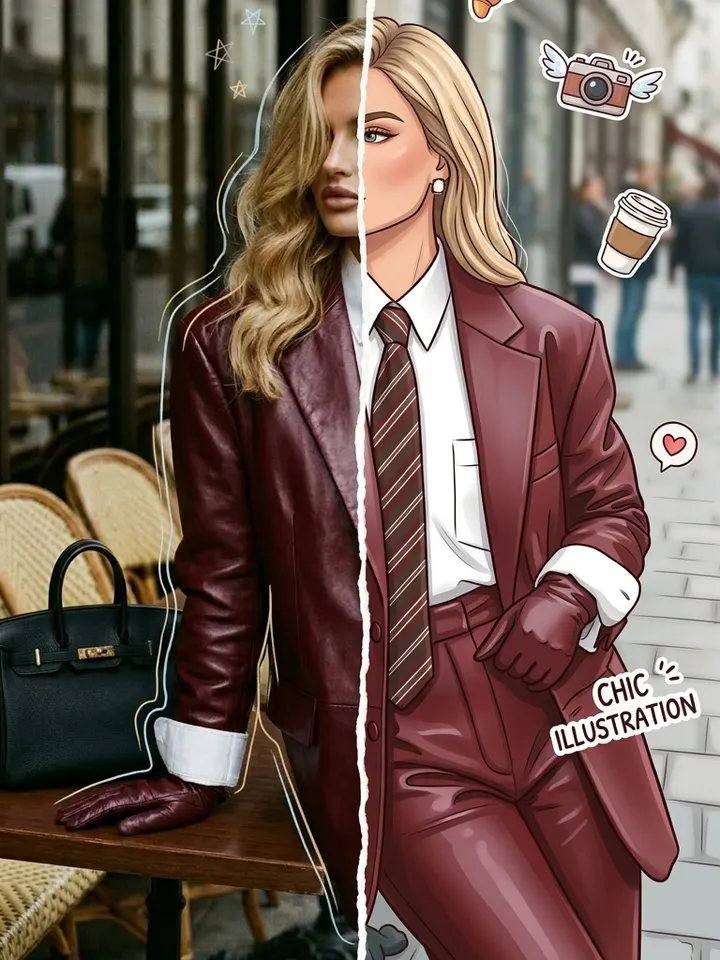
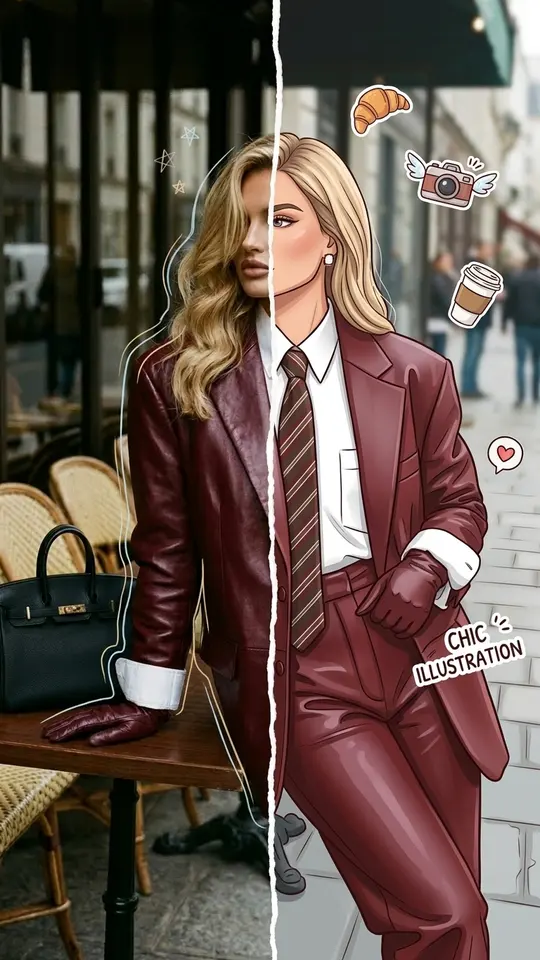
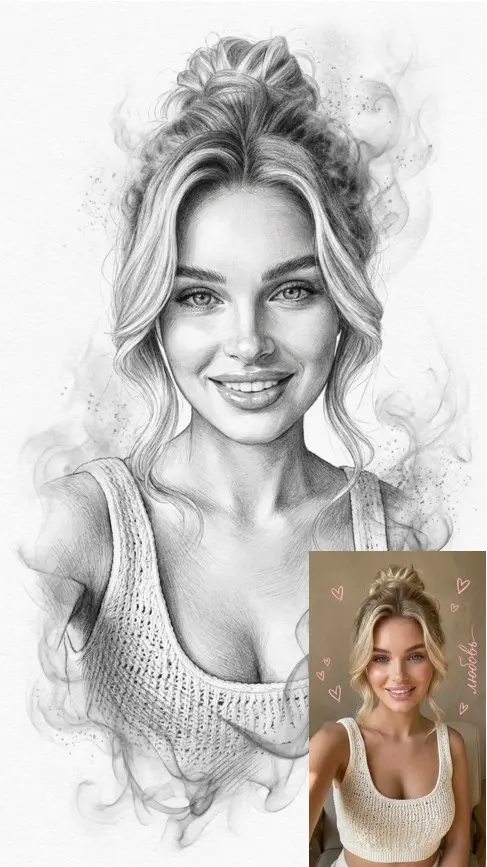
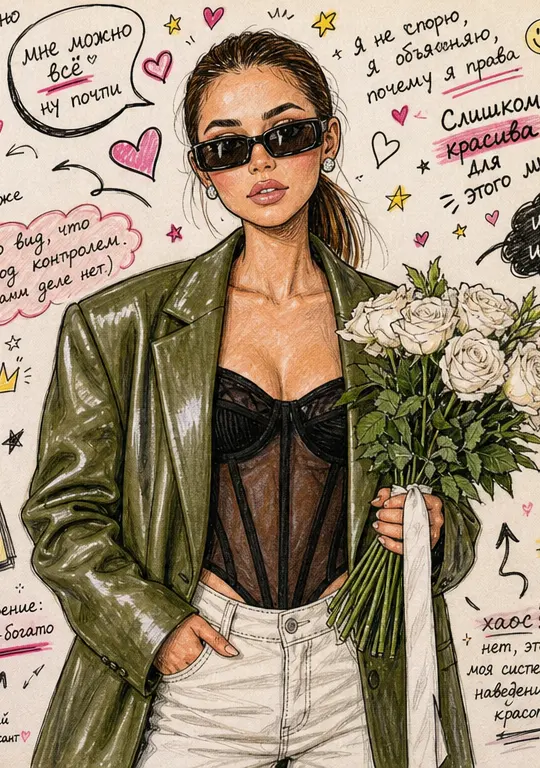
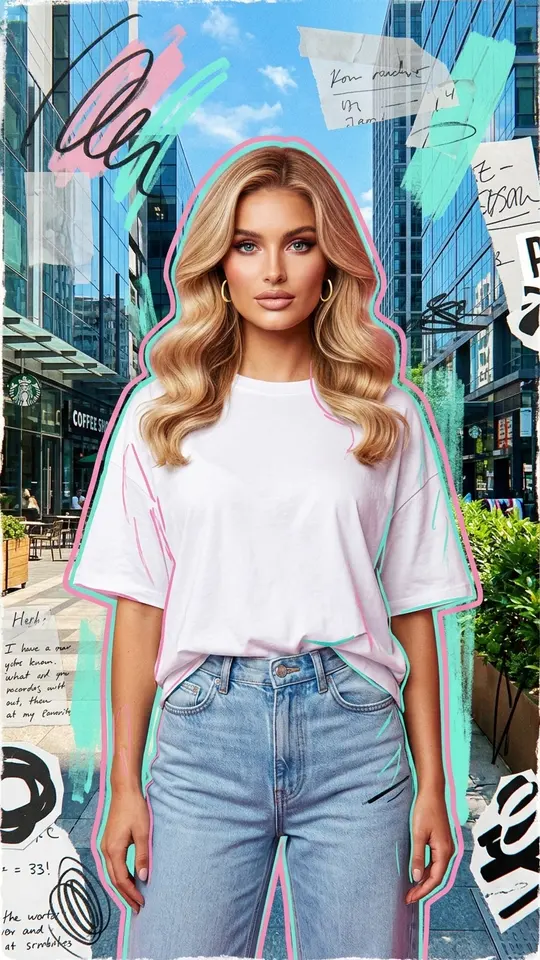
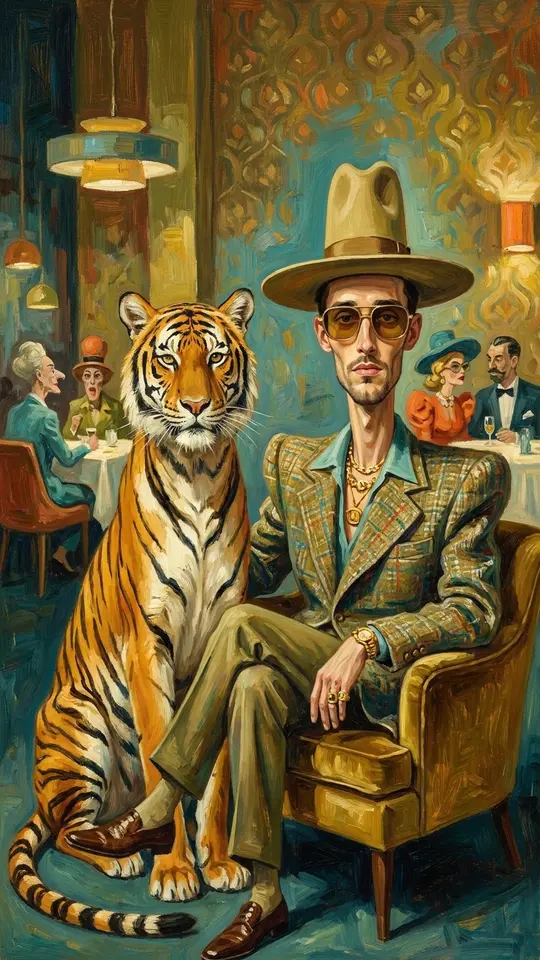
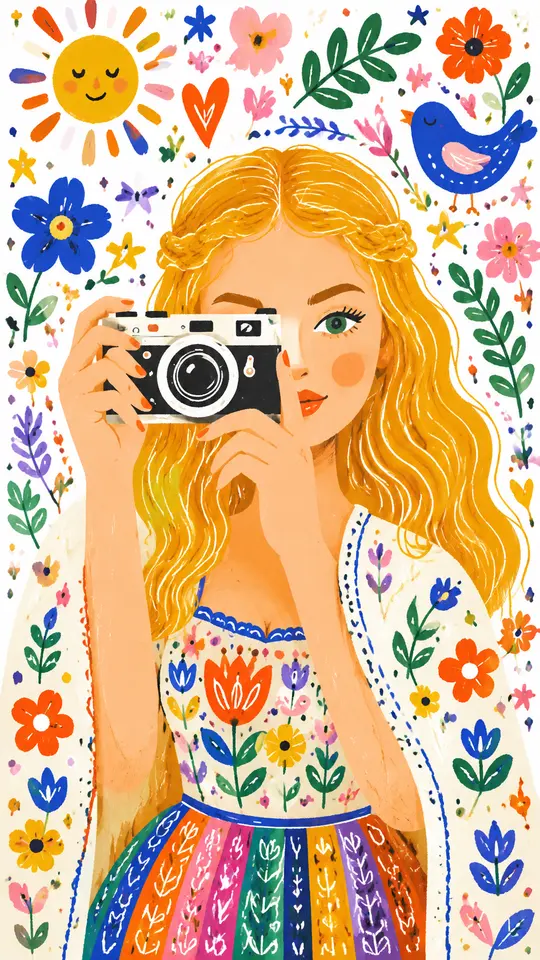
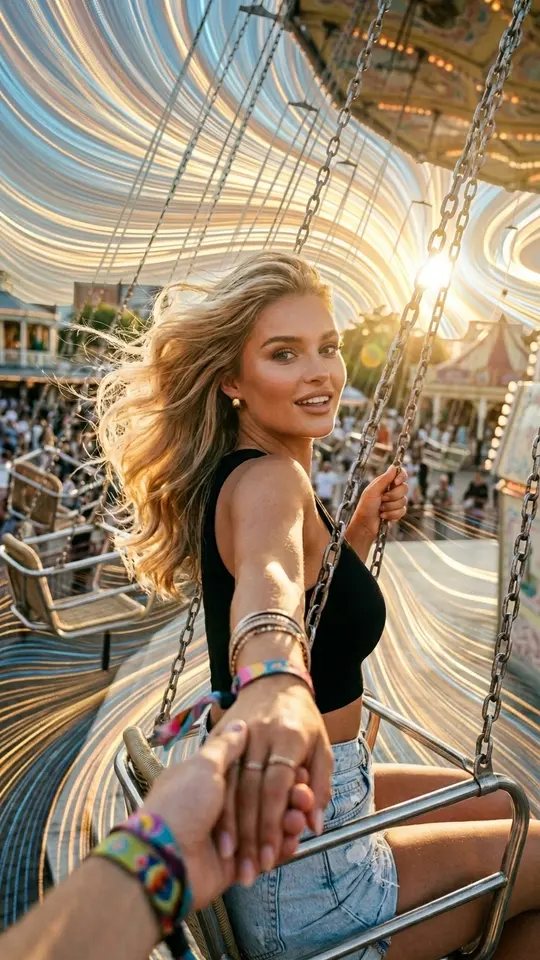
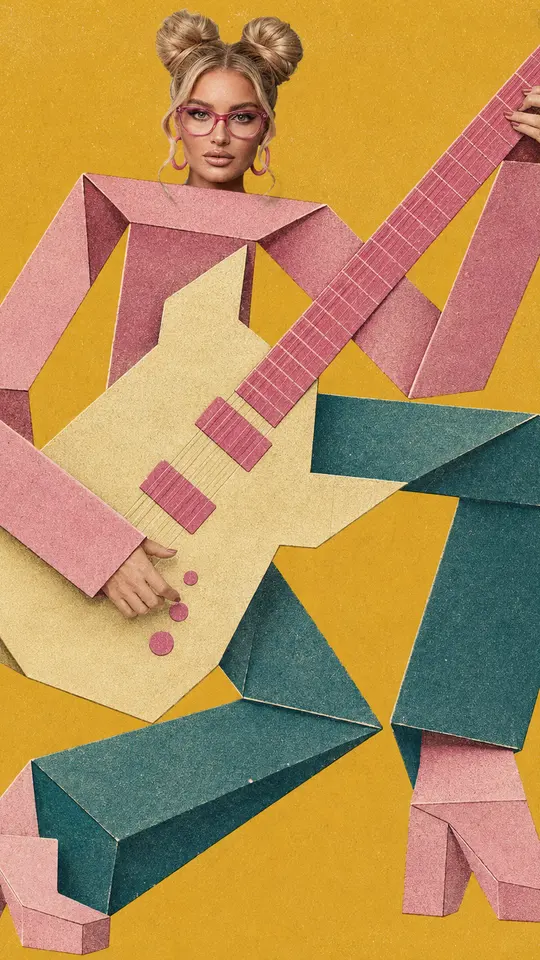
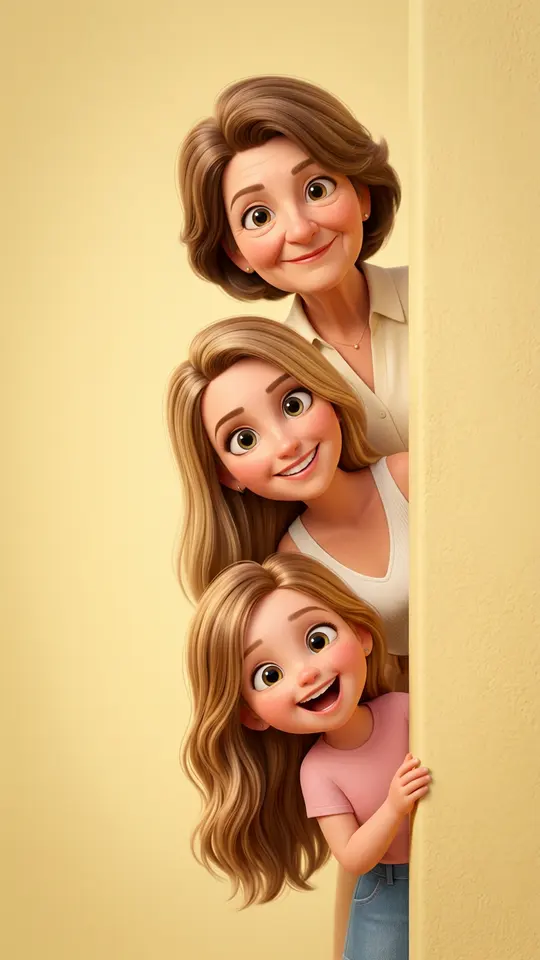
If you would rather skip the prompt, art templates do the same job for portraits. Charcoal and Graphite Portrait, Marker Doodle Sketchbook and Whimsical Folk Illustration redraw a person in a fixed technique, while Half Photo, Half Cartoon splits one portrait between the original and a cartoon version. Upload the photo the template asks for and run it.
Ready-made templates
FAQ
Do I need to upload a photo of myself?
No. A photo of yourself matters only when you have to appear in the result, and there is a separate page about that. Here the input can be any image you have the right to use: your own illustration, a design mockup, a scanned sketch, a screenshot.
Is image to image AI free here?
Each run is charged in stars, and the cost is shown before you start. Email confirmation credits a new account with 5 stars, some templates are marked Free today with a daily cap on free runs, and the Pricing page lists plans and one-off packs for more.
Will a face from the source image be kept?
The model tries to keep it, and a large, clear, evenly lit face gives it the best chance; a small face in a wide shot gets rebuilt only roughly. Nothing guarantees an exact match, so compare a few runs. Use images of yourself or of people who agreed.
Can I go from a sketch to a realistic image?
That is the reverse of restyling and works the same way: attach the sketch, describe the materials, light and setting you want, and ask for a photo-real result. Clean lines and a clear outline help the model read the shapes.
Can I turn the new image into a video?
Attach it on the Create video page, describe the movement you want and pick a video model such as Kling 2.6 or Seedance 2.0. Expect a short clip after a few minutes; a busy queue can stretch the wait.