Multi-Shot AI Video Generator: Several Shots, One Generation
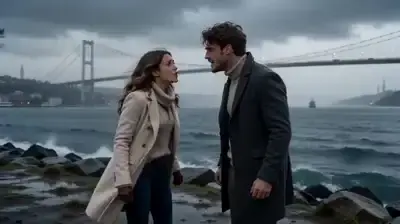
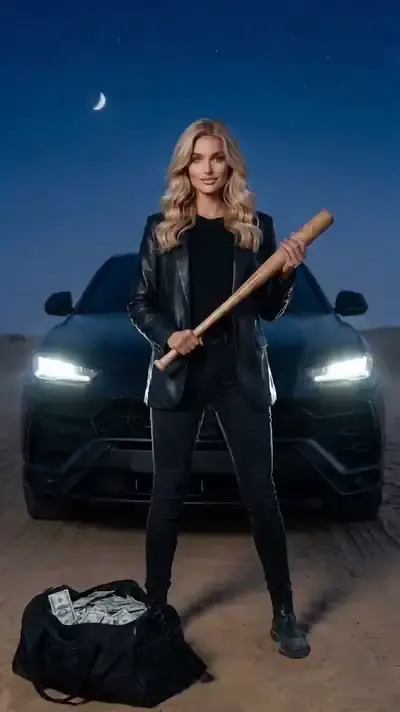
A multi-shot AI video generator returns a clip that's already cut together: several shots, camera moves and transitions from one generation. On MarketVideo, use Kling 3.0 or a multi-scene template like Tokyo Travel Vlog.
Create a multi-shot videoReady in minutes · Free templates every day
That skips the timeline: no takes to line up, no cuts to place by hand. Kling 3.0 is one of the models in Create video and works from your description, while templates only ask for photos. For Shorts, choose a vertical template and the file is ready to post.
Cuts and camera moves inside one generation
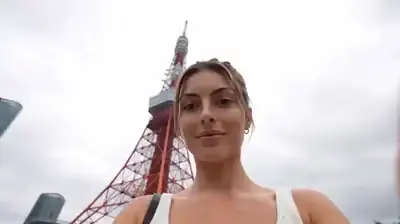
In a multi-scene template, the sequence is planned in advance. Tokyo Travel Vlog, for example, strings several city scenes into one clip with the cuts and camera moves already in place. You supply the photos the template requests and get back an edited result instead of separate takes to assemble.
Writing a shot list for Kling 3.0
Think of a Kling 3.0 prompt as a shot list. Select the model in Create video and describe the clip in order: how it opens, what the camera does next, where it ends. Attach a photo if the shots should center on a particular person or place, which makes it multi-shot image to video. The shots come back already joined.
A travel vlog from a single sitting
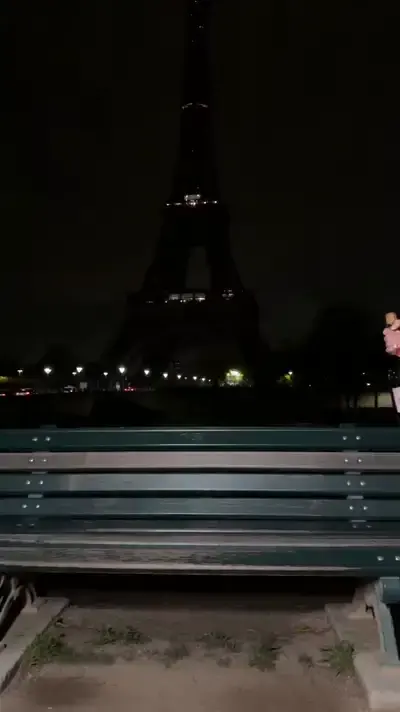
Travel vlogs suit this format because they are a chain of short scenes by nature. Tokyo Travel Vlog builds that chain from your photos. For a different city, write the trip as a sequence for Kling 3.0, say a street at dawn, a busy market and a rooftop at night, and attach your photo if you want to appear in it.
When an editor still makes sense
Longer stories are easier as several generations joined afterward. Each scene is saved as a standard video file, so any editor, even the one built into your phone, can put them in order and add titles. To make separate scenes feel like one film, describe the same light, weather and time of day in every prompt.
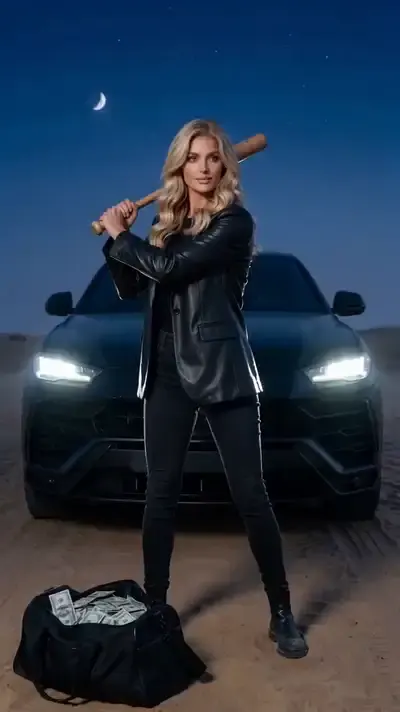
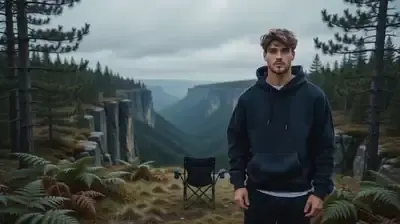
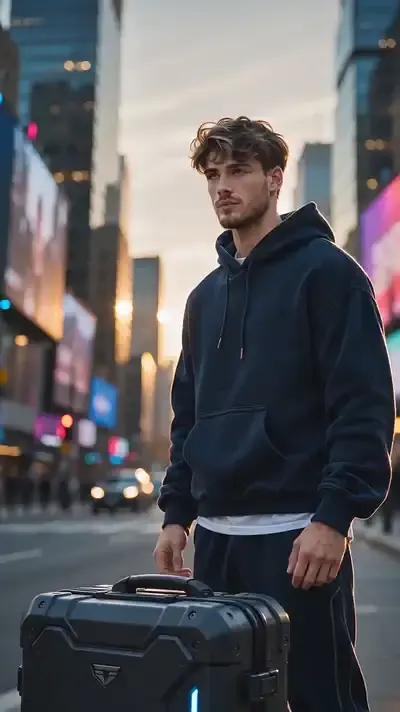
Ready-made templates
FAQ
Do I need editing software for a multi-shot clip?
Not for one clip, since the shots arrive already joined. An editor only comes in when you combine several generations into something longer or want to add your own titles and music over the result.
Can I use footage I filmed myself?
Not as material to cut, because the site generates new scenes rather than editing recordings. Video can still help as a guide: Motion Control reads the movement in a reference video and applies it to your photo, which is handy for copying a gesture or a dance.
Is there a free multi-shot AI video generator?
Kling 3.0 and the multi-scene templates are paid in stars, and each shows the amount before you run it. A new account picks up 5 stars when its owner confirms the email, and templates flagged Free today can be tried without stars until their daily limit is used up. Refills are on the Pricing page.
How long does a multi-shot generation take?
Plan for a few minutes per video, sometimes more when the queue is busy; a multi-shot clip is still one generation, so you wait once rather than for each shot.