Personalized Storybook Maker Starring Your Child
MarketVideo can serve as a personalized storybook maker for the screen: one photo of your child becomes the hero of illustrated fairy tale scenes, and each scene can then turn into a short animated clip.
Draw the first sceneReady in minutes · Free templates every day

What you end up with is a digital tale to watch together, not a printed book, and nobody reads it aloud for you. Below: choosing the photo, splitting a story into five scenes, setting them in motion, and how the star cost adds up for the whole series.
Pick the photo that becomes the hero
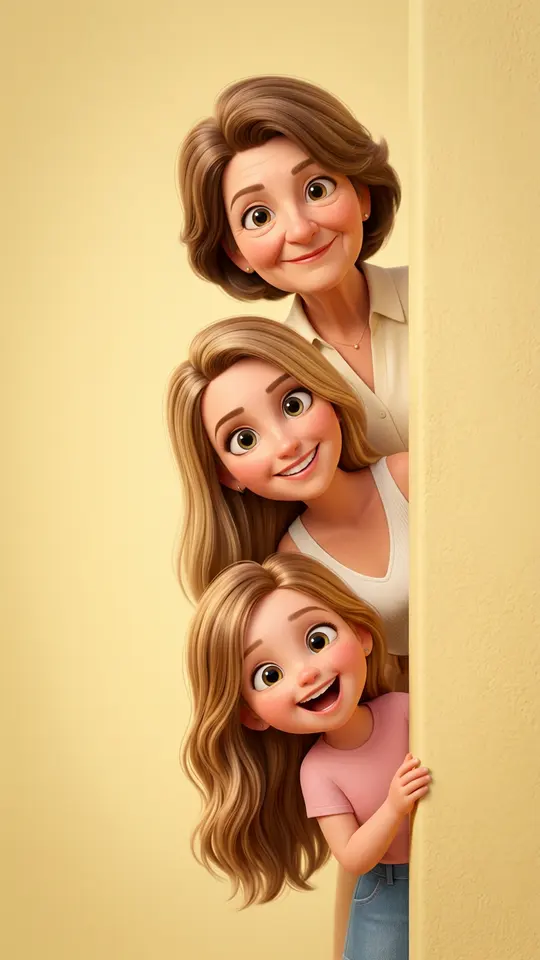
A recent close shot of your child works best: face toward the camera, eyes open, no hat brim or hand across it. Upload it to a template like Magic Gift Box, where a delighted child opens a glowing present, or Peekaboo 3D Cartoon Family, which turns everyone in the picture into rounded 3D characters peeking in from the side. Use photos of your own kids only.
Split the tale into five scenes
A whole story never fits in one request, so plan one picture per moment: the hero sets out, meets trouble, finds a helper, passes the test, comes home. On Create photo, describe each scene, attach the same photo and let Seedream 4.5 draw the page. Repeat the hero's outfit in identical words every time, or the character drifts from page to page.
Turn each page into a moving scene
Once a scene looks right, take it to Create video, attach the picture and say what should move: snow starts to swirl, a lantern flickers, the hero steps toward the castle gate. Kling 2.6 handles this kind of single action well, as does Seedance 2.0. Keep every clip to one beat; the Dragon Awakening template, for example, builds a ten-second scene around a character on a hilltop above a forest ravine.
What a five-scene series costs
Count ten runs: five pictures and five clips. Each page and each clip carries a star price you see before pressing the button, so add the ten numbers up front and leave room for two or three redos, since a scene rarely lands on the first try. After email confirmation your opening balance is 5 stars, enough to test one picture; the rest of the series is topped up from the Pricing page.
What this storybook is not
Pages come out as image and video files you download, not a bound book, and the site cannot read the tale aloud or add music. Templates built around famous cartoon characters are left off this page; for a tale you plan to share, describe your own hero and world in words. Likeness is aimed for rather than guaranteed, so compare each page with the photo and rerun any scene where the face drifts.
Ready-made templates



FAQ
Can I make a personalized storybook for toddlers?
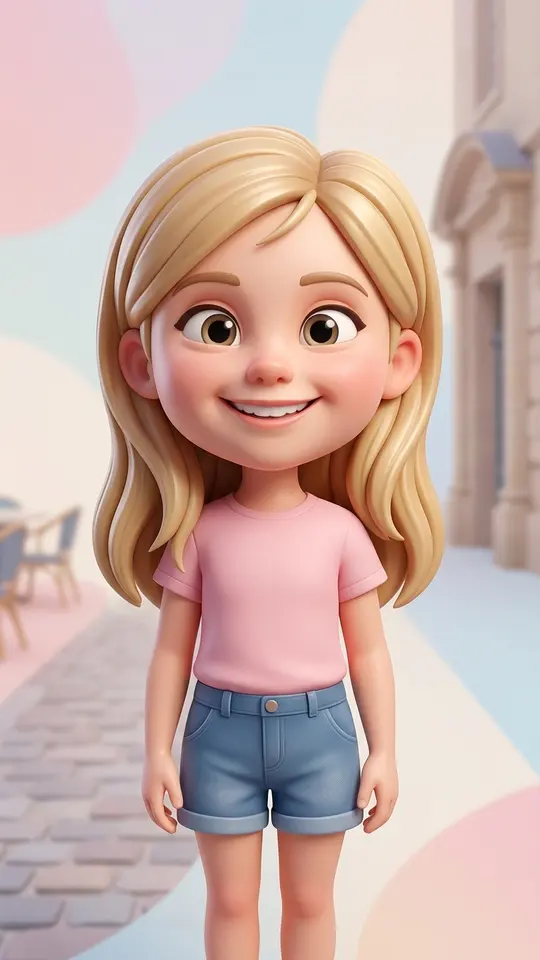
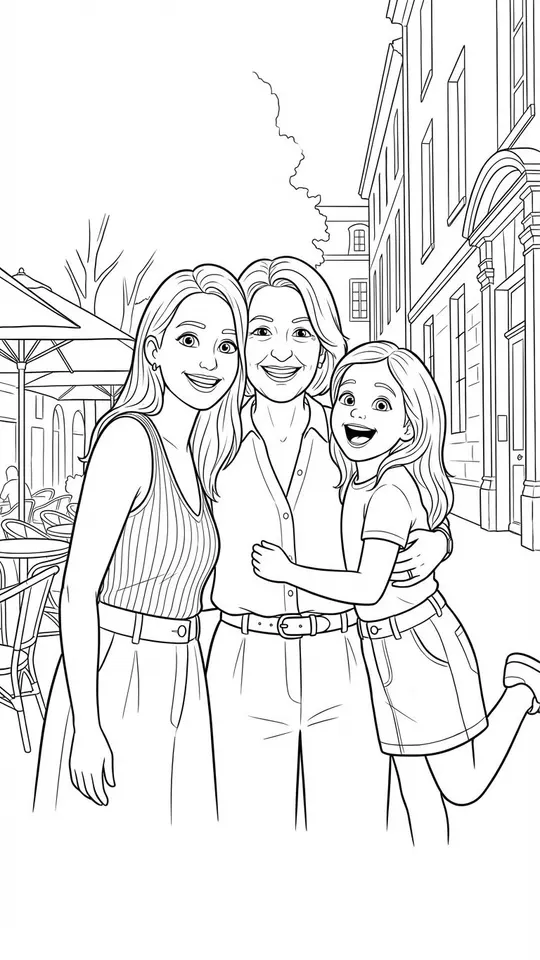
Yes, with a few adjustments. Toddlers rarely hold still for a sharp photo, so take one during a calm moment in daylight. Keep the story to bright, simple scenes, and use only pictures of your own family. Rounded looks such as Big-Head 3D Cartoon or the soft Colored Pencil Drawing suit very young viewers.
Do I need a written story first?
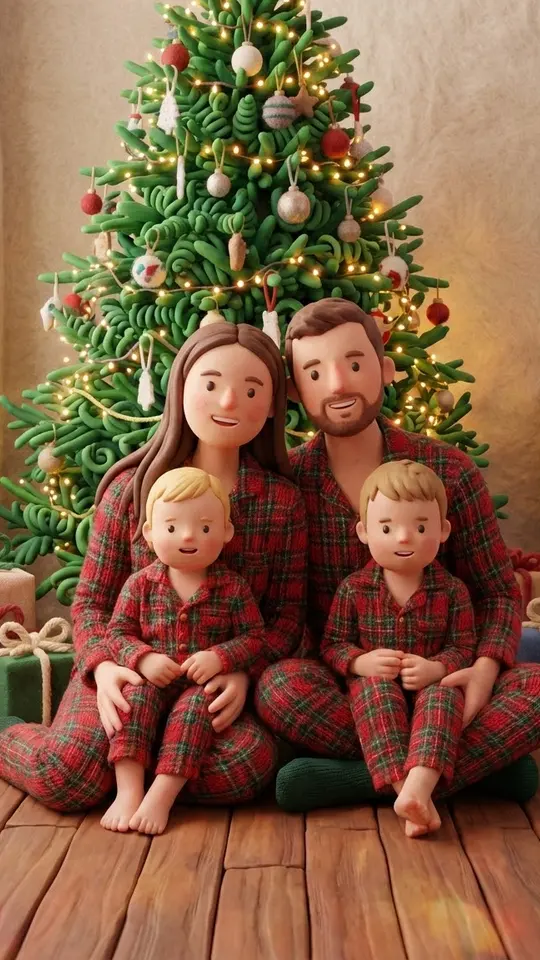
Two short lines are plenty: who the hero is, what goes wrong, how it ends. Each beat becomes one scene description. With no plot at all, start from Handmade Claymation Style, which gives the picture a whimsical fairy-tale mood, and build the tale around what comes out.
Can siblings appear in the same tale?
Yes, two kids can share a page. Peekaboo 3D Cartoon Family works from the uploaded photo or photos and turns the people in them into 3D characters. On Create photo you can attach several pictures and say which child plays which role in the scene.
Will the hero look like my child in every scene?
The kids templates ask the model to preserve the child's face, hair color and texture, though a perfect resemblance cannot be counted on. Using one photo and one wording for the outfit across all five pages keeps the hero steadier. When a single scene drifts, run only that scene again.