Upscale an Image for Printing, a Screen or a Drawing
To upscale an image for printing, drop the file into Create photo, choose NanoBanana PRO and ask for the same picture with crisper edges. The model redraws it, so check the download's pixel size against what your print shop needs.
Upscale an imageReady in minutes · Free templates every day
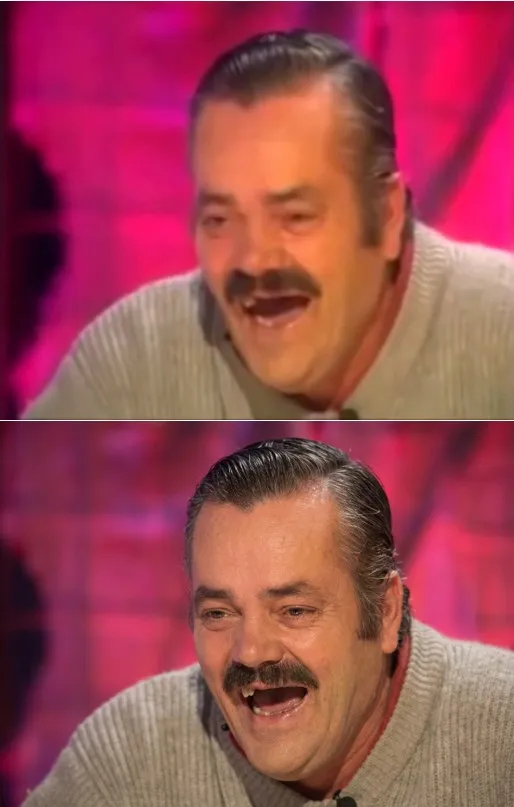
"Better" means nothing to a model until you name where the picture is going. A poster wants clean contours, a monitor wants sharpness without halos, lettering wants readable letters, and a video frame wants blur and compression blocks gone. Below, each goal gets its own checklist.
Large prints and posters
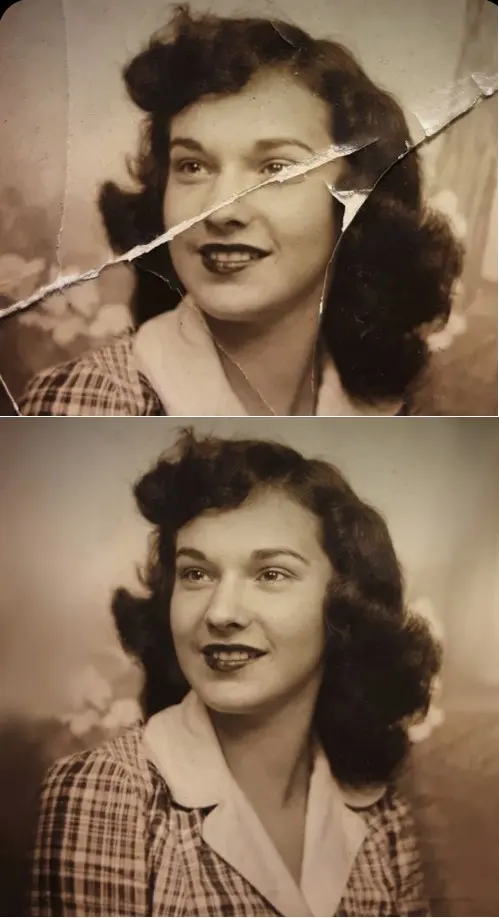
Print shops judge a file by pixels per inch at the final size, so a poster asks for far more than a postcard. Here the model rebuilds texture and smooths stepped outlines that plain enlarging leaves behind. Open the finished file, compare its dimensions with the shop's request, and only then order the print. Creased or torn originals go through Crease & Damage Repair first.
4K screens and wallpaper
On a monitor, oversharpening shows sooner than missing detail. A generative model does not push a sharpness slider; it redraws edges, so bright rims around objects are rare. Brighten very dark pictures before the run, otherwise the model may treat shadow noise as texture and carefully keep it. Say in the request that framing and colors must stay unchanged.
Text inside the picture
Letters are the weakest spot of any upscale. The model guesses glyph shapes from context, so short Latin words usually survive while small print can turn into look-alike symbols. Read every word after the run. When the lettering matters more than the background, retype it over the improved image in any editor instead of trusting the redraw.
Video frames and screenshots
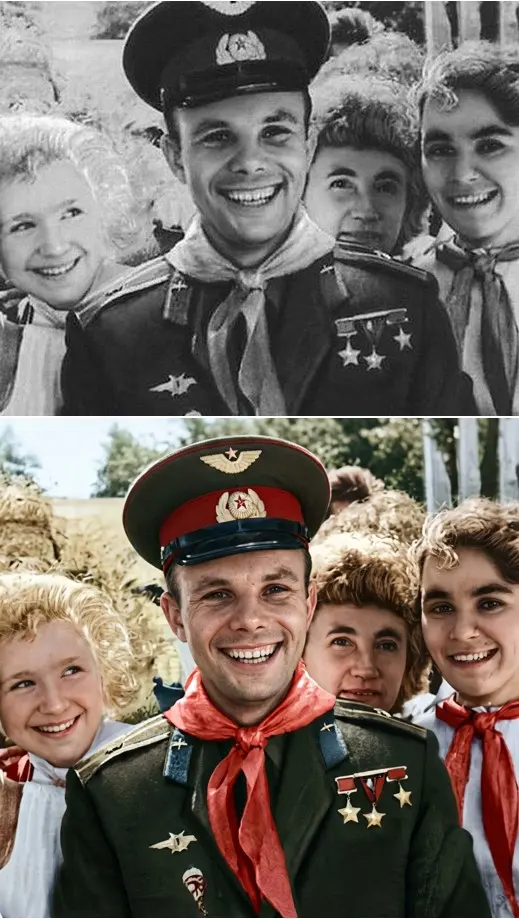
A paused frame carries two defects at once: motion smear and codec blocks. One pass clears most blocks, restores outlines and softens blur on faces, which is how you improve screenshot quality for a thumbnail or cover. What never reached the stream stays a guess, such as tiny background text, so a cleaned frame is not proof of anything.
Drawings, anime and flat art
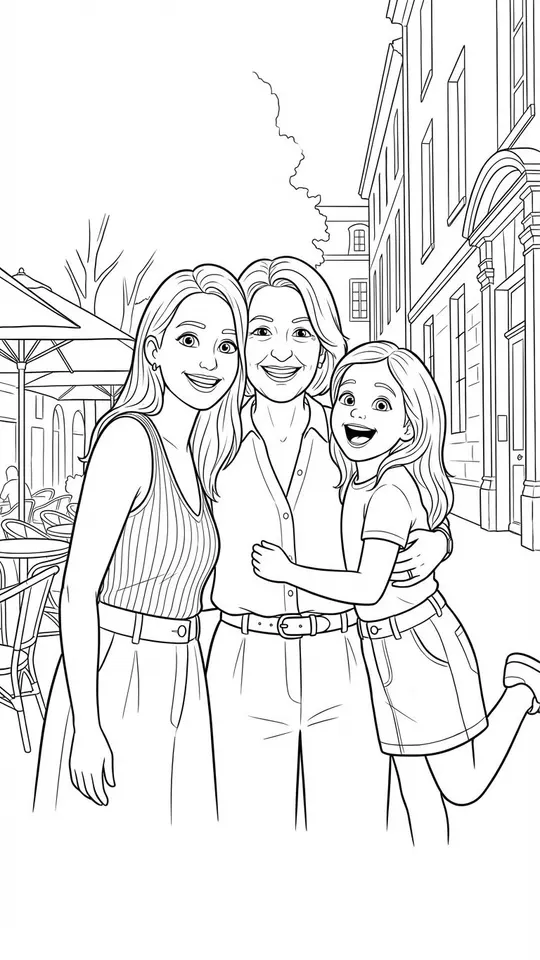
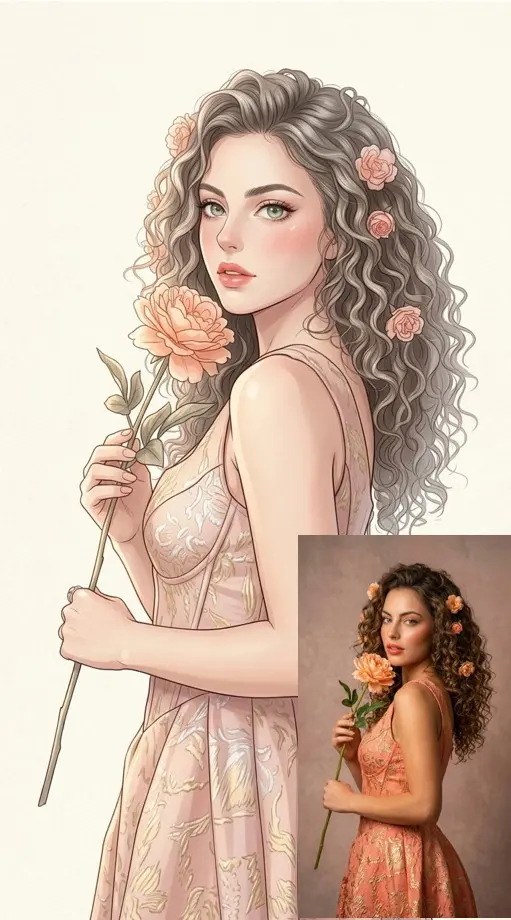
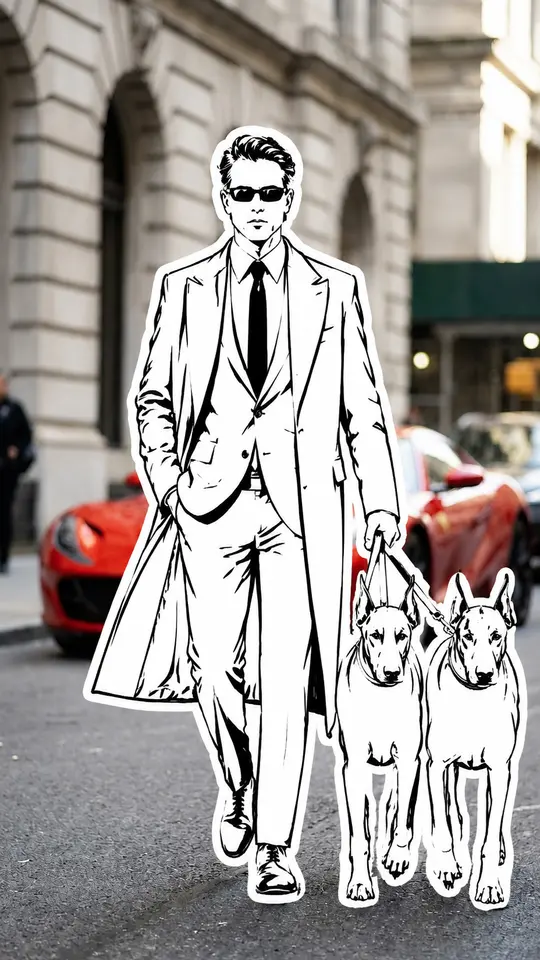
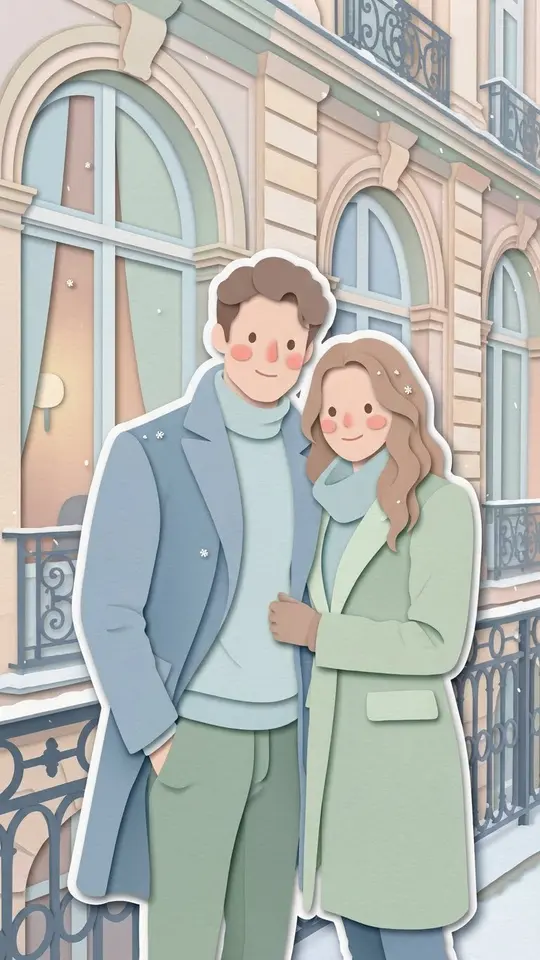
Flat fills and clean lines scale up better than photographs: contours straighten, colors hold and the style survives because the model recognizes the manner. Deliberate pixel art and retro game sprites are the exception, since smoothing erases the point. Want a new look rather than a sharper copy? Anime Manga Portrait or Coloring Book Page redraws a photo as print-ready line art.
Ready-made templates

FAQ
How is this page different from an AI photo enhancer guide?
Enhancer guides start from the flaw: noise, compression damage, lost focus. This checklist starts from the destination, a printed poster, a monitor, a thumbnail, and tells you what to request and what to inspect for each one.
Can I upscale an image for free in 4K?
Partly. A starter gift of five stars arrives after you verify the address on a new account, enough to test one picture. Selected templates rotate into a daily Free today slot with a capped run count. A specific output size such as 4K is not promised, so check the downloaded file.
What does one upscale cost?
Stars pay for each pass, and the amount sits beside the model ahead of time, so nothing comes as a surprise. Different models carry different costs. When your balance runs out, plans and one-off packs of stars are listed on Pricing.
Will an old family photo still look like the same people?
Restoration cards here tell the model not to alter identity, age or expression. Still, each result is generated, so compare faces with the original before printing. Stick with photos of yourself or of relatives who are fine with it.