Viral AI Videos: How They Are Made and How to Make Yours
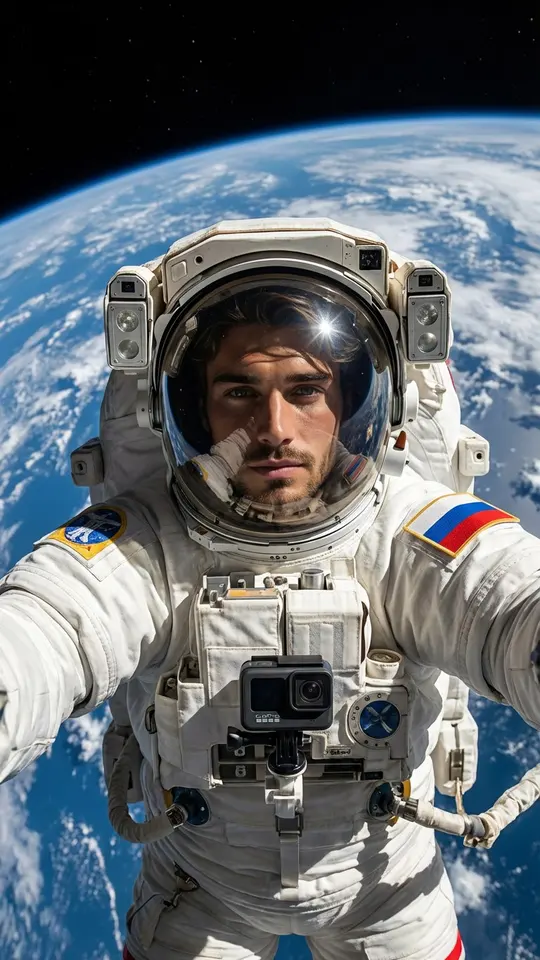
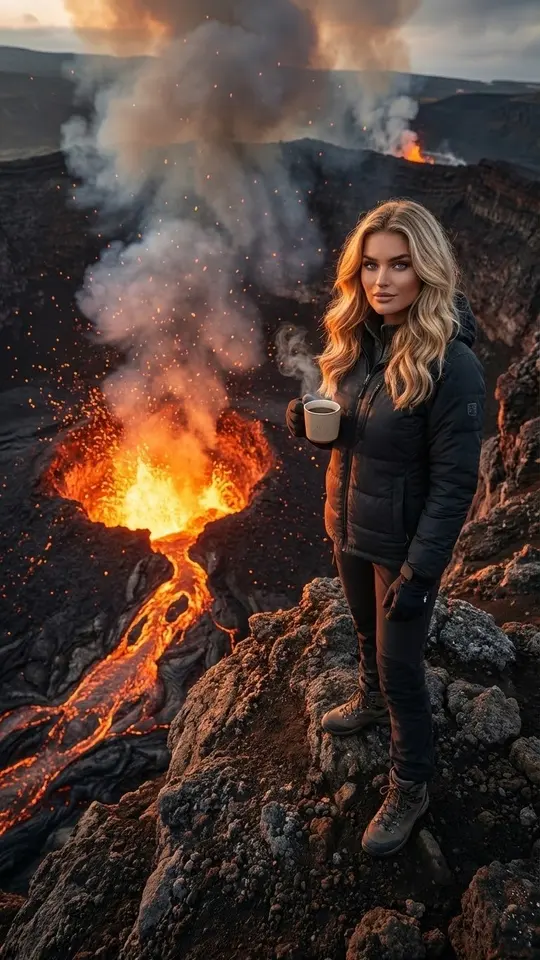
Viral AI videos are short, surreal scenes no camera could film: someone floating in zero gravity at home, sipping coffee on a volcano rim, snapping a selfie on a spacewalk. A model builds them from a photo and a short prompt.
Make your own surreal clipReady in minutes · Free templates every day
Most people only scroll past them, yet making one takes a single photo and a few minutes. Every scene on this page comes from the MarketVideo catalog, and each can be repeated with your own picture, so the person in the impossible place is you rather than a stranger from the feed.
Where the genre came from
Once video models learned to keep a face steady and make motion look physical, short absurd scenes spread across feeds: cats on construction sites, people in impossible places, objects with a life of their own. The look became recognizable enough to get its own name, and the formula stayed simple: one real-looking person, one place nobody could reach.
How viral AI videos are made
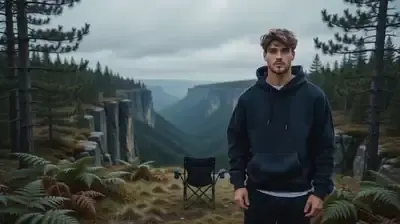
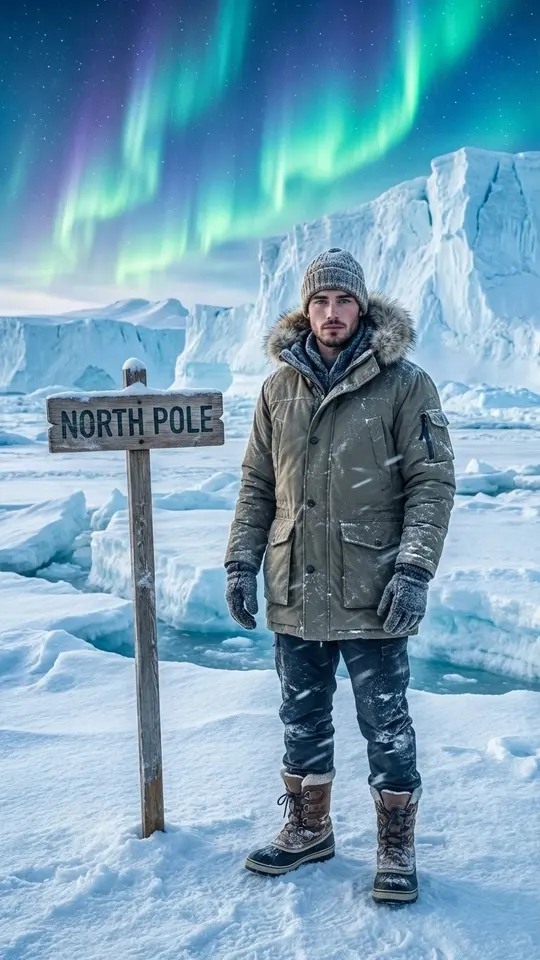
Many start as a single strong still. A photo template puts you into the scene, for example Spacewalk Selfie, Coffee on a Volcano or You at the North Pole, and returns an image. That image then goes into Create video with a line about motion, such as steam rising from the cup while the camera drifts back. Video templates such as Dragon Awakening skip the middle step and go straight from your photo to a clip.
What makes a clip spread
One clear idea and one strong frame. An overloaded scene falls apart, while a simple thought like a person standing on the edge of a volcano reads in a second and gets watched to the end. The impossible beats the realistic, because the impossibility is what holds attention; keep the motion simple too, since plain physics looks more convincing.
Viral AI video ideas to try
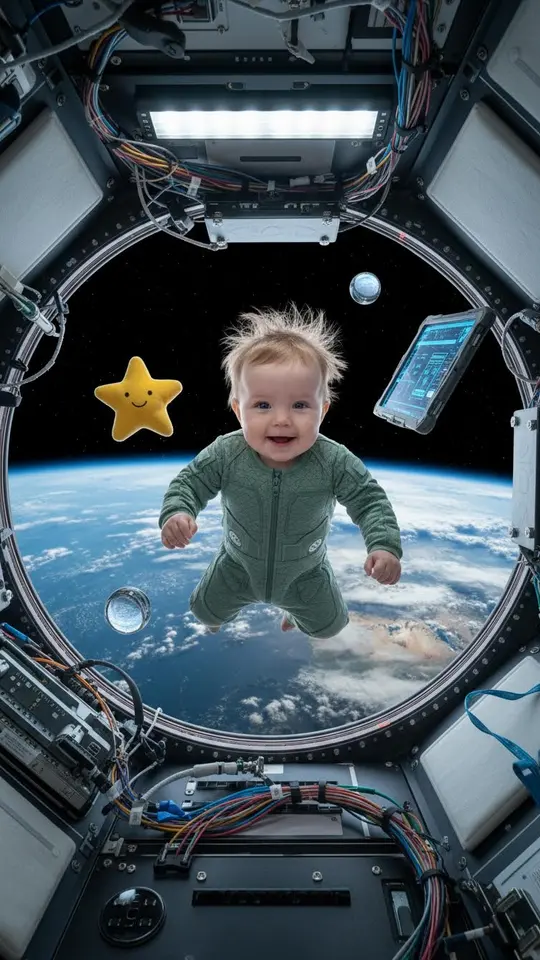
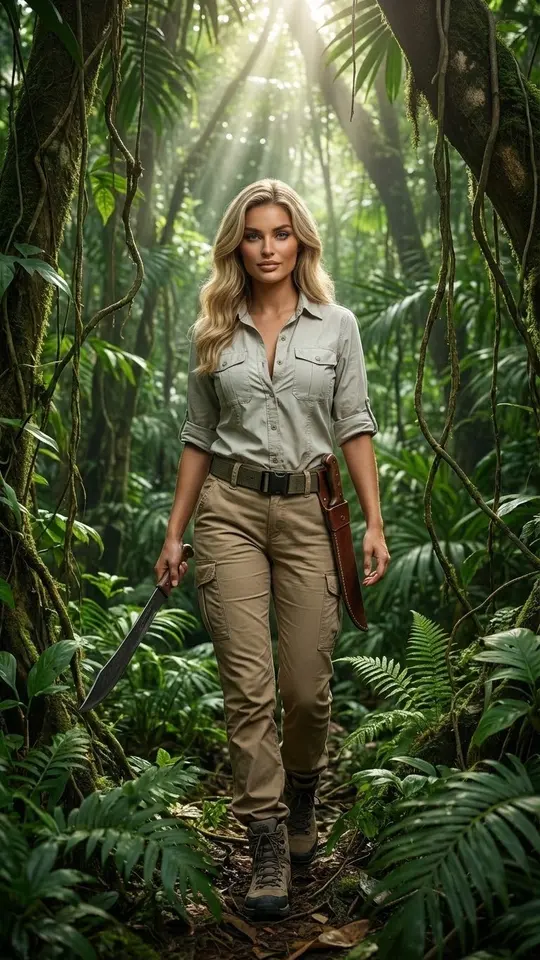
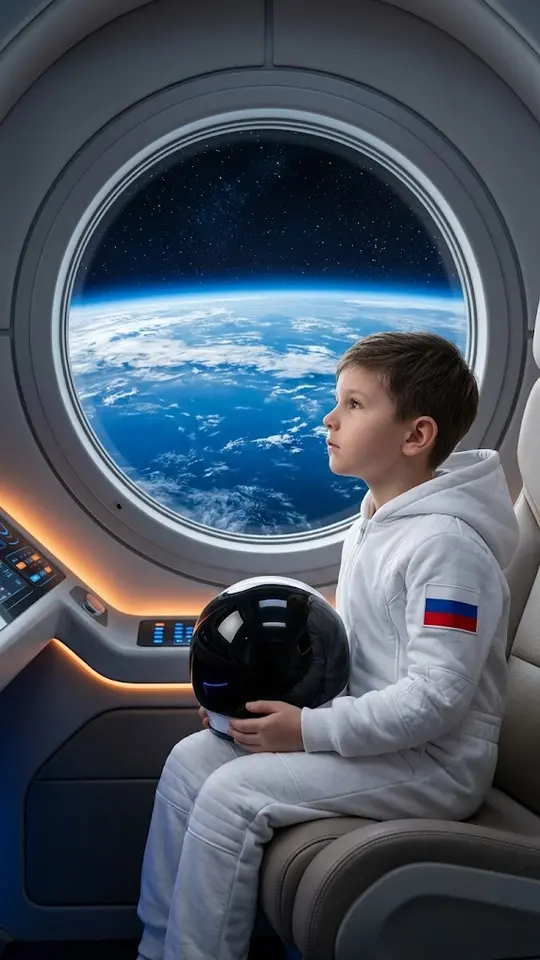
Space is the easy start: a spacewalk selfie, zero gravity in your living room, or a family photo of your child at a spaceship window. Extreme places come next, from the North Pole to a jungle expedition. For movement trends, the Motion Control model makes your photo move the way a reference video does, and the finger-frame templates follow a trend of their own.
What it costs to try
A handful of templates are free each day under a “Free today” badge, up to a daily number of runs. Everything else costs stars, and the price sits on the template before you commit, so a whole series of clips can be budgeted in advance. New accounts start with 5 stars once the email is confirmed; the Pricing page has more.
Ready-made templates
FAQ
What counts as a viral AI video?
Usually a short clip generated entirely by a model, from an absurd sketch to a realistic scene no camera could capture, that people share because it stops the scroll. The term describes a style and the way it spreads, not a specific tool.
Do I need a camera or editing skills?
No. One clear photo is enough, because the model builds the background, light and movement on its own. A sharp, front-facing picture with even lighting gives it the best material, and everything runs in a phone or desktop browser.
Can I post these clips on social media?
The finished file downloads like any other video, so you can upload it wherever you post. Most platforms ask creators to mark realistic AI content with a label in the upload settings, and doing so keeps viewers from feeling misled.
Why do some clips look better than others?
Different scenes are rendered by different models, and the simpler the physics, the more convincing the result. Tricky movement, like fingers gripping things or quick spins, is harder, so the best viral ideas pair one bold setting with calm motion.