AI Video Creator for Beginners: Pick a Scene, Add a Photo
MarketVideo is an AI video creator built for people who have never edited a clip: choose a scene from the catalog, attach one photo and download the finished video.
Make a travel vlog from your photoReady in minutes · Free templates every day
There is no model to pick, no settings panel and no timeline. Each template already decides the setting, the style and how the camera moves, so your part is the photo. It all runs in the browser on a phone or a computer, and a few scenes in the catalog cost nothing to run each day.
Your first AI video in three steps
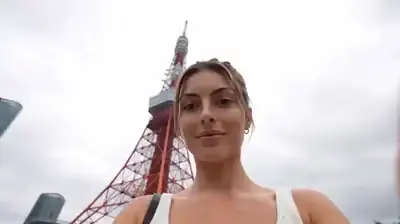
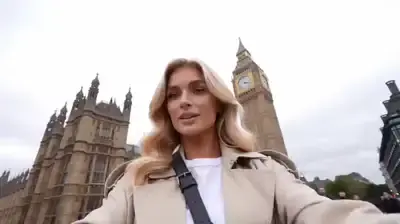
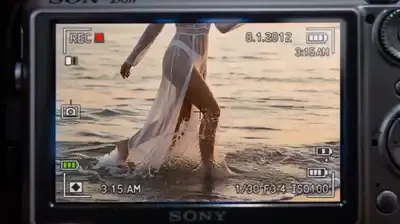
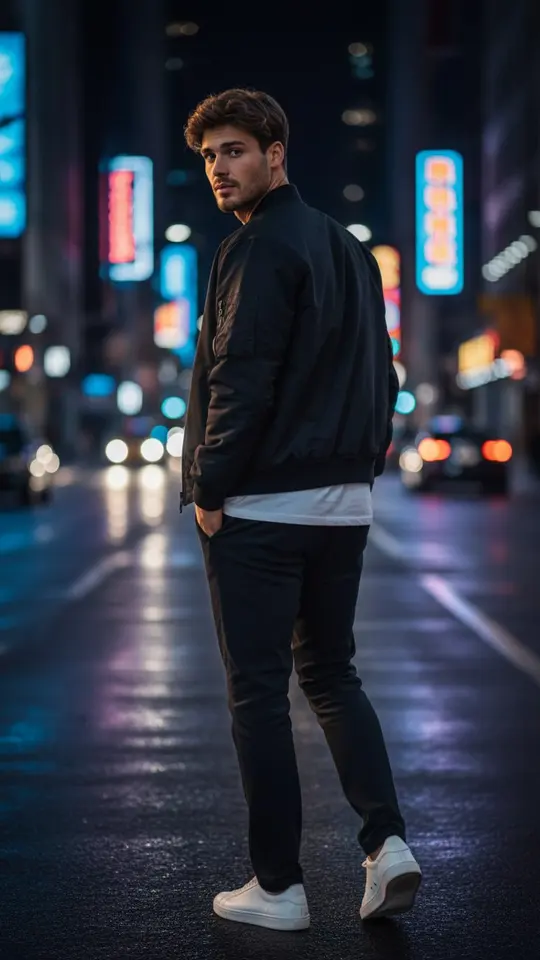
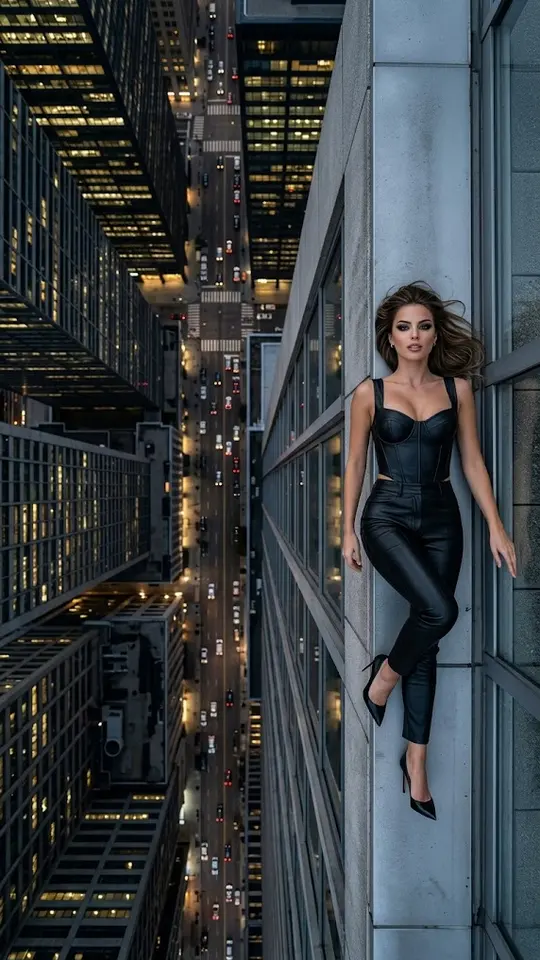
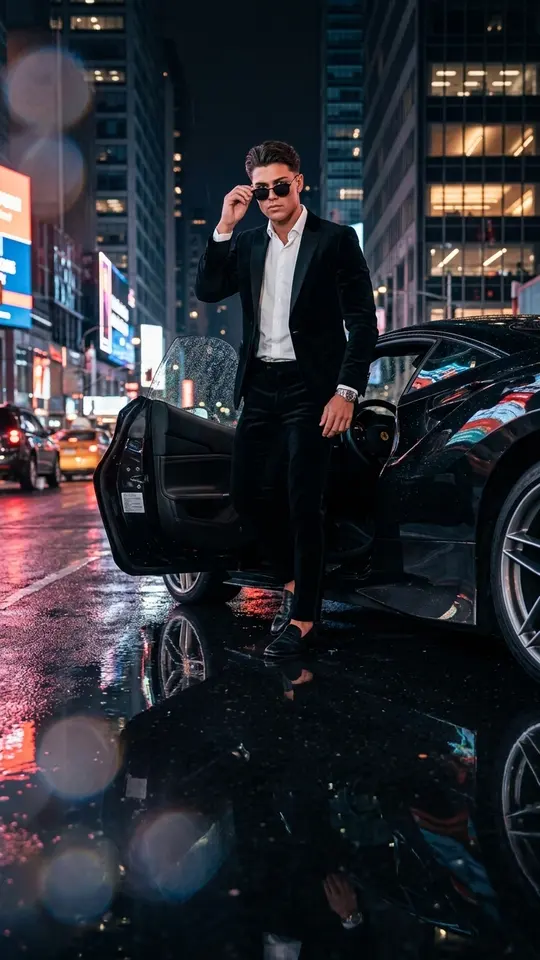
Open the catalog and browse by mood or place: a travel vlog through Tokyo or London, a slow-motion fall through the sky, a night walk under neon signs. Open the template, upload the picture it asks for and press run. When the clip is ready, save it to your device and share it wherever you want.
What the template handles for you
Behind every scene sits a model chosen to match it, plus a written description of the shot. The Tokyo and London vlogs, for example, run on Seedance 2.0 and are set up to keep the same face across a 10-second montage of city shots. You never touch a prompt unless you want to: Create video is there for later, when you feel like writing a scene of your own.
Which photo to upload
A recent phone picture is enough. Pick one where the face is sharp, evenly lit and not hidden by sunglasses or a hand, with only one person in the frame. Upload yourself or someone who said yes to being in the clip; celebrities and strangers are not allowed, and children belong only in your own family's pictures.
Trying it free, then paying with stars
Every day a handful of catalog templates are tagged Free today and can be run a limited number of times without spending anything. Other runs use stars, and each card shows how many before you press the button. Confirming your email at sign-up puts 5 stars in the account, and the Pricing page sells more as plans or one-off packs.
Where a beginner tool stops
MarketVideo makes clips; it does not cut or join footage, so each run returns one short video rather than a long film. If a result misses, try a clearer photo or another template, keeping in mind that every attempt is a separate run. Rendering takes a few minutes and can stretch when the queue is busy.
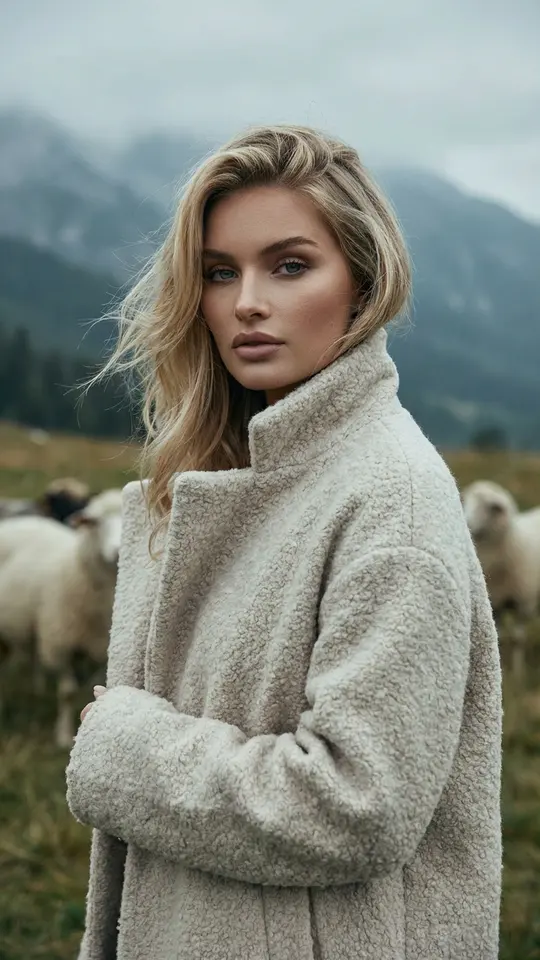
Ready-made templates




FAQ
Do I have to choose an AI model?
No. Each template is already tied to a model that suits its scene, so the choice is made for you. If you get curious later, Create video lets you pick from options such as Veo 3.1 or Kling 2.6 and describe the scene yourself.
Do I need an account to start?
Looking around does not. To run a template you sign up with an email address and confirm it, which also brings 5 starter stars. That same account keeps every finished clip in its history.
Can I make a video without a photo?
Yes, on the Create video page you can type a description of the scene and run it with no picture attached. Catalog templates mostly expect a photo, because they put your face into the scene.
Will it run on my phone?
Yes. MarketVideo works in a modern browser on phones and computers alike, with nothing to download. The heavy lifting happens on our servers, so a long render does not tie up your device.