Zombie AI Trend: Turn Someone You Know Into a Zombie
The zombie AI trend turns a familiar face into the undead without losing who it is: the eyes cloud over, the skin goes gray, the movement gets jerky, yet the features stay the same.
Make a zombie videoReady in minutes · Free templates every day
That balance is the whole trick. Once the likeness slips, viewers see a random monster instead of a partner, a pet or you. Below is which photo keeps the resemblance, the three versions people post, the wording that works and the requests moderation turns down.
Pick a photo that holds the likeness
Choose a portrait taken from the front or at a slight angle, with the head filling at least a third of the frame. The effect breaks the face down detail by detail, so a distant shot leaves too little to work with and comes out faceless. Even light beats dramatic light: in strong backlight half the face gets guessed. Skip heavy beauty filters, since decay over smoothed skin reads as blotches.
Partner, pet or yourself
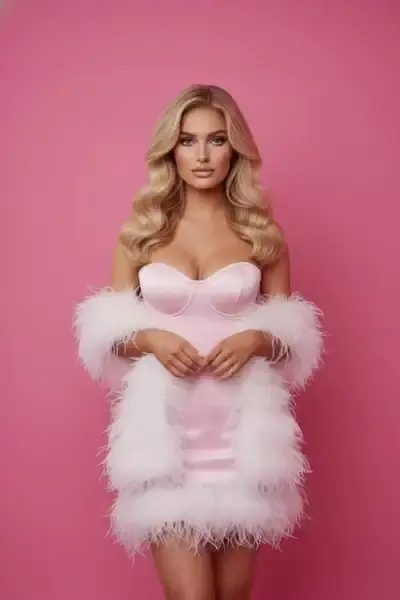
Most clips follow one of three plots. The partner version is the best known, and When Your Girlfriend Turns Zombie is built for it: upload one photo of the man and one of the woman, and the 15-second wide clip keeps both faces while she becomes a zombie. A pet version has no template yet, so it is written by hand. The third plot is you. Keep one plot per run.
What to write and what to leave out
Name concrete signs: clouded whites of the eyes, gray-green skin, sunken temples, a jerky walk, a slow approach toward the camera. Vague words like scarier do not help, because the model picks the degree itself and picks differently each time. Do not ask for a different face either: the likeness goes, and the effect goes with it.
What moderation blocks
Requests for blood, open wounds or dismemberment are rejected, and there is no reason to push them. The trend works through mismatch rather than gore: a face viewers know, with eyes, skin and a gait that belong to someone else. Celebrities and public figures cannot be turned into zombies, and anyone else in the clip should have agreed to it first.
One zombie template, the rest by prompt
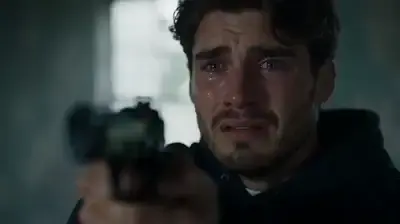
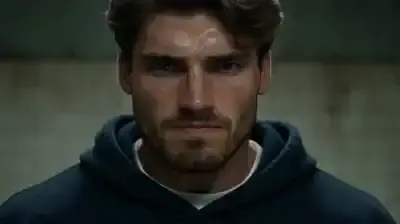
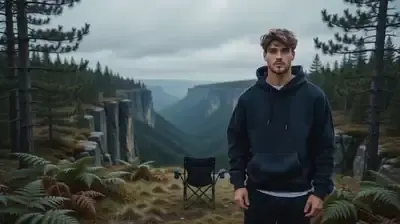
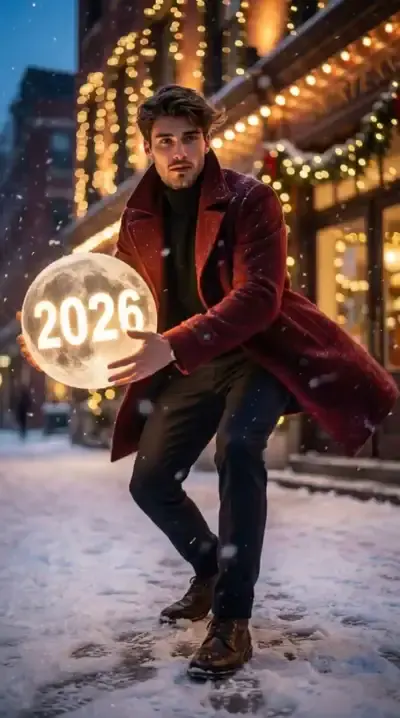
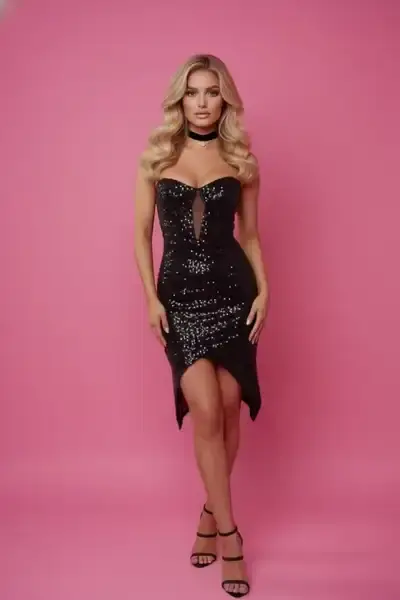
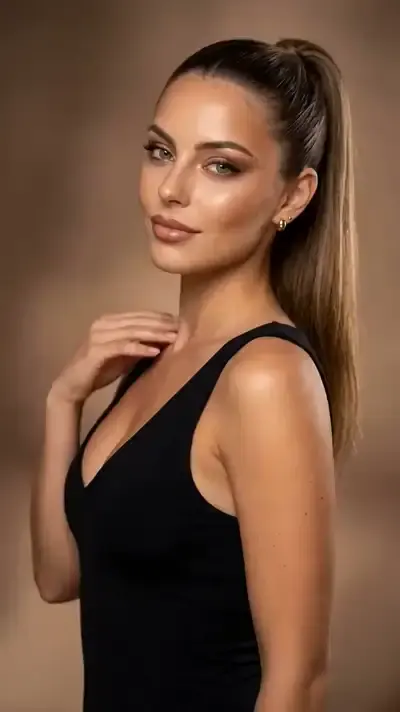
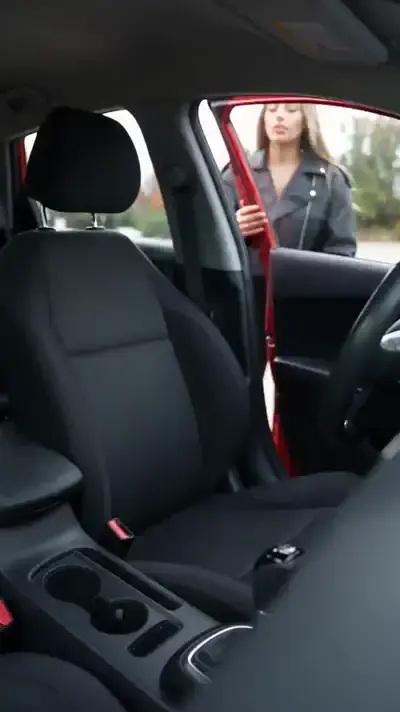
Only one template in the catalog is built for zombies so far, and it is horizontal. For a pet, or for turning yourself, head to Create video, upload the picture and lay out the change step by step. Werewolf Transformation and Tiger Transformation in the grid show how a gradual change can be staged: a body reshaping as the camera circles, or a figure breaking into dust and reforming.
Ready-made templates
FAQ
Can I make a zombie video from someone else's photo?
Only with their permission. The trend depends on the person staying recognizable, so posting a friend or partner as a zombie without asking is not okay. Famous people cannot be used at all, whatever the wording.
Will there be blood in the clip?
No. Moderation turns down prompts with blood, wounds or dismemberment. The effect does not rely on gore anyway: it comes from a face you know paired with clouded eyes, gray skin and an unsteady walk.
Is this an AI zombie filter?
Not in the app-filter sense. A filter paints over a live camera image, while here a video model generates a new clip from your photo. The finished video is a normal file to download, and your history keeps it as well.
Can I turn my dog or cat into a zombie?
Yes, through Create video rather than a template. Attach a sharp photo of the animal, select a video model and describe clouded eyes, patchy gray fur and a slow, stiff walk toward the camera. Keep one animal per clip, since two subjects in one run tend to get mixed up.
How much does it cost to try?
Verifying the email you registered with gives you five stars to start. The template card states its star price before anything runs, and when the balance is gone the Pricing page offers subscriptions and single top-up packs.