4K AI Image Generator: Pick the Right Resolution
A 4K AI image generator earns its extra stars when the picture goes to print or a big screen. For a phone feed, 1K or 2K looks the same and costs less per attempt.
Generate a 4K imageReady in minutes · Free templates every day
On MarketVideo you write a description on Create photo, choose a photo model and a resolution, then run it. Below: the five parts of a prompt that lands on the first try, what each tier adds, and how to fix a near miss by editing the result instead of starting over.
What 1K, 2K and 4K actually change
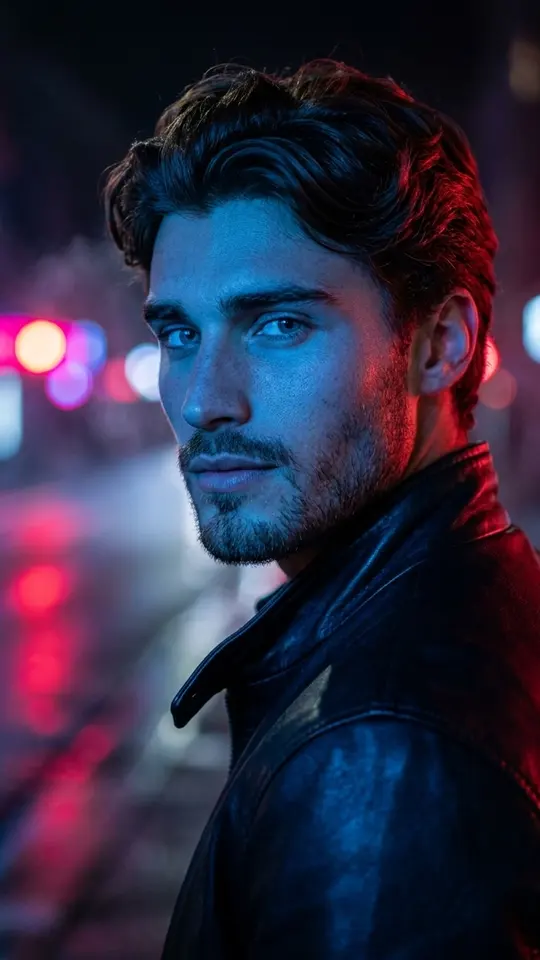
The tier is the size of the canvas the model paints on, roughly 1,000, 2,000 or 4,000 pixels along the long edge. More pixels hold more fine detail: fabric weave, brick, loose strands of hair, reflections. They do not rescue a weak idea. A story, avatar or post viewed on a phone shows no gain above 1K; a poster or a wall display does.
Five parts of a 4K AI image prompt
Name the subject, what it is doing, where it is and under what light, the style, and the frame shape. Every gap is left to the model's guess: skip the light and you tend to get flat studio lighting, skip the shape and the default may not suit your page. A quick test: could a human illustrator draw it from your text alone?
Refine the result instead of rerunning
When a picture comes out close but not right, a fresh run rolls new randomness, can drift further away and costs the same. Attach the result back on Create photo and ask for one change: a new background, a removed object, evening instead of noon. Two or three such passes usually bring the image where you wanted it.
Borrow tricks from the template prompts
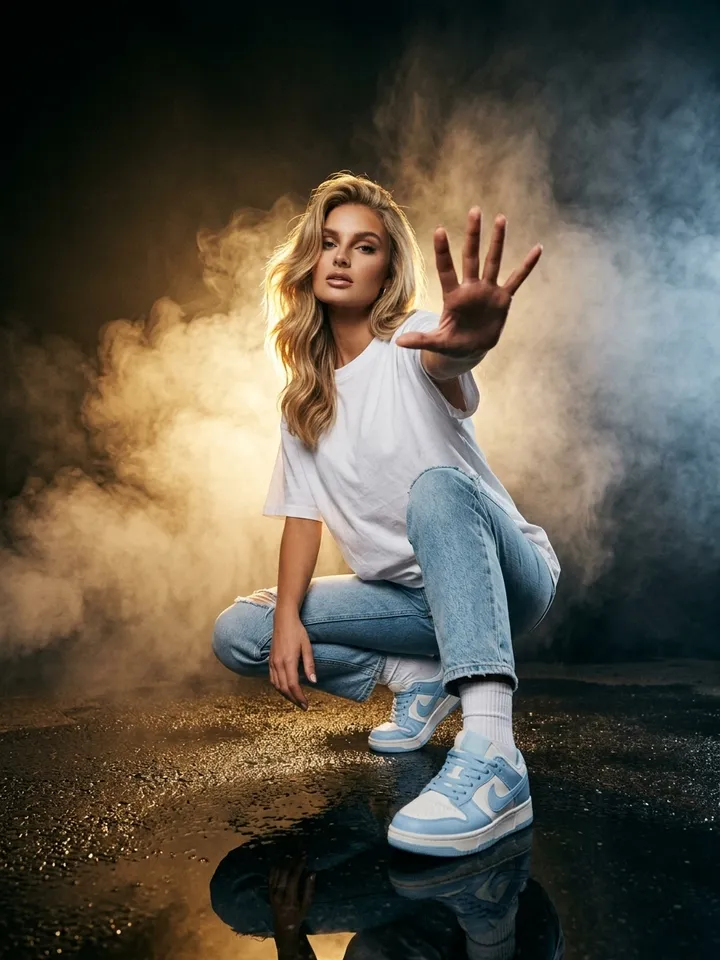
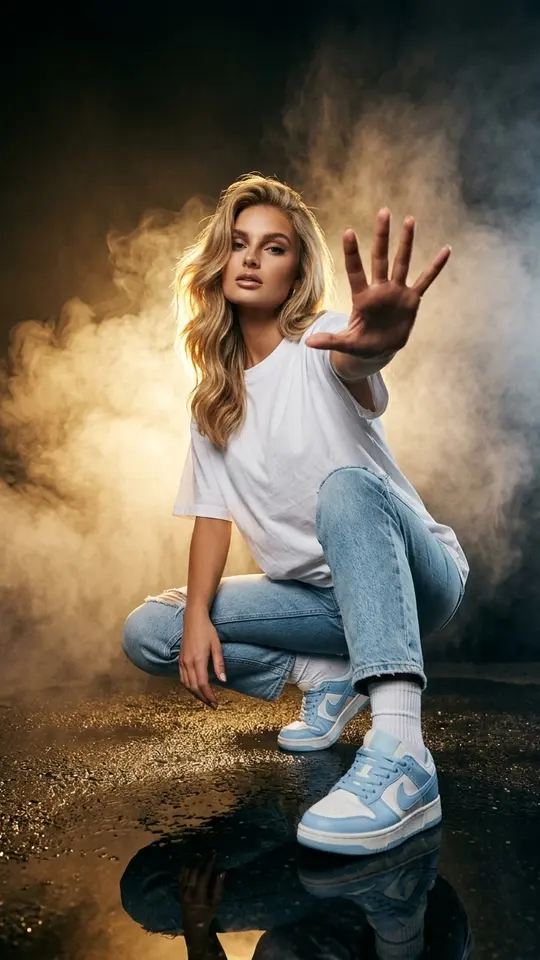
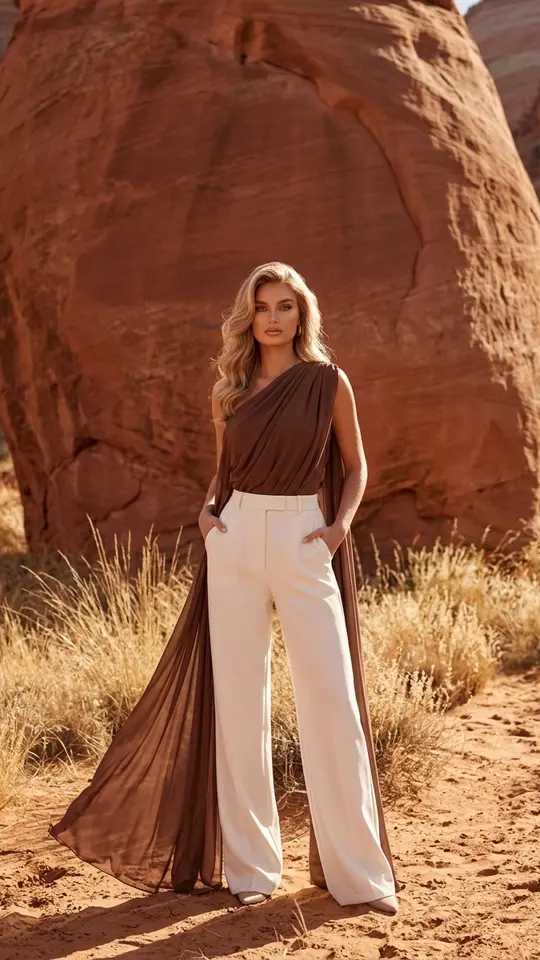
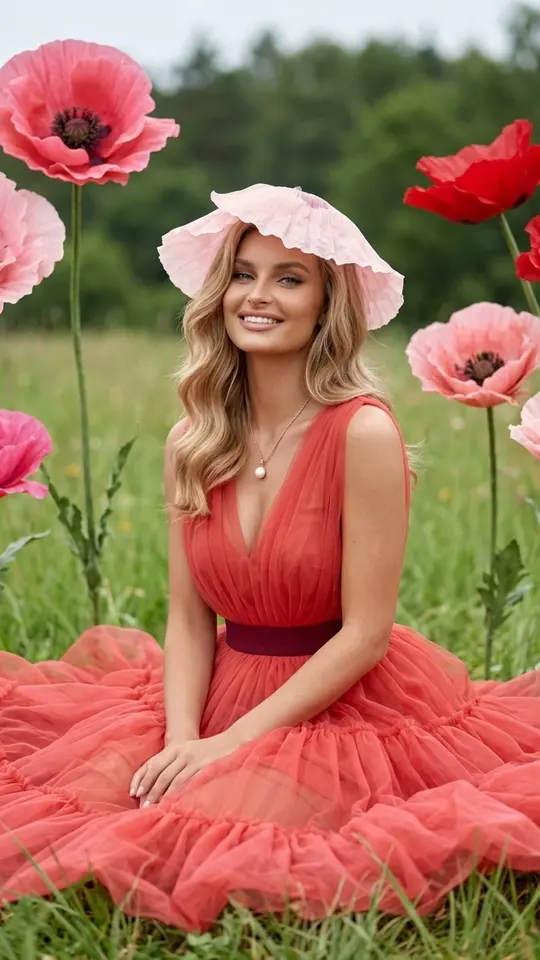
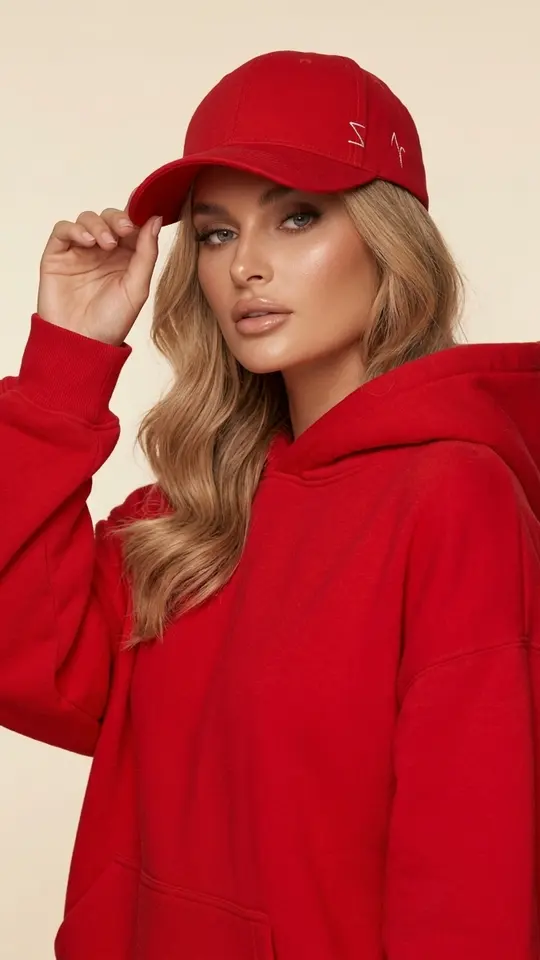
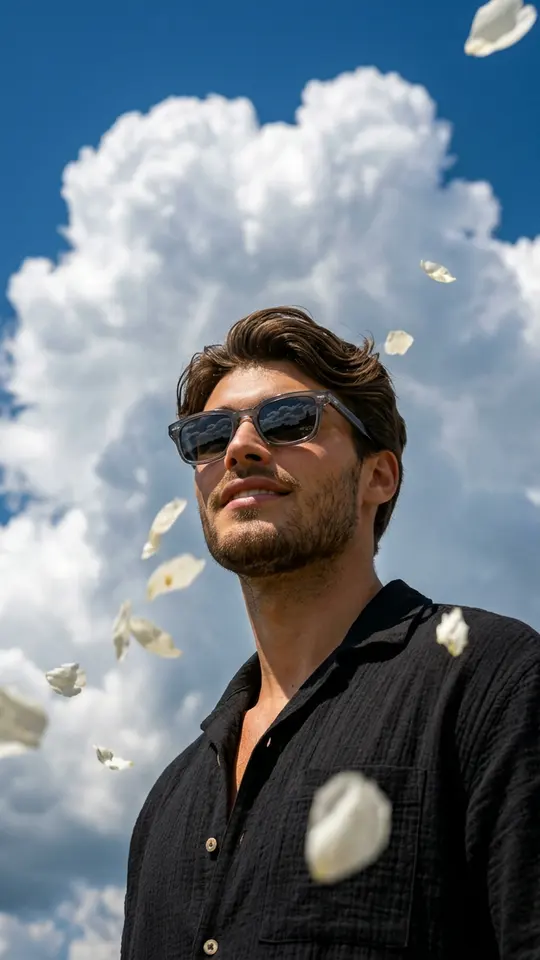
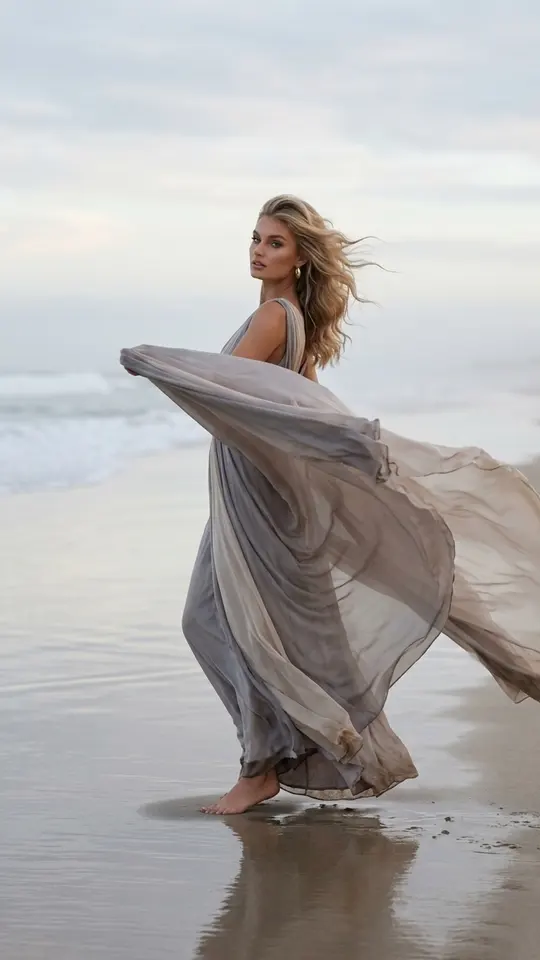
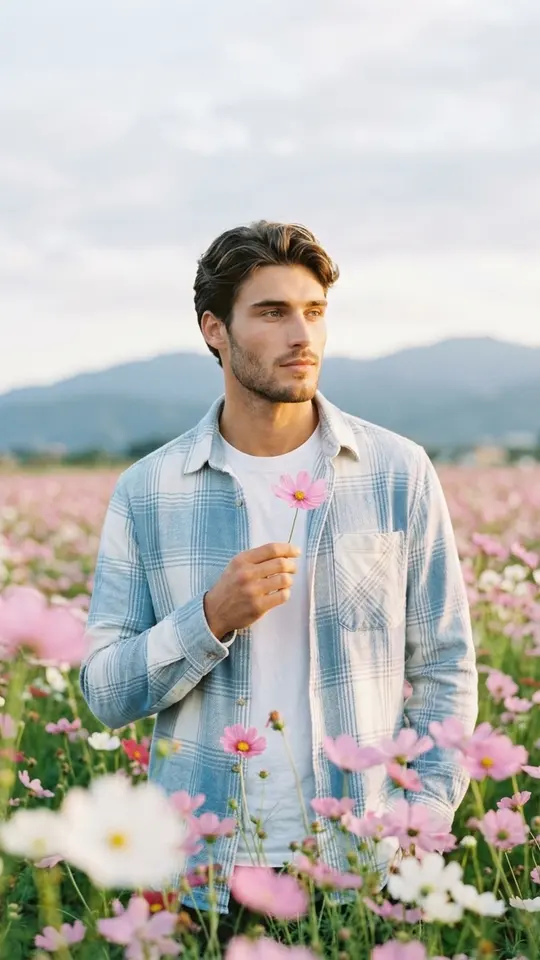
The grid works as a library of tested prompts, useful even if you plan to write your own. Smoke and Golden Backlight leans on backlight through haze, Red Canyon Fashion Shoot on sunlit red sandstone, Blooming Poppy Romance on oversized flowers, Red Total Look on one dominant color. Each starts from your own photo, so you only add the picture.
How many attempts to budget
A familiar kind of picture usually takes one or two runs; a new technique, three or four with refinements. Five stars arrive with your confirmed email, enough for a first round. Every attempt is charged on its own, the price grows with the tier, and you see the number next to the button before anything starts.
Ready-made templates
FAQ
Is there a 4K AI image generator free online?
Partly. Looking around is open to all, but running a prompt needs a signed-in account with a confirmed address, which adds five stars. On any date, certain templates cost nothing until their small daily allowance is used; for more, see plans and star packs under Pricing.
Why does the picture not match my description?
Usually two things: a pile of adjectives instead of concrete objects, and negatives. Writing no people can make people appear, since the model latches onto the word. List what should be in the frame rather than what should stay out.
Do I need 4K for social media?
Rarely. A phone shows a post, story or profile picture at well under 4K, so the lower tiers look identical there and save stars. Pick 4K when the image will be printed, cropped hard or shown on a large display.
Can I put my own face in the generated image?
Yes. Attach a picture of yourself on Create photo, or open one of the templates above, and the model places you in the scene. A front-facing shot in even light beats a dark selfie. Only upload faces you may use: your own or a consenting friend's.