Add a Smile to a Photo Without a Retake
To add a smile to a photo, open Create photo, attach the serious shot and say what kind of smile you want, from a faint lift at the corners of the mouth to a wide grin with teeth. The AI returns a new version of the same picture.
Add a smileReady in minutes · Free templates every day
This helps when the light, pose and background came out right but the face did not. Someone said cheese and froze, or looked away mid-laugh. The edit also runs in reverse: a forced grin can be softened, or a smile removed for a calm, neutral look.
Choose how big the smile should be
Strength is set with words. A slight closed-lip smile suits a work avatar or a business portrait. A soft, warm smile fits a family picture. An open smile showing teeth reads best on a holiday or party shot. Each wording is its own run, so try two or three and compare them next to the original before you pick one.
A real smile reaches the eyes
A grin pasted onto a still face looks odd because a genuine smile moves more than the mouth: the cheeks rise and the eyes narrow a little. Ask for that in the prompt, for example 'natural smile, cheeks lifted, slight crinkle at the eyes'. Also say what must not change: face shape, hair, clothes and background.
Fix one face in a group shot
In a group picture somebody always looks stern. Point the model at that person by position, such as 'the man on the left' or 'the girl in the middle', and ask it to leave everyone else as they are. Check every face in the result, since the whole image is generated again and small details elsewhere can shift.
Removing or softening a smile
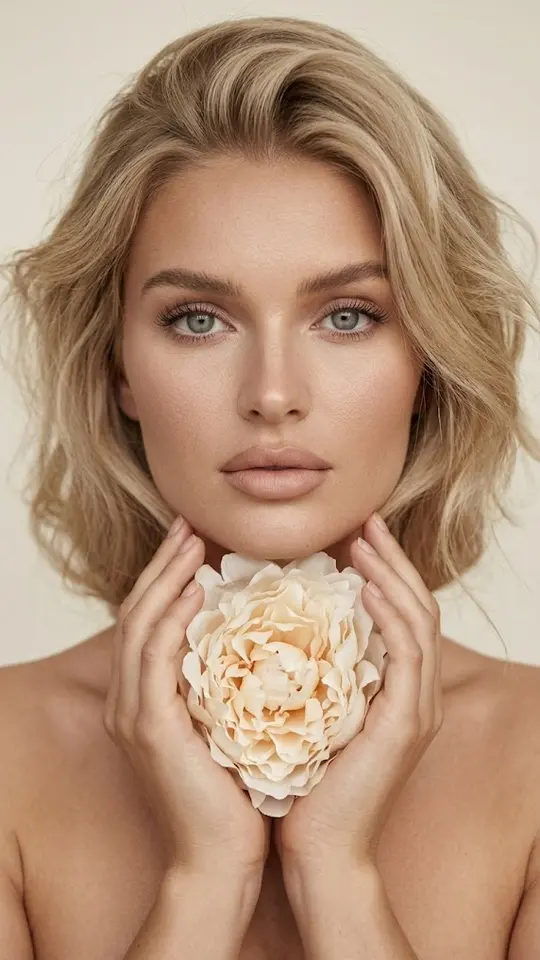
The reverse request is common too. A laughing shot may not suit a professional profile, or a wide grin may feel forced. Write something like 'remove the smile, calm neutral expression, lips relaxed' or 'make the smile smaller and more natural'. Ivory Peony Portrait in the grid shows the calm, neutral close-up look.
Templates where the smile is built in
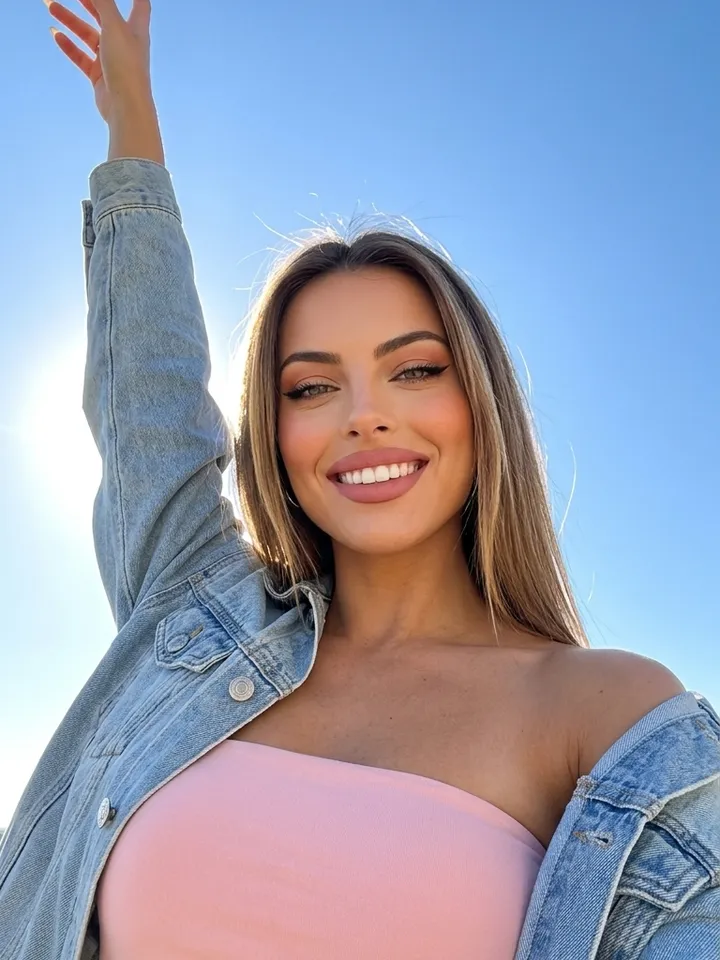
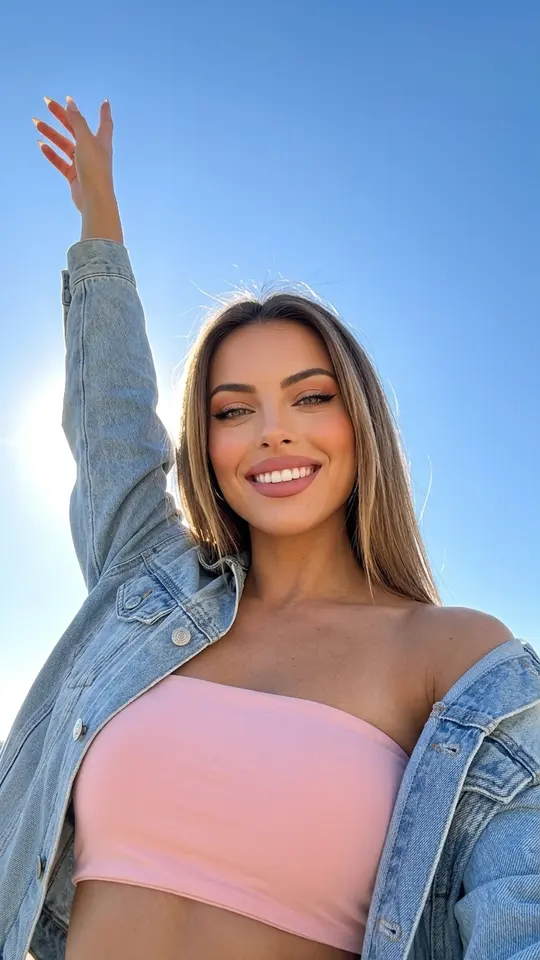
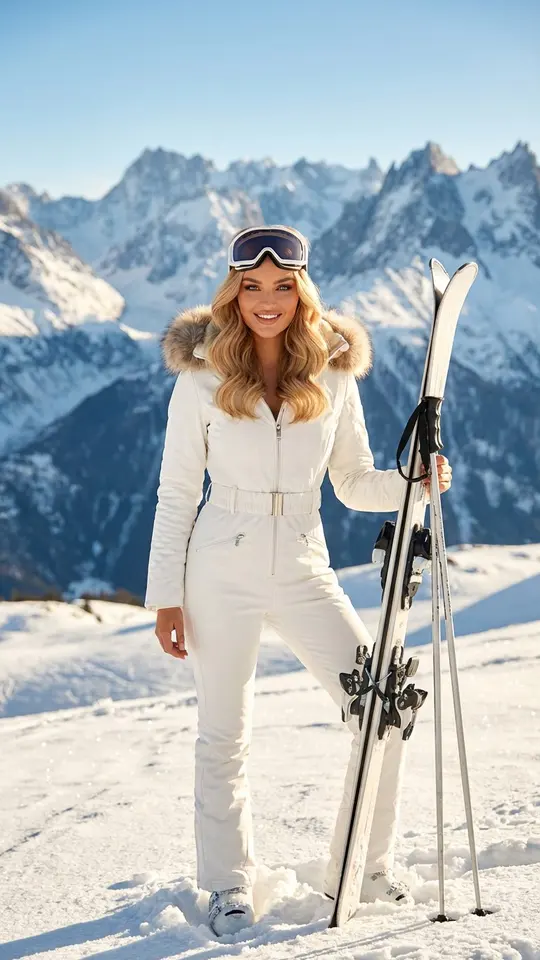
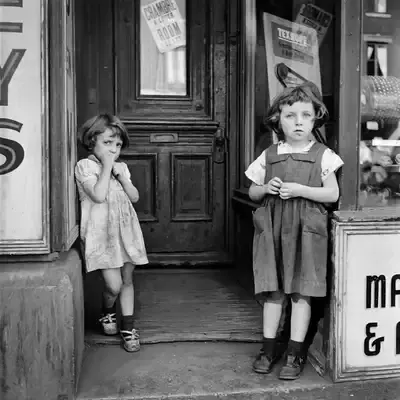
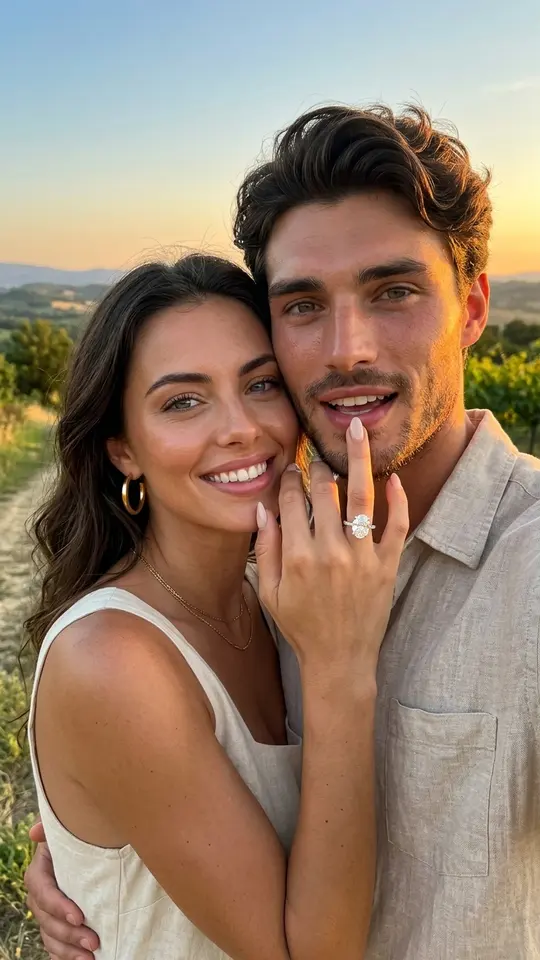
Some templates already include the smile. Sun-Kissed Sky Selfie gives a joyful low-angle selfie against a blue sky, and Sunny Ski Slope Smile puts the person on a sunny mountain slope. Smile and Wave is a video: it animates an old photo so the people slowly begin to smile and wave at the camera.
Ready-made templates

FAQ
Will a smile with teeth look natural?
Often, if the source photo is sharp and the face is large in the frame. Ask for the eyes and cheeks to move along with the mouth. If the grin comes out too wide, run it again asking for a smaller smile with closed lips. Results differ between runs and a perfect likeness cannot be promised.
Can I remove a smile from a photo?
Yes. Upload the picture on Create photo and ask for a neutral expression with relaxed lips, keeping everything else unchanged. The same approach works for softening an exaggerated grin into a quiet smile.
Is there a free way to add a smile to a photo online?
Partly. A newly registered account gets its first 5 stars as soon as the email address is confirmed, enough for a first try. Every template and model shows its star cost up front. When stars run out, you can top them up on the Pricing page. Some templates are also free on a given day, with a daily run limit.
Do I need an app on my phone?
No. MarketVideo has no mobile app; it works in a current web browser, on desktop and mobile alike. Photo edits normally finish in a minute or two and can take longer at busy times. The result downloads as an ordinary image and stays in your history.
Can I make someone else smile in a photo?
Only if it is you or a person who agreed to the edit. Pictures of children belong to your own family. Celebrities, strangers and anything that pretends to be an official document are not allowed.