AI Photo Prompts for Selfies and Other Shots You Already Have
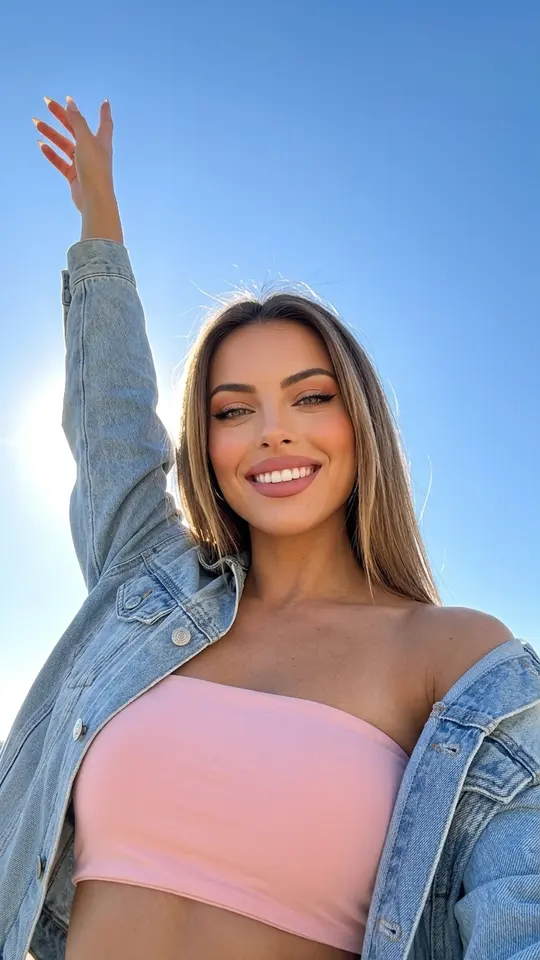
AI photo prompts for selfies work best when they fix what the phone got wrong: harsh ceiling light, a cluttered room, a close lens that widens the face. Below are ready lines for that and for four other kinds of source photo.
Edit your selfieReady in minutes · Free templates every day
The picture you start from decides the request. A camera portrait is already clean, so the ask is about style; an old print needs repair before anything else. Find your case and paste the wording into Create photo with your picture attached, or open a template from the grid where the prompt is already written.
Phone selfie: light, lens and backdrop
Front cameras sit close and usually catch light from above, so start there. "Replace the overhead light with soft side light from a window and remove the shadows under the eyes." Then: "Correct the wide-angle distortion so the face keeps natural proportions." For the room behind you: "Swap the home background for a plain neutral studio backdrop."
Camera portrait: change the mood, not the face
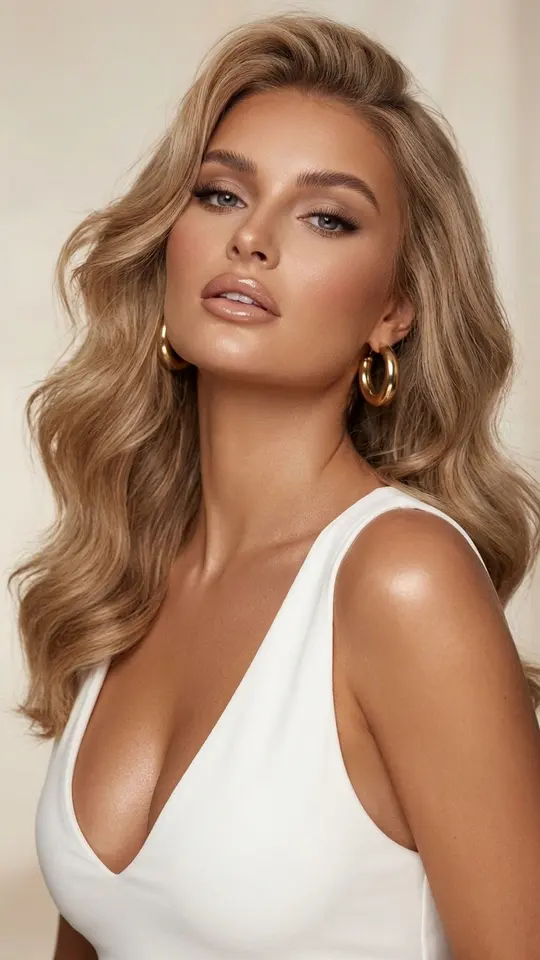
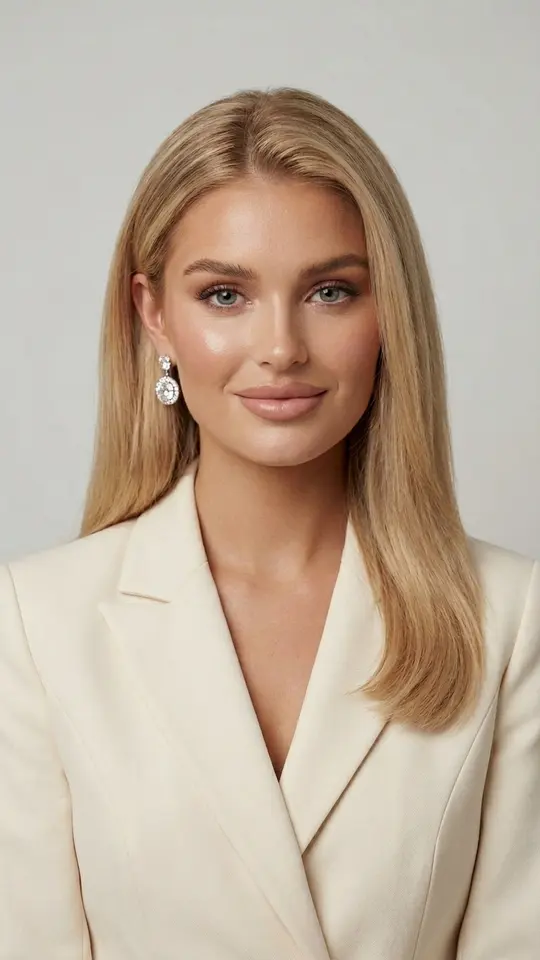
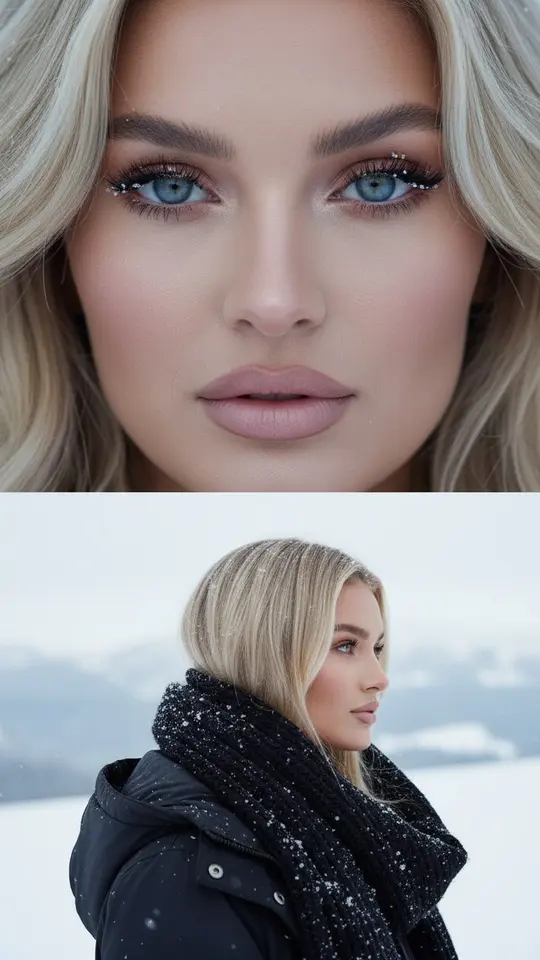
A portrait from a real camera is already sharp, so the job is style. "Turn it black and white with deep shadows and soft highlights." "Add film grain and slightly faded seventies colors." "Make the overall tone cooler but keep the skin warm." Luxe Portrait in White and Professional Business Portrait go further and restage you as a beauty editorial close-up or in a fitted blazer.
Old film print: repair before restyling
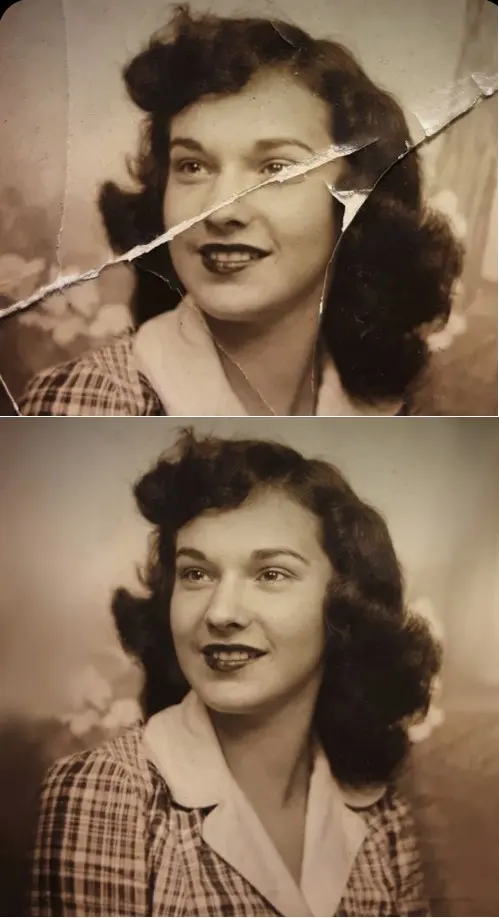
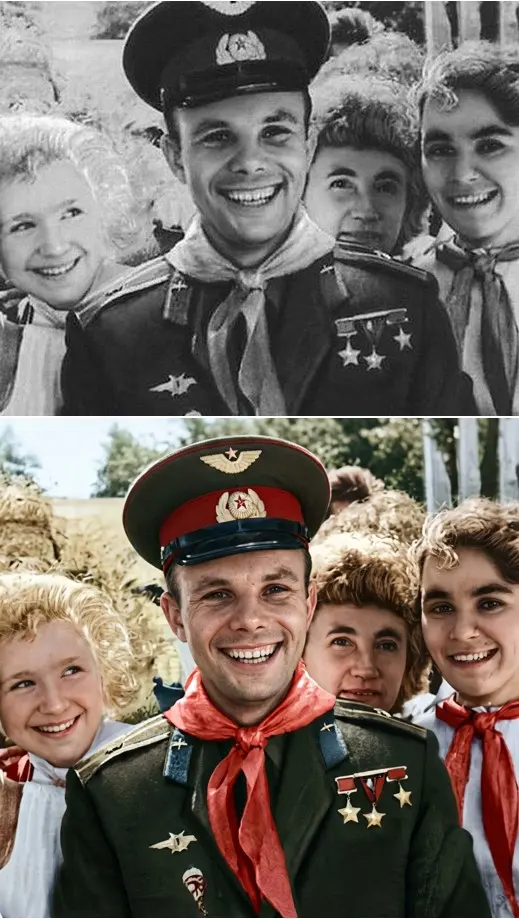
Scan the print or take a picture of it in even light first. Then: "Repair the damaged areas but keep the film grain." "Colorize it using natural clothing colors of that era." "Remove fingerprints and stains, keep the printed border." Crease & Damage Repair handles folds, cracks and scratches without any typing, and Restore & Colorize rebuilds skin texture without making the face look older.
Family archive: make a series match
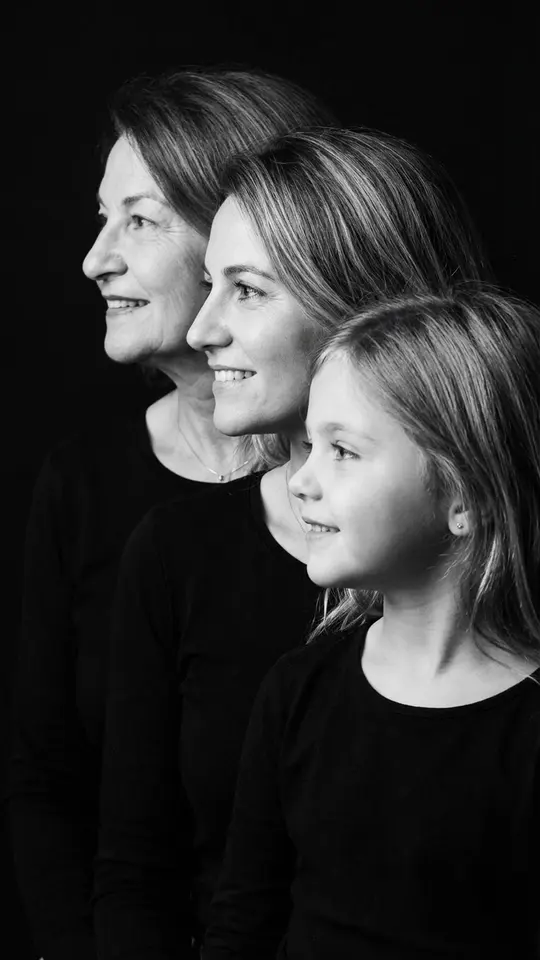
Archive photos come from different cameras and decades, so give every one the same tone line: "Even out the tone to a warm neutral with moderate contrast." Handle group shots separately: "Remove the stray person in the corner" or "Brighten the faces that sit in shadow." Generations Family Portrait builds a new black-and-white profile row of grandmother, mother and daughter.
Couple and group photos
"Keep both people sharp and blur the background." "Balance the light on the faces: the left side is overexposed, the right is in shadow." If someone blinked, one precise line does more than a long list: "Open the closed eyes of the person on the right and keep the expression." Everyone in the picture should be fine with the edit before you run it.
What a prompt can and cannot do
No prompt fixes everything in one pass. Ask for one or two changes per run; ten requests at once tend to blur together. The model redraws the whole image, so small details can shift and an exact likeness is not promised. A sharp, evenly lit source helps more than a longer prompt, and a blurry face stays hard to rescue.
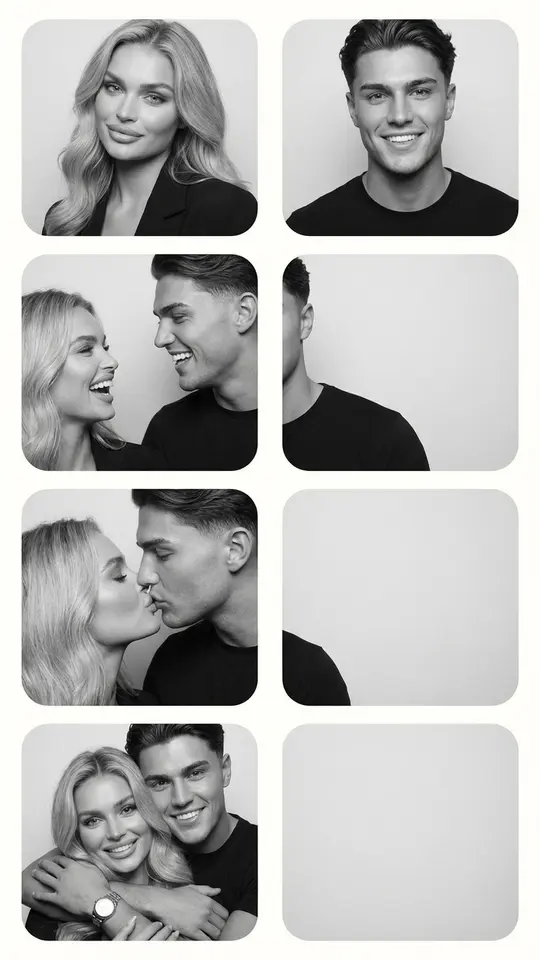
Ready-made templates


FAQ
Do these prompts work like ChatGPT image prompts?
The lines are plain English written for an image model to read, so they suit that style of request. On MarketVideo, open Create photo, attach your selfie, choose GPT Image 2.5 (OpenAI's model) or NanoBanana PRO from the list, then paste the line.
Does my selfie need to be high quality?
Not necessarily, but a sharp frame with your face fully in view leaves the model less guessing. Dark, blurry or heavily filtered shots can still be improved, though the result will drift further from how you really look.
Can I edit a whole series the same way?
Yes: reuse one tone line word for word on every photo, for example the warm neutral request above. Run the pictures one by one and keep the wording identical, otherwise the set will not match.
Will my face still look like me?
Edits to light and background usually leave the features alone, and the portrait templates here tell the model to preserve your face. Every result is generated anew, though, so check eyes and smile before saving and try again when something changed.
What does it cost to try?
Sign-up is free, and verifying the address adds five starter stars to the balance. The number of stars a run needs is printed on each template and model before you start. Some templates are flagged Free today for a few daily runs; for more stars, see the Pricing page.