AI Animation Generator: Claymation, 3D Cartoons and Kids' Drawings
MarketVideo's AI animation generator works through templates: upload a photo to get it back as claymation, a 3D caricature or a chibi sticker pack, or upload a child's drawing and watch the character move in a short video.
Animate a pictureReady in minutes · Free templates every day
These are techniques that once needed a studio and weeks of frame-by-frame work. The style templates on this page return a still picture in that look; to make it move, bring that picture into Create video, say what should move and run Kling 2.6 or another video model.
Kids' drawings that come alive
Kids' Drawings Come Alive turns a photo of a child's artwork into a short video in which the drawn character moves. Lay the sheet flat, shoot it in daylight from straight above and keep the whole drawing in frame; bold outlines and clear colors give the template more to work with. Only the drawing is uploaded, not a photo of the child.
Claymation, 3D caricature and other studio looks
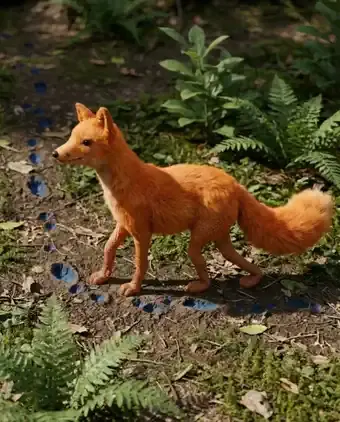
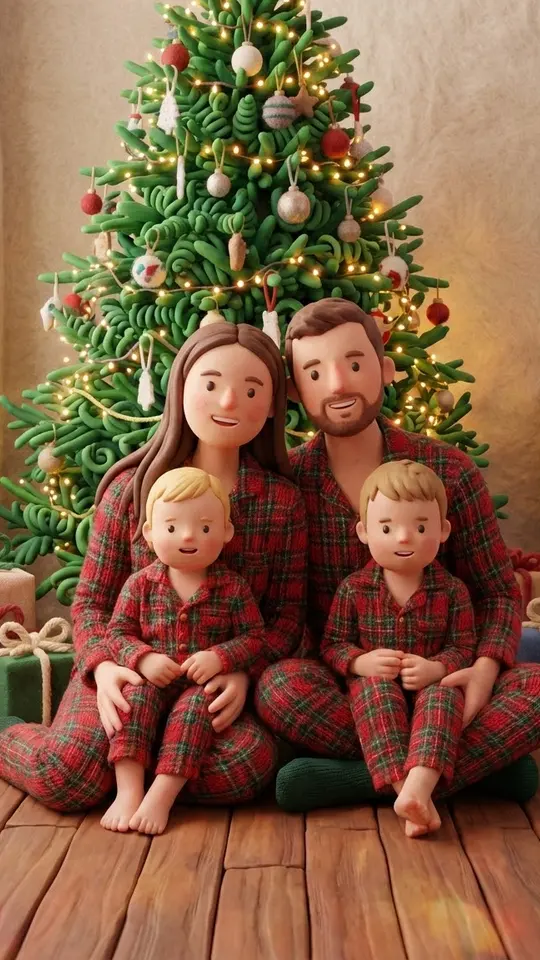
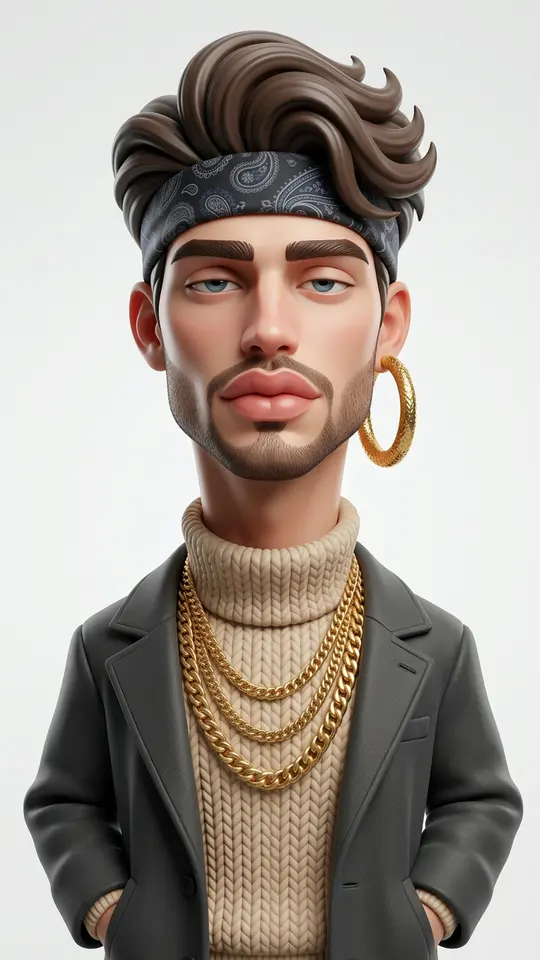
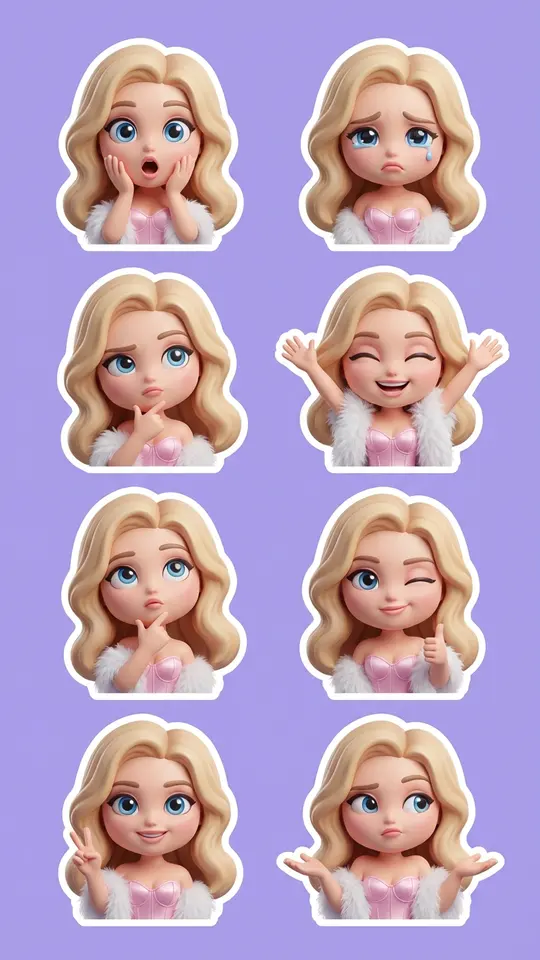
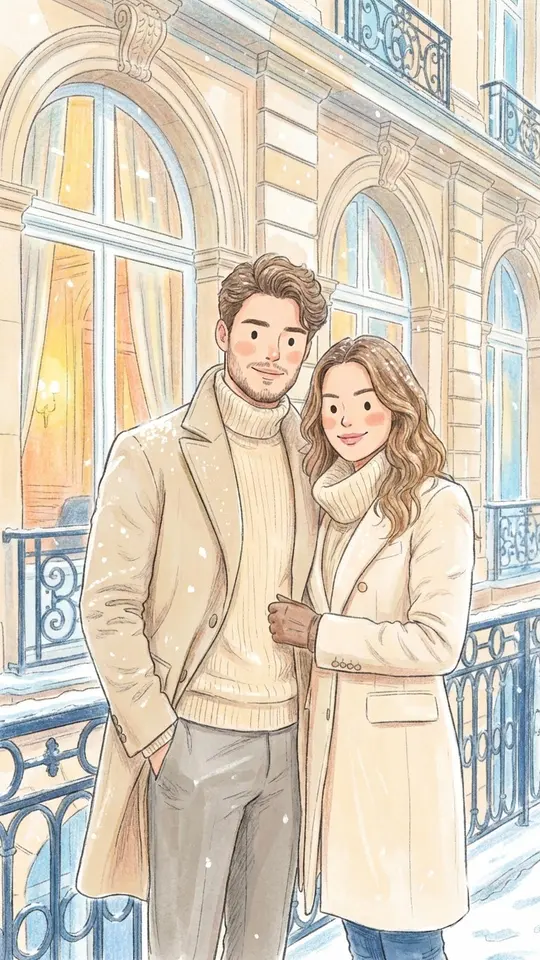
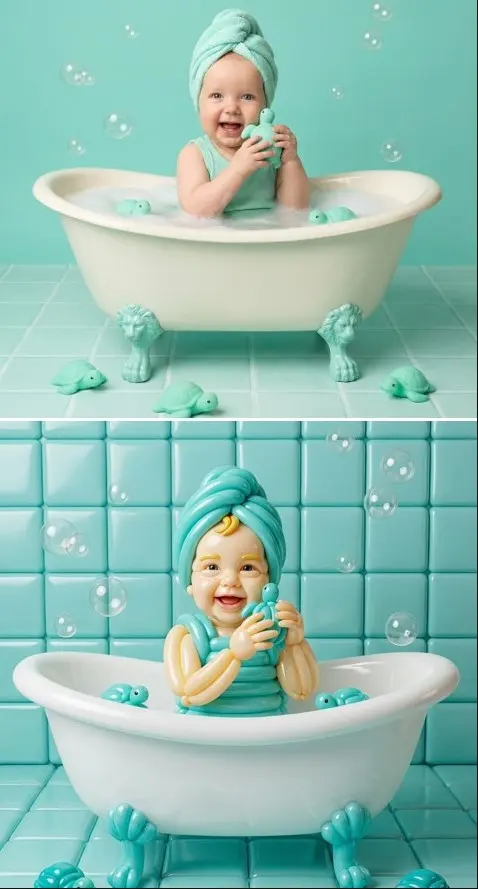
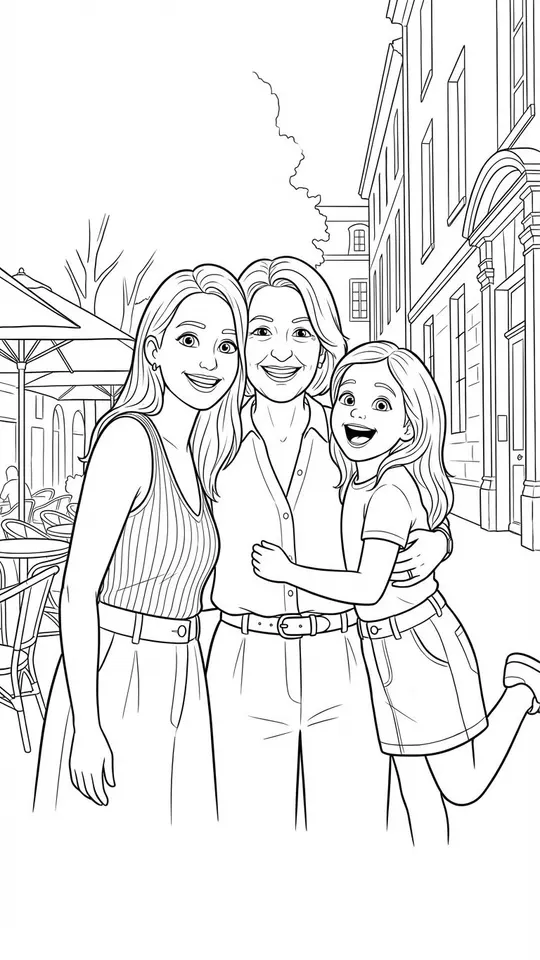
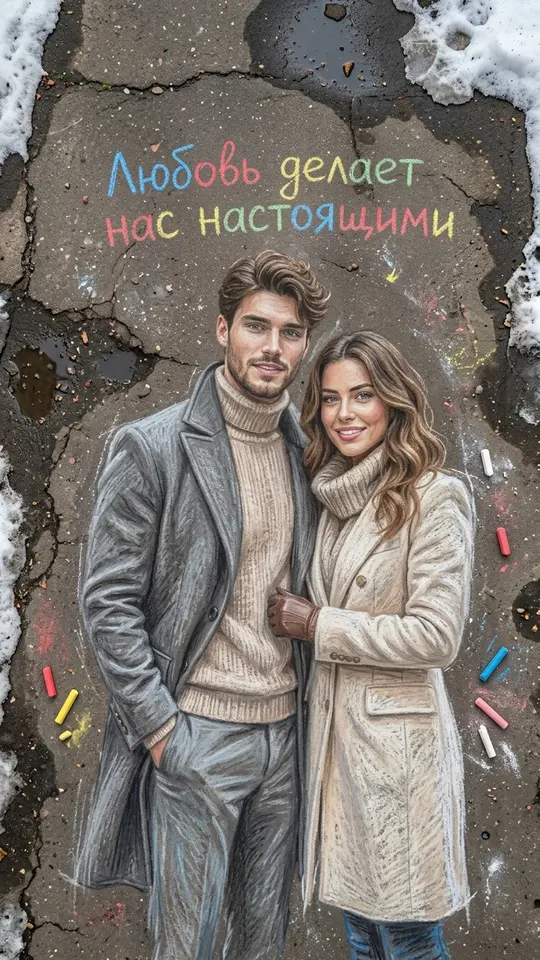
Every technique has its own template, so the style is never left to chance. Handmade Claymation Style sculpts you from modeling clay, 3D Caricature Portrait exaggerates your features in a friendly way and Chibi 3D Sticker Pack makes a set of tiny stickers. Pencil and Watercolor Sketch covers the hand-drawn look.
From a styled picture to an animation
To animate a still, open Create video, add the picture and write what should happen: a wave, a turn of the head, a slow push of the camera. Pick Seedance 2.0 or Veo 3.1 and run it. Motion Control is the other route: you supply a reference video, and the picture moves along with it, which suits dances and gestures.
What to expect from the results
Each run gives you one picture or one short clip, not a finished cartoon episode. A longer story means animating several scenes one by one and joining them in a video editor; Kling 3.0 can also return a few shots in a single generation. Portraits should be your own or used with the person's consent, and photos of children belong in family projects.
Ready-made templates
FAQ
How is an animation style different from animating a photo?
Animating a photo keeps it realistic and simply adds movement. An animation style redraws the picture as clay, a 3D cartoon, stickers or a sketch. The two combine well: apply a style template first, then bring the result to life in Create video.
Do I need to know how to draw?
No drawing skills needed: a photo of yourself is enough for the style templates, and for Kids' Drawings Come Alive the artwork your child already made does the job. Prompts in Create video are plain sentences, so no animation software is involved either.
Is the AI animation generator free?
Starting costs nothing: accounts are free, and a confirmed email unlocks 5 starter stars. On any given day, a few templates carry the Free today label, each with its own daily allowance of free runs. Beyond that, runs are paid in stars, which you can add from the Pricing page.