AI Christmas Photoshoot for Holiday Cards and Family Posts
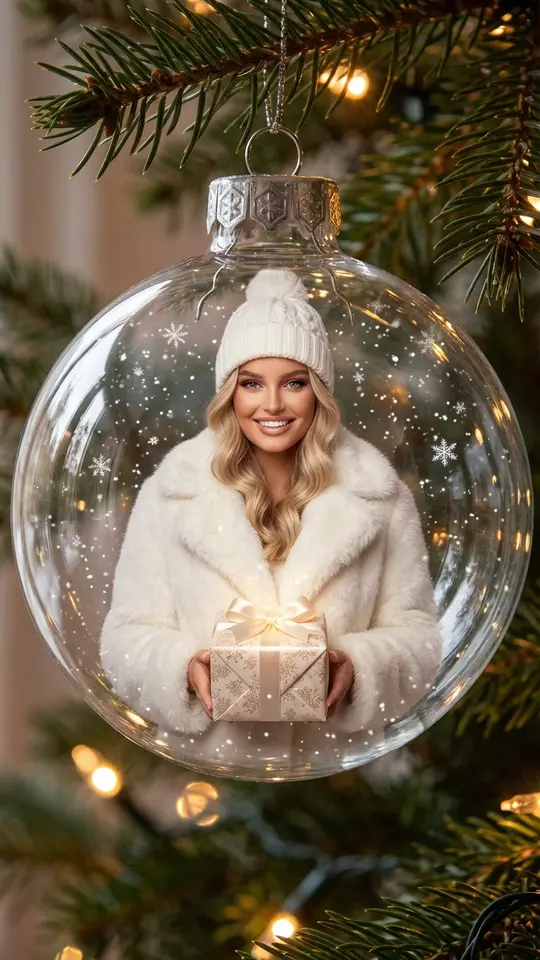
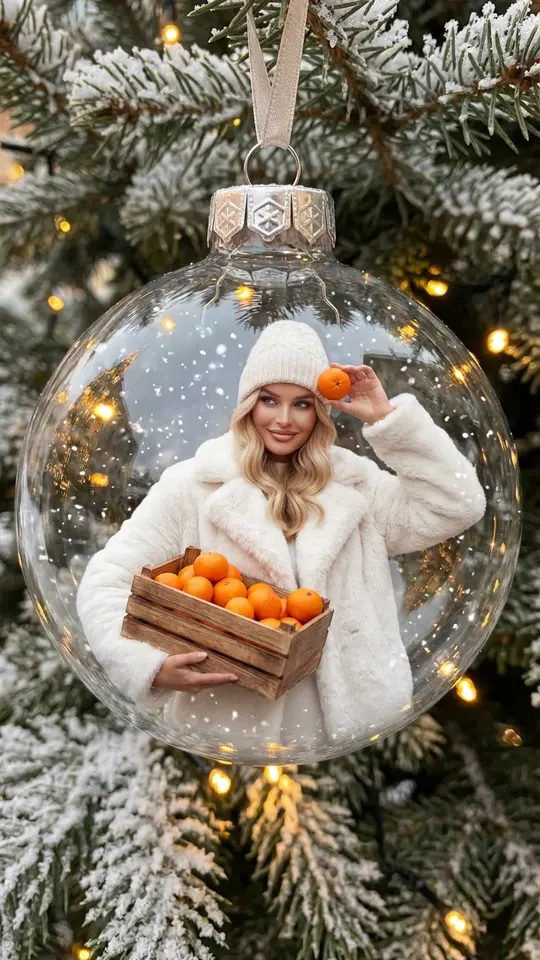
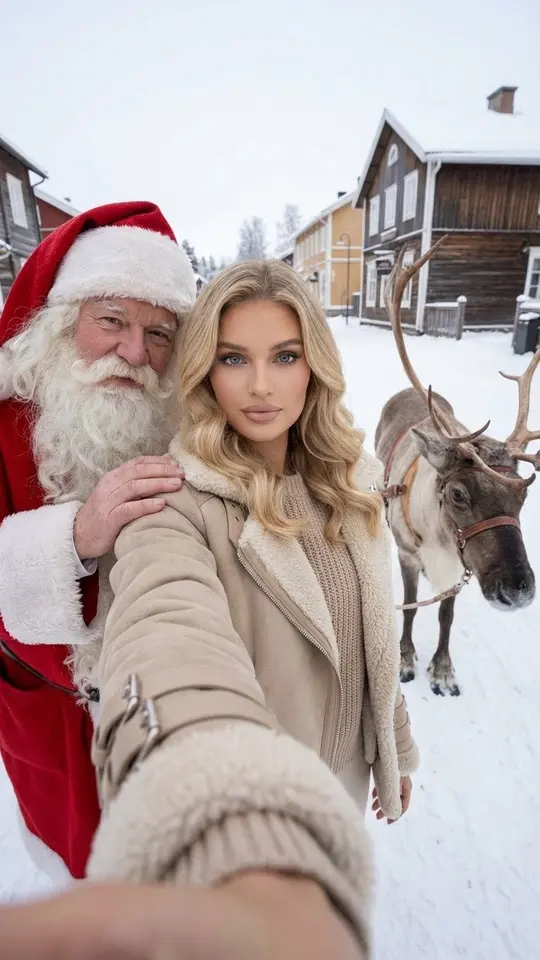
An AI Christmas photoshoot on MarketVideo places you or your family in a festive scene built from ordinary photos: inside a glass bauble on the tree, on a snowy forest walk or posed by decorated branches, ready for a card or a post.
Make a Christmas portraitReady in minutes · Free templates every day
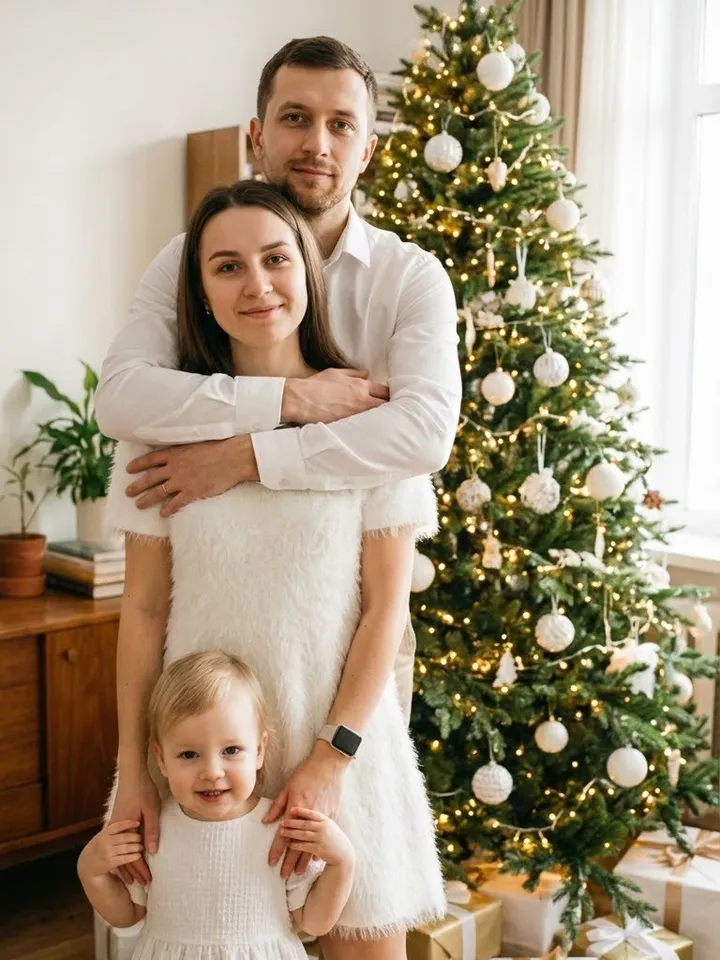
There is no studio to book and no props, lights or matching outfits to gather. Each Christmas template already holds the setting, wardrobe and lighting, and its instructions ask the model to keep faces, ages and proportions from your upload. The result is a vertical still image you can send as a greeting or share in a holiday post.
Christmas scenes you can choose
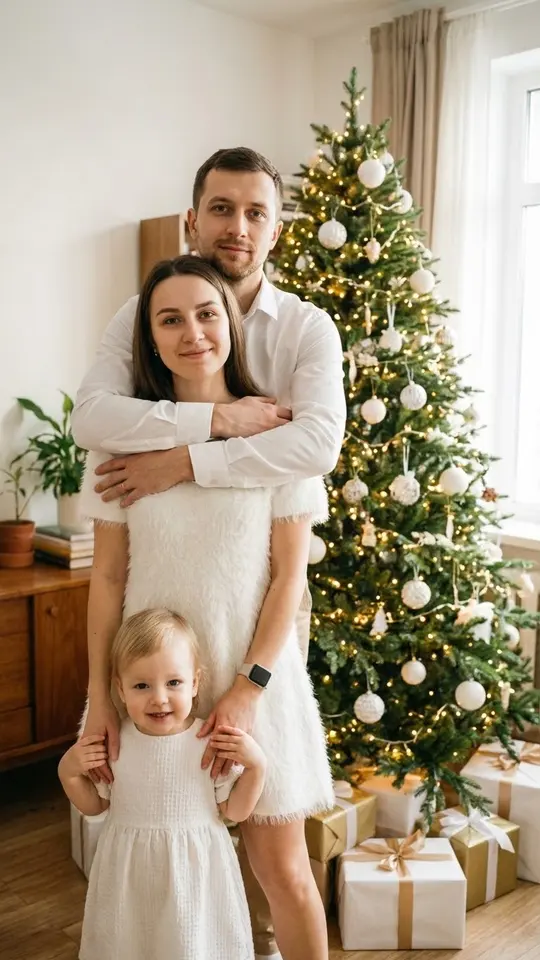
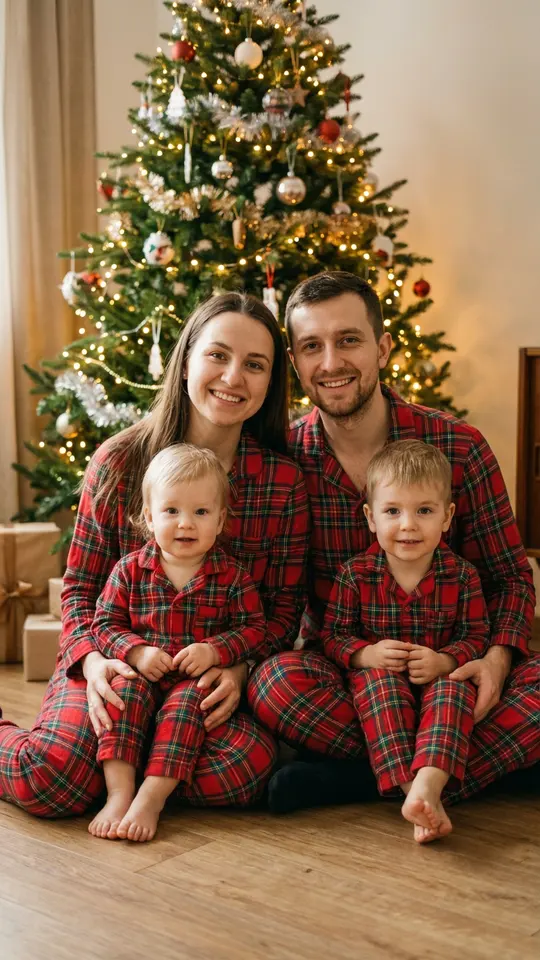
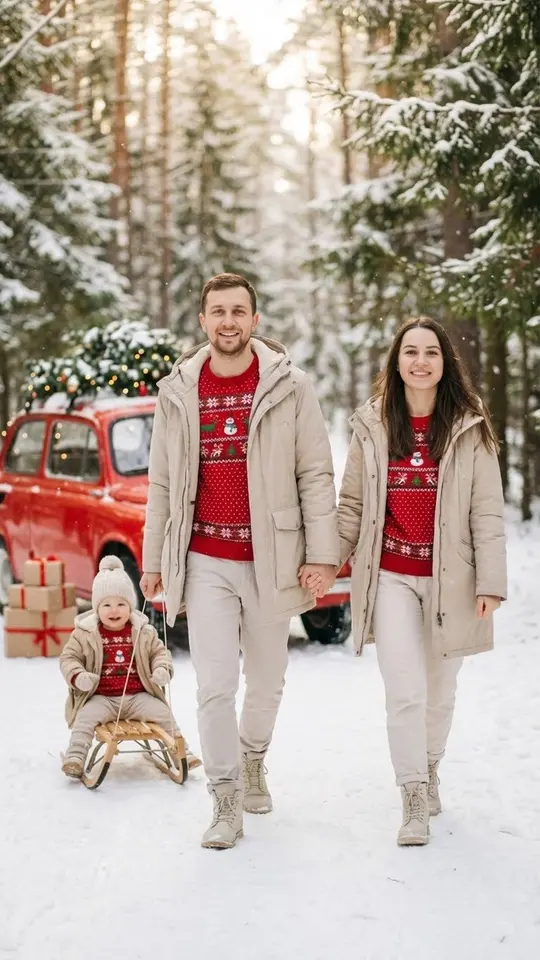
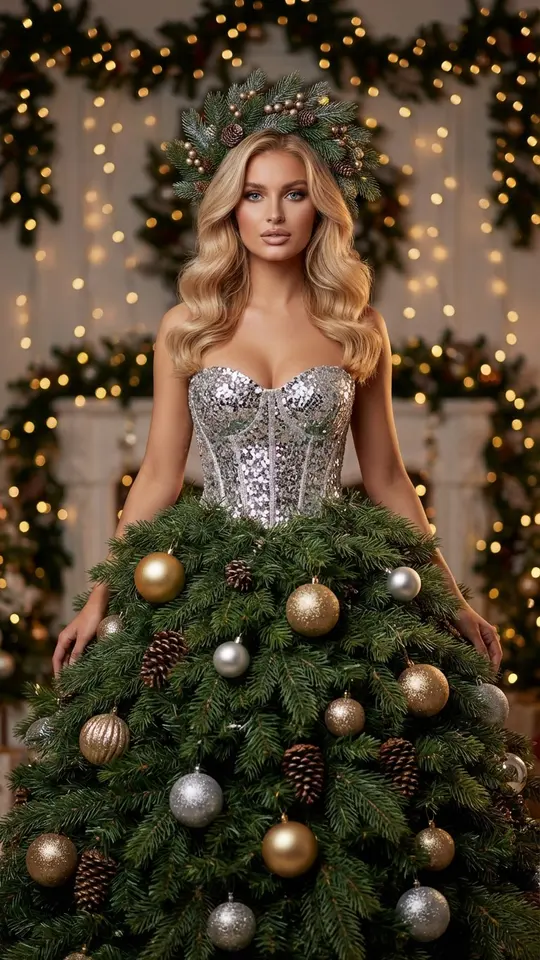
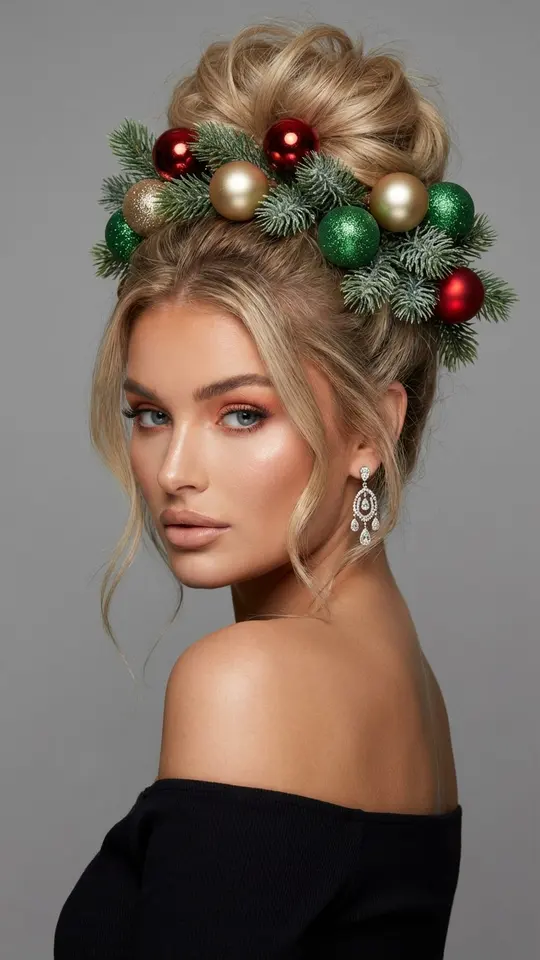
Family templates seat parents and two kids in matching pajamas on the floor by a lit tree, or line everyone up for a classic snowy portrait facing the camera. Christmas Forest Walk puts your group among tall evergreens with falling snow and a red retro car dressed in decorations. For solo shots there is a glass bauble with you inside, a dress made of spruce branches and ornaments, and a pine wreath woven into your hair.
Which photos to upload
Group templates read every person from one shared picture, so use a photo where the whole family stands together, faces visible and not cut off by the frame. For solo scenes a single sharp portrait with even daylight is enough. Avoid sunglasses, heavy filters and tiny faces in the distance: the less the model has to guess, the closer the festive version stays to the real people.
From upload to finished picture
Open a card from the grid, add the photo it asks for and press run. Most of these Christmas templates use Nano Banana Pro, and the scene, clothes and camera angle are already written into them, so there is nothing to describe. A finished picture tends to take a minute or two, sometimes longer when many people are generating, and it downloads as a normal image file.
A Christmas idea of your own
Have a scene the grid lacks, such as your living room fireplace, a gingerbread kitchen or a sled ride? Go to Create photo, attach your picture, write the setting in plain words and set the model to Seedream 4.5. Mention clothing colors, the time of day and the mood, for example warm string lights after dark, so the model has fewer gaps to fill.
What these templates will not do
Every run gives you one still image, not an animated clip, and two runs of the same template never look identical. Upload only yourself and people who agreed to it; famous people and strangers stay out. Children belong only in pictures of your own family. Likeness is aimed for rather than promised, so check faces carefully before printing a card.
Ready-made templates
FAQ
Can the whole family be in one Christmas picture?
Yes. White Christmas Family Portrait, Matching Pajamas by the Tree and Christmas Forest Walk are made for groups. Upload one photo with everyone in it, and the template keeps the same people while it changes their clothes and the setting around them.
How much does an AI Christmas photoshoot cost?
Pictures are bought with stars. Confirming the email of a new account adds 5 of them, and every template shows its price in stars before you start. Each day some templates go free, marked Free today, until their daily quota runs out. Extra stars come as plans or packs listed on Pricing.
Will the people in the picture look like us?
The templates tell the model to preserve faces, age and body shape from your photo, and most results stay recognizable. Small differences can still appear in eyes, smiles or hair, so if one version is off, run the template again and keep the better take.
What shape are the finished images?
The Christmas templates here produce tall 9:16 pictures. That shape fills a phone screen in stories and posts, and it also prints well as a narrow greeting card. For a wide or square frame, describe the scene yourself on Create photo instead.
Do I need to install anything to make these photos?
Nothing at all. MarketVideo works through the web, so a phone or a laptop with an up-to-date browser is enough: snap a family photo, upload it straight from the phone and save the Christmas version back to the same device.