AI Photo Effects: What One Photo Can Become
AI photo effects on MarketVideo take one uploaded picture and return something new: a portrait in another setting, a short animated clip, a pencil or anime drawing, or a hairstyle guide built around your face.
Apply an effect to a photoReady in minutes · Free templates every day
The sections below are sorted by what comes out, not by template name. Each one says what to upload, what the result looks like and how the star cost of an attempt is shown. The last section lists jobs a photo effect here will not do, so you can skip a wasted run.
A new portrait with your face
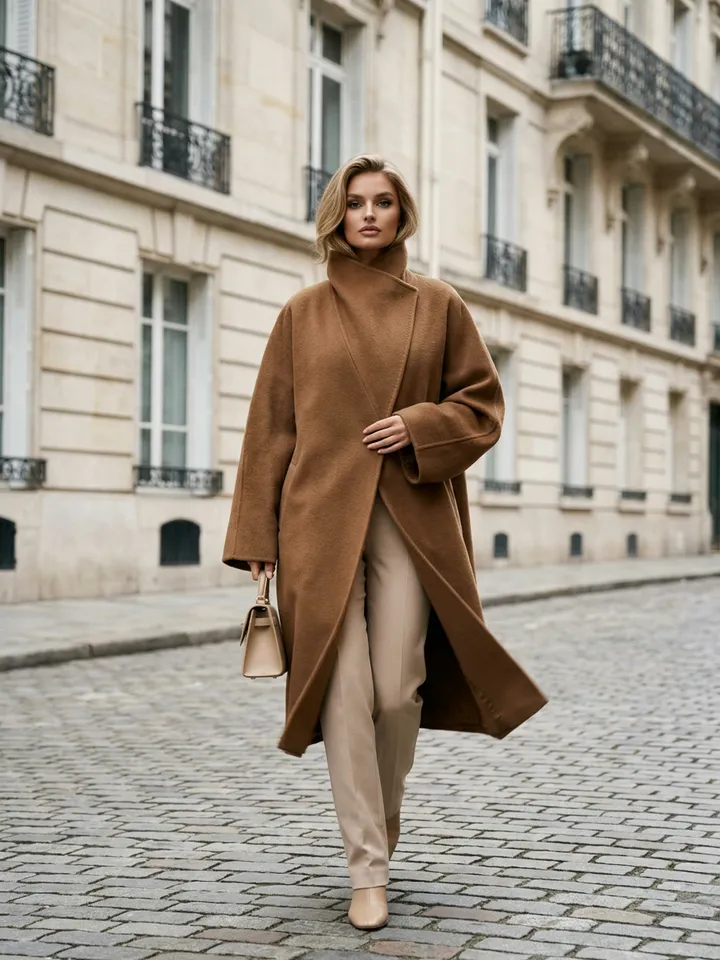
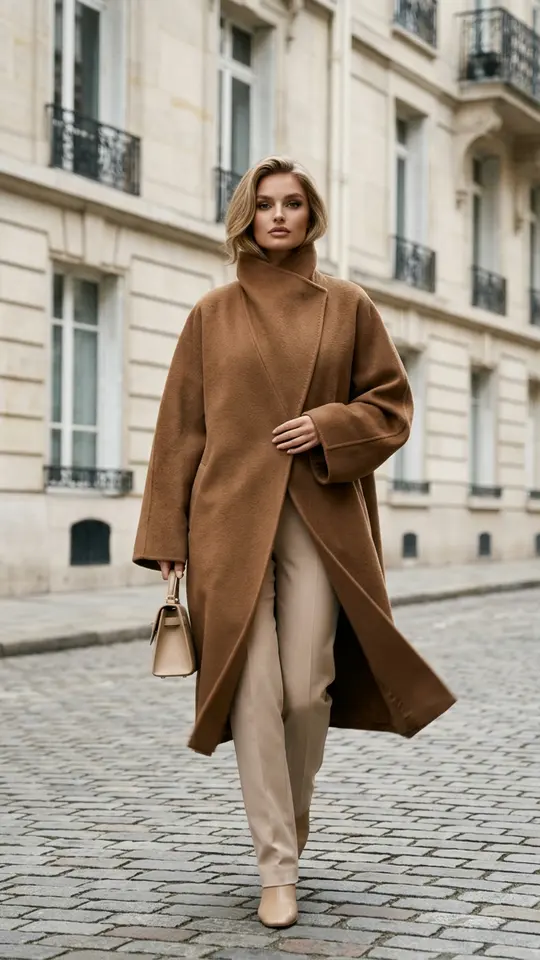
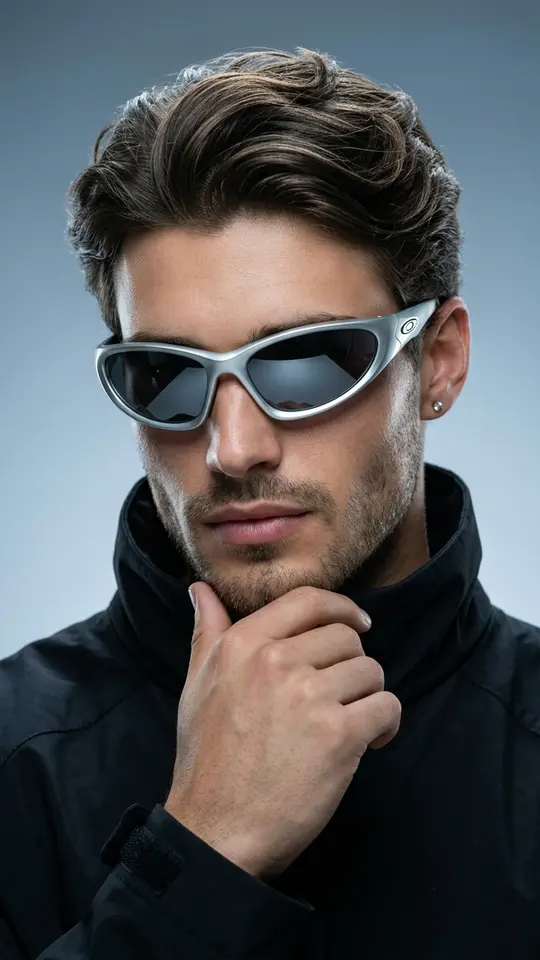
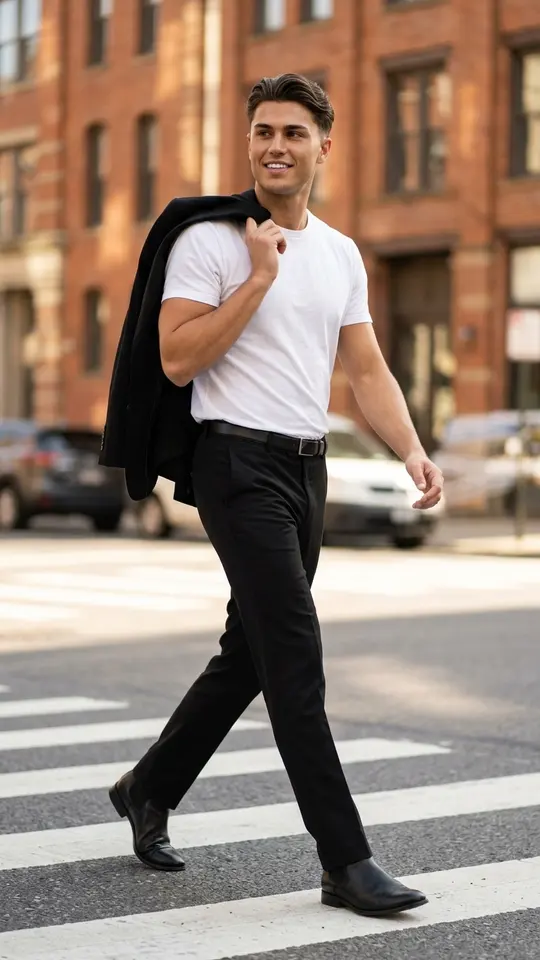
Most people start here. Paris Street Style in Camel, Modern Urban Stride and Silver Shades Cover Portrait read your face from the upload and place you in a new scene: a Parisian street, a city crosswalk or a studio cover shot. The prompt inside each card asks for a photorealistic, recognizable face with natural skin, though likeness can still shift a little between runs.
A short video from the same photo
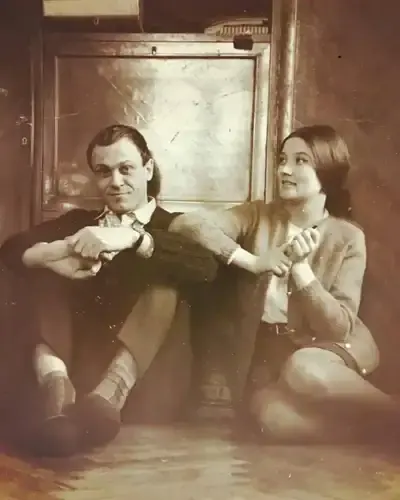
Bring a Photo to Life turns a still portrait into a vertical clip with soft breathing, a slight turn of the head and moving eyes. Star prices differ by template and model and are printed on each card, so you can compare a clip with a still before choosing. Expect a few minutes for a video, against a minute or two for most pictures, longer when the queue is full.
Drawings, anime and figurines
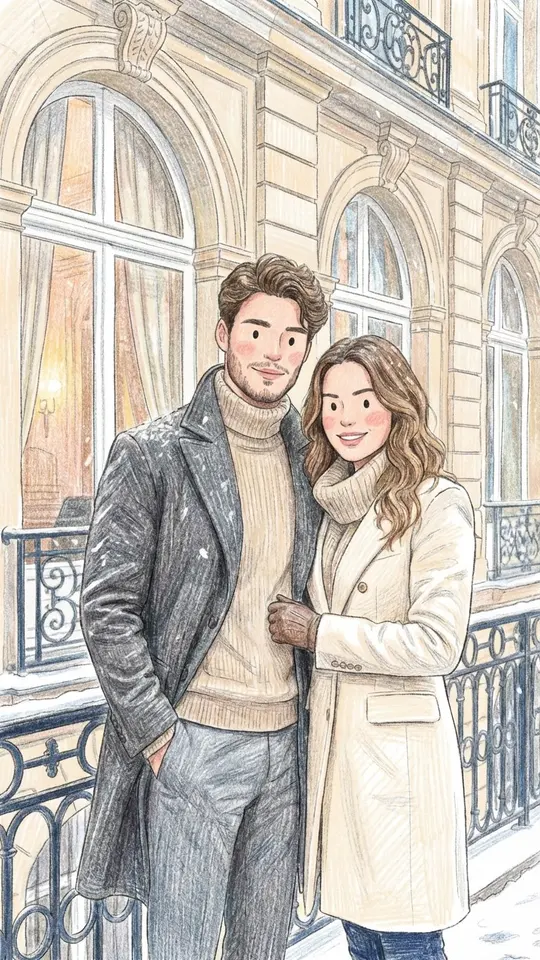
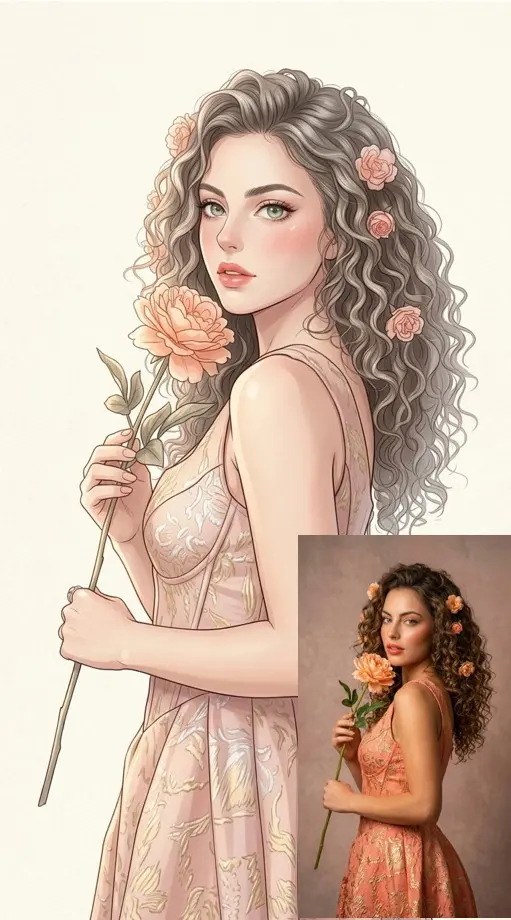
Colored Pencil Drawing redraws your upload with rough pencil outlines, soft pastel color and visible hatching. Anime Manga Portrait turns you into a semi-realistic anime illustration in a light pastel palette. Neither is a filter laid over the photo: the model paints a fresh image. Figurine effects work the same way and give you a picture of a boxed toy, not a 3D file to print.
A hairstyle guide built on your face
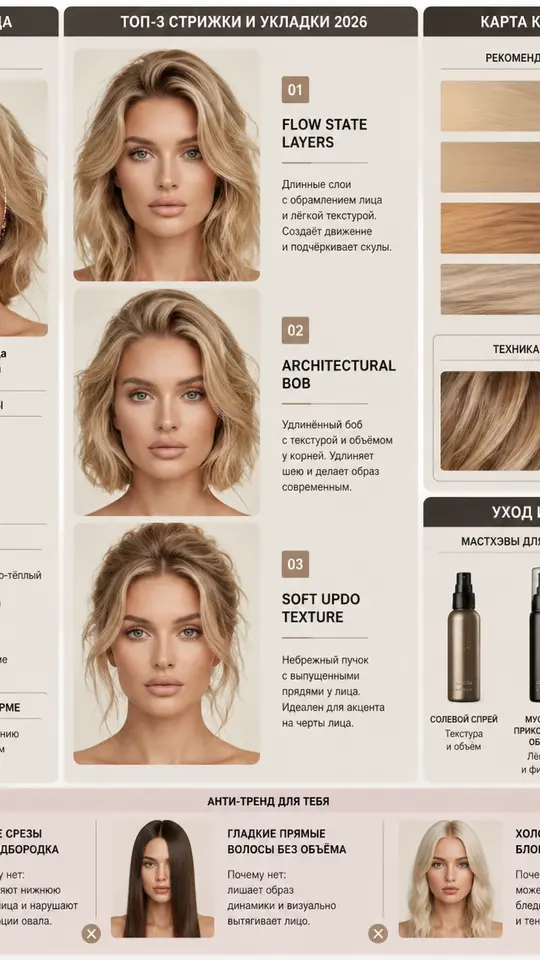
Think of this card as a consultation rather than a makeover. Your Perfect Hairstyle Guide studies the face shape, forehead, jawline, cheekbones and skin undertone in your photo, then returns an infographic guide to hair that suits you. Upload a straight-on picture in even light: a shadow across half the face can be read as part of your features.
What a photo effect here will not do
Every effect on MarketVideo creates a new image or clip. None of them describes a photo in words, finds similar pictures, identifies a person or a place, or solves a task shown in the shot. Celebrities, strangers, fake documents and sexual content are against the rules. Upload only pictures of you and of people who have given consent, and photos of kids stay within your own family.
Ready-made templates
FAQ
Is one photo enough for every effect?
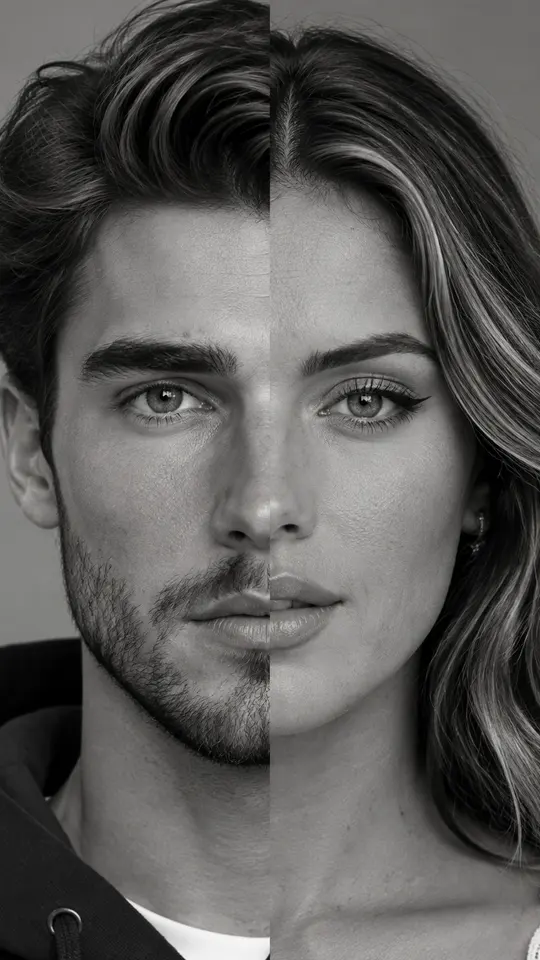
For almost all of them, yes. A single clear picture covers the portrait, video, drawing and hairstyle cards. The exception is a pair effect such as Two Faces, One Portrait, which builds a black-and-white close-up of two people and asks for a separate photo of each.
Are AI photo effects free?
Some of them, on some days. A small rotating set of templates carries the Free today label and has a daily cap on free use. Confirming your email when you register adds 5 stars for paid effects, and further stars are available through plans or packs on Pricing.
What are the names of the effects?
Names sit on every card and describe the result: Colored Pencil Drawing, Anime Manga Portrait, Bring a Photo to Life, Your Perfect Hairstyle Guide. A name is only a label, so open the card and look at its example before you run it.
Can I make an effect that is not in the grid?
It can be done on Create photo: upload your picture, select a model such as Seedream 4.5 or Nano Banana and describe the effect in plain English, for example a watercolor portrait or a figurine in a display box. For motion, Create video takes the same photo with a short note on what should move.