AI Picture Creator: Words, Your Photo or a Template
This AI picture creator takes a brief in three forms: a written description, a photo of your own with a short instruction, or a ready template from the catalog. Which one to use depends on how much control you want over the result.
Create a pictureReady in minutes · Free templates every day
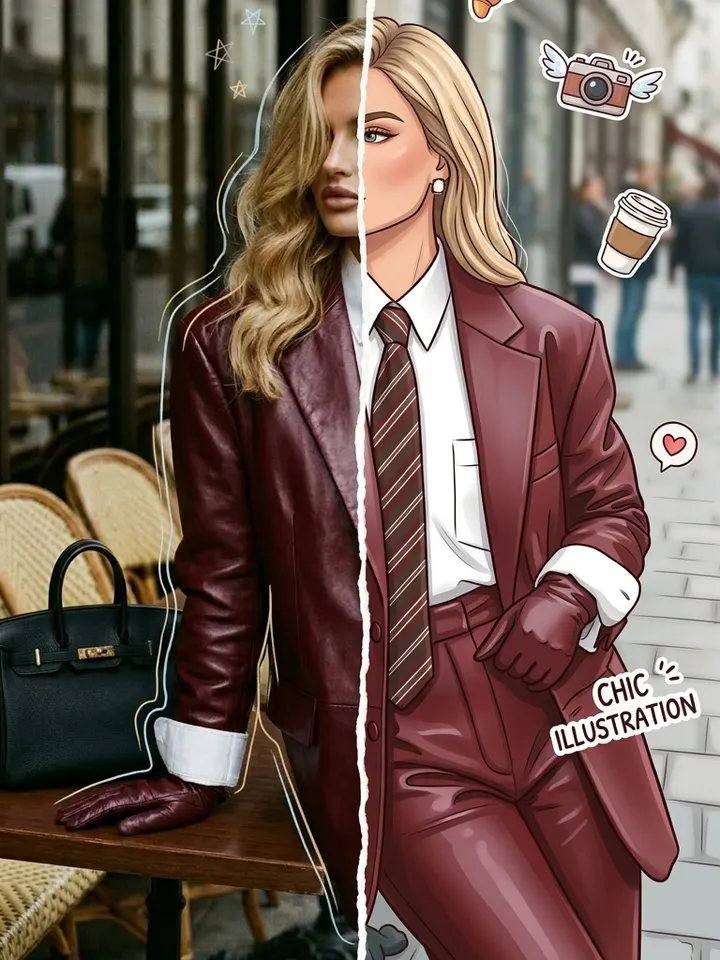
Words give the most freedom but need a clear sentence. A photo brings a real face or product into the frame. A template is the most predictable, because its scene and style are already written. The sections below show when each route pays off, so fewer runs go to guesswork.
Describe it in words when nothing in the catalog fits
Open Create photo, type the scene and set the model, for instance Seedream 4.5 for a polished look. This route suits objects, landscapes and abstract ideas. Build the sentence as subject, setting, light and style: four precise details work better than a long chain of adjectives. An AI picture from text needs no upload at all.
Attach your own photo when a face or product must stay
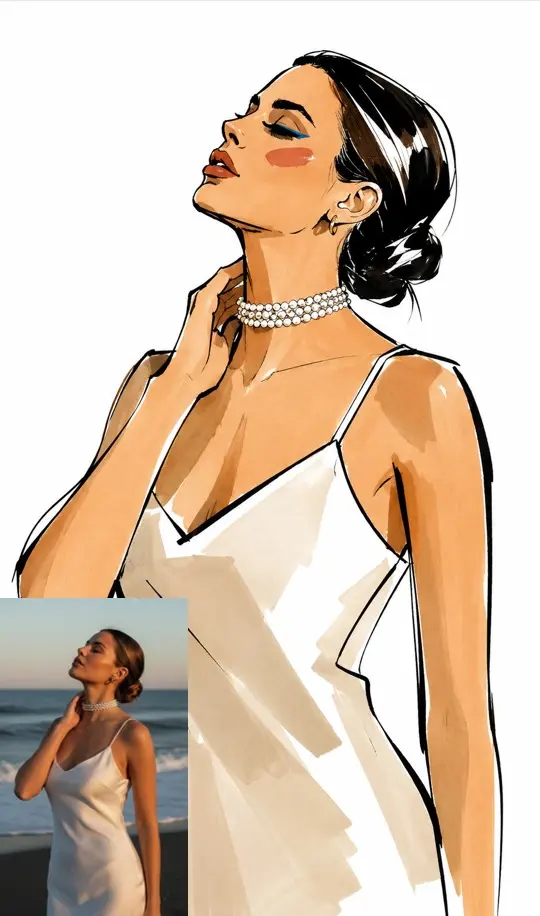
An AI picture from photo starts with an upload on Create photo plus a line about what should change. The model tries to keep the person or item and rebuilds the rest: background, outfit, light, style. Pick a shot where the face or object is sharp and uncovered. Upload only your own shots or those of people who said yes.
Take a ready template for the most predictable result
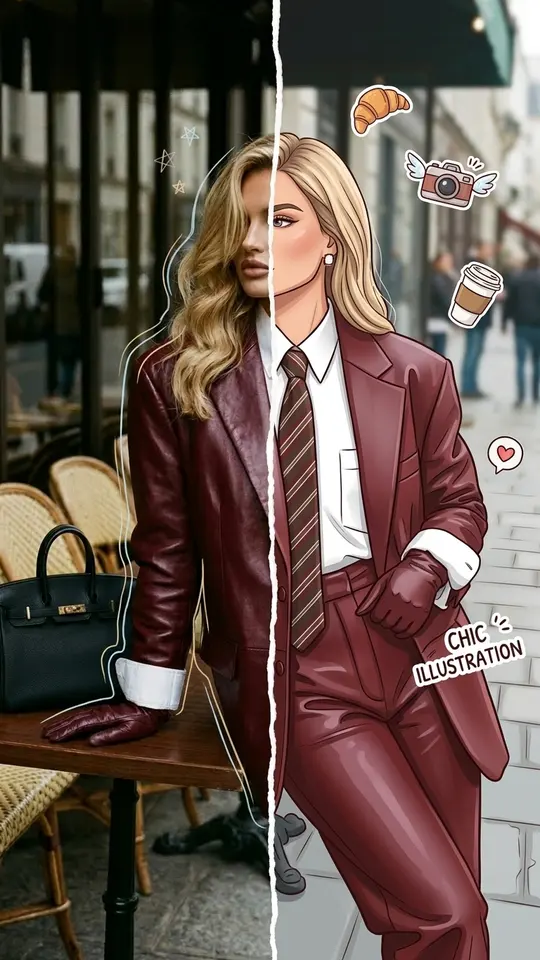
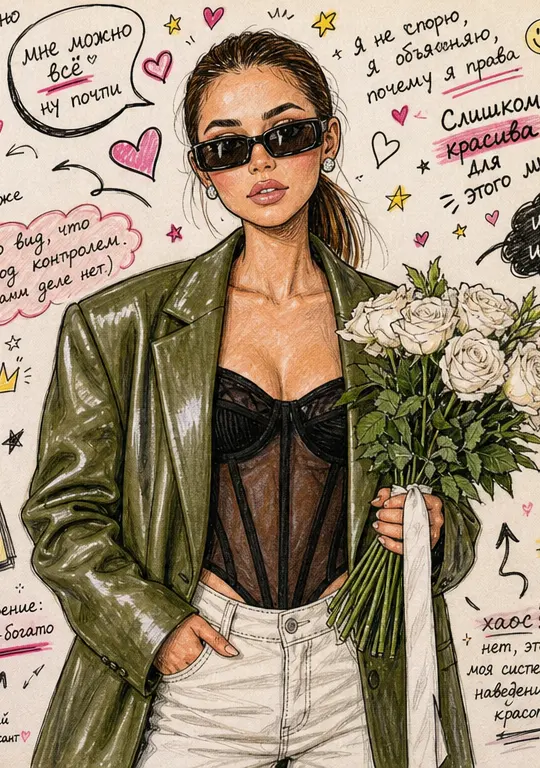
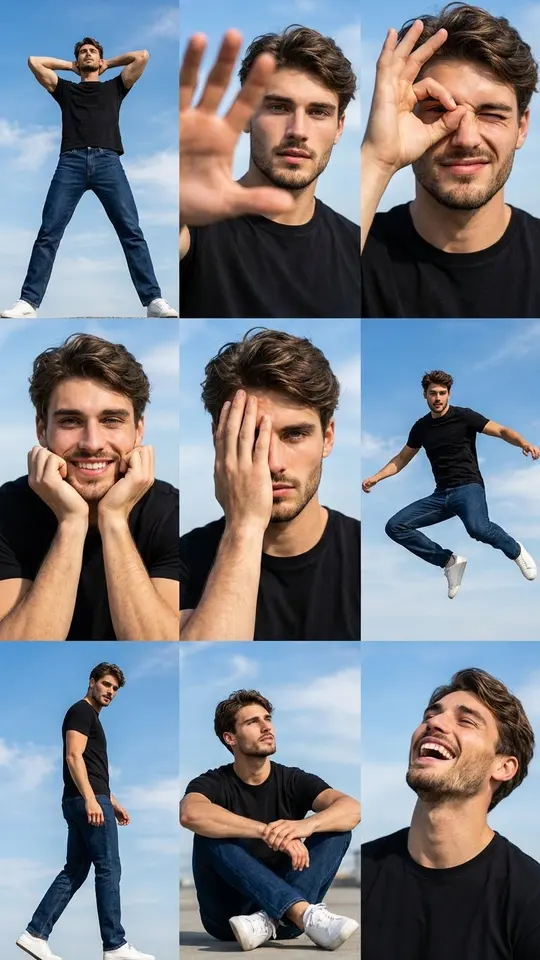
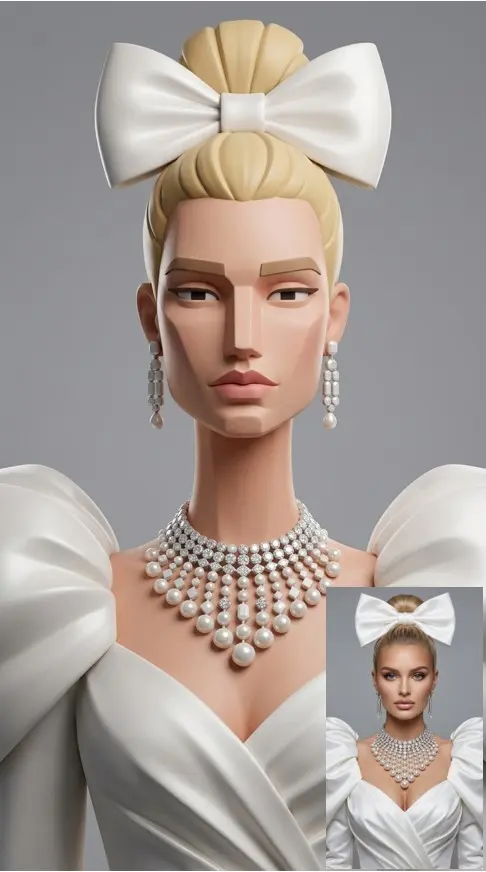
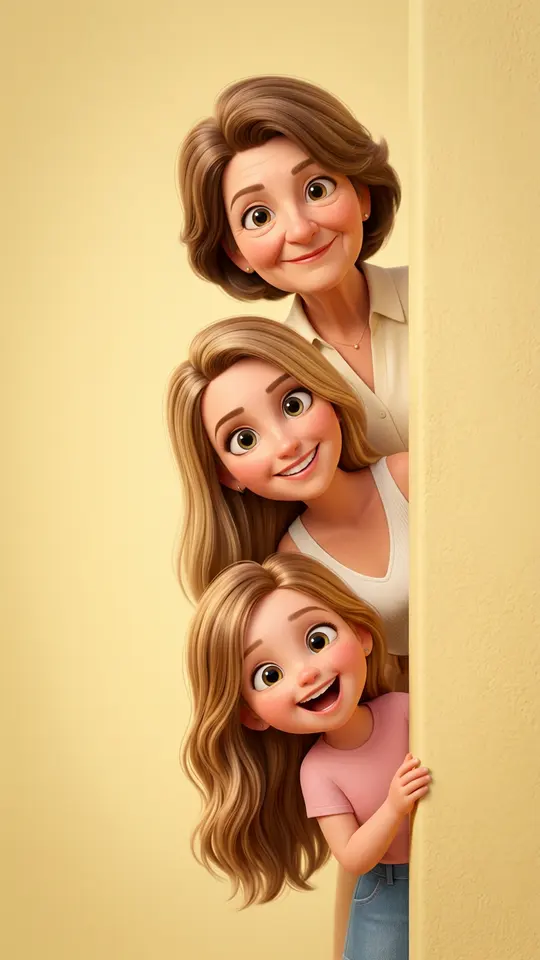
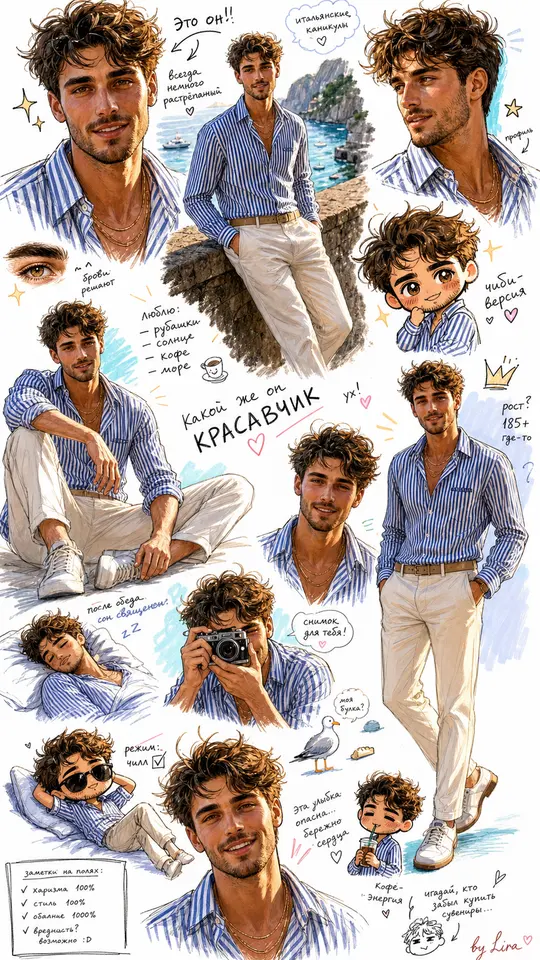
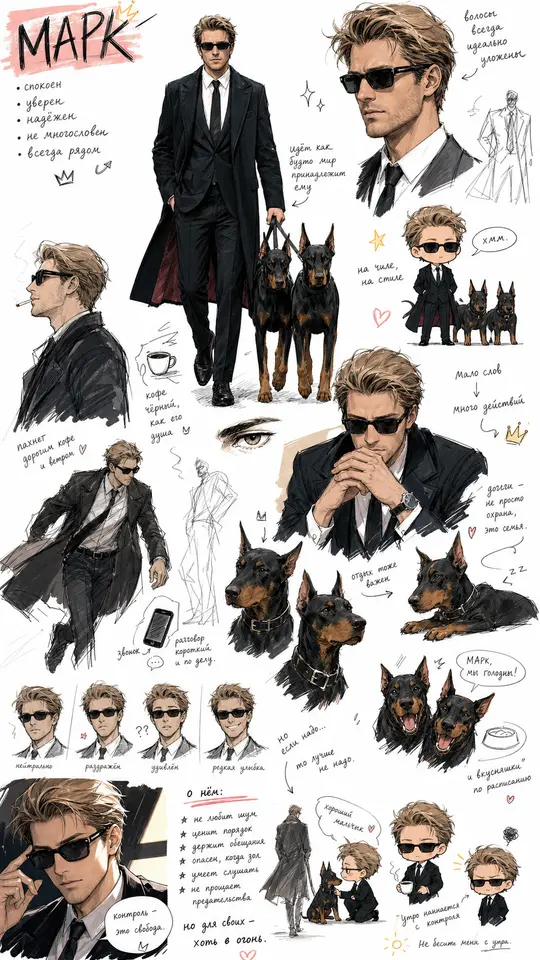
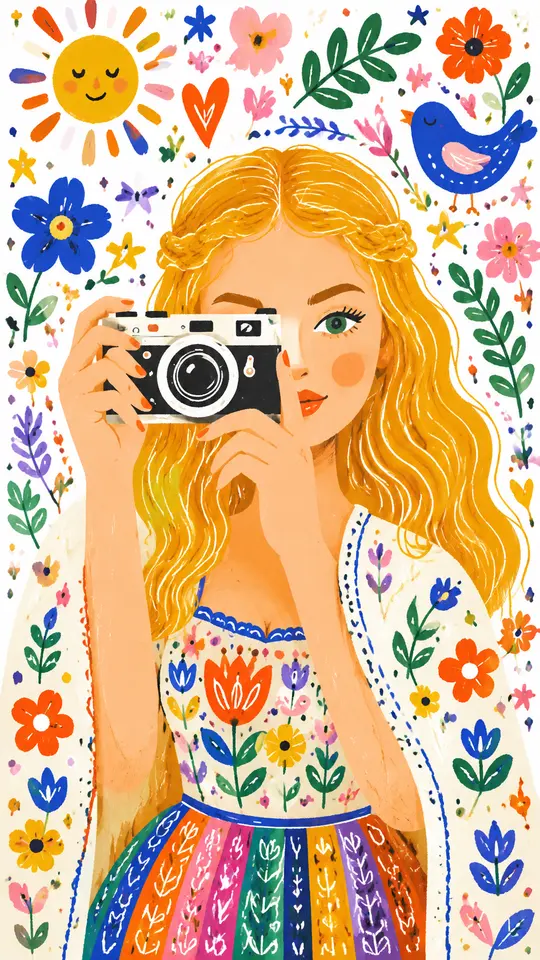
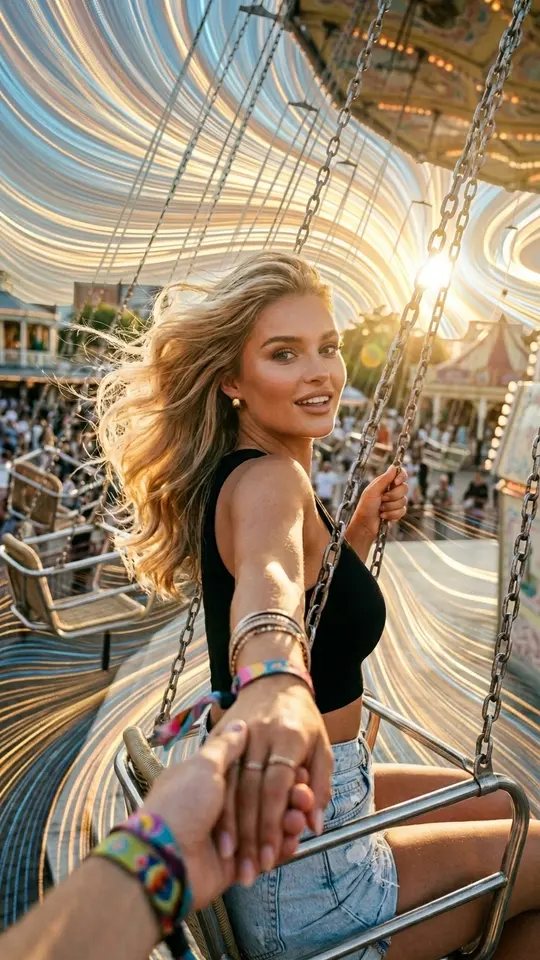
Every template in the grid already holds a tested prompt, a model and a format, so the output lands close to its preview. You only add the photo it asks for. Judge a template by its preview rather than its name: Half Photo, Half Cartoon keeps one side of the portrait photographic, while Organic Pixel Flow keeps the whole scene and adds a pixel effect.
Mix a photo with a description
The routes combine. On Create photo, attach your shot and describe the scene around it: the face comes from the picture, the setting from your words. Newcomers often do best starting with a template to see what the models can do, then moving to their own descriptions once they know which style they like.
What you get and what it costs
Expect a single still image per run, saved to your device as a regular file and kept in your history. Runs are charged in stars, and the cost appears on the template or model before you start. The starter balance is 5 stars, granted once the email address is confirmed. To refill it, visit Pricing and choose either a plan or one pack.
Ready-made templates
FAQ
Is the AI picture creator free?
Free to try but not unlimited. Certain templates are labeled Free today and allow a limited count of daily runs without stars. Everything beyond that uses the starter stars or ones you top up later.
Do I need to learn prompt writing?
Not for templates, since each one ships with its own wording. For Create photo, two plain sentences about the subject, place, light and style are usually enough for a usable first picture.
Can I get a different version of the same picture?
Run the same template or prompt again. Each generation comes out a little different, so two or three runs give you options to compare before you keep the one you like.
How long does a picture take?
Pictures generally come back in a minute or two. Busy hours lengthen the queue and the wait along with it, so no fixed time can be promised for any single run.