AI Templates for Photos and Videos
An AI template is a scene that has already been built and tested: the prompt, the model and the settings are fixed, and the only missing piece is your photo. Pick a card, upload a picture, and the result comes out close to the example shown on it.
Make a portrait from a templateReady in minutes · Free templates every day
That is the opposite of starting from an empty prompt box. MarketVideo keeps over 1,000 of these scenes for stills and clips, from mountain portraits to animated selfies. Below is how they work, what each kind produces and when writing your own prompt is the better route.
What sits inside an AI template
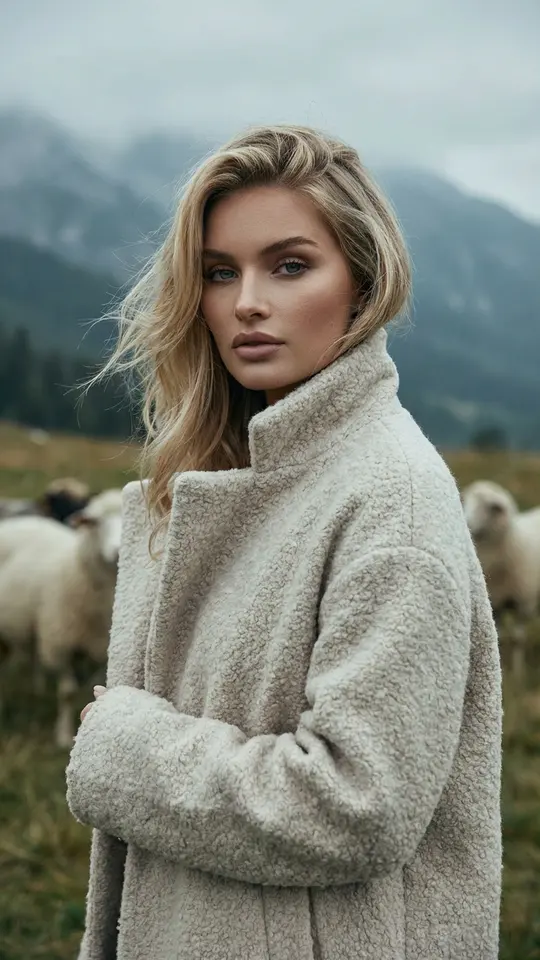
Behind each card is a written brief for the model. Misty Highland Portrait, for instance, asks for a chest-up shot in an open meadow with blurred sheep and a foggy ridge behind you, and instructs it to leave your face, expression and hair unchanged. You never have to write or edit that text. The preview on the card came from the same brief, so you see the style before spending anything.
AI photo templates for a photoshoot
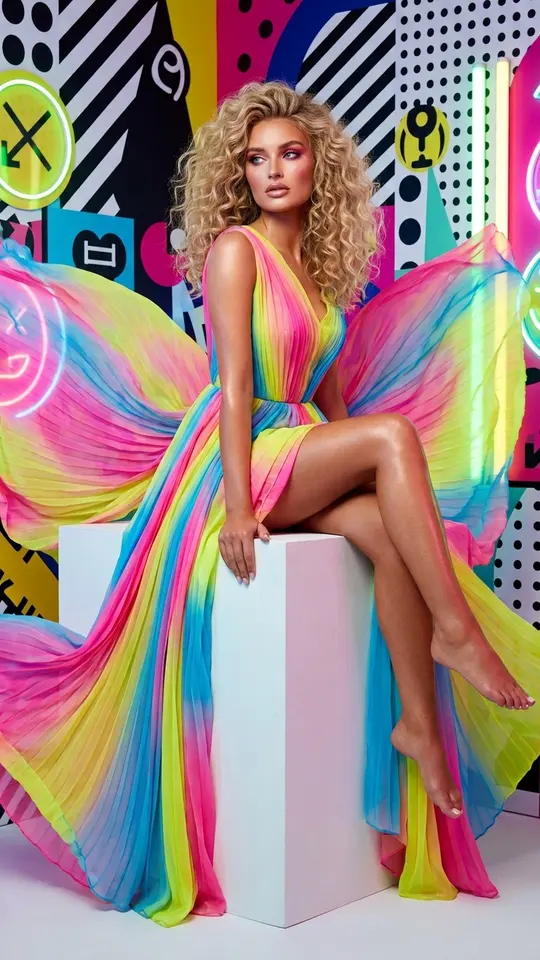
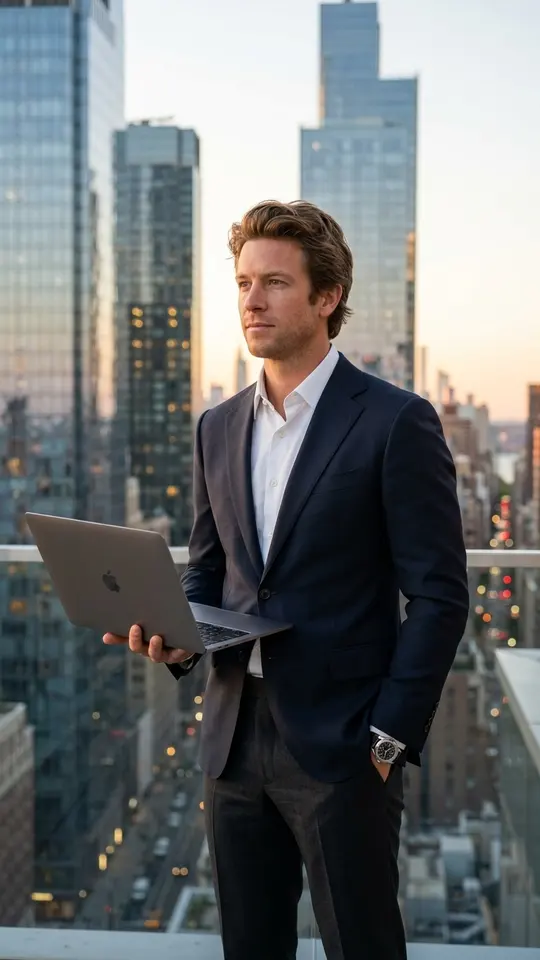
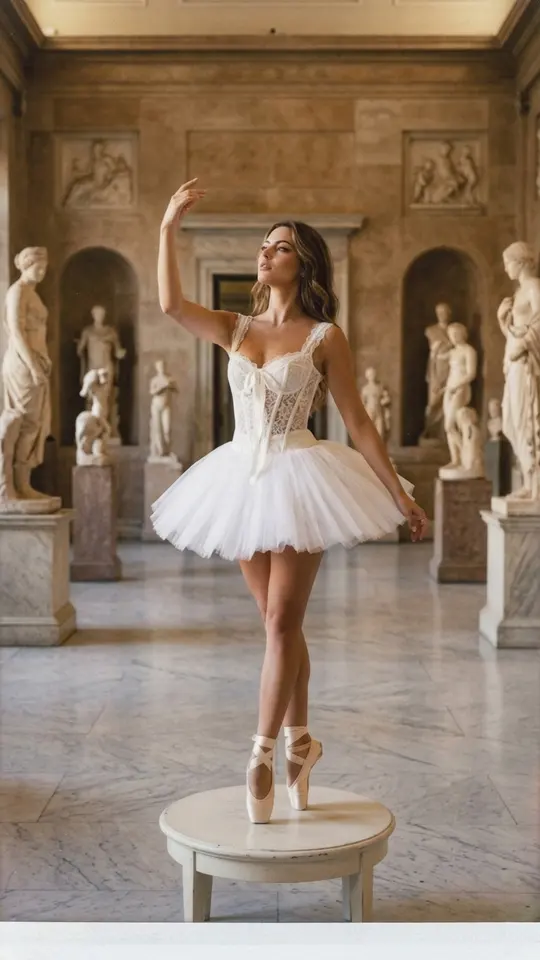
Photo templates return one still, mostly in a vertical frame. Skyscraper Rooftop CEO puts a man on a roof at sunset with a laptop in hand. Pop Art Glam sets up a bright fashion shoot on a white cube. Ballerina in the Museum turns you into a dancer in a classical hall with a marble floor. Feed one selfie to several cards in the same mood and you have a small series.
AI video templates: animation, travel and trends
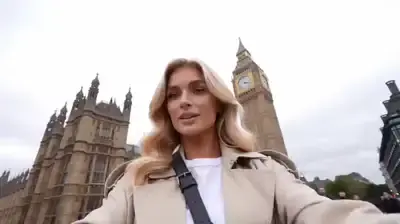
Video templates set one picture in motion. The Bring a Photo to Life card gives a portrait breathing, small head turns and eye movement. London Travel Vlog goes further: a 10-second montage of a trip around London with your face kept the same in every shot. Short clips like these are the format people share on TikTok and Reels, and the catalog also has scenes for greetings.
How to run a template with your photo
Open a card and check what it asks for, usually one sharp picture with your face in clear light. Upload it, look at the star cost on the card and start the run. A still is typically done within one or two minutes, while video needs a few minutes and sometimes more at peak load. The file downloads to your device and stays in your history too.
When a template is not enough
A template repeats one tested scene and will not invent another. If your idea is missing from the catalog, the Create photo and Create video pages take your own description plus optional photos, and you pick the model. Templates are also not an editor: nothing gets trimmed or stitched, because new footage is generated on every run.
Ready-made templates
FAQ
Are AI templates free?
Some are, on certain days. A handful of cards show the Free today label and run at zero cost until that day's allowance is used. Everything else is paid with stars; five of them arrive on a fresh account once you confirm the email address. Bigger balances come from the Pricing page.
Does an ordinary phone photo work?
Yes. A sharp, front-lit selfie where nothing covers your eyes is enough, since the template supplies the background, outfit and light. Upload only your own face or faces of people who have said yes, never celebrities, and show kids only in family scenes.
Can I run the same template more than once?
As often as you like, with the same photo or different ones. Each run is billed separately and comes out slightly different, so trying twice and keeping the better take is normal. Finished files land in your history as well as on your device.
Is this a CapCut AI templates alternative?
It does a different job. CapCut templates arrange clips and photos you already have into a ready edit. Here the model creates a new picture or video around your face, so there is no timeline to work with. You can combine the two: generate a clip here, then cut it in your usual editor.