All in One AI Platform for Photo and Video Models
MarketVideo is an all in one AI platform for pictures and clips: a single sign-in and a shared star balance reach Nano Banana, GPT Image, Seedream, Veo, Kling, Seedance and Grok, so you never juggle separate subscriptions.
Pick a model and createReady in minutes · Free templates every day
Below is a map of which engine handles which task, plus over a thousand ready templates that already have a model picked for them. Sound tools such as songs or synthetic voices are not part of the site, and this page says so plainly.
Still images: four model families
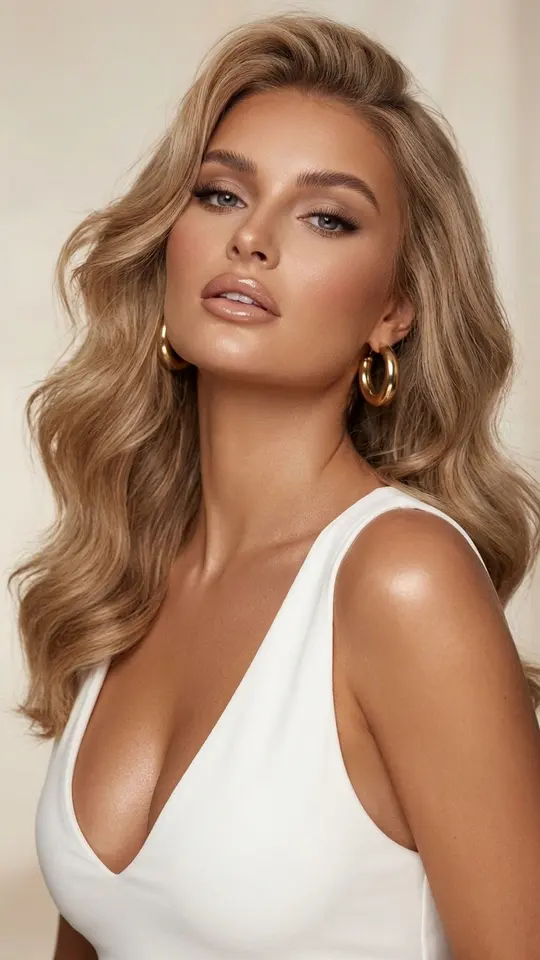
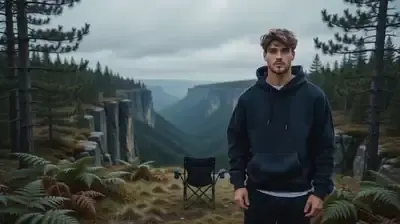
For pictures, Create photo lists three Nano Banana versions (the original, NanoBanana 2.1, plus the PRO edition). Seedream 4.5 sits beside them, with GPT Image 2.5 rounding out the list. Many portrait cards in the grid, like Luxe Portrait in White, rely on a Nano Banana engine, while Bold Flat Character Poster is built on GPT Image 2.5. Try one prompt on two of them to learn which look you prefer.
Video: from single moves to multi-shot scenes
Create video holds Veo 3.1, VEO Omni 1.1, Kling 2.6, Kling 3.0, Seedance 2 Mini, Seedance 2.0, Seedance 2.5 Omni, Grok 1.5 and Grok Video. Kling 3.0 handles stories split into several shots. Motion Control makes your photo follow the movement of a reference clip, and LTX-2.3 LipSync lets a portrait mouth along to an audio file you supply yourself.
Templates choose the engine for you
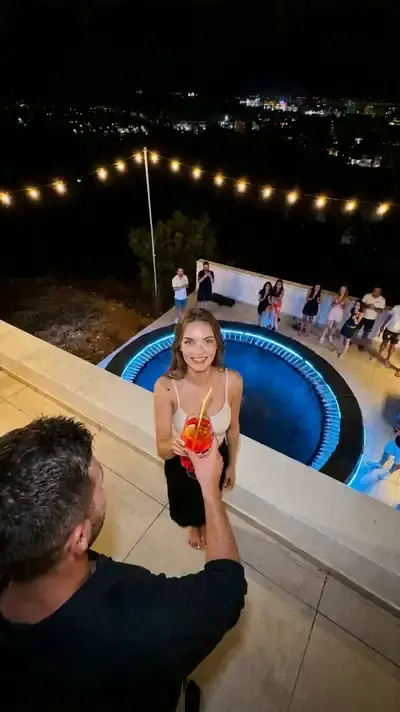
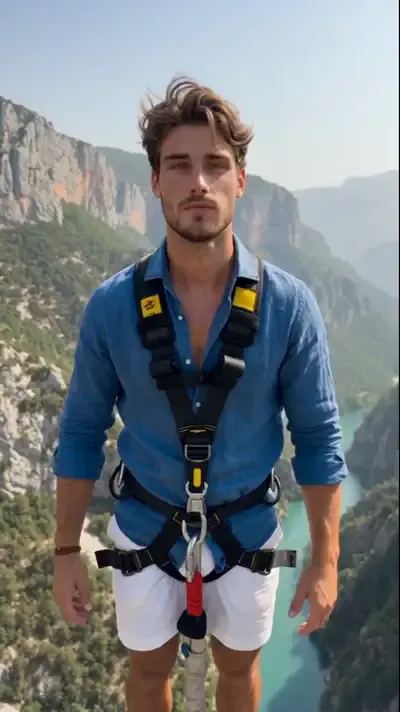
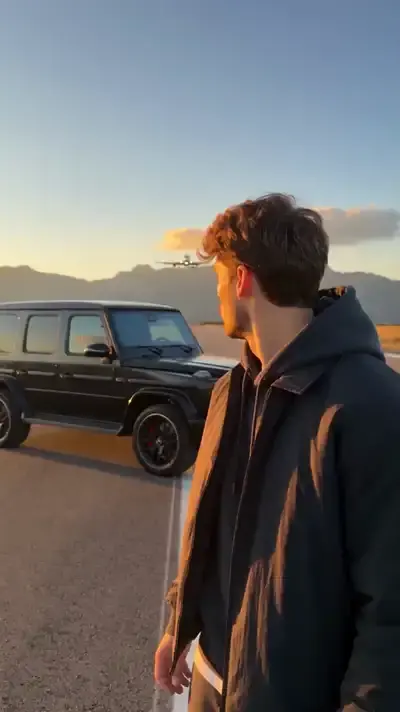
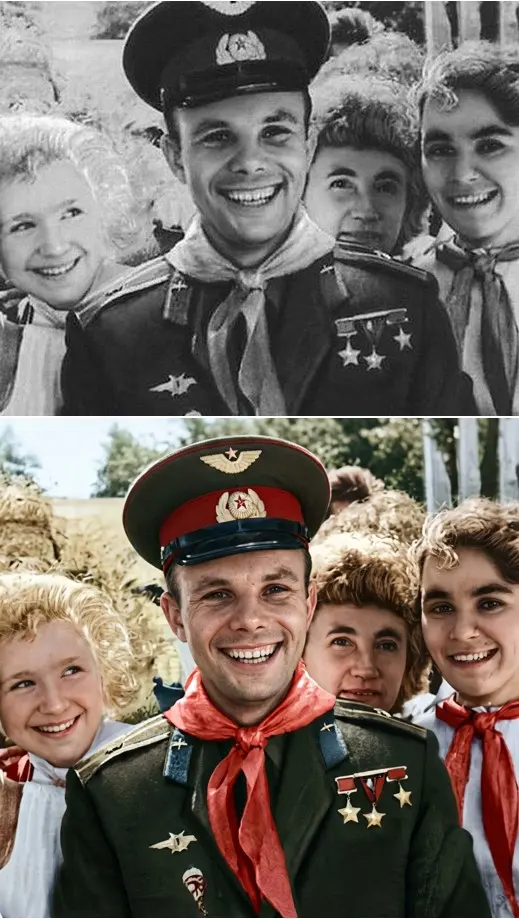
Skip the model question entirely by opening a catalog card. Rooftop Party Flip and Dragon Awakening use Seedance 2.0, Runway Jump Shot uses Seedance 2.5 Omni, Bungee Jump uses Veo, and Hockey Broadcast Cameo uses Kling 3.0. Restore & Colorize hands old prints to NanoBanana PRO. You upload the requested photo, and the card supplies scene, style and camera.
One balance across every model
Each photo or video run takes stars from a single wallet, whichever engine you choose, and the cost is displayed on the card or next to the model before anything starts. Confirming your address at sign-up drops 5 stars into a new account. Plans and one-off packs for topping up are on the Pricing page.
What this platform leaves out
MarketVideo only produces photos and videos. You will not find song creation, synthetic voices, face replacement, an ad builder or a phone app here. It opens in any current browser on a computer or phone. Every face you upload must be your own or belong to a person who consented; celebrities, fake IDs and sexual content are refused.
Ready-made templates

FAQ
Do I need a separate subscription for each AI model?
No. A single MarketVideo login unlocks every listed photo and video engine, and they all draw from one star pool. Some catalog cards are also labeled Free today, meaning a limited count of runs on them costs nothing that day.
Can I compare two models on the same prompt?
Yes. Open Create photo, or its video counterpart for clips, paste identical text, run it once with each engine, then download both results and look at them next to each other. Every generation is unique, so a second attempt on the same model can differ too.
Which model should I start with for video?
Begin with a template, since its engine is already chosen and tested. If you write your own scene, Kling 3.0 is the pick for several shots in a row, and Motion Control fits when a reference clip should drive the movement of your photo.
Is MarketVideo an all in one AI app I install?
Nothing is installed. The service runs in a web browser on desktop or mobile, finished files land on your device, and past runs remain viewable on the site later. Photos tend to take a minute or two, clips several minutes, longer under heavy load.