Top AI Models You Can Run Right Now
The top AI models worth your time are the ones you can actually run today. On MarketVideo that means five image models and eleven video options, all paid from one star balance and all listed with their cost up front.
Pick a model and make a videoReady in minutes · Free templates every day
This page is not a ranking. Numbered charts go stale within weeks as providers ship new versions. What follows is a working map instead: which model handles a multi-shot story, which copies movement from a reference clip, which ones the catalog templates rely on, and how to compare options before spending anything.
Image models on the Create photo page
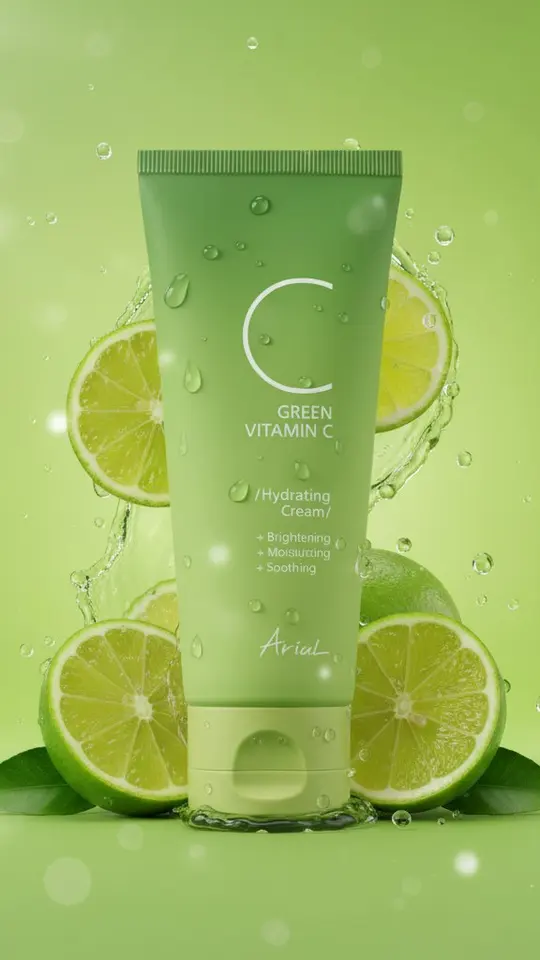
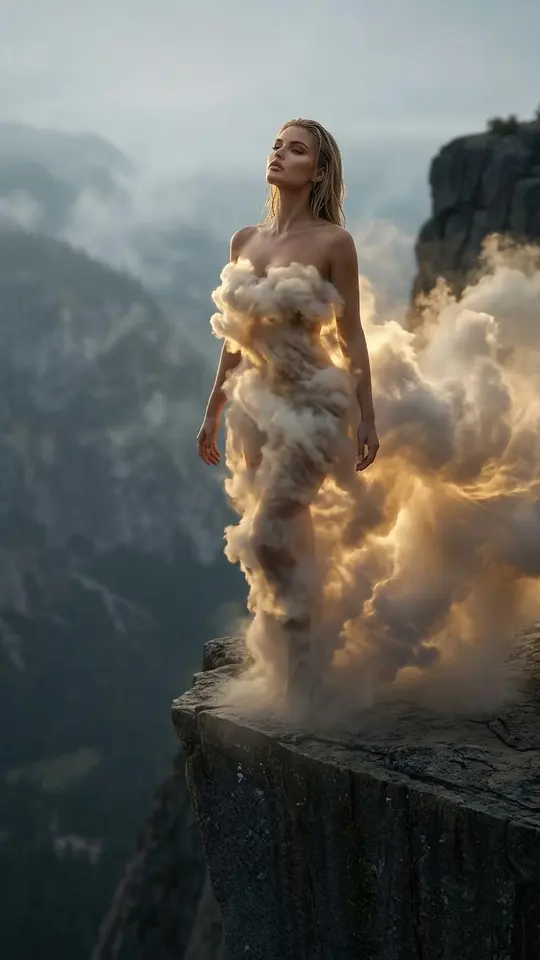
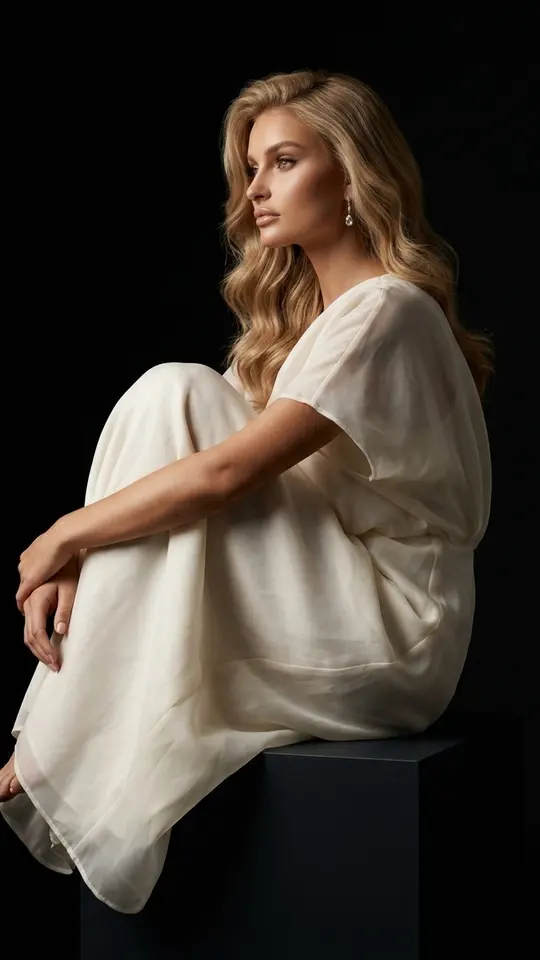
Five image models are available. Three belong to the Nano Banana family: the original, version 2.1 and PRO. The remaining pair is GPT Image 2.5 alongside Seedream 4.5. Templates show where they get used. Lime Splash Product Visual runs on NanoBanana PRO and sets your jar, unchanged, among lime slices and droplets, while portrait cards such as Sculptural White Organza use a Nano Banana model to preserve your features.
Video models and what sets them apart
Video has the longer list: Grok Video, Grok 1.5, Veo 3.1, VEO Omni 1.1, Kling in versions 2.6 and 3.0, and three Seedance versions: 2.0, 2 Mini and 2.5 Omni. Three more options each do one specific job. Kling 3.0 assembles a scene from several shots. Motion Control moves your photo to match a reference recording. With the LipSync model from LTX, version 2.3, a portrait mouths the words of an audio file you supply.
Why this list is not a ranking
A first place in some chart means little a few months later. Providers keep releasing versions, and models join or leave the lineup here as that happens. A more useful question is which model fits the job in front of you: a still or a clip, text alone or a photo as the starting point, one shot or several. Those three questions usually narrow the field to two or three candidates.
Comparing models by stars, not by hype
Next to every model you see the star price of one run before anything is charged, so options can be weighed side by side instead of guessed at. A sensible habit is to test an idea as a picture first and animate the frame you like on Create video afterwards. There are no separate subscriptions per provider: one balance covers every model, and bigger top-ups are sold under Pricing as plans or single packs.
Ready-made templates


FAQ
Which AI model is number one right now?
None of them wins every task. Pick by the job instead: Kling 3.0 when a story needs several shots, Motion Control when you have a movement to copy, the LTX LipSync model when a portrait should follow your own recording, and a Nano Banana model when a portrait template has to stay recognizable.
Can I try these models without paying?
To a degree. New sign-ups receive five starter stars after they confirm their email address. On top of that, look for the Free today mark in the catalog: those templates allow a few no-charge runs per day before stars are needed again.
Do I need separate accounts with each AI provider?
No. Every model listed here runs inside MarketVideo through a single account and one shared star balance, whichever model you pick for a given run. Nothing needs installing either, because the site works in a modern browser whether on a laptop or a phone.
Which models power the templates on this page?
Seedance 2.5 Omni is behind Frozen Moment Fly-Through, where a floating camera drifts around a scene frozen mid-motion. Dragon Awakening uses Seedance 2.0 for a ten-second clip on a hilltop above a forested ravine. The product and portrait cards rely on Nano Banana models.