Grok Imagine Video for Dragons, Arenas and Space
Grok Imagine, the generator from xAI, is available on MarketVideo as Grok 1.5, next to Grok Video, in the model list of Create video. It tends to keep strange fantasy setups intact where other models flatten them.
Make a Grok videoReady in minutes · Free templates every day
Describe a dragon circling a burning tower or a gladiator crowd in a stone arena, attach a photo if you want your own face in it, pick a Grok model and run. The usual content rules stay in place.
Where Grok keeps the strange parts
Its strength is scenes with invented rules: creatures that never existed, a packed arena, a figure drifting in orbit. More cautious models often trim such requests into something plainer, while Grok is more willing to render them as written. For a calm, true-to-life portrait, pick a different model.
From a template still to a Grok clip
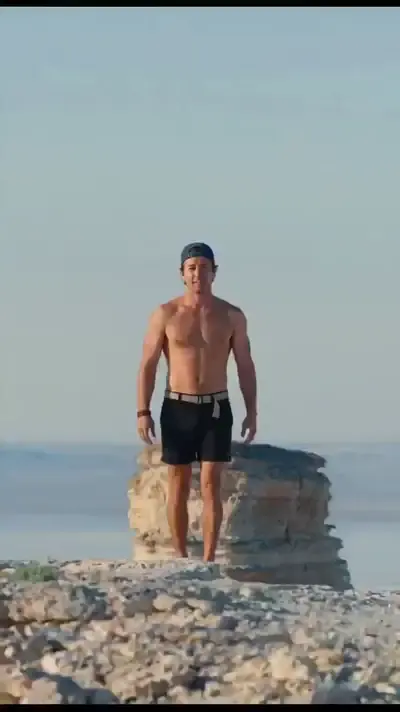
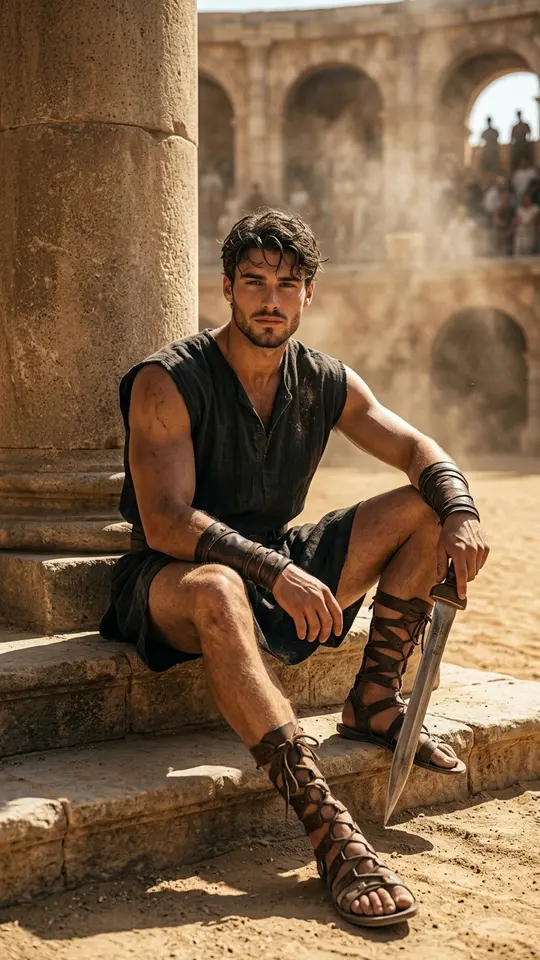
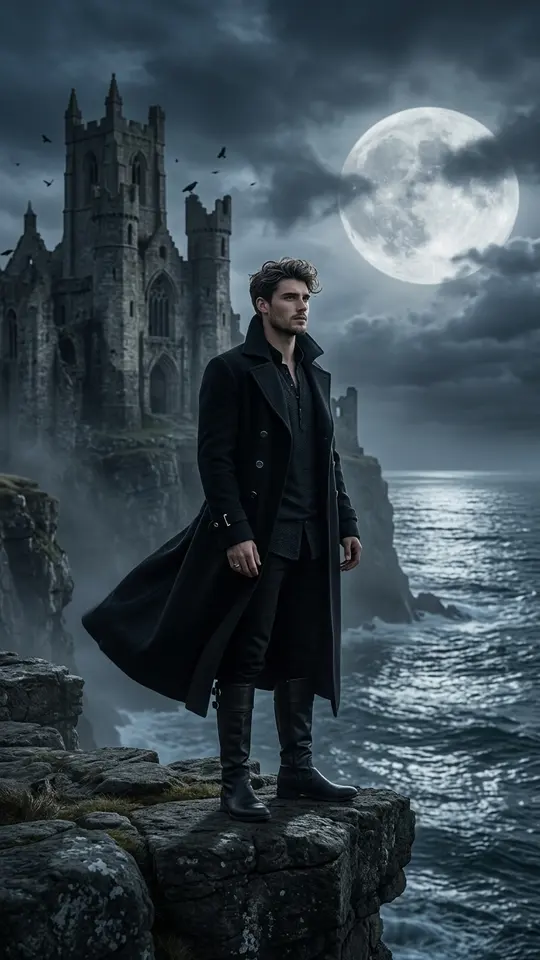
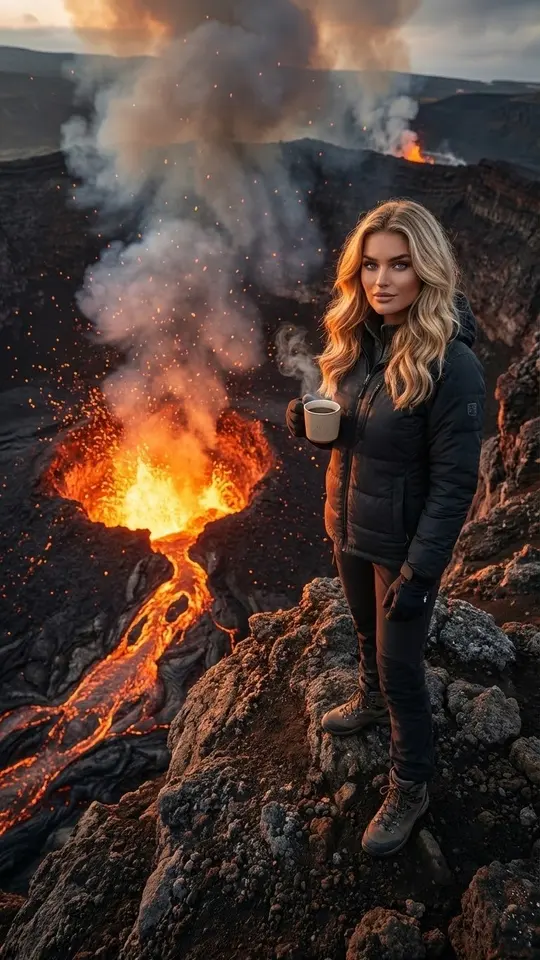
The grid holds fantasy stills made on other models: a mage, a knight drawing a bow, a warrior on the steps of an ancient city. Make one from your selfie, then attach it on Create video, write the motion and choose Grok 1.5. The star price shows before you start; video runs take a few minutes, sometimes more at busy hours.
What it will not do
There is no adult mode. Nothing sexual, no celebrities or real public figures, and no photos of people who have not agreed. Each run is a fresh take, so one prompt can give clips that differ noticeably; run again or reword the action if the first result misses. Keep one main action per prompt for steadier motion.
Ready-made templates


FAQ
Is Grok Imagine free here?
Partly. Verifying the email on a new sign-up adds 5 stars, which covers a first test or two depending on cost. Some templates also have a small daily allowance marked Free today. For more, see Pricing.
Do I need an xAI account?
No. MarketVideo passes the request to the model, so you only sign in here. Browsing is open; generating needs a free account with a verified email address.
Which Grok versions can I use?
Two video options: Grok 1.5 and Grok Video. Both sit on Create video in the same list as Seedance 2.0 and Veo 3.1, so one prompt can be compared across several models.