How to Make AI Videos on Your Phone
Your phone's browser is all it takes to make AI videos: open marketvideo.app, pick a template or type a short scene on Create video, add a photo if you want to appear in it, and run. The finished clip typically arrives a few minutes later.
Make your first videoReady in minutes · Free templates every day
What follows is the short route from a vague idea to a saved file: what to type, how many seconds one run holds, what a try costs, what to change when the result misses, and where the finished clip ends up.
What to type when the idea is still vague
The model reads words, not intentions, so feed it four facts: the person, the action, the location and the way the camera behaves. "A woman walks down a rainy street at night, the camera follows from behind, shop windows light her face" is already enough to run. Words like beautiful, epic or stunning tell the model nothing and only take up space.
How many seconds one run gives
Each run returns one short piece. Kling 2.6 gives you five or ten seconds, and Seedance 2.5 Omni goes from five up to thirty. One piece usually holds a single moment; for a scene with several shots there is the multi-shot mode of Kling 3.0. Anything longer is built from several runs and joined in whatever video editor your phone already has.
What one try costs in stars
Stars are charged per run, not per minute of waiting. Three dials set the count: which model, how many seconds, what resolution, and the form displays the total before you tap the button. That makes a cheap first test easy: try the idea at the shortest length and the lowest resolution on offer, then pay for a longer, sharper version once the scene works. Plans and single star packs live on the Pricing page.
Result missed? Change one word
Rewriting the whole description after a miss is the costly habit. A failed run costs as many stars as a good one, everything changes at once, and you cannot tell what helped. Change one thing per run instead: wrong motion, edit the verb; wrong light, touch only the words about light. Two or three such small steps usually get closer to what you pictured than a full rewrite.
Where the file lands, and keeping it vertical
Your clip waits in the account history and downloads to the phone as an ordinary video file, ready for whatever app you post from. Choose the frame shape before the run rather than cropping afterward: catalog templates come set to vertical 9:16 or horizontal 16:9, and a vertical one arrives vertical, with no black bars down the sides.
Ready-made templates
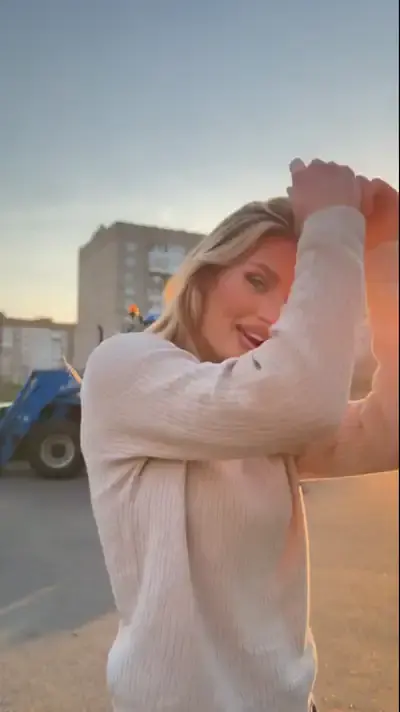
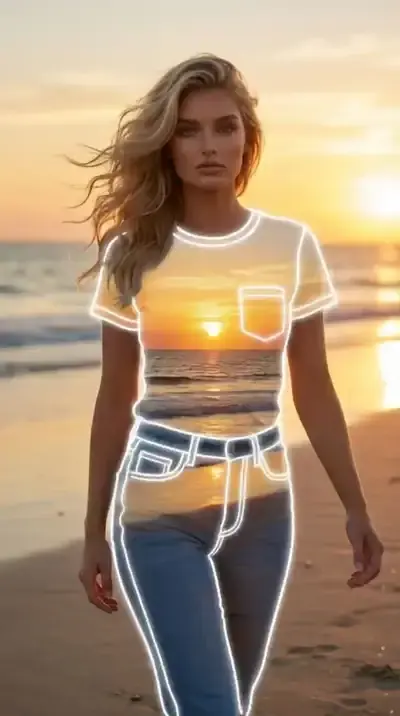
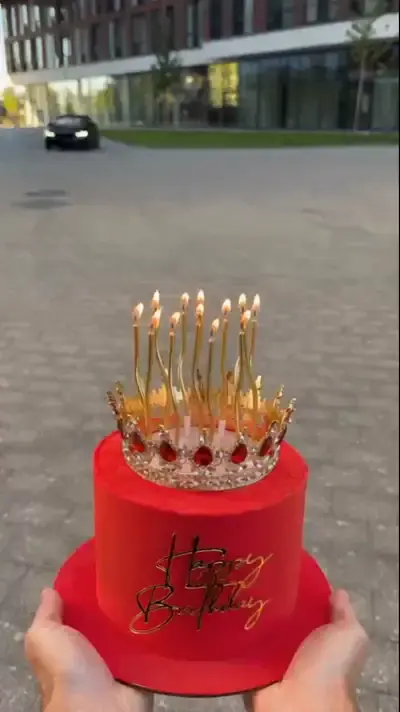
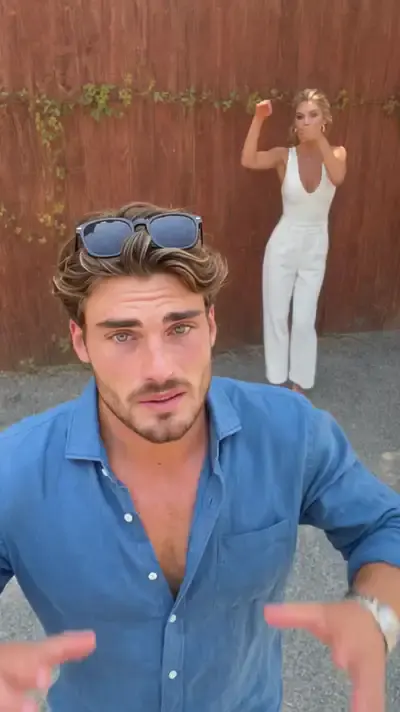
FAQ
Do I need a photo of myself?
No, a written scene is enough: the model will invent the people or leave them out. Add a photo when a particular face has to appear, yours or that of someone who agreed. For videos of yourself, templates such as The Sea Within You or Birthday Cake Car Surprise need nothing but the photos they ask for.
Can I make AI videos for free?
Partly. Verify your email and the new account is credited with 5 stars, and templates marked Free today stay free until their daily allotment is spent. Past that point, stars pay for each run, and the total appears in the form before you commit.
Is there an app to install?
No download is involved: MarketVideo runs in the browser you already have on the phone, from picking a template to saving the clip. The same account works on a computer too, which helps when you want a bigger screen for writing a longer description.