Nano Banana vs Nano Banana Pro: Which Model Fits Your Photo
Choose between Nano Banana vs Nano Banana Pro by the job: the base model suits quick routine fixes at a lower star cost, while Pro goes further on fine detail and large output.
Edit a photoReady in minutes · Free templates every day
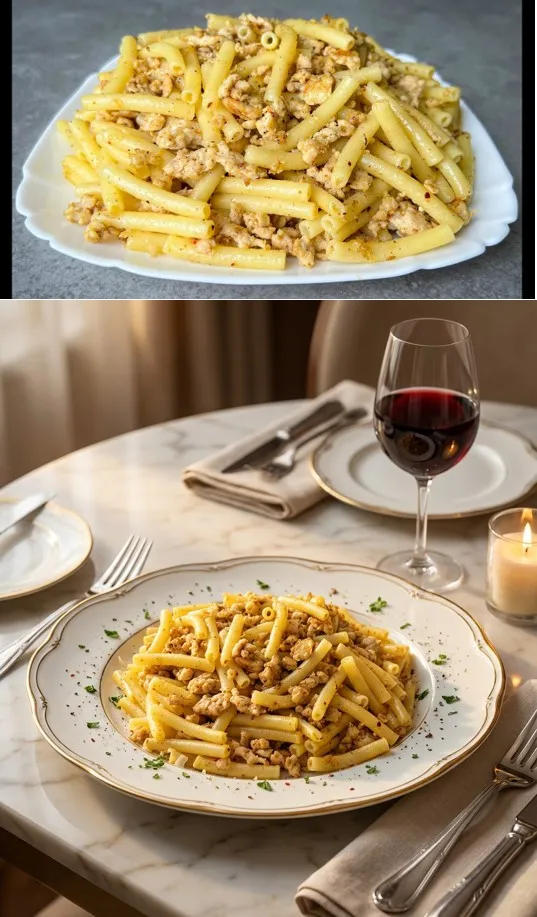
On MarketVideo both live on the Create photo page, next to three more engines: NanoBanana 2.1, Seedream 4.5, plus GPT Image 2.5. Give the same shot to two of them and two different pictures come back. Below is how each engine treats a portrait, where the gap is visible and how to keep an edit from turning into a brand-new image.
How the engines treat one and the same shot
Upload one portrait and ask each model to warm up the light. Nano Banana makes a light pass and suits batches of similar fixes. NanoBanana 2.1 holds facial geometry more tightly and follows long notes on light and angle. Nano Banana Pro pushes fine detail further, which shows in skin, fabric and large output. GPT Image 2.5 works through a request point by point, while Seedream 4.5 leans toward dense, saturated color.
What a single attempt costs in stars
You pay per finished image, and the price depends on the engine. The original Nano Banana and Seedream 4.5 charge one flat amount whatever the size. Nano Banana Pro, NanoBanana 2.1 and GPT Image 2.5 cost more as resolution goes up. The exact figure appears on screen ahead of each run. A small size is plenty for a feed or a chat; keep the largest one for print or a big screen.
Edit or redraw: where the line sits
An edit keeps your shot: the same face, pose and framing, with new light, color, background or one object removed. Ask for a new scene, angle and outfit at once, and the model stops editing and paints a fresh picture loosely based on yours. A quick test is to compare the nose and jawline before and after. If they drift, cut the request back.
Writing the request for any model
Concrete wording works on all five engines: remove the yellow cast from the lamps and keep the skin texture beats make it look nice. Give one task per pass, light first, then background, then a stray object. When a result goes off course, drop a single condition and run again instead of rewriting the whole request.
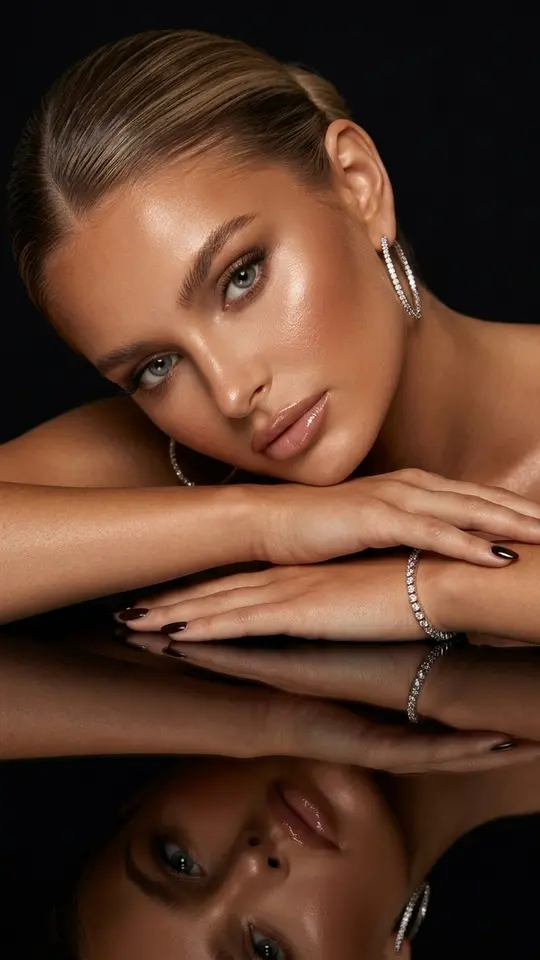
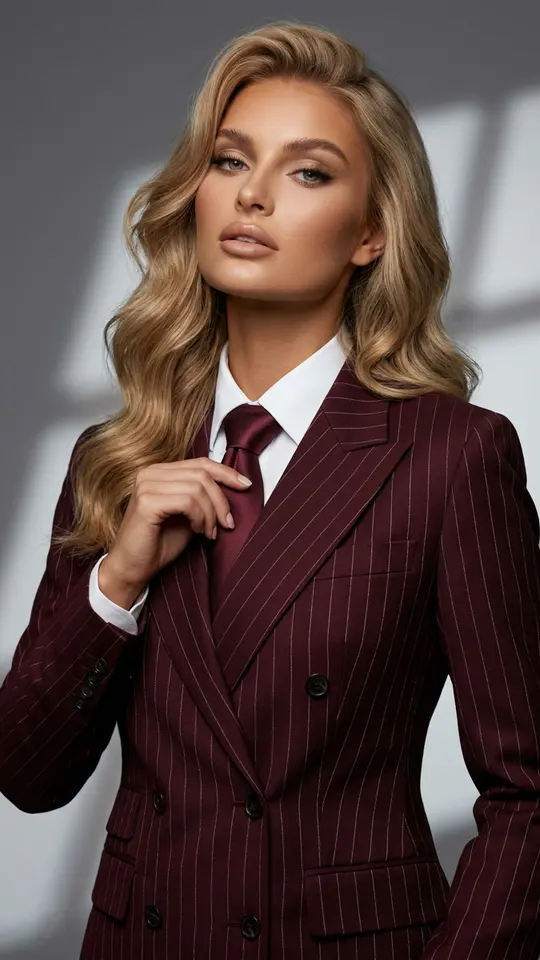
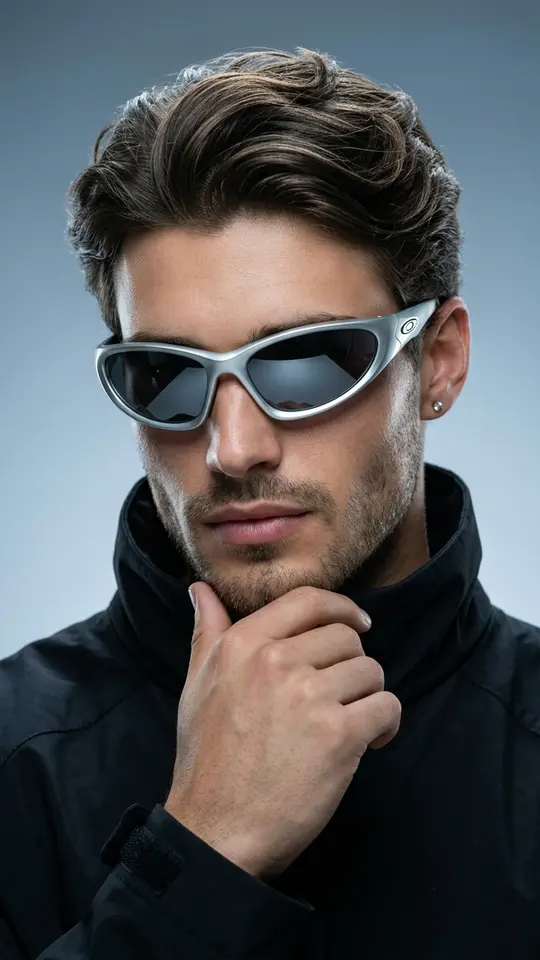
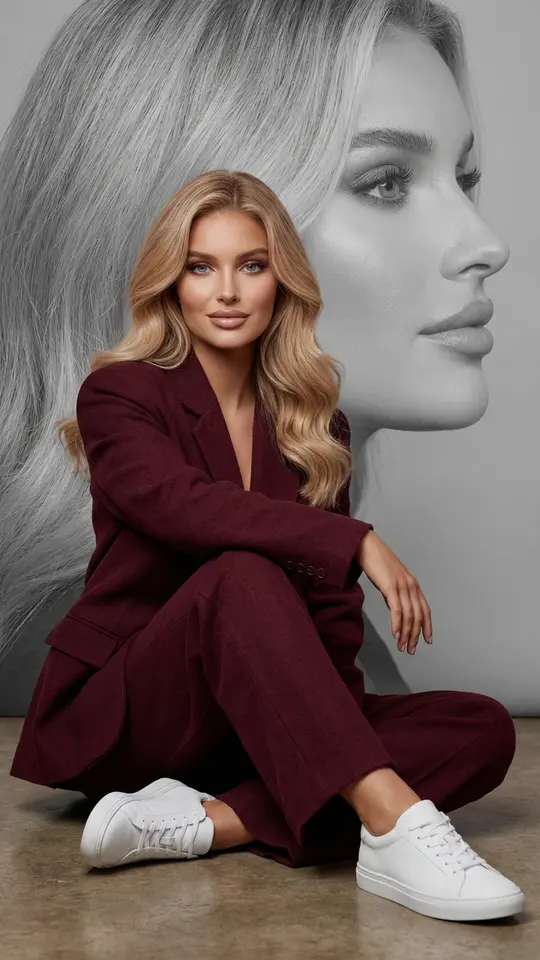
Ready-made templates
FAQ
Is Nano Banana Pro always better than Nano Banana?
Not for every job. Pro wins on fine texture and large output, yet for a stack of simple fixes such as brighter light or a cleaner background the base model returns a similar picture for fewer stars. Try both on one shot and stick with the engine that suits it.
How does Nano Banana compare with GPT Image 2.5 and Seedream 4.5?
When a request lists many conditions, GPT Image 2.5 tends to honor each of them instead of keeping only the main two. Seedream 4.5 gives rich, saturated color at a flat cost. Nano Banana stays the lightest option for routine fixes.
Which AI model is best for photo editing that keeps a face recognizable?
For edits to light, color and background, NanoBanana 2.1 and Nano Banana Pro usually hold likeness best. For heavier changes, pick a higher resolution and check the eyes and jawline against the original. An exact match is never promised, and only photos of yourself or people who agreed belong here.
Is this different from the AI in my phone camera?
Yes. The camera applies its own processing at the moment you shoot. Here you hand over a finished file, choose the engine and say in words what to change, so the model can brighten a face without touching the background.
Can I try the models without paying?
To a point. After you verify your email address the account holds five stars, which covers a few runs on the cheaper engines. Beyond that, buy a plan or a pack from Pricing; on some days a few templates can also be run free within a daily limit.