Text to Image and Video AI: One Prompt, Two Results
Text to image and video AI on MarketVideo takes the same few sentences and returns either a still picture on Create photo or a short clip on Create video. What changes is the page you paste them into, not the writing itself.
Turn your text into a pictureReady in minutes · Free templates every day
Below you will find how a picture description differs from a clip description, how much text is enough, where to borrow wording when you have none, and how stars get spent. Words alone are enough to begin; a photo is optional on both pages.
Text for a picture goes to Create photo
A picture prompt covers four things: the subject, the setting, the lighting and the framing. One short sentence for each is plenty. Paste it on Create photo, choose one of the image models, for example Seedream 4.5, and start. If something is off, change a single detail and go again instead of writing a long paragraph up front.
Text for a clip goes to Create video
A clip needs motion written in: what moves, which way the camera travels and, when the chosen model handles audio, what should be heard. Keep one scene and one action per run; a story set in two places means two runs. Create video offers Seedance 2.0, Veo 3.1, Grok Video and more, and Kling 3.0 is the option for multi-shot scenes.
How long the text should be
For both outputs, a few sentences about a single scene beat a full page. Models shorten extra detail in their own way, so a long text loses control rather than gaining it. Start short, look at what comes back, then add or swap one phrase. Plain English works, and style names such as watercolor or film noir can stay as they are.
No text yet: start from a template
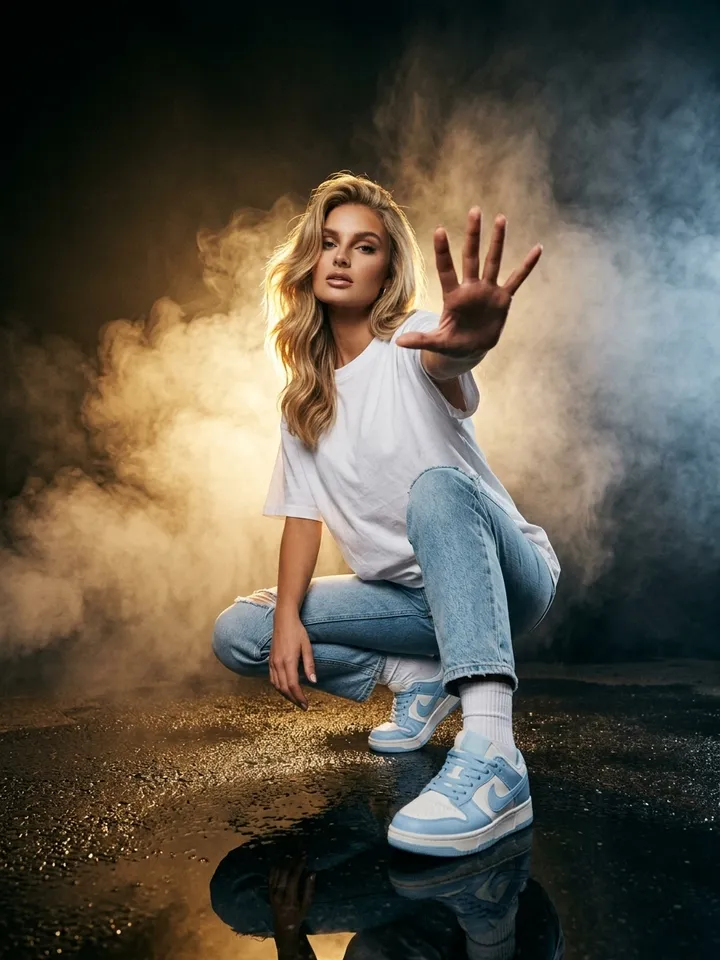
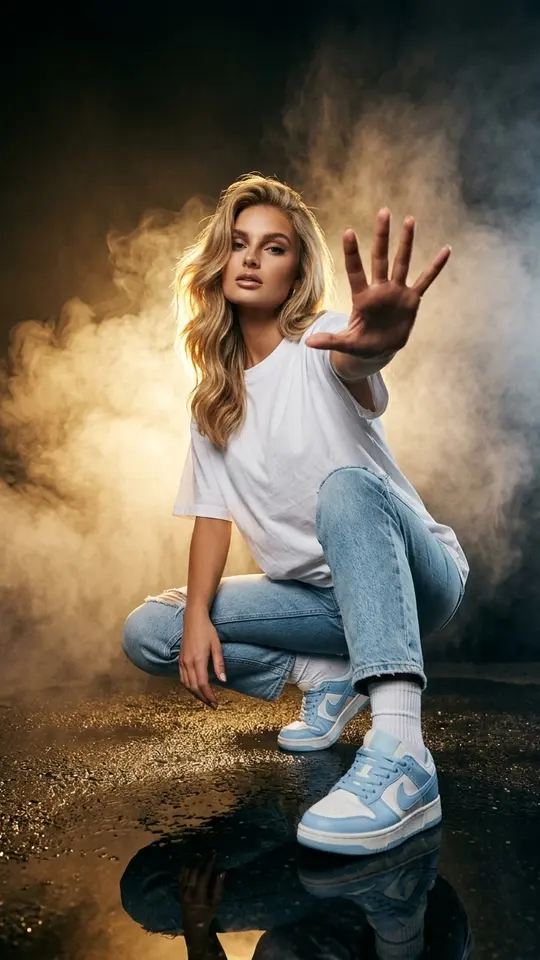
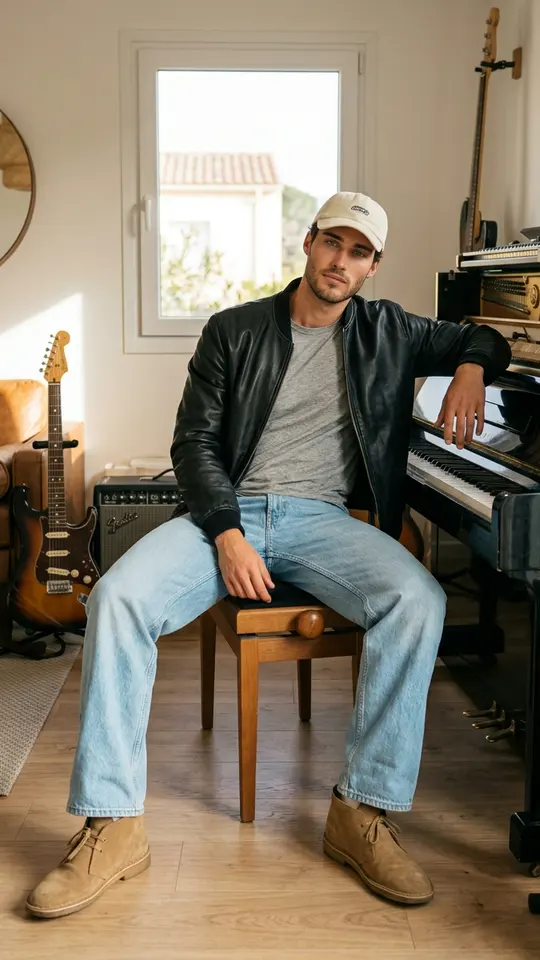
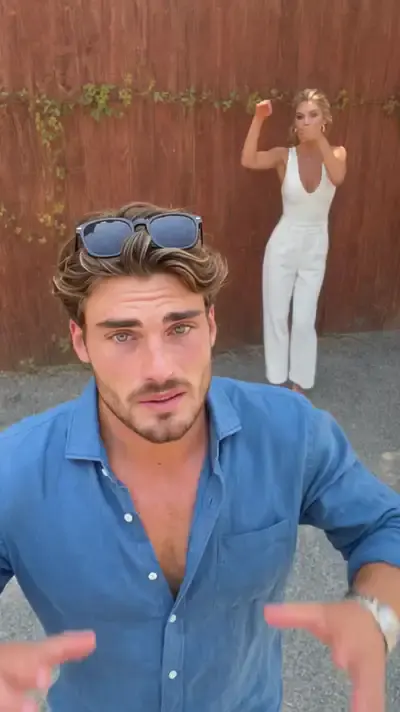
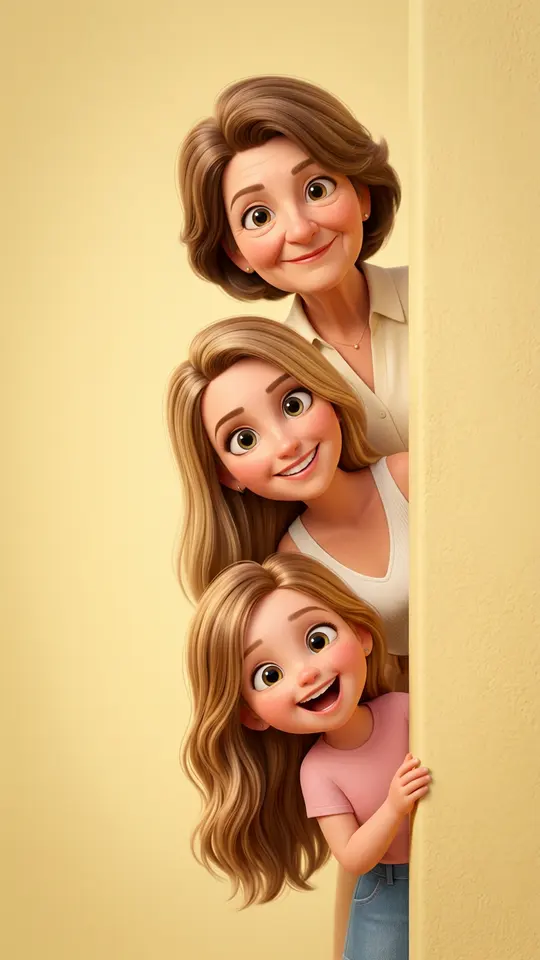
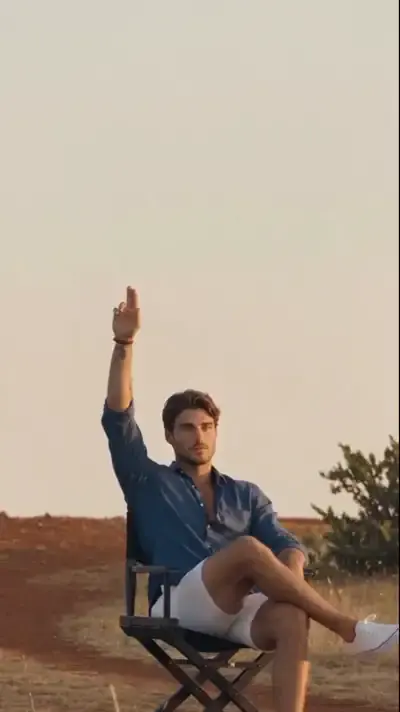
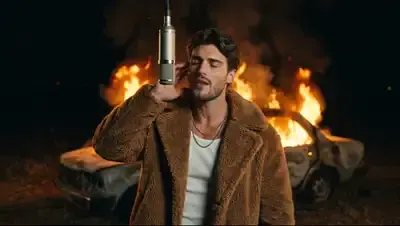
Each template in the catalog already holds a tested description of setting, look and camera motion, and you only add your photo. The grid shows the range: 360 Spin sends the camera in a circle around you inside a cozy room with music, while Smoke and Golden Backlight crouches you on wet asphalt in a smoky studio. Comparing cards teaches which words shape a result.
What one pass costs
Pictures and clips draw on a single star balance. Anyone who registers and confirms an email address begins with 5 stars, and the price of every template or model is visible before you press run. Templates with the Free today mark skip the charge for a limited count of runs per day. When stars run out, plans and single packs wait on Pricing.
Ready-made templates
FAQ
Can one prompt give both a picture and a video?
With small edits, yes. Paste the scene into Create photo first and keep the version that looks right. Then copy the same words into Create video and add a line about movement and camera. Subject and setting carry over; only the motion part is new.
Is this text to image and video generator free?
Some of it is. An account costs nothing, confirming the email drops five stars into it, and any card labeled Free today lets you run it a few times daily without charge. After that, each generation spends stars from your balance.
Which is the best text to image and video AI?
There isn't one answer, because each model reads the same text a little differently. Run a short prompt through two image models on Create photo and compare, then repeat on Create video with, say, Veo 3.1 and Seedance 2.5 Omni. The star price is listed beside each model, so the test stays within budget.
Can I add a photo to the text?
Both Create photo and Create video accept optional photos next to the description. Attach one when a specific face or object must appear. Use pictures of you, or of people who gave their consent, and leave celebrities and public figures out.
How long does a generation take?
Count on about two minutes or less for a still and several minutes for a clip. Busy periods stretch both, so no exact time is promised. Finished files download like any other and remain in your account history.