AI Icon Generator: Icons, Stickers and Banners from Text
To use MarketVideo as an AI icon generator, open Create photo, write what the object is for, how many elements it has and what sits behind it, choose a photo model and run it online in your browser.
Generate an iconReady in minutes · Free templates every day
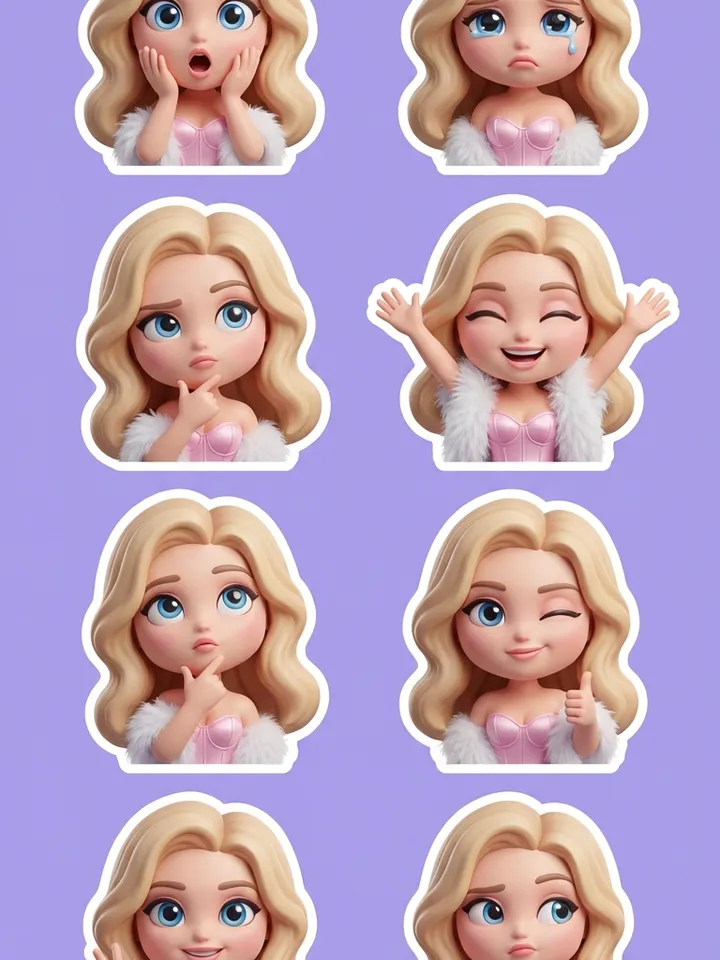
An icon has no pose, gaze or mood, only a job and a size, so a portrait-style prompt misses. Below are the parts of a working description, why words inside the frame often break, how to hold a dozen images in one style and which frame shape to set before the run.
Start with the purpose, not a story
The opening line of the prompt says where the picture will live: an app button, a blog header, a podcast cover, a slide in a deck. Purpose decides the rest, from the amount of detail and the thickness of lines to the empty room left for a headline. A diagram for a slide and one for print look different even when they show the same thing.
Say how many objects are in the frame
State the count outright: one object centered, three in a row, a grid of nine. Without it the model builds the composition its own way and often adds extras, like a second cup, a stray shadow or a caption in no real language. The words one object, empty space around it save more retries than any change of style.
Background: plain, colored or a scene
Each is its own request. A flat single-color field suits an icon that goes into your own layout and will be cropped. A colored backdrop fits a sticker or post that stands alone. A full scene makes sense when the object must be shown in use, like a box on a desk or a book in hands. Skip transparency: it tends to come back as a painted checkerboard.
Banners and lettering inside the image
Models place one short word fairly reliably, but a long line stops being a word: letters drift, extra ones appear, and every character needs checking. When a banner from a description needs more than two words, generate a clean picture with free room for the headline and type the text on top in any editor, where font and line breaks stay under your control.
Keeping an icon set consistent
For ten images to read as one set, freeze the description and change only the object: same technique, same palette, same background, same outline weight. Pick the frame shape before running, square for icons and stickers, wide 16:9 for a banner, since cropping later eats into the composition. Every image is a separate run paid in stars.
Ready-made templates
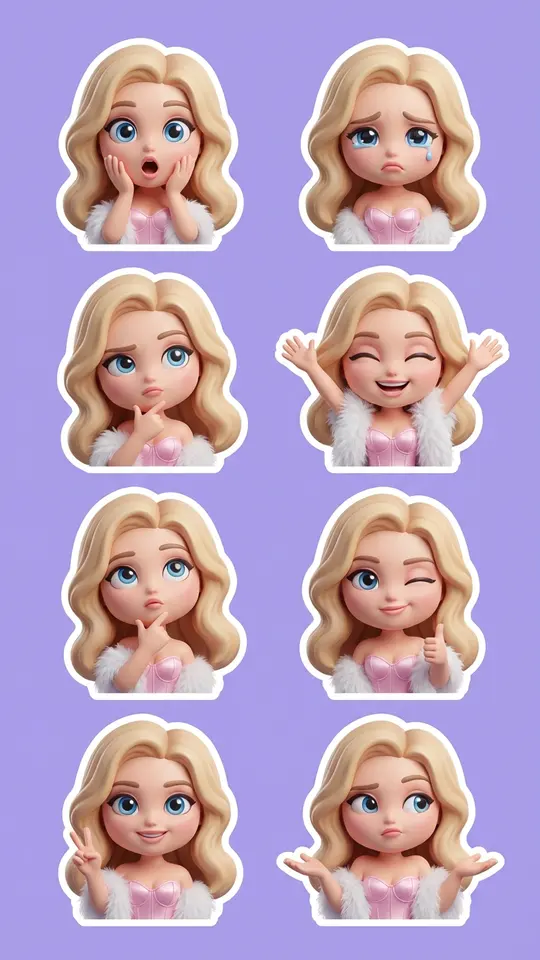
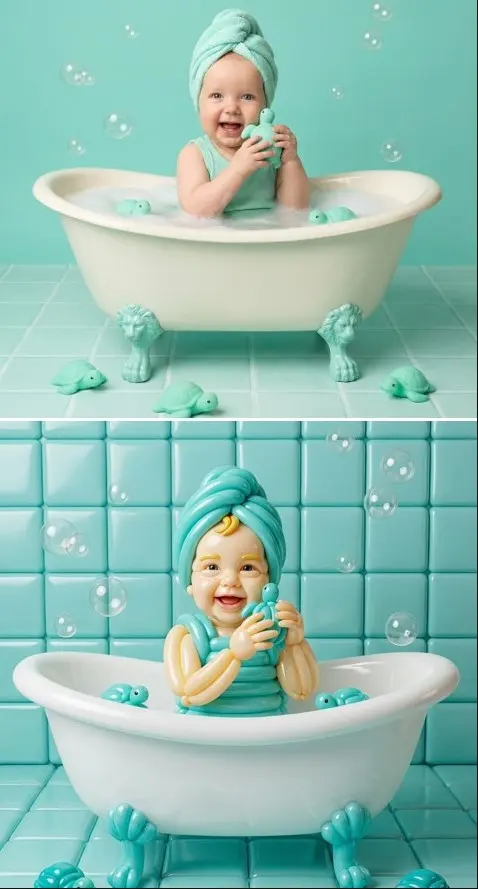
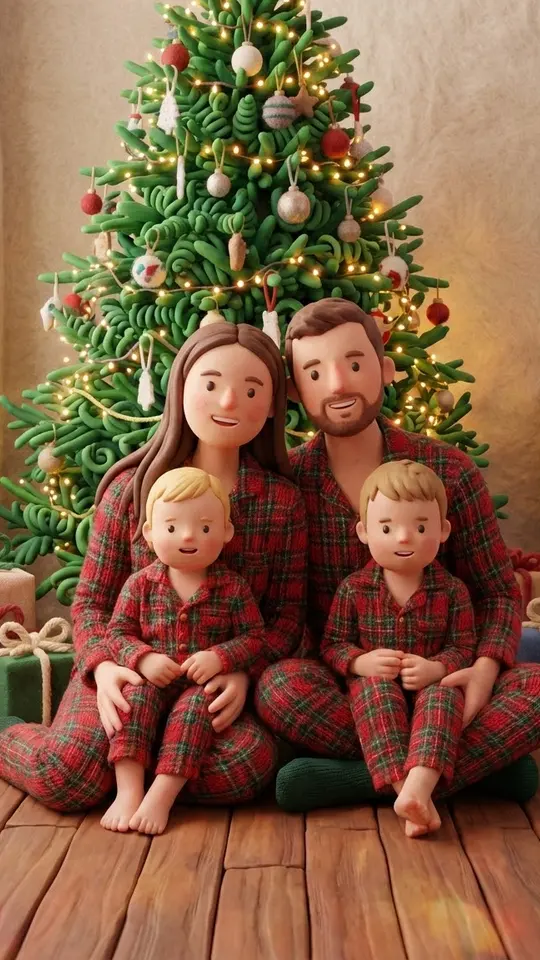
FAQ
Is this AI icon generator free?
Generating requires signing up and verifying your email, after which the new account holds five stars for first tests. Every photo model shows its star cost before you start. When the balance runs out, a subscription or a single top-up from Pricing refills it.
How is an icon prompt different from a photo prompt?
A photo prompt imitates a snapshot, with a camera, light and a living subject. An icon, sticker or diagram can be a flat illustration, a 3D object or a pictogram, and it gains nothing from pretending to be a photograph, so leave lens and lighting talk out.
Can I get a transparent background?
Ask for a plain single-color background instead. Requests for transparency usually return a drawn checkerboard pattern, while a flat white or colored field is easy to remove later or drop into your own layout as it is.
Which aspect ratios can I choose?
Square, vertical 9:16, horizontal 16:9, the taller 3:4 and 2:3, ultra-wide 21:9 and a few in between. Set the shape before the run, otherwise you end up cropping the finished image and losing part of the composition.
Do the templates on this page make icons?
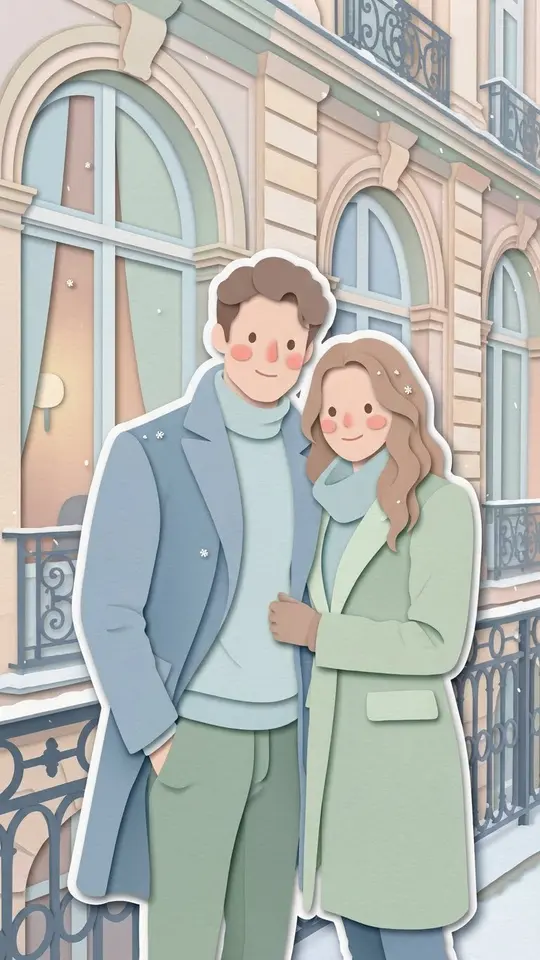
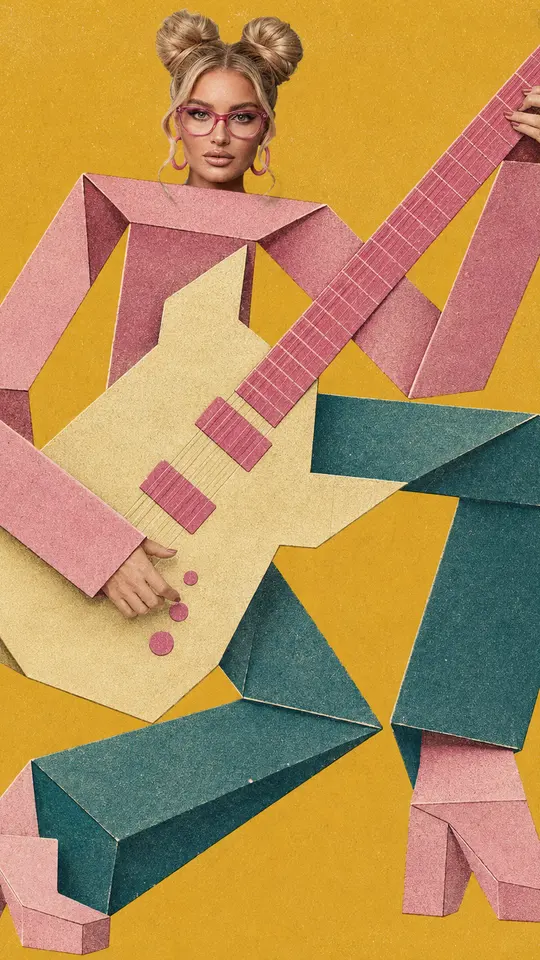
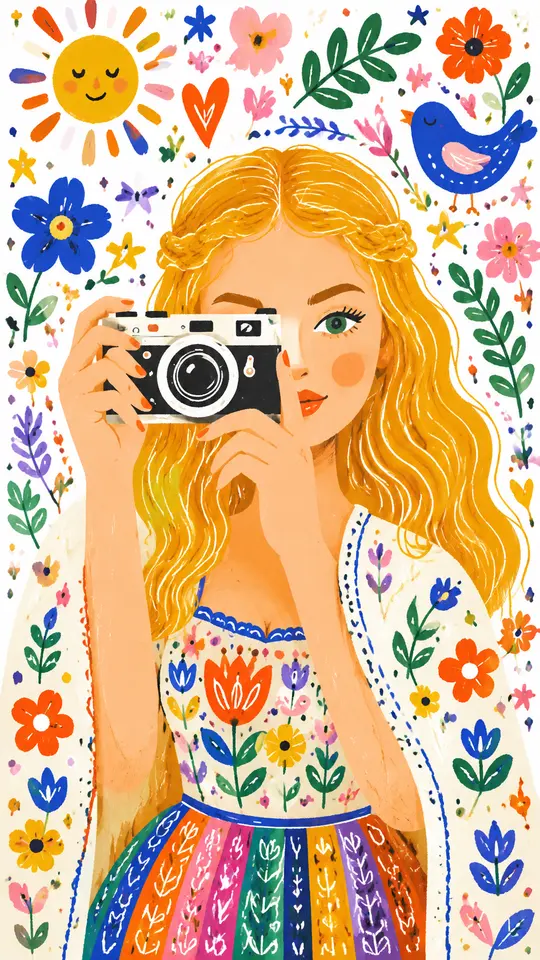
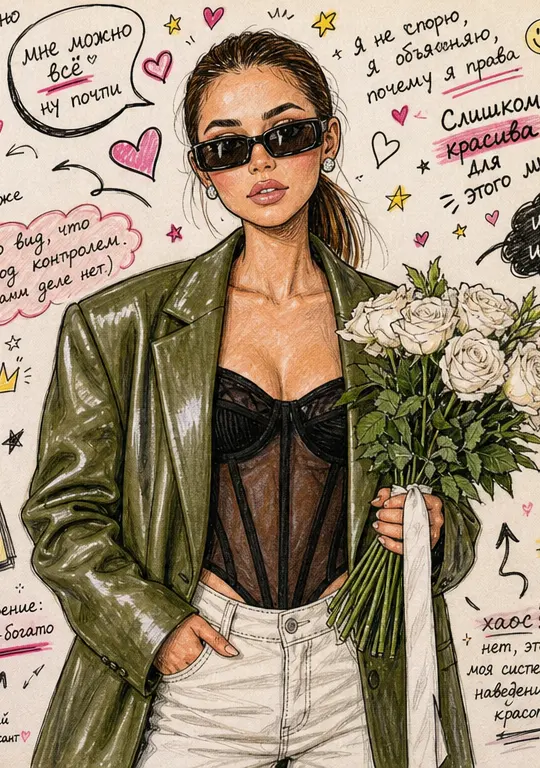
They show finishes worth borrowing rather than icons. Chibi 3D Sticker Pack turns a photo of you into a sticker set, while the balloon, clay, paper and doodle styles give you material words for a text prompt. Each upload should be your own picture or one shared with permission by the person in it.