AI Image Editor for Pictures You Already Have
Upload a scan, a game screenshot, a drawing or another generator's output, then tell the AI image editor the one thing to change. The model redraws that spot and keeps the rest of your file as the base.
Edit an imageReady in minutes · Free templates every day
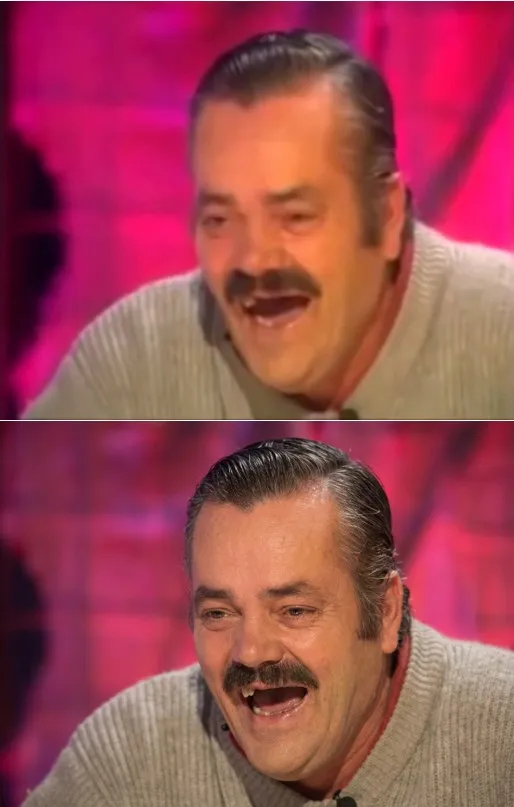
The sections below cover which edits stay clean, how the restoration templates deal with creases and faded color, the point where a fresh picture beats another round of fixes, and what to do when the image should move rather than change.
Edits that hit one target
Replace the background, delete a stray object, recolor a jacket, clear a passerby out of the corner: each request names one target, and the model leaves the rest of the picture as it was. Precise wording pays off: "remove the power lines from the sky" works better than "make it cleaner." Two or three changes can share one request, but each extra item raises the odds that something you never mentioned shifts as well.
Creases, blur and faded color
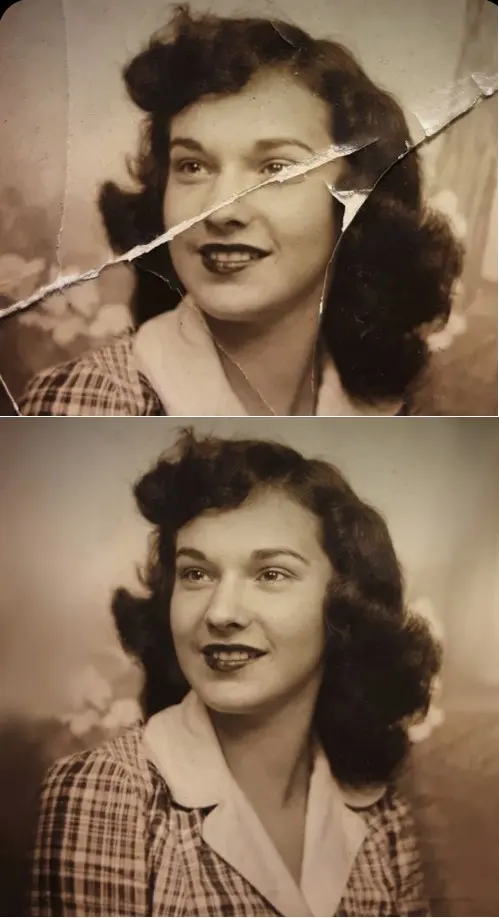
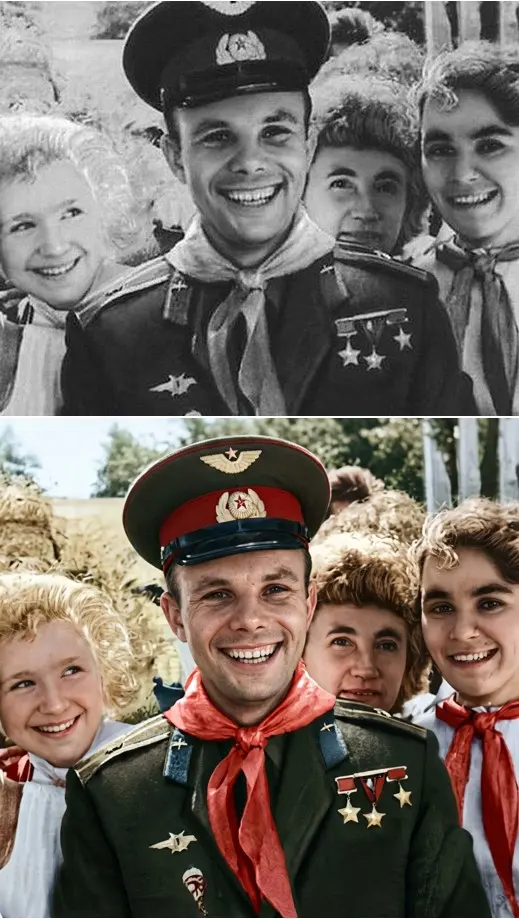
Some jobs concern the state of the file rather than what it shows. Crease & Damage Repair clears cracks and fold lines from a scan, Restore & Colorize brings color back to a black-and-white print, and Photo Restoration cleans up a soft, faded picture. The scene itself stays the same; only the damage that hides it goes away. Upload the scan, run the template and compare the result with your original.
When starting over takes fewer stars
Once the list grows to a new pose, another angle, a different time of day and half the surroundings, you are no longer editing. The model redraws nearly everything while still tied to the source, and the result tends to suffer. Writing a fresh description on Create photo usually takes fewer attempts, and so fewer stars. The old file still helps there: attach it as a reference for the style.
When the picture should move instead
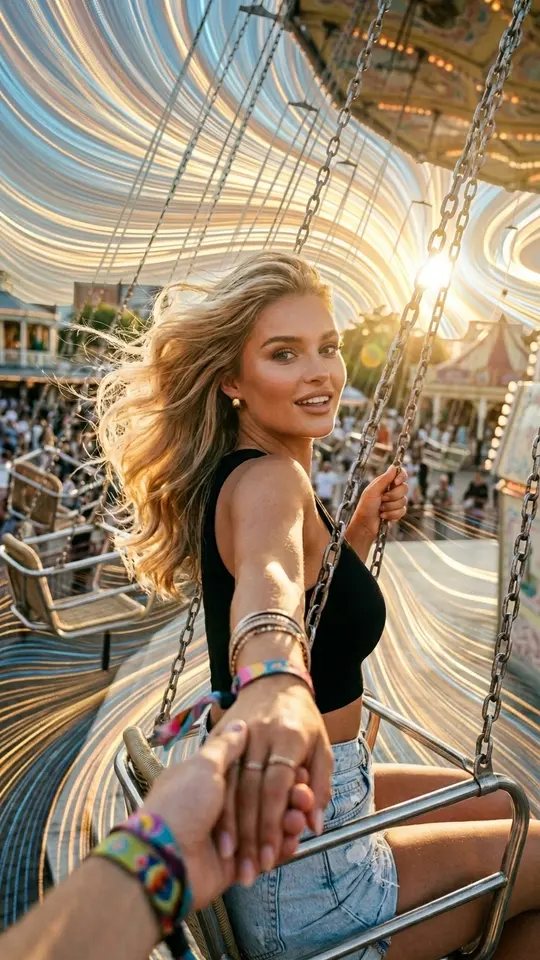
Sometimes the goal is motion rather than a fix: rippling water, hair lifting in the wind, a character stepping out of the frame. That is video generation, with its own star cost shown before the run. Three such templates sit in the grid below: Peel-Off Sticker Effect lifts the subject off the background like a sticker, Stretchy Face Effect pulls a face like rubber, and Spilling App Icons showers the frame with app icons.
Ready-made templates

FAQ
Is the AI image editor free?
Each edit is a run, and runs are paid in stars. A new account receives 5 of them once its email is confirmed, and any template wearing the Free today tag skips the charge until its daily cap is reached. Every template and model lists its star cost up front, and the Pricing page is where extra stars come from, by plan or one-off pack.
How is editing an image different from editing a photo?
The mechanics match: a finished file goes in and an edited one comes out. What differs is the source. An image is more often a drawing, a scan, a game screenshot or a frame from another generator, and scans bring extra jobs such as crease repair and colorizing.
Can I edit a picture made by another AI generator?
Yes. To the editor it is just another upload: name the fix, whether that is a cluttered background, a wrong color or an object that should not be there, and the model works on that spot. If the picture shows real people, use it only when they have agreed.
How long does one edit take?
An image edit usually finishes in a minute or two; a crowded queue can stretch that. Every result lands in your account history, so you can return later and compare versions without paying for the same edit twice.
Does it work online, with nothing to install?
Nothing to install: the editor lives in a browser tab, desktop or mobile. Upload from the device you are on, describe the change on Create photo and save the finished file back to the same device.